Strava → poster
Make a poster of your Strava ride.
Your best ride deserves more than a spot in your feed. Put it on the wall — in your own colors, map style and with the route's elevation profile.
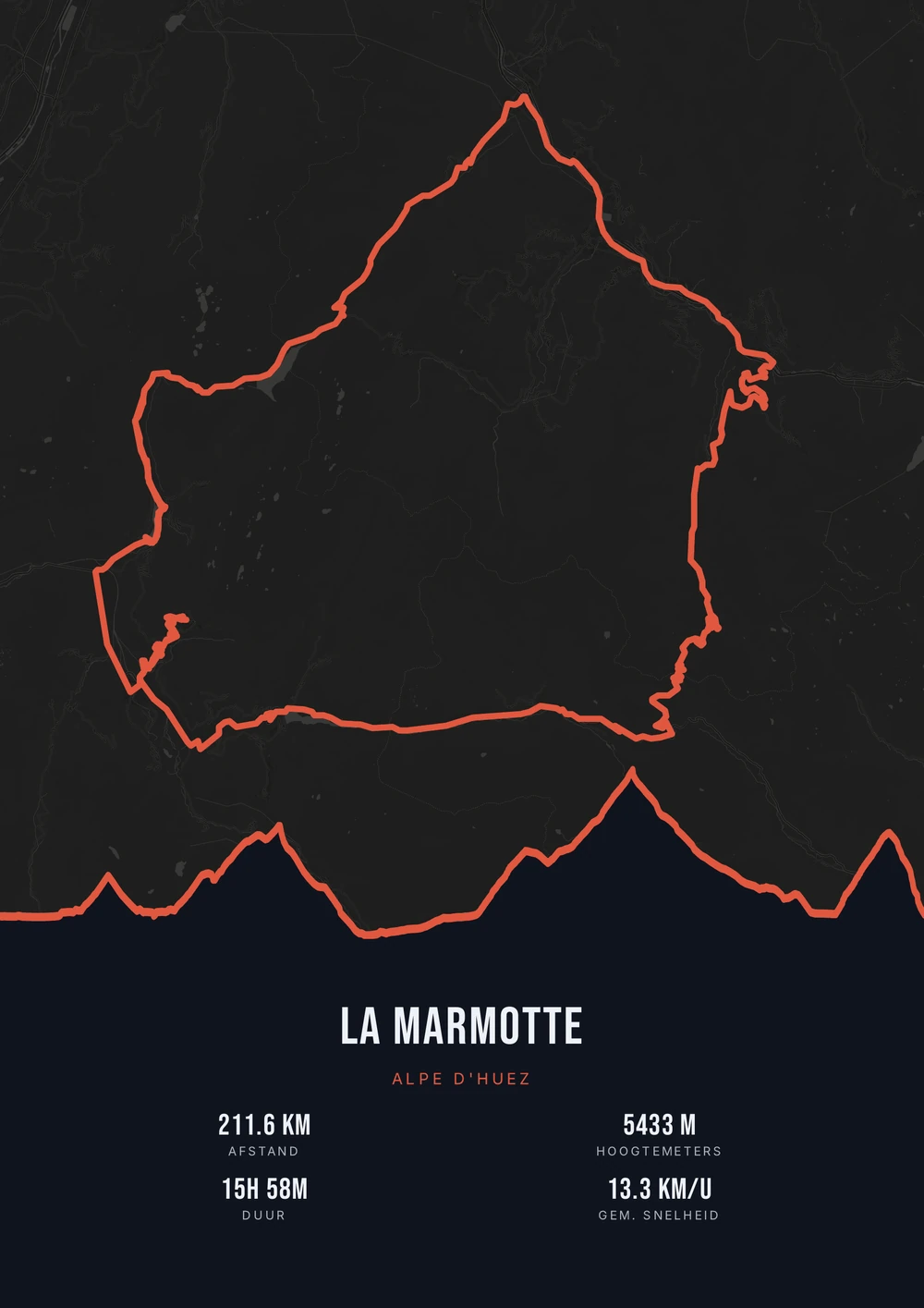
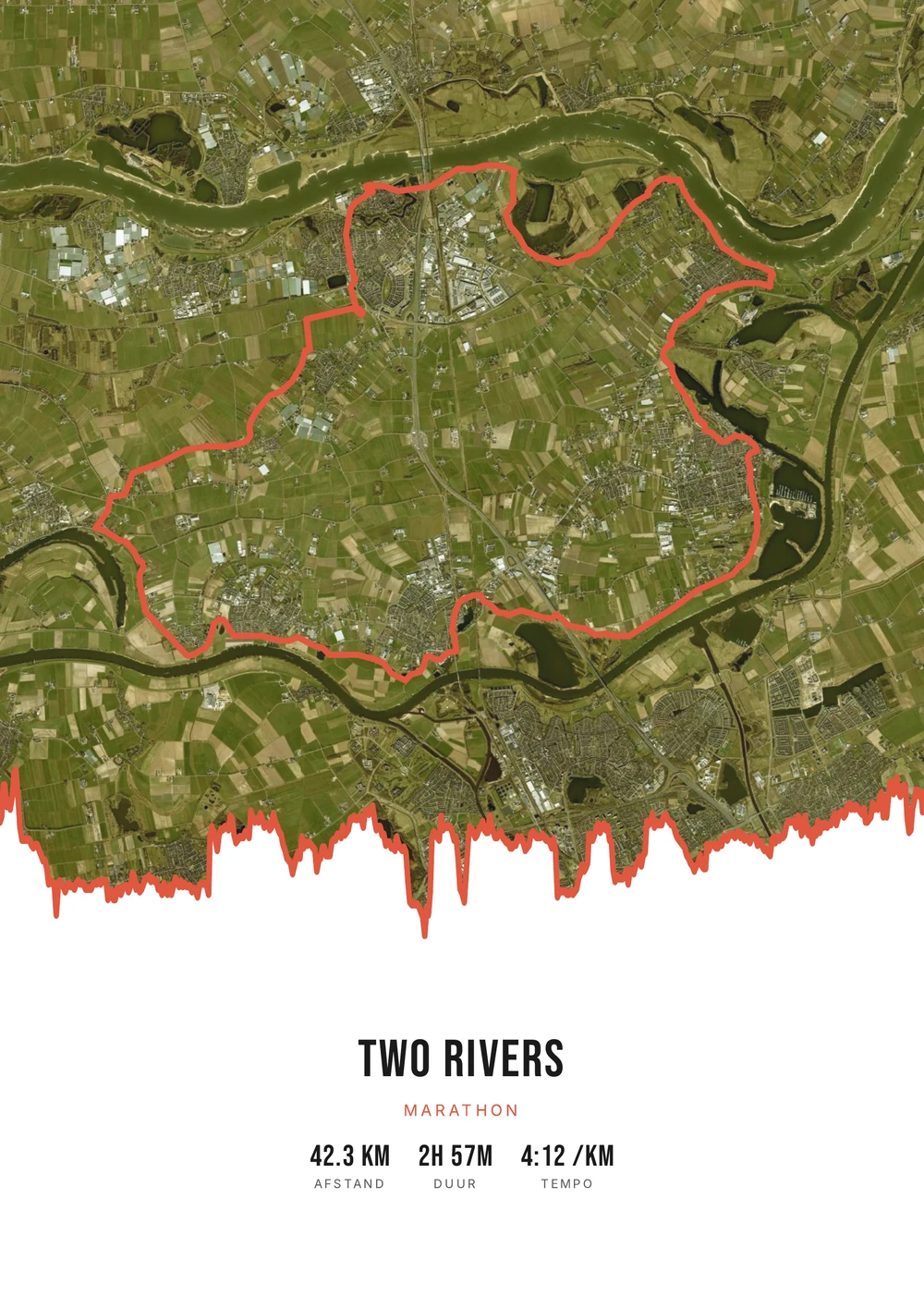
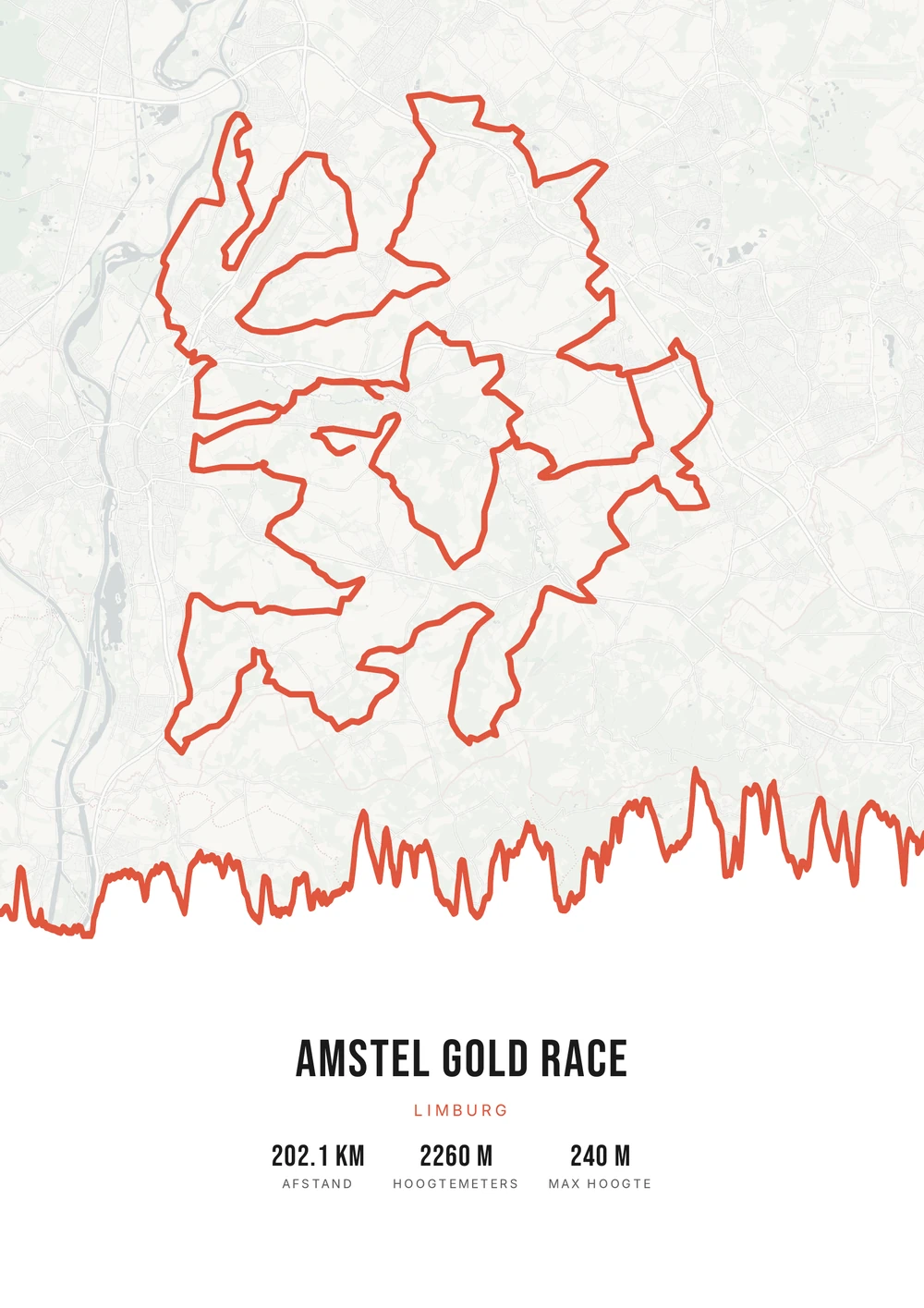
One ride. Endless looks.
Different rides, each in its own palette, map style and elevation gradient.
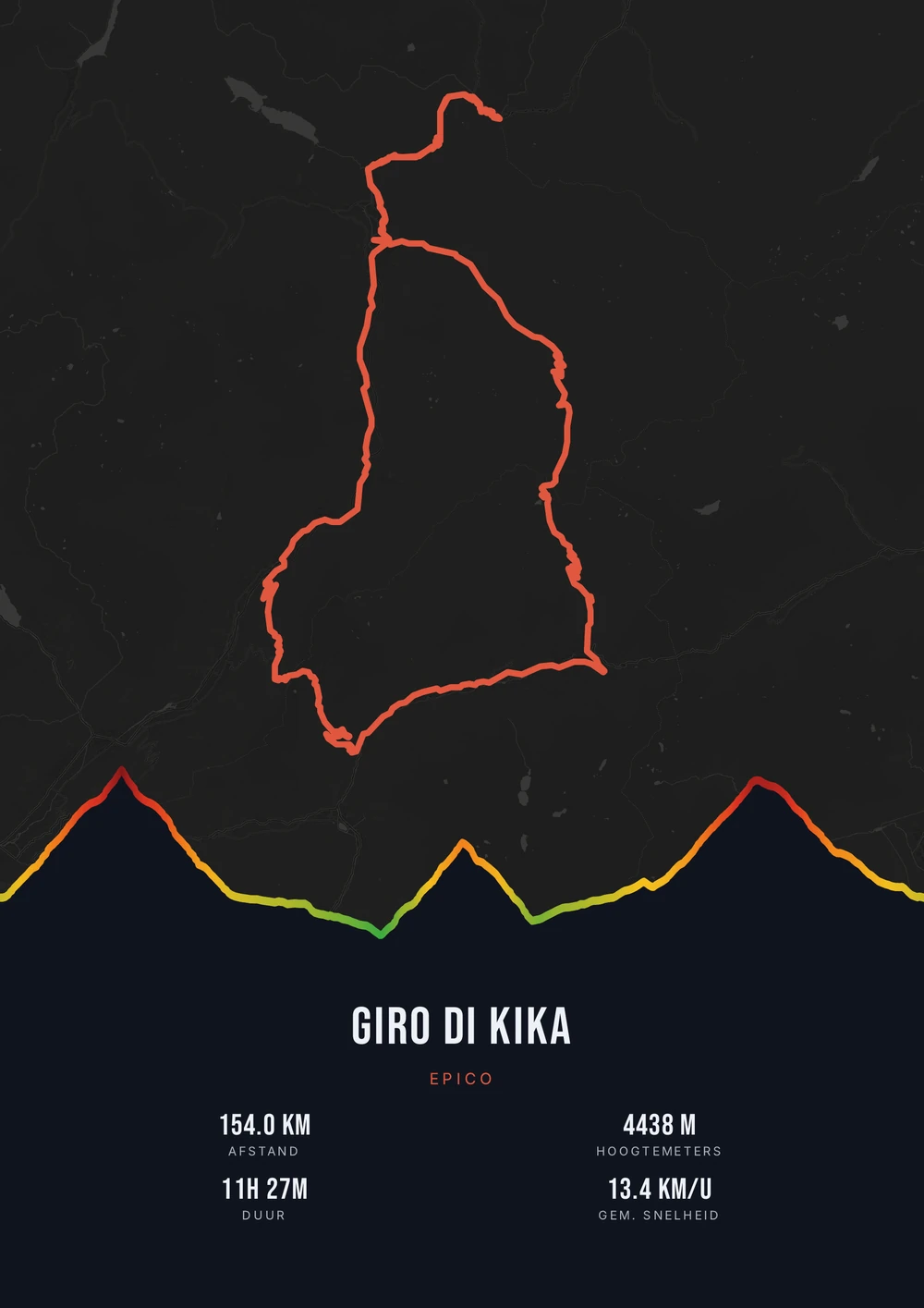
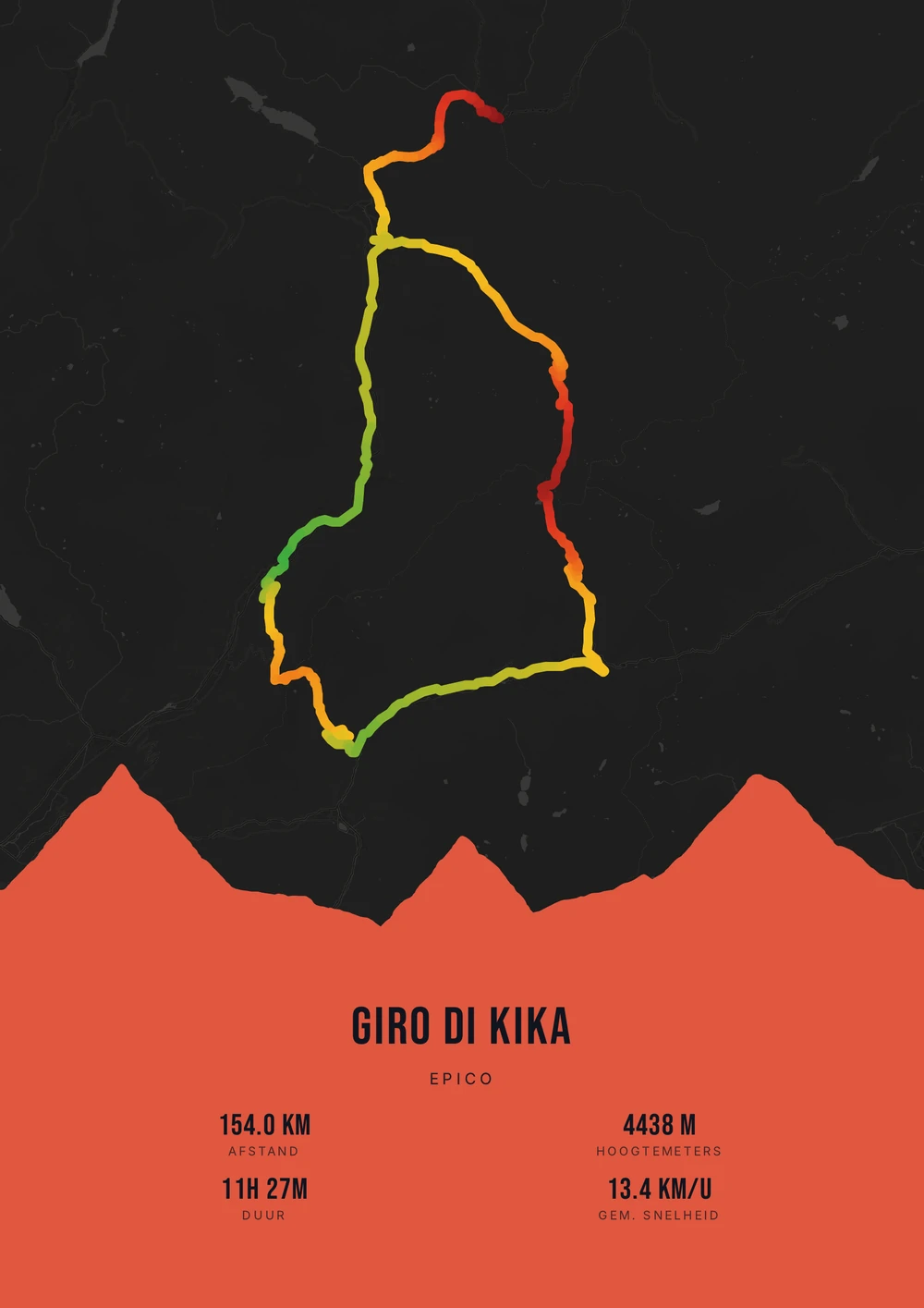
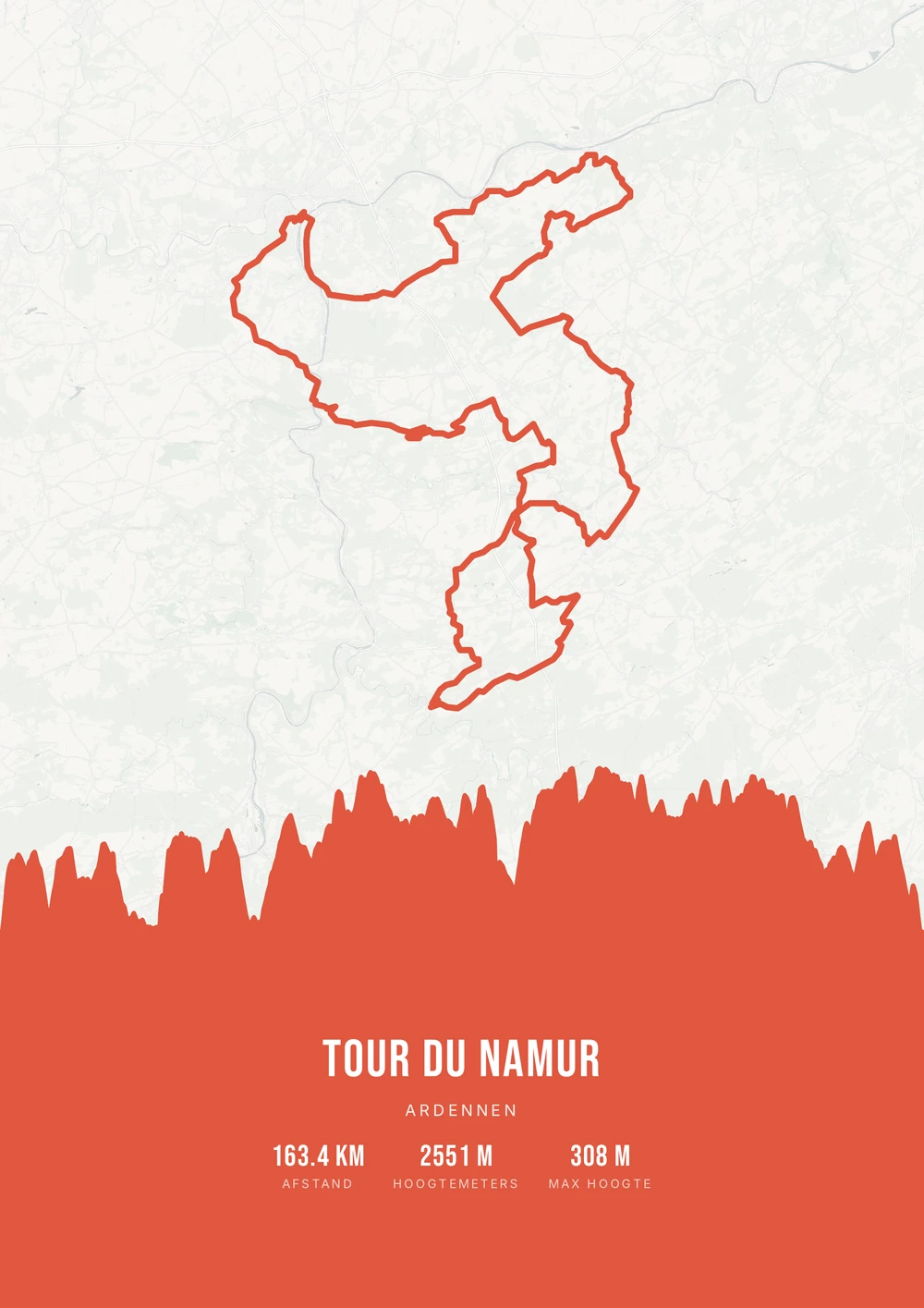
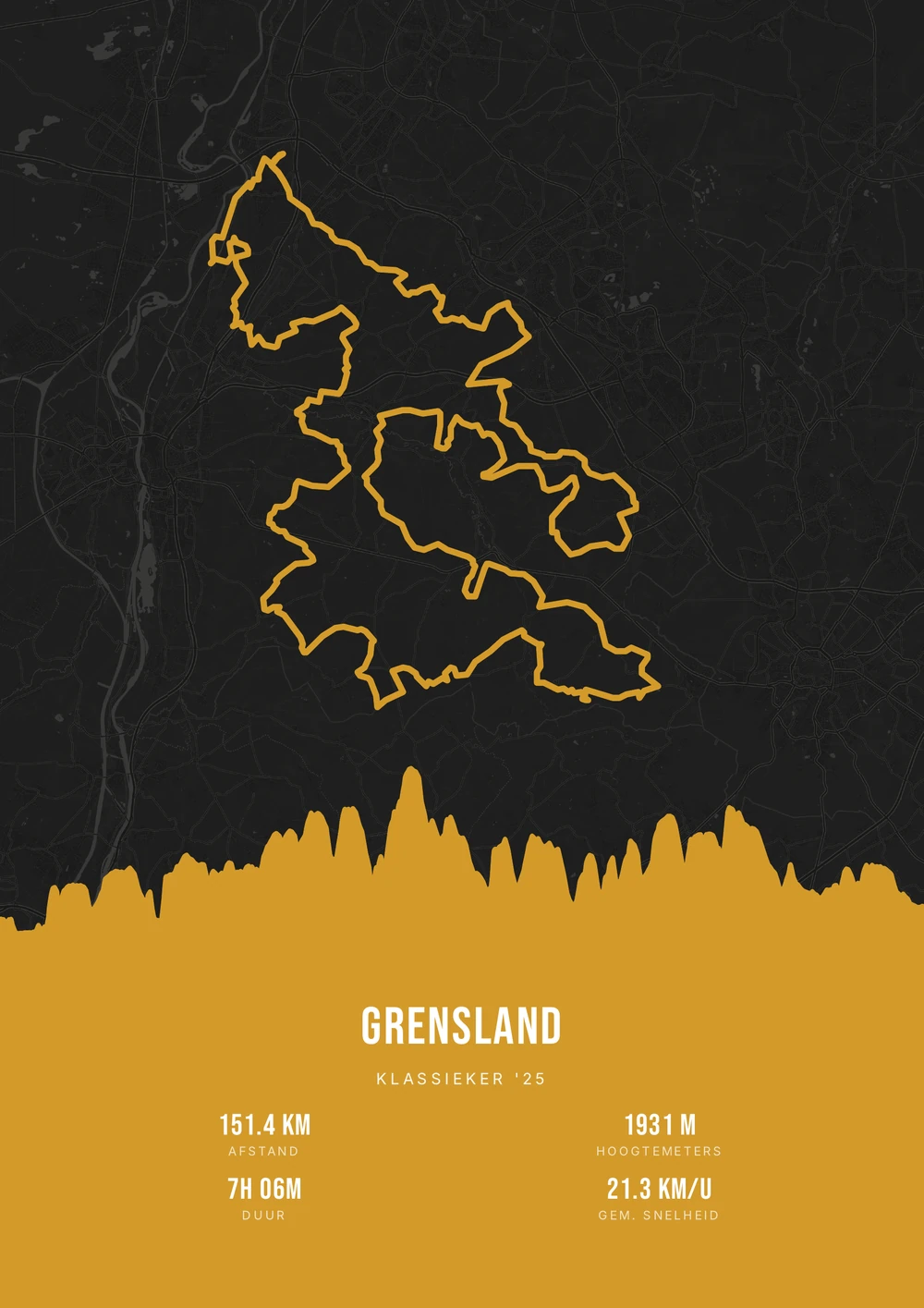
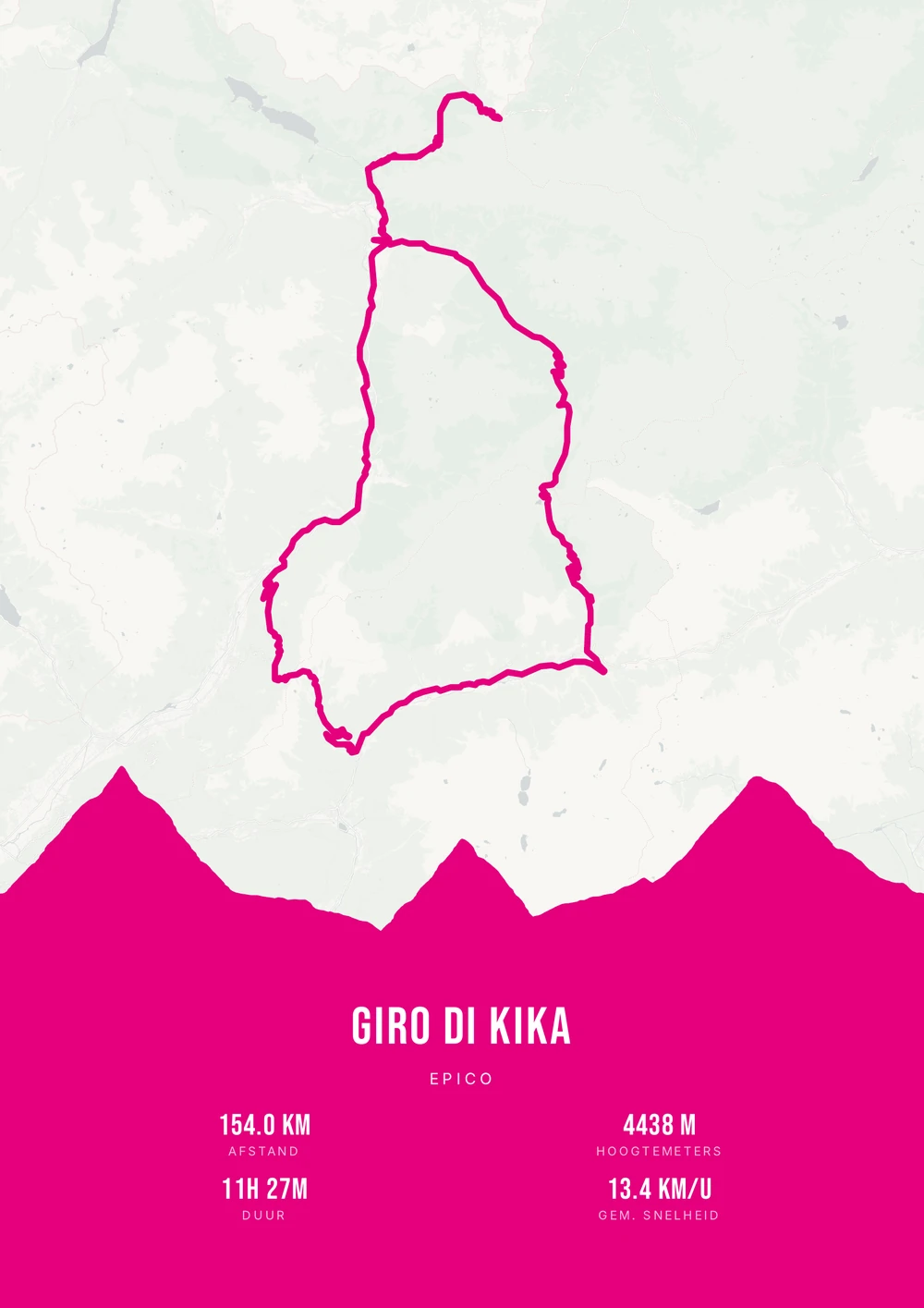
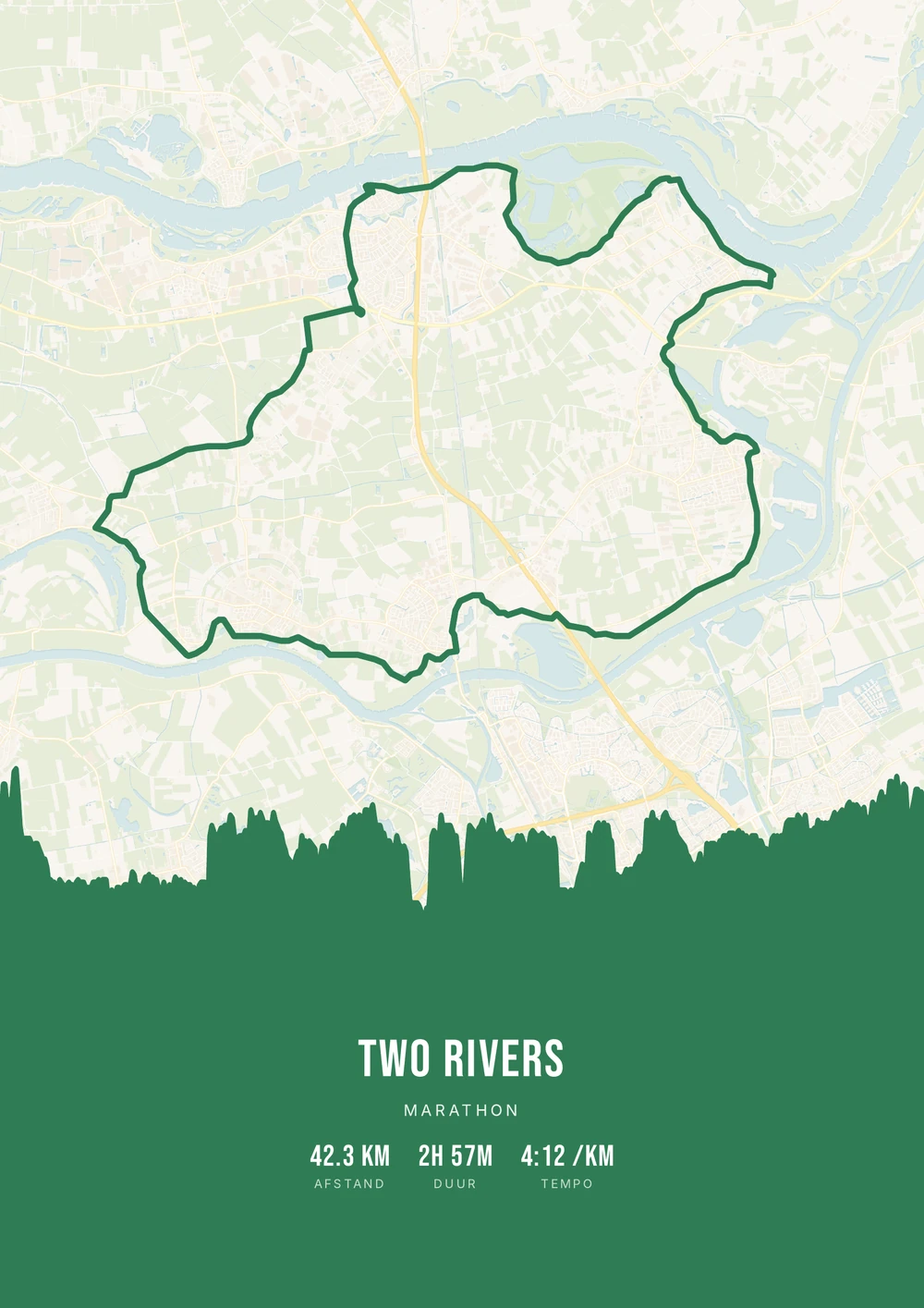
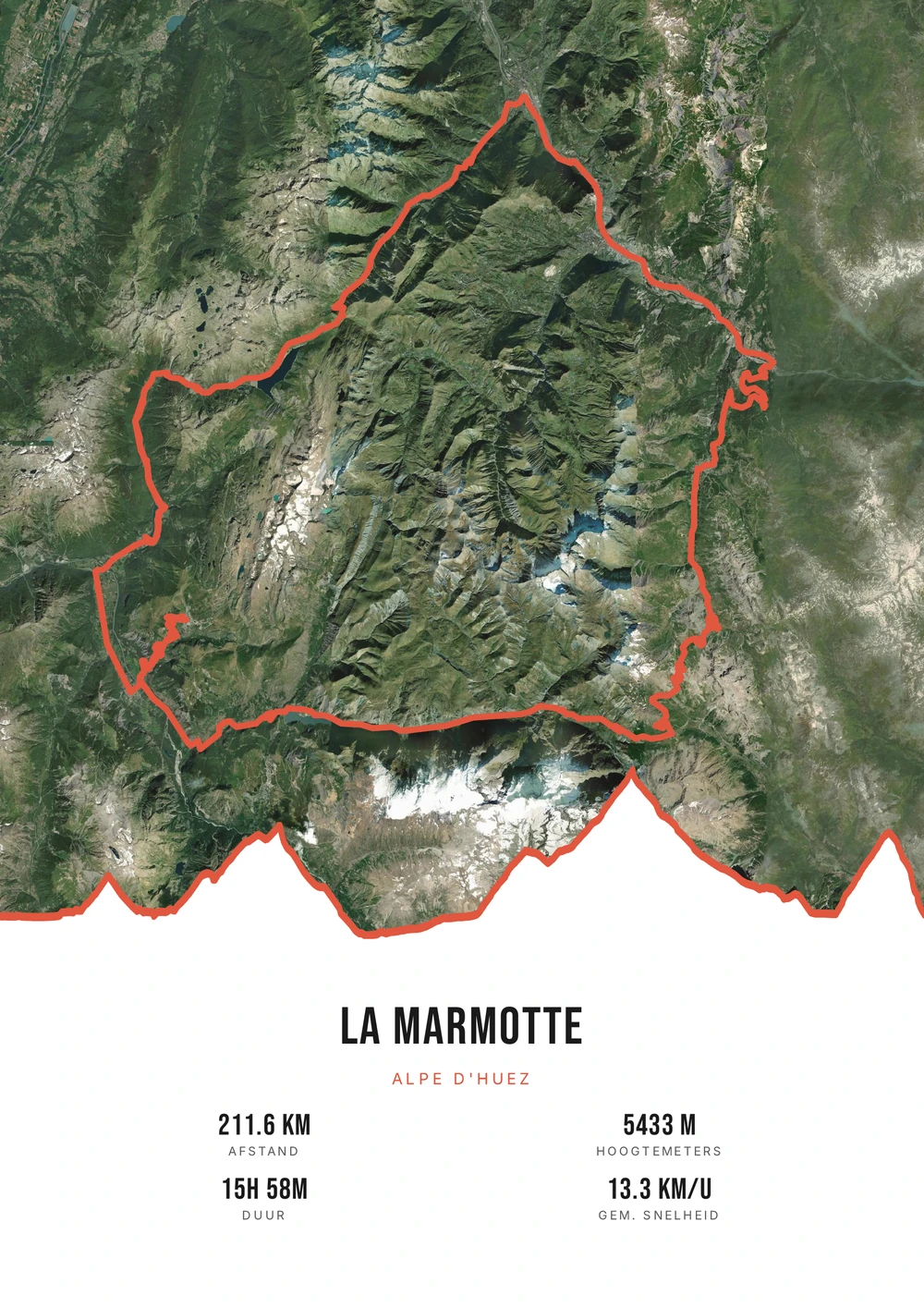
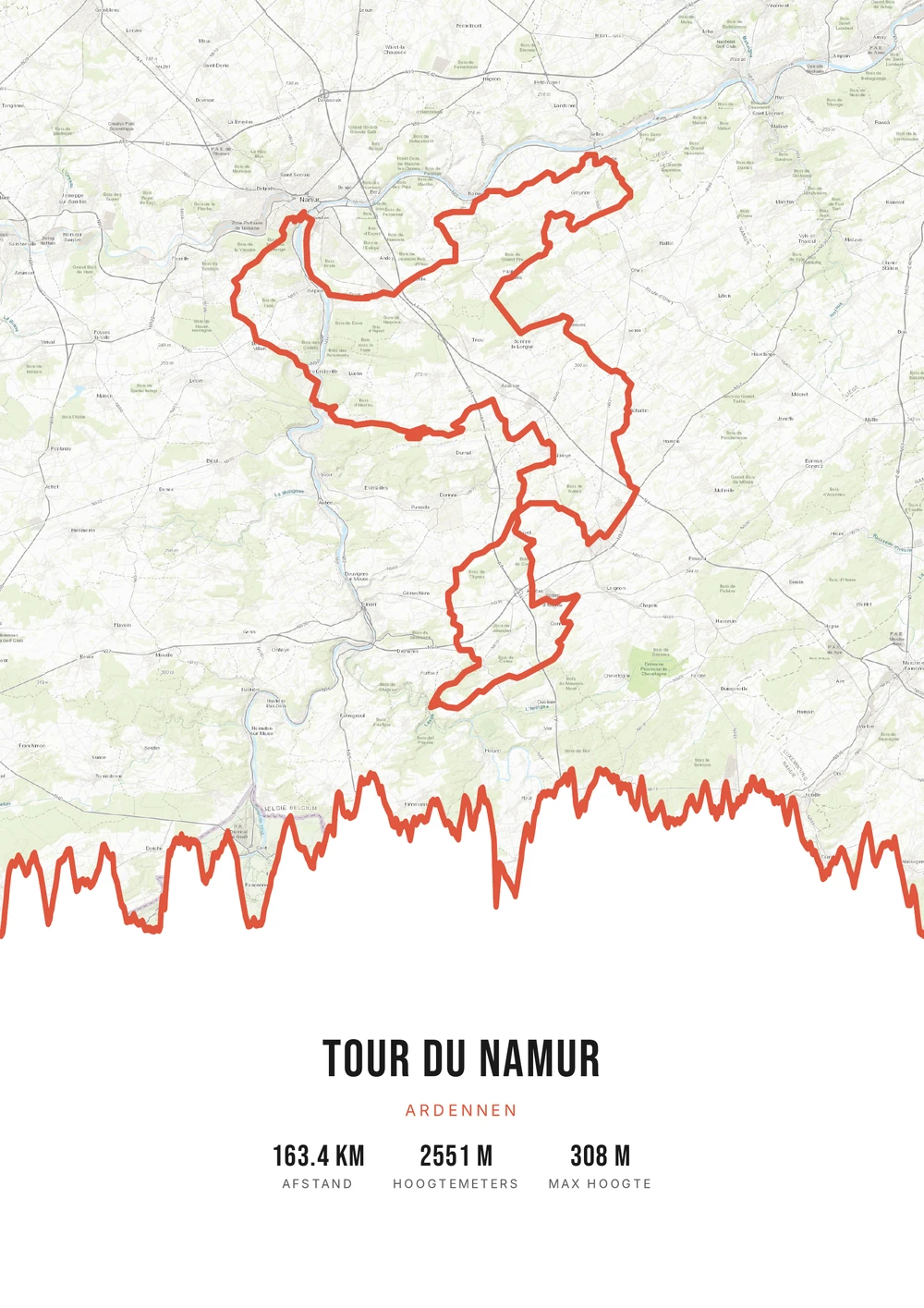
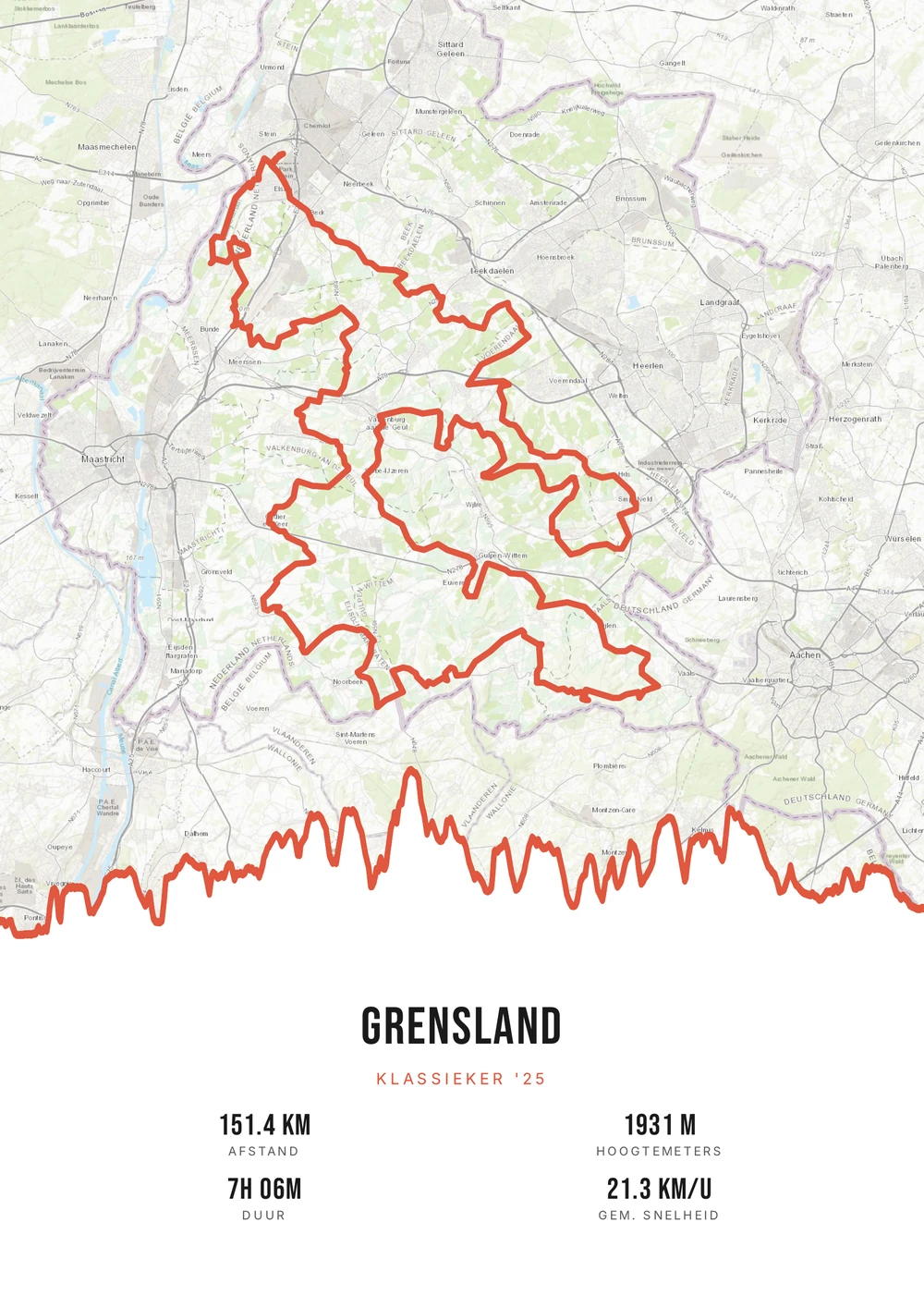
From feed to wall
A Strava ride is more than an activity in your feed
A good ride lives for a day in your feed and then disappears into a list of hundreds of others. Yet only a handful each year really stay with you: the day it finally clicked, the ride with too much wind, the holiday route you still talk about.
What makes a Strava activity suited to print is that everything you need is already in it. The GPS trace gives the shape, the elevation gain gives the profile, and distance, duration and date are already there. You don't have to type anything — you only choose how it should look.
Route Frame reads your GPX export and turns it into a print-ready poster: the route on a map style of your choice, the elevation profile below it and the statistics you want to show. You get the source PDF, so you print it as large as you like, as often as you like.
The source file, not one print
Most poster shops sell you one printed poster. Here you get the high-quality PDF file itself — print and frame it however you like.
-
Endlessly your style
Switch palette, map style and stats for free until it's right. No choice is final.
-
Print & frame yourself
Crisp vector PDF, no watermark. At home on A4 or large at the print shop — today and in five years.
-
It stays yours
After payment the file lands in your inbox. Lost it? It's still there in your mail.
Coming soon: broader packages and extra sizes.
Strava → poster
From Strava to poster: how it works
All you need is the GPX file of your ride. You can export it from Strava in half a minute.
Which activity works best?
Not every ride belongs on the wall. These usually do well.
-
A recognisable shape
A loop, a coastal ride or a climb has a shape you spot immediately.
-
Plenty of climbing
On a mountain ride the elevation profile becomes the strongest element.
-
A special date
A race, a birthday ride or the first time at a new distance.
-
Ridden together
A route you did with someone — then the poster doubles as a gift.
Strava → poster
Frequently asked questions
-
Can I make a poster from my Strava activity?
Yes. Export your activity as a GPX from Strava and upload it to Route Frame. Any cycling, running or hiking activity with GPS works.
-
How do I export a GPX file from Strava?
Open the activity on strava.com (on a computer), click the three dots (⋯) at the top right and choose ‘Export GPX’. A manual activity without GPS can't be exported.
-
Do I get a printed poster or a file?
You get the print-ready PDF source file itself. You print and frame it yourself — as often as you like, in any size.
-
Does it also work for running or a hike?
Absolutely. Route Frame works with any route: cycling classics, a marathon, a trail or a multi-day hike.
-
Is this the same as Strava art?
Yes. Strava art is a poster or artwork of your Strava route — exactly what you make here, in your own style.
-
Can I put several Strava activities on one poster?
Yes. Export each activity as a GPX and merge them into one continuous route. Handy for a multi-day trip or a tour you rode in stages.
-
Will my poster still work if Strava changes something?
Yes. Your poster is built from the GPX file, not from a connection to Strava. There is no account link that can expire.
Ready to put your ride on the wall?
Upload your Strava GPX and watch your poster appear in seconds.
Opens the editor with a real 151 km ride through South Limburg. Everything is editable, and you can still upload your own GPX afterwards.