Running → poster
Your marathon as a poster.
That one marathon, trail or regular loop deserves a place on the wall — with your time, distance and the elevation profile.
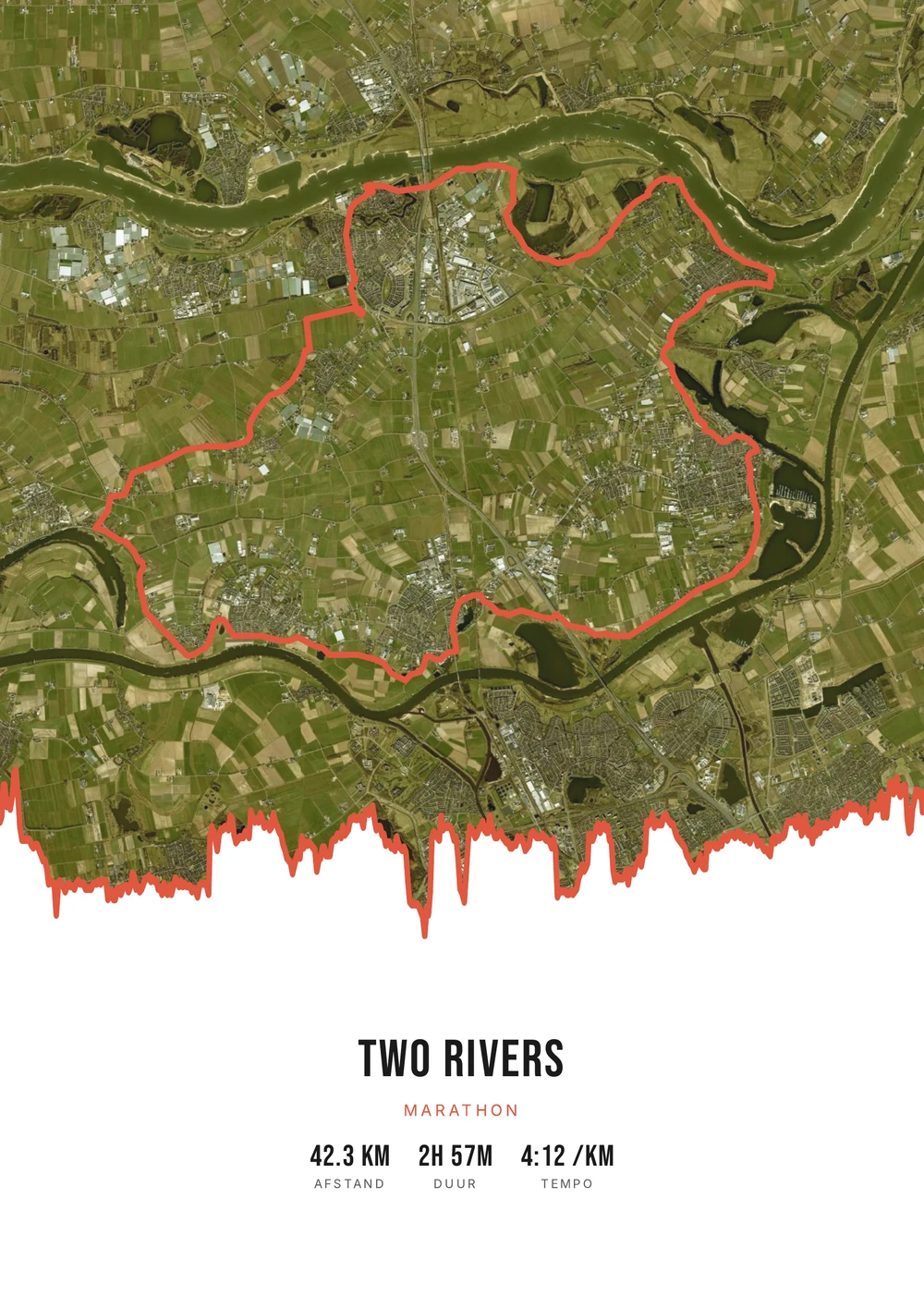
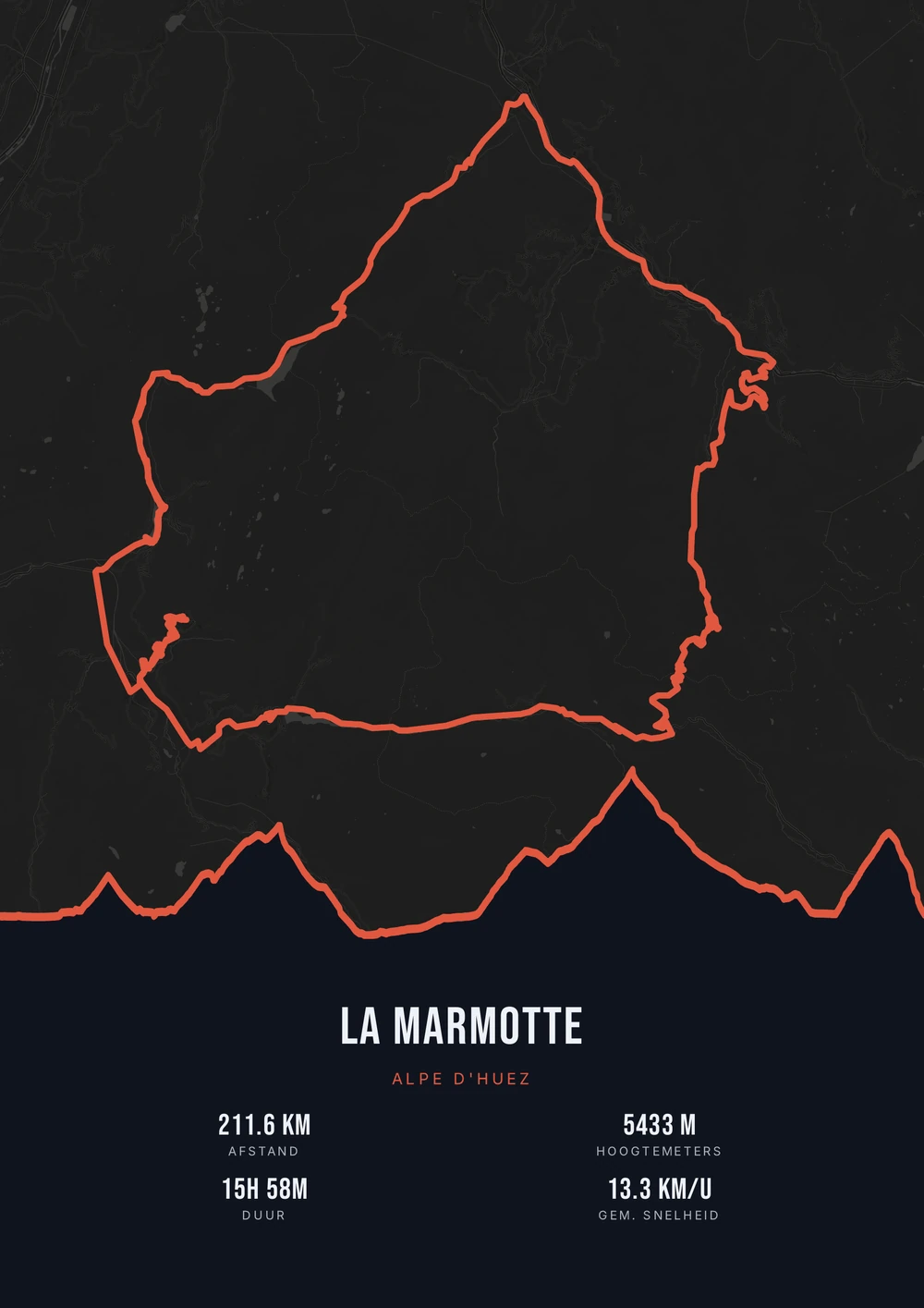
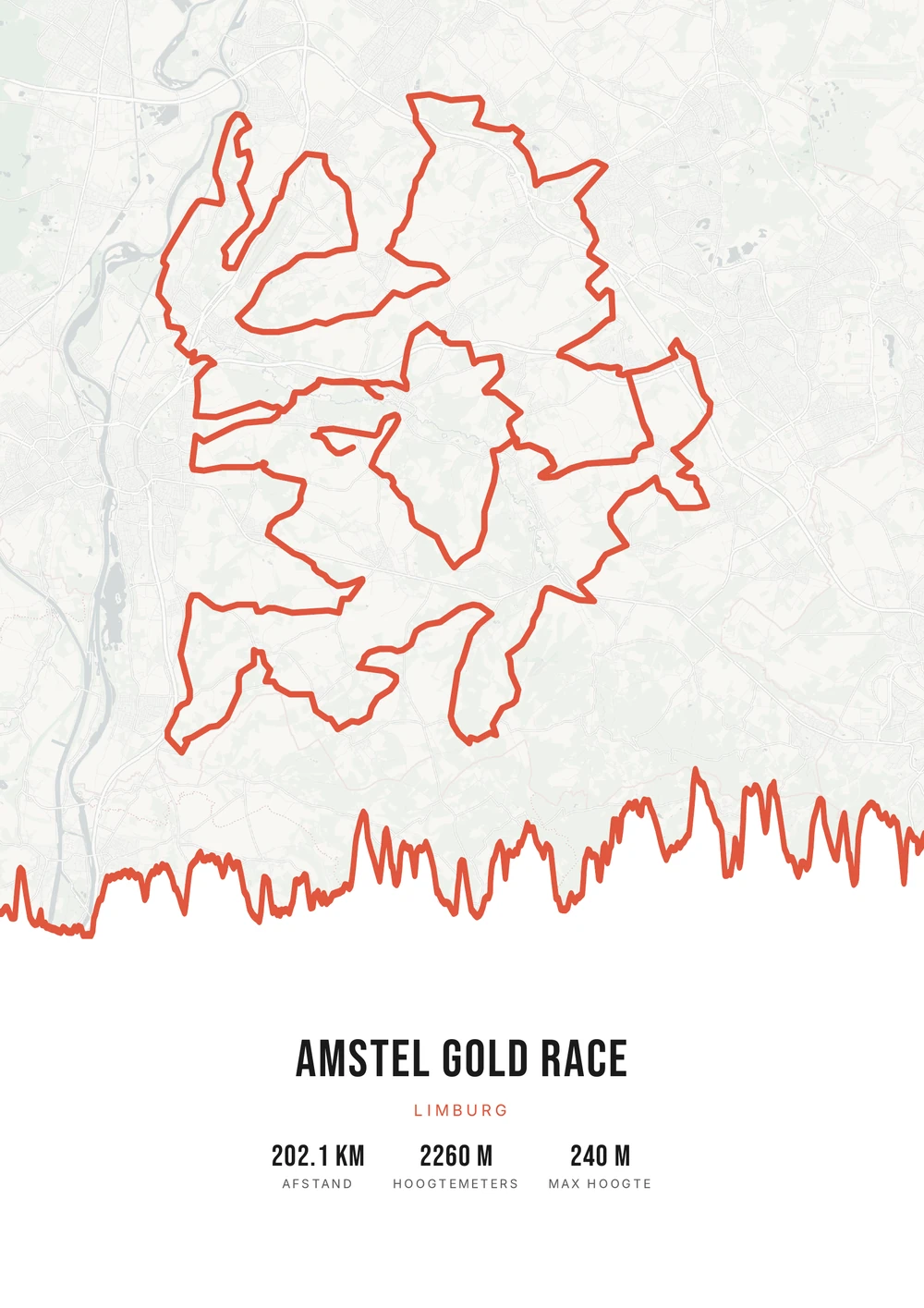
One ride. Endless looks.
Different rides, each in its own palette, map style and elevation gradient.
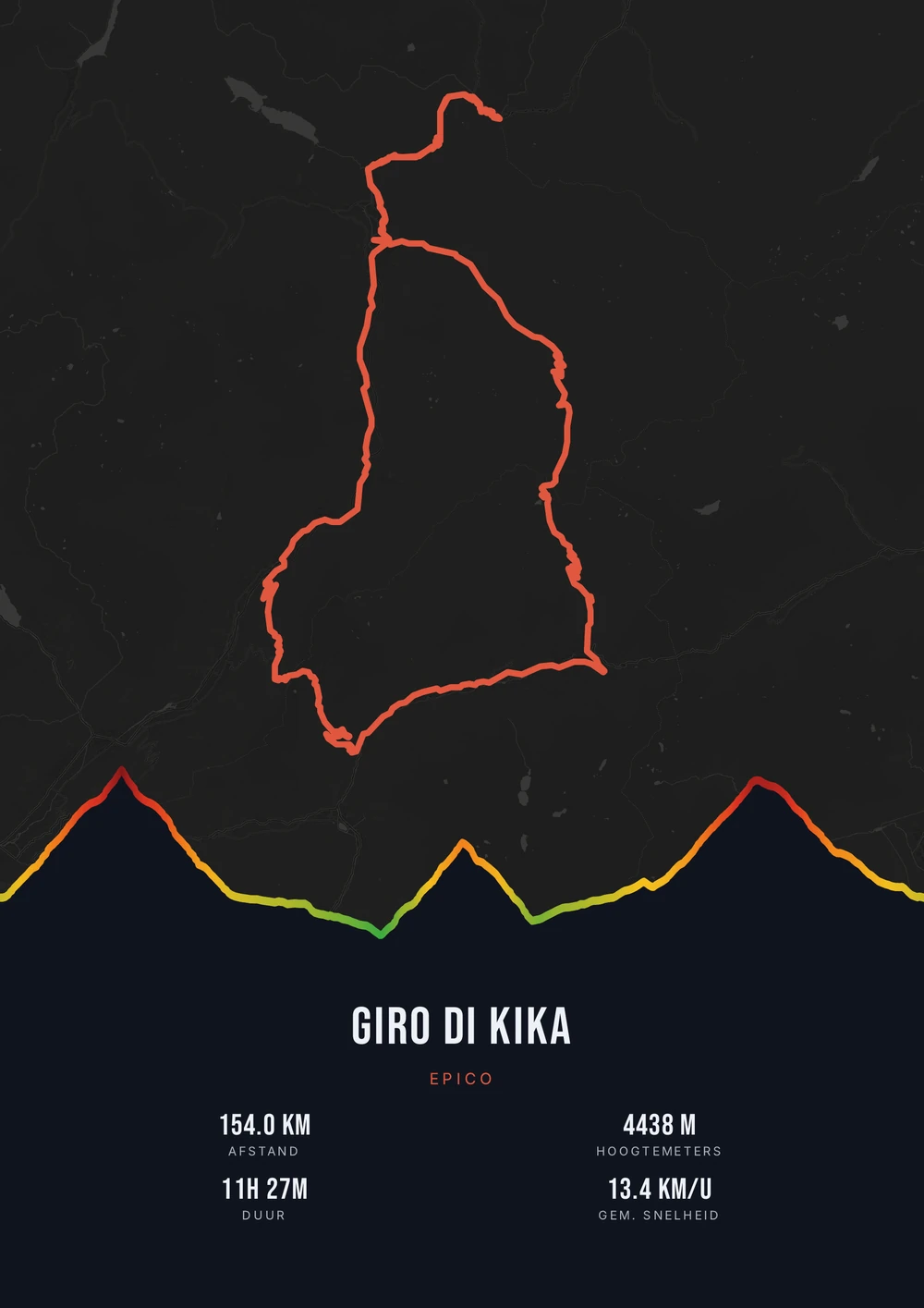
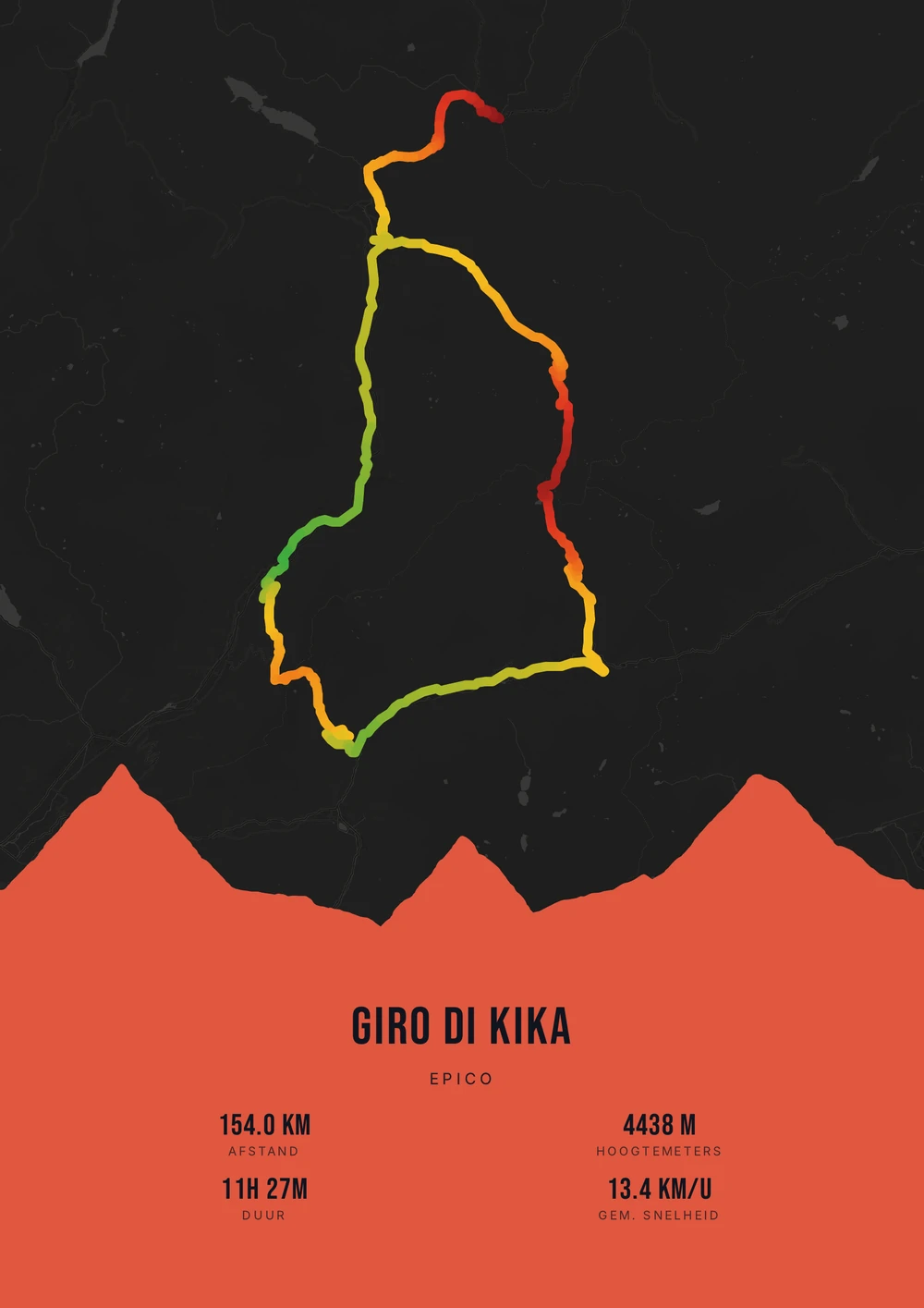
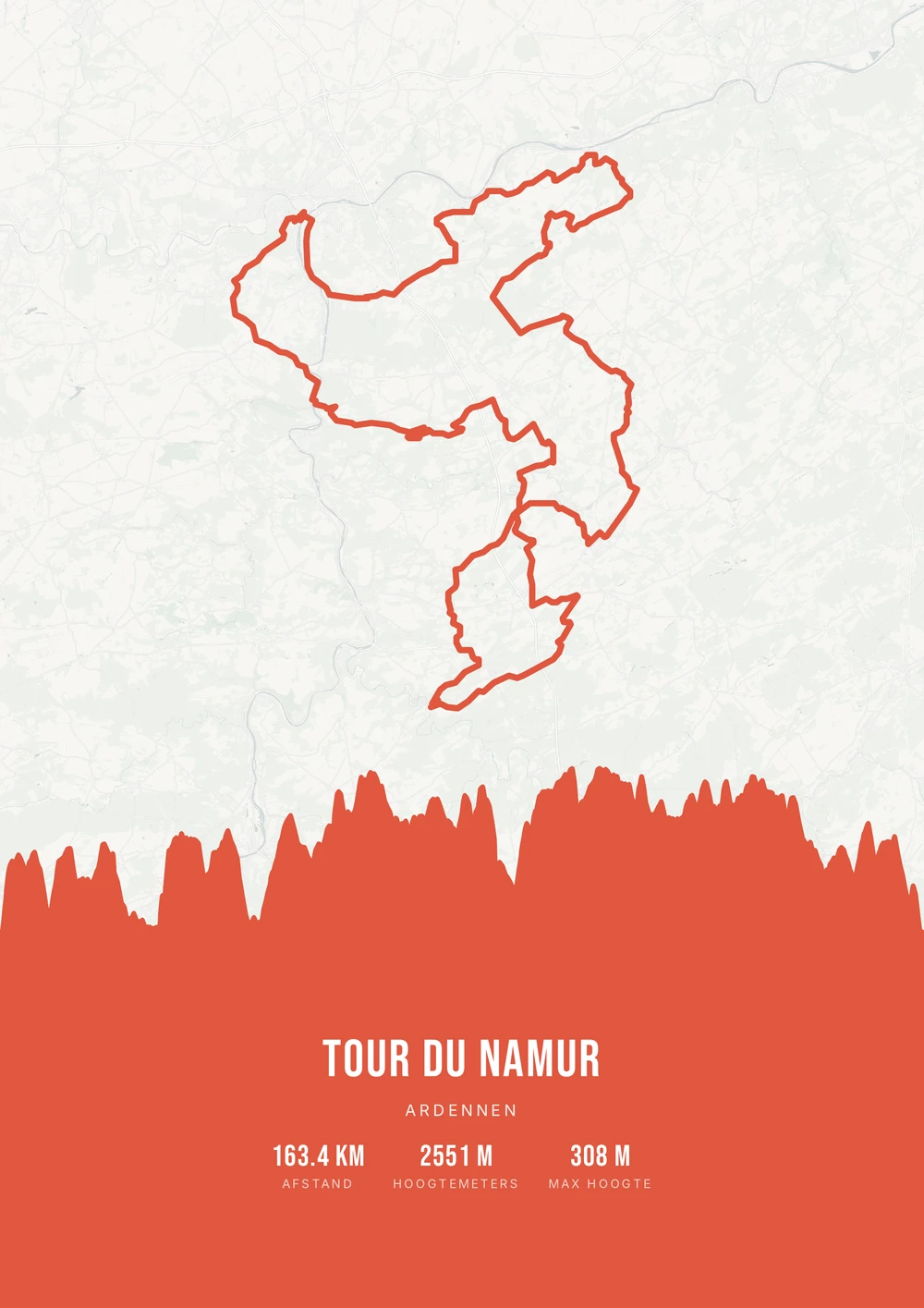
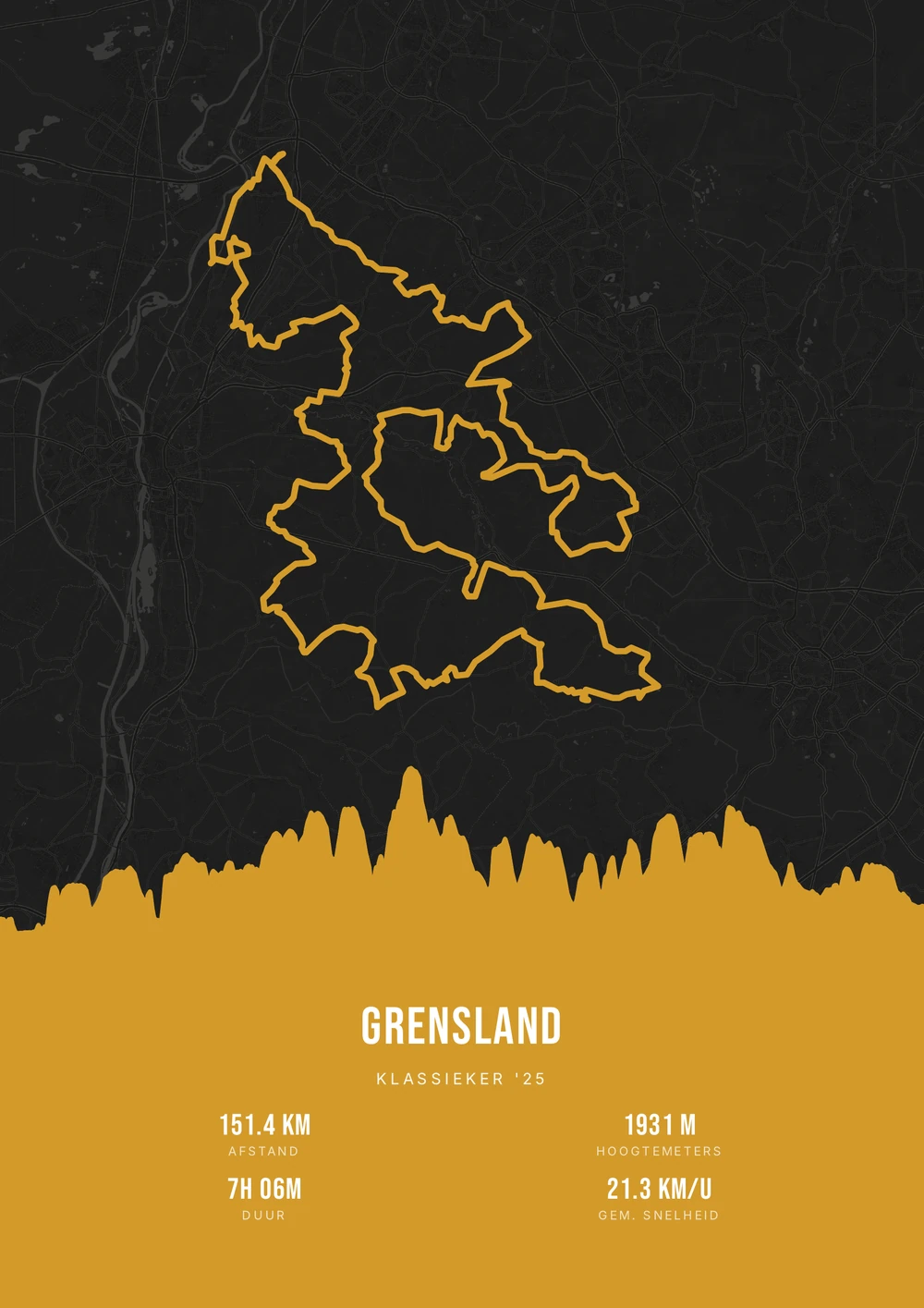
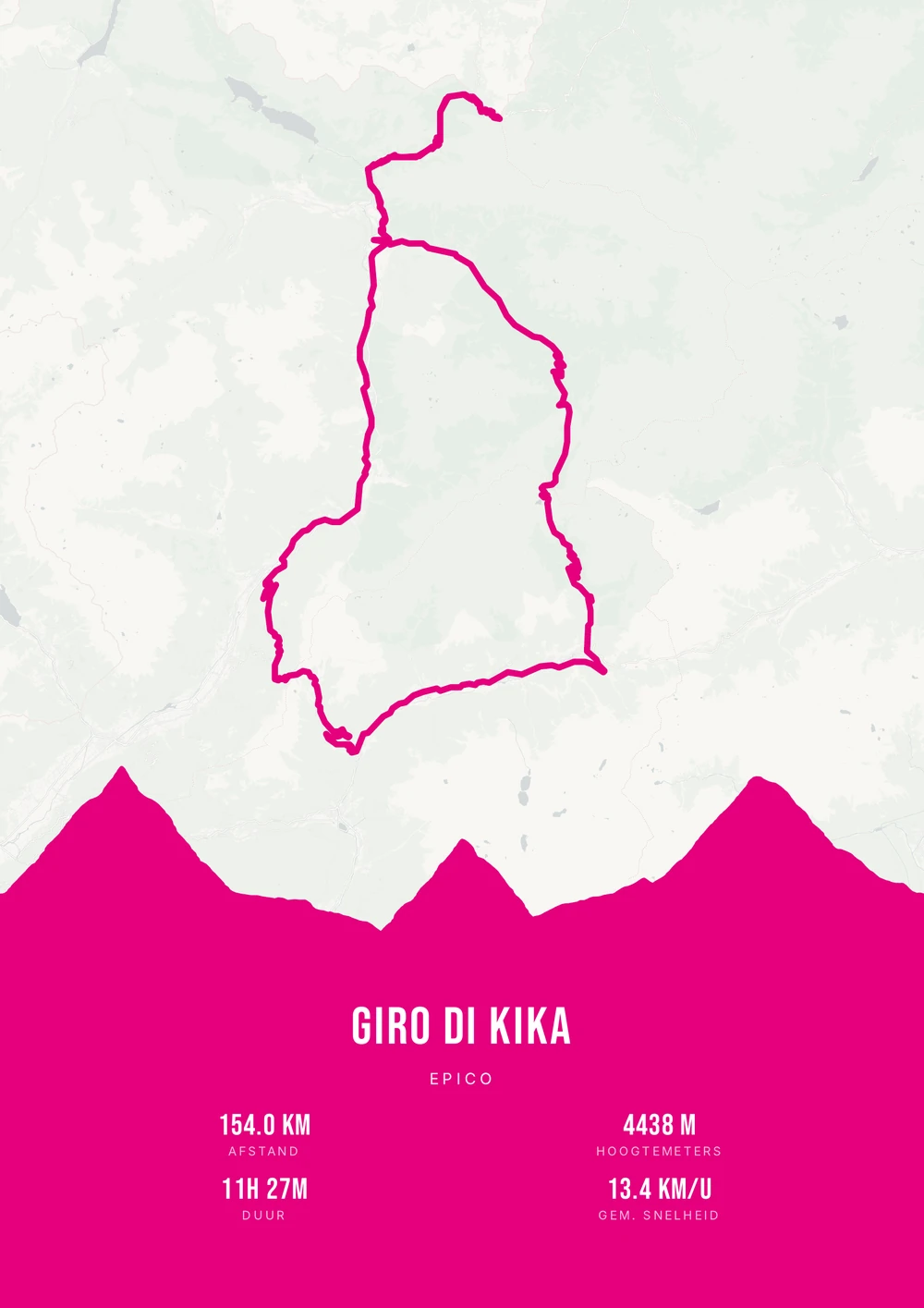
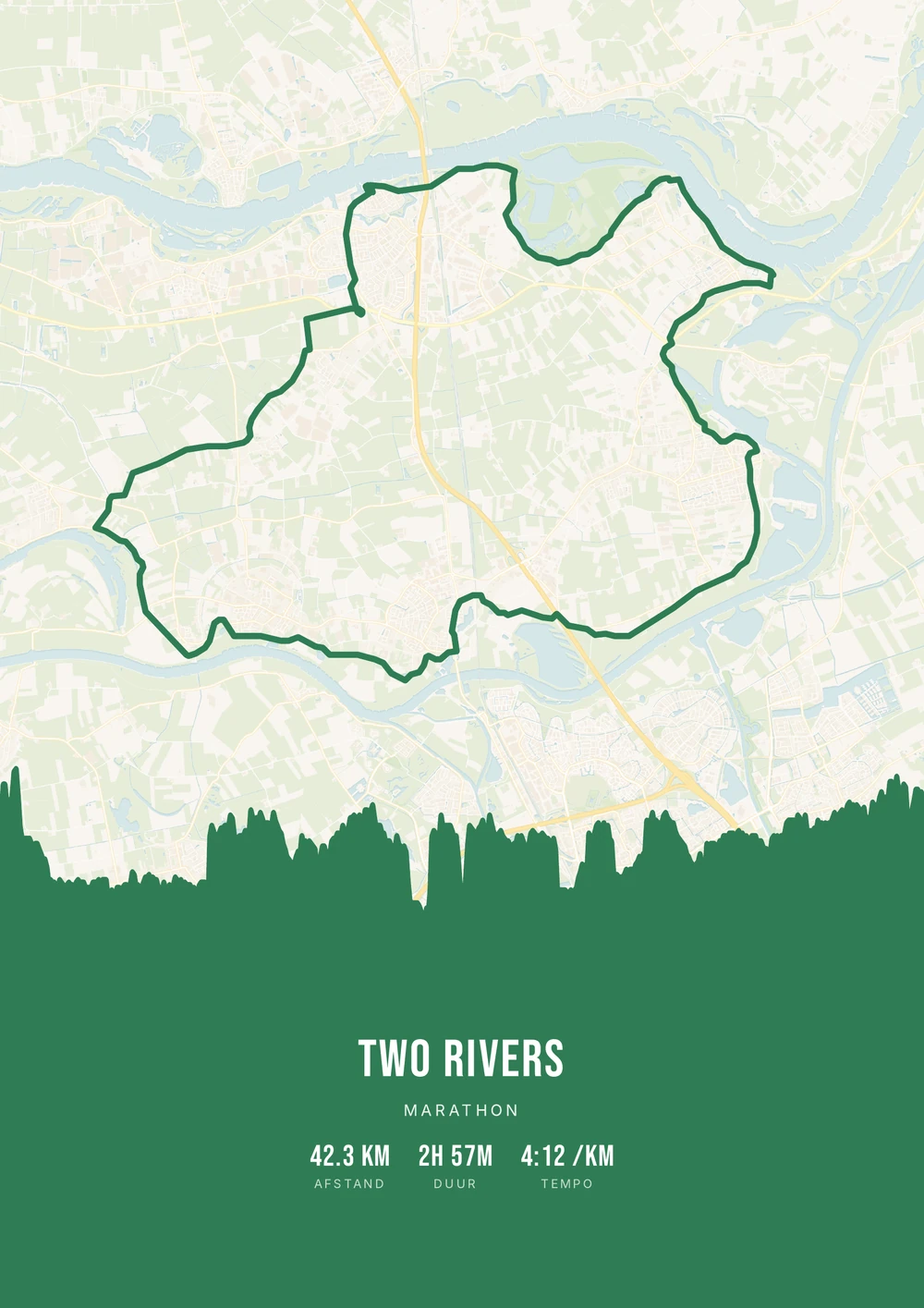
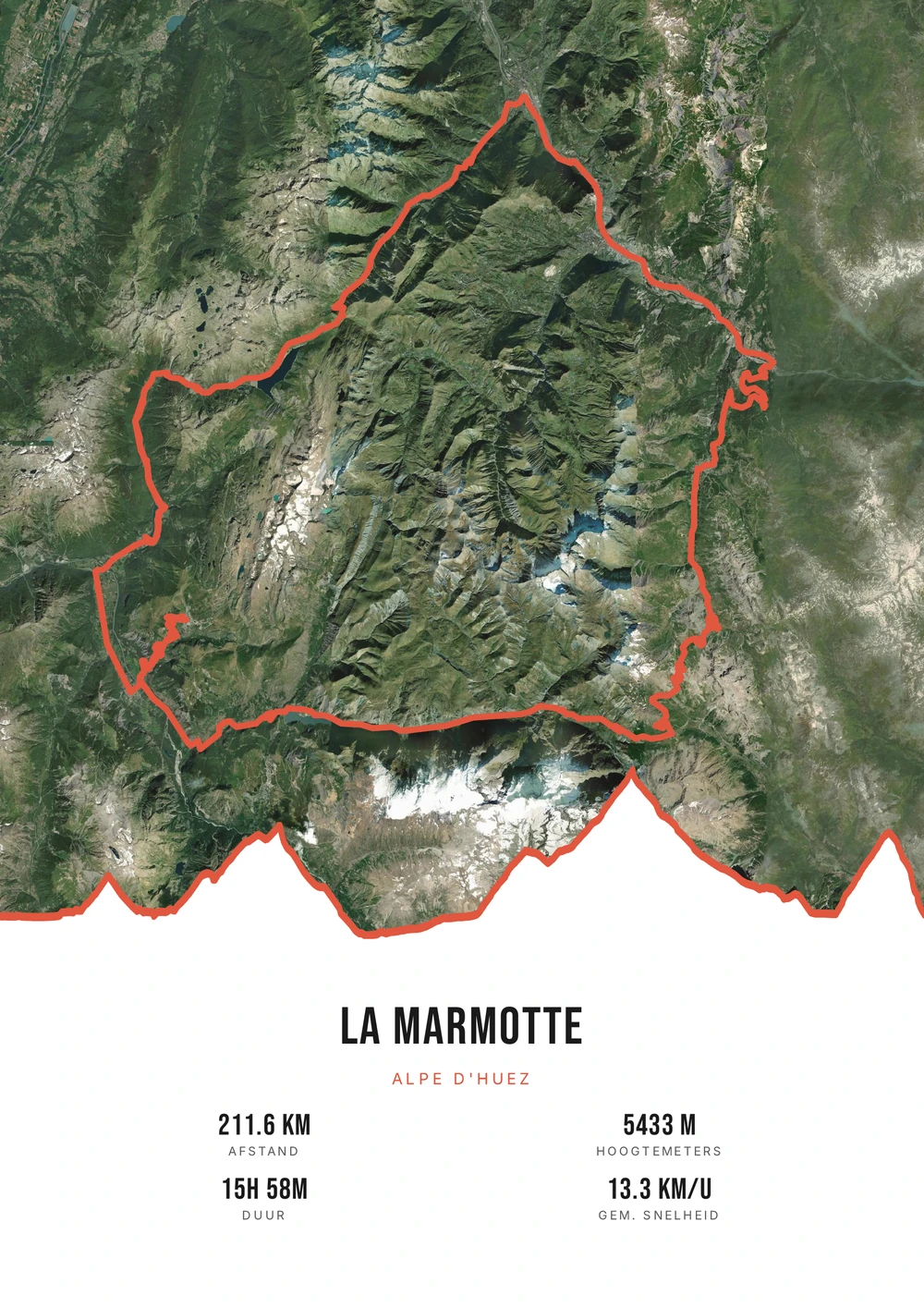
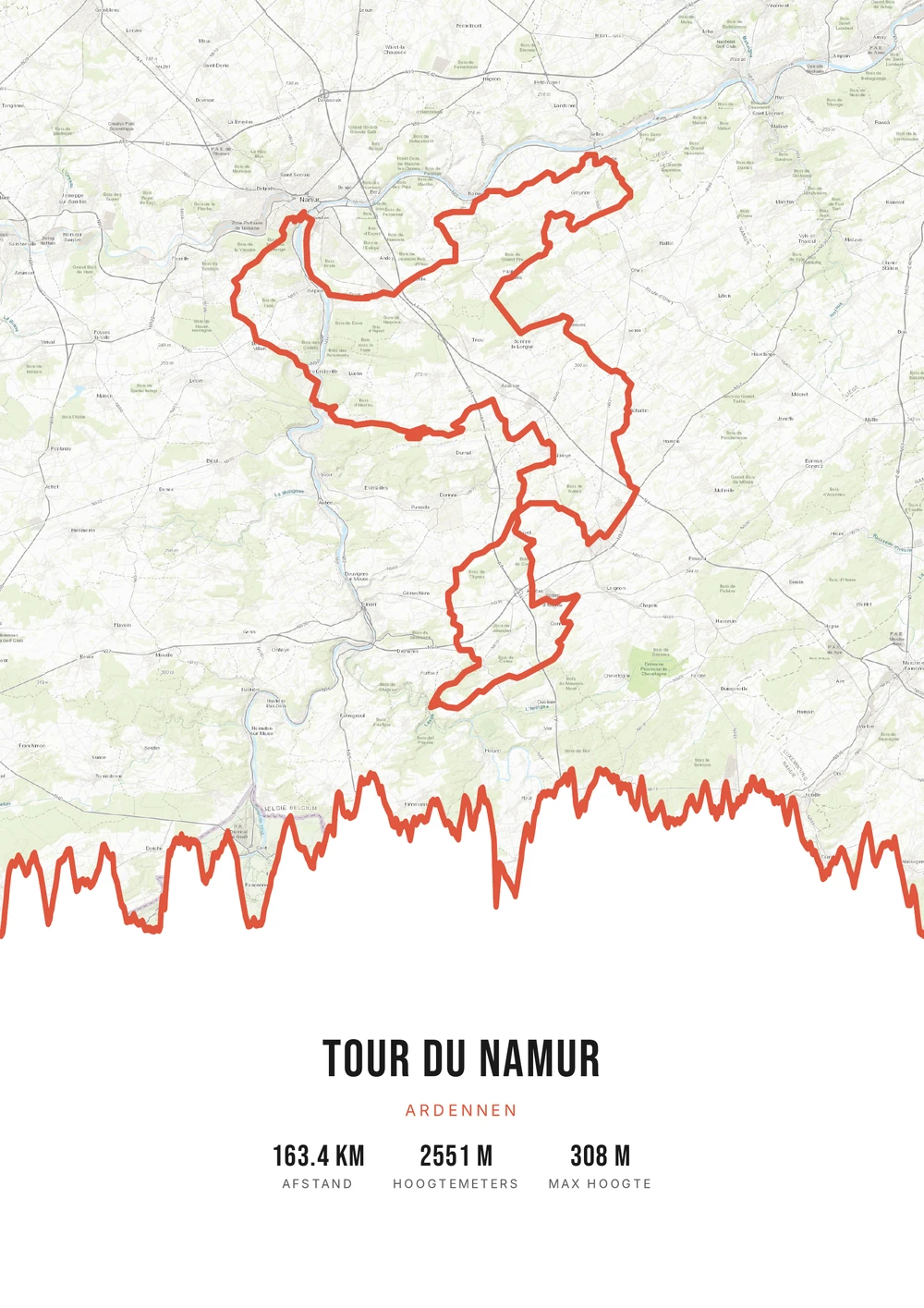
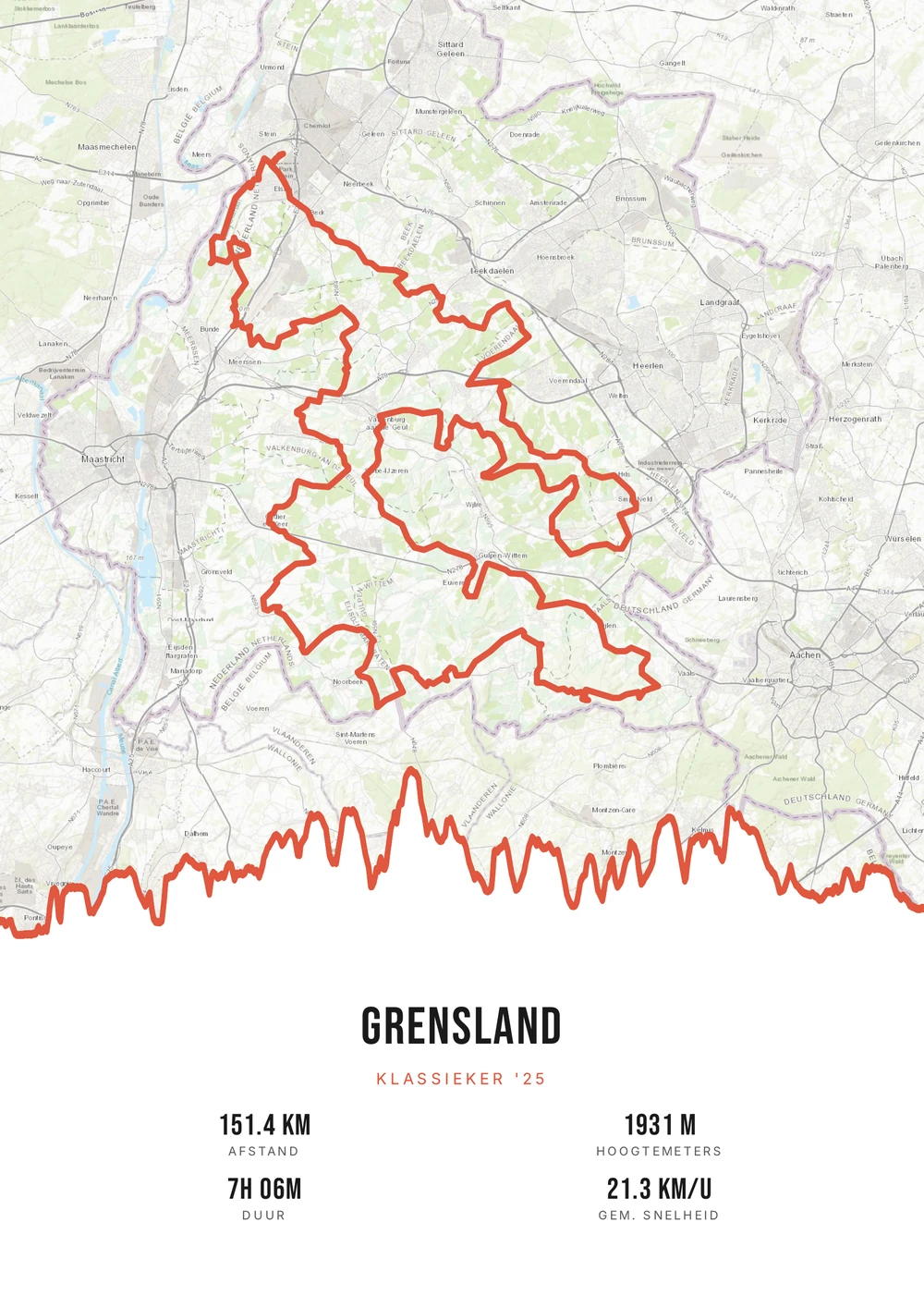
From run to poster
In running, the story is in the numbers and the line
Runners remember their year in distances and times. The first 10K under the hour, the half marathon in the cold, the trail where the last stretch went uphill. Those moments sit in an app, but nowhere in a form you can hang up.
A running route lends itself well to this because the course and the numbers together make the story. A city marathon has a course locals recognise instantly; a trail has an elevation profile that shows why it was hard. Add your time and it stops being a map and becomes one specific day.
You upload the GPX file from your watch or Strava. Distance, duration and elevation are read out and you decide which of them appear on the poster. Title and subtitle are yours to fill in — your name, the race or your finish time. You get the print-ready PDF to print yourself.
The source file, not one print
Not a single print, but the high-quality PDF file itself — for yourself or as a gift after a first marathon.
-
The perfect keepsake
A lasting reminder of your biggest achievement, in your style.
-
Print & frame yourself
At home on A4 or large at the print shop — as often as you like.
-
Works with any run
A city marathon, a mountain trail or your familiar lap through the park.
Coming soon: broader packages and extra sizes.
Running → poster
From running route to poster: how it works
All you need is the GPX file of your run — from Strava, Garmin or your sports watch.
Which run goes on the wall?
These runs come into their own at poster size.
-
The race
A marathon or half, with the date and finish time in the subtitle.
-
The trail
A mountain race or ultra, where the elevation profile shows the effort.
-
The regular loop
The route from home you ran for years, in every season.
-
The first time
Your first 10K, half or full — there is only ever one first.
Running → poster
Frequently asked questions
-
Can I make a poster of my marathon?
Yes. Upload the GPX file of your marathon or run, pick a style and download the print-ready PDF.
-
Does it work with Strava and Garmin?
Yes. Export your activity as a GPX from Strava or Garmin Connect and upload it here.
-
Are my time and distance shown?
You choose which stats to show, such as distance, time and elevation gain.
-
Does it work for a trail with a lot of climbing?
Yes. On trails the elevation profile is especially interesting: the climbs and descents appear across the full length of the route.
-
Can I combine several training runs?
Yes. Multiple GPX files can be merged into one route — useful for a stage race or a multi-day journey.
-
What if my watch didn't follow the course exactly?
Small deviations in the GPS trace are barely visible at poster size. If you want a perfect course, use the official GPX file from the organiser.
Ready to put your run on the wall?
Upload your GPX and watch your poster appear in seconds.
Opens the editor with a real 151 km ride through South Limburg. Everything is editable, and you can still upload your own GPX afterwards.