Triathlon → poster
Your triathlon on the wall.
From a sprint to a full Ironman: put your triathlon on the wall, with your time and the course.
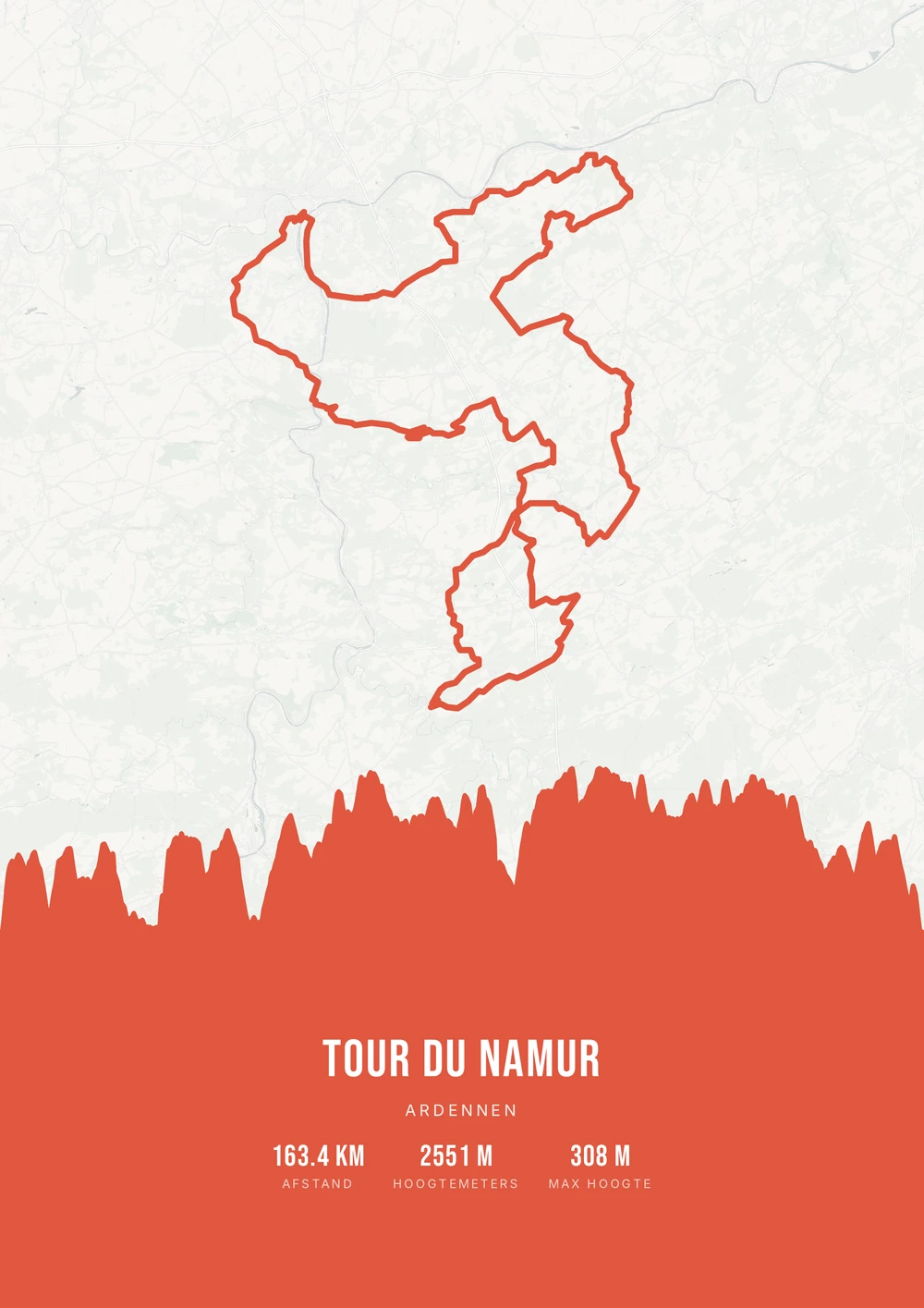
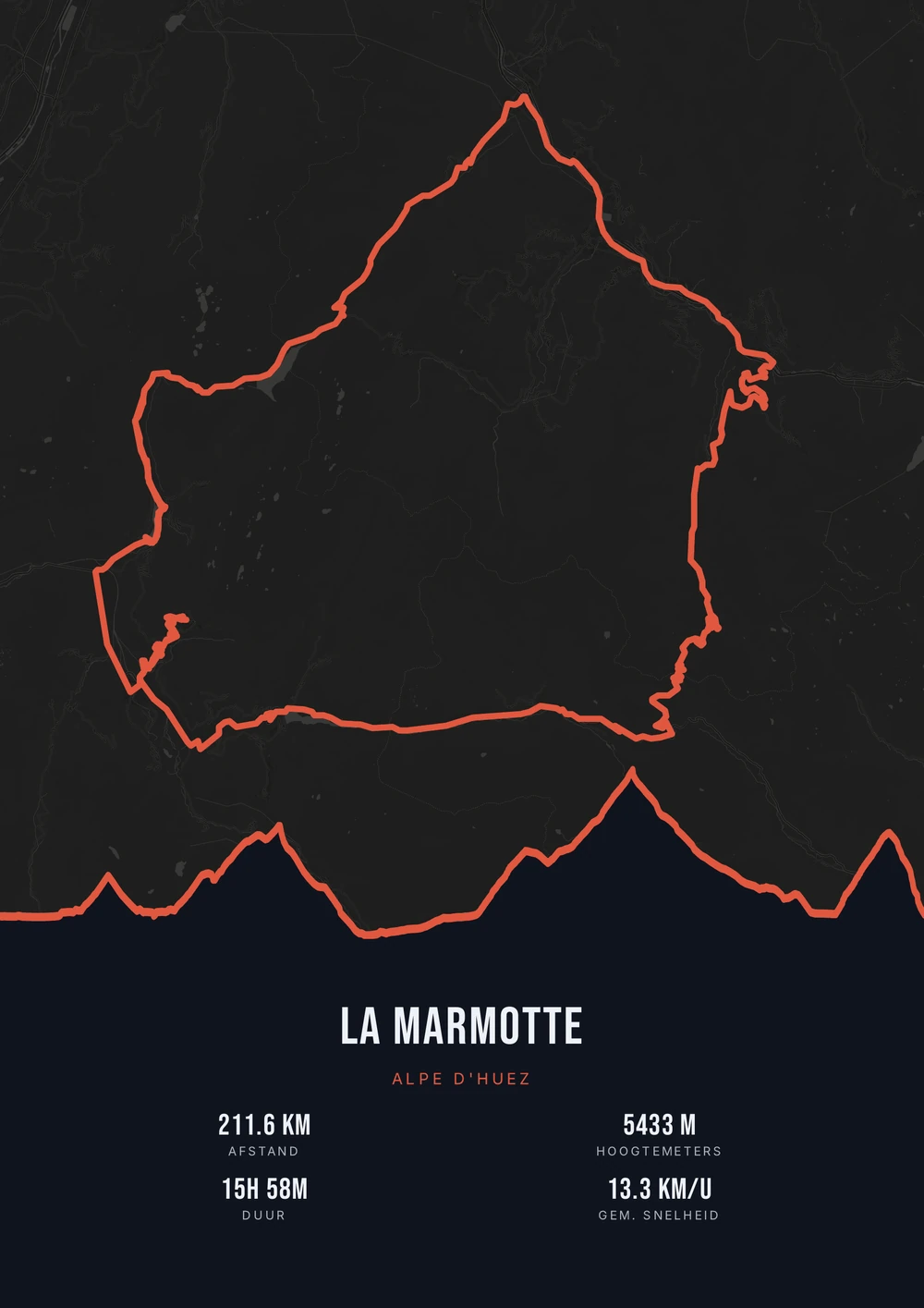
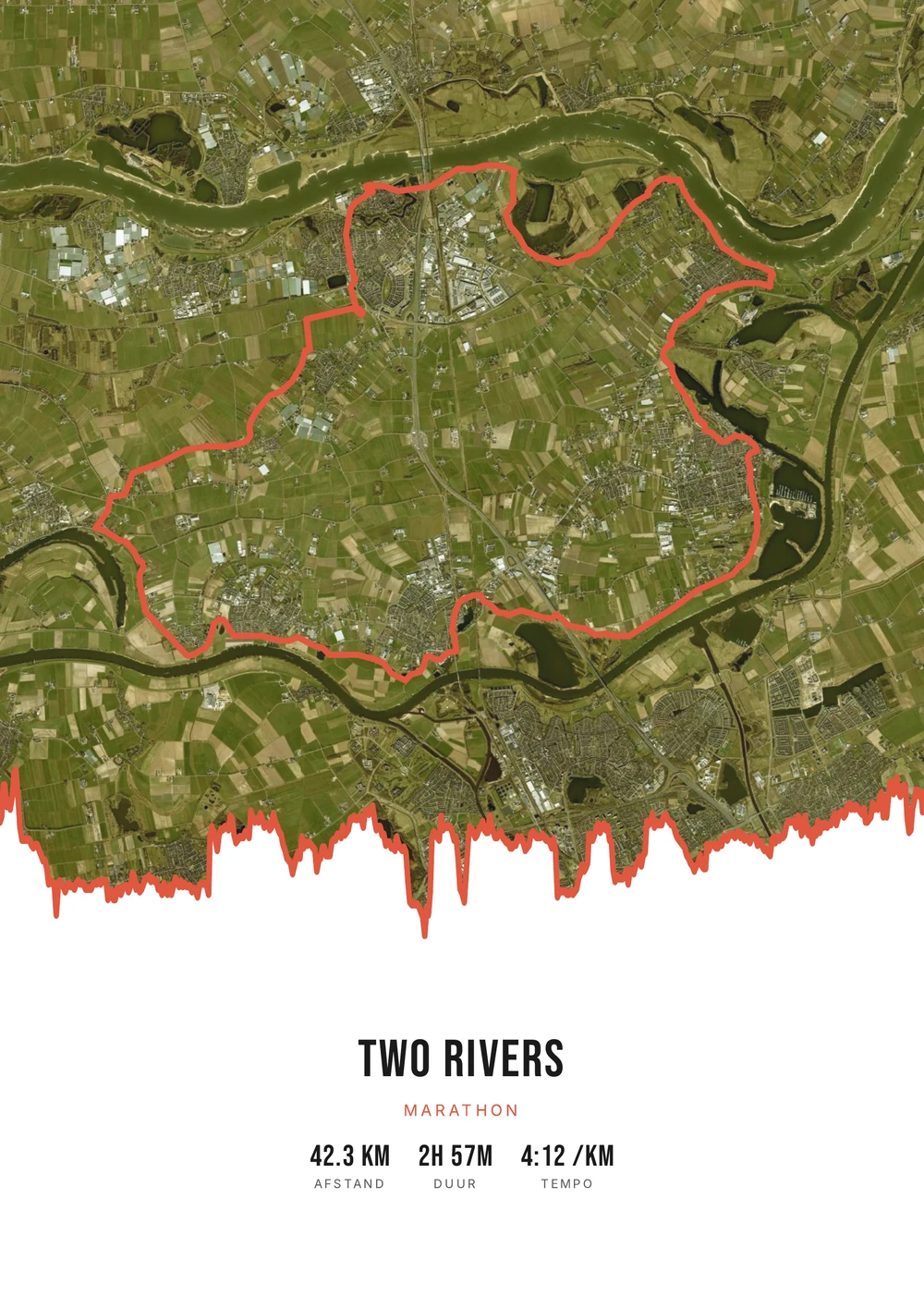
One ride. Endless looks.
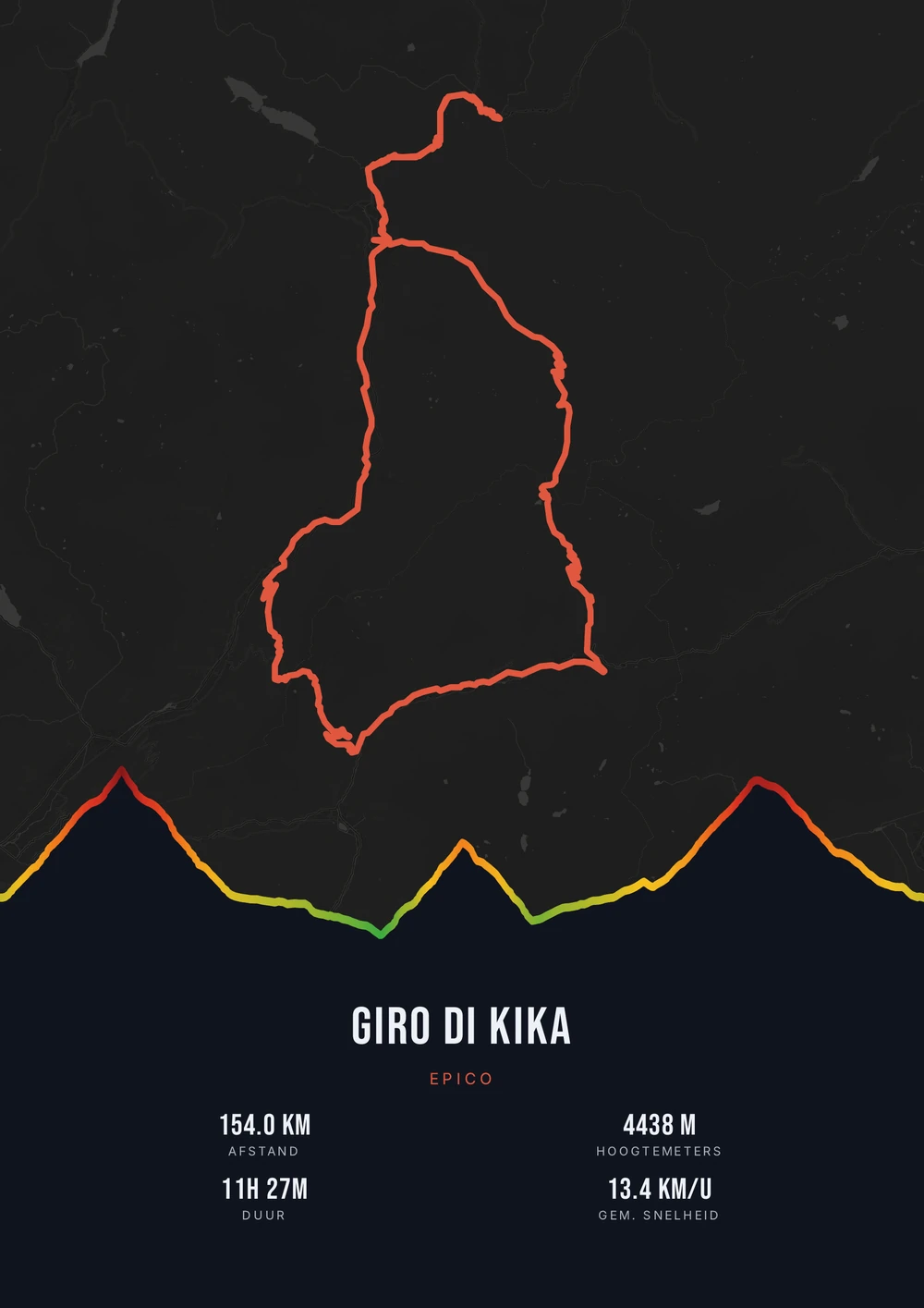
Different rides, each in its own palette, map style and elevation gradient.
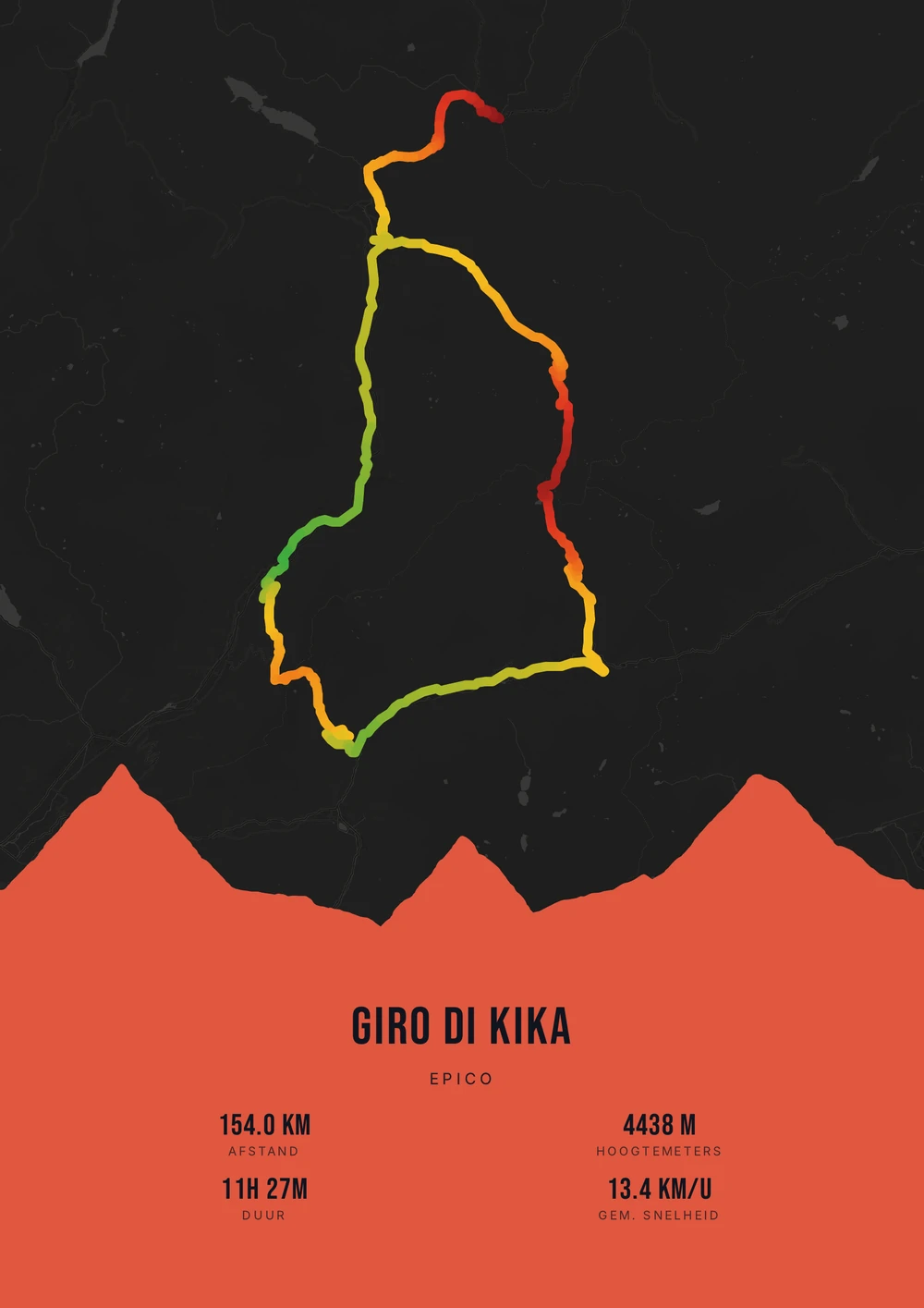
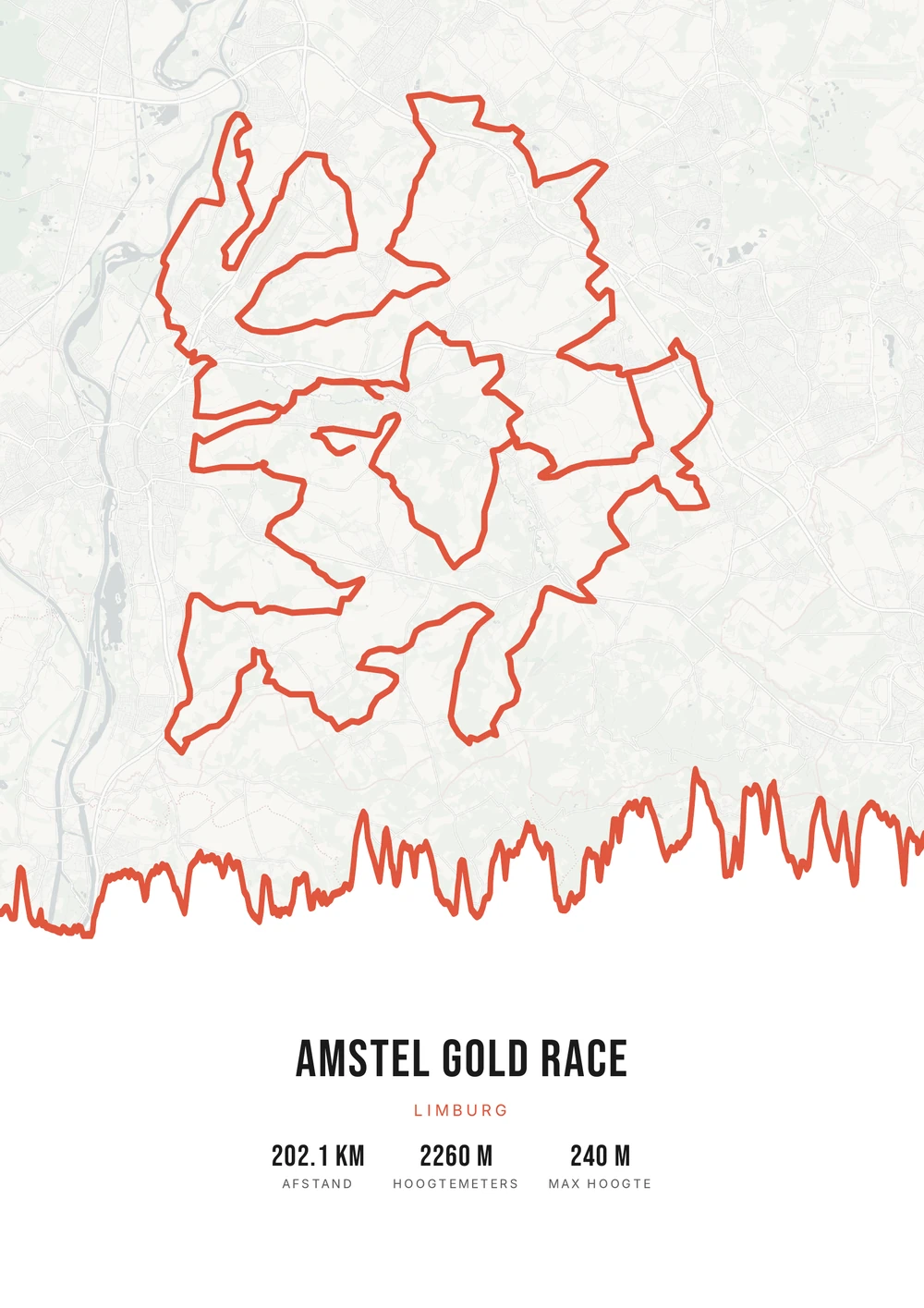
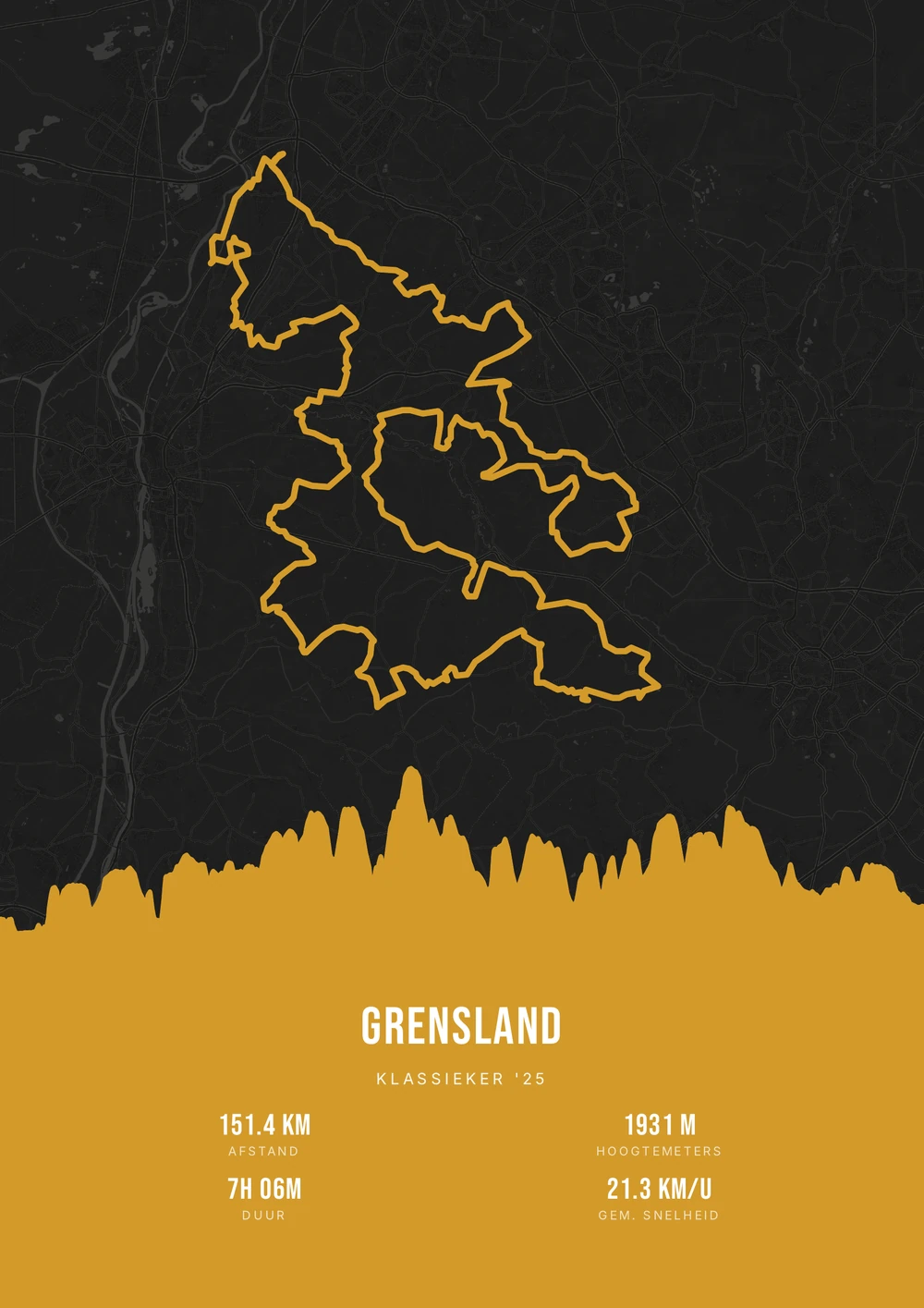
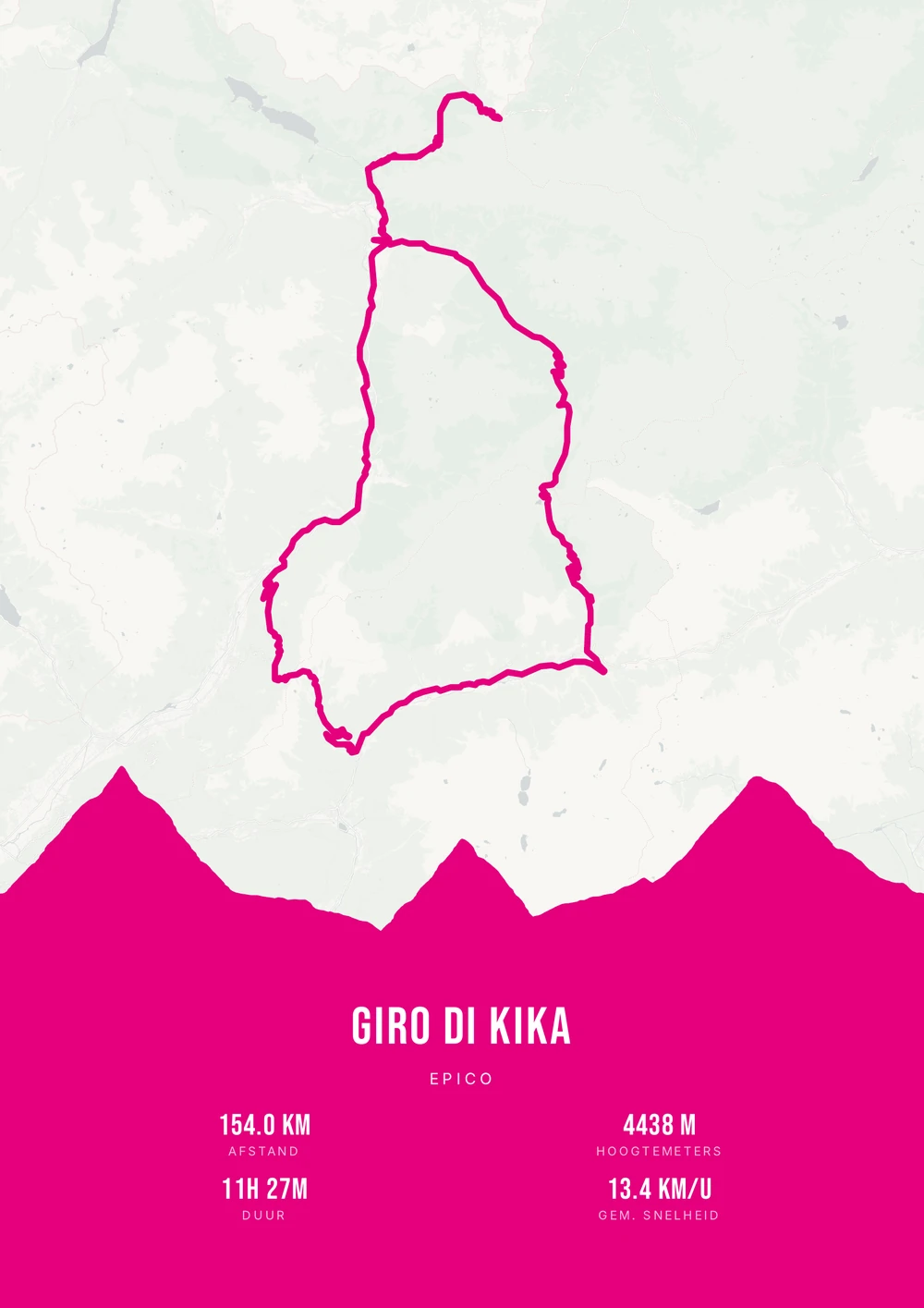
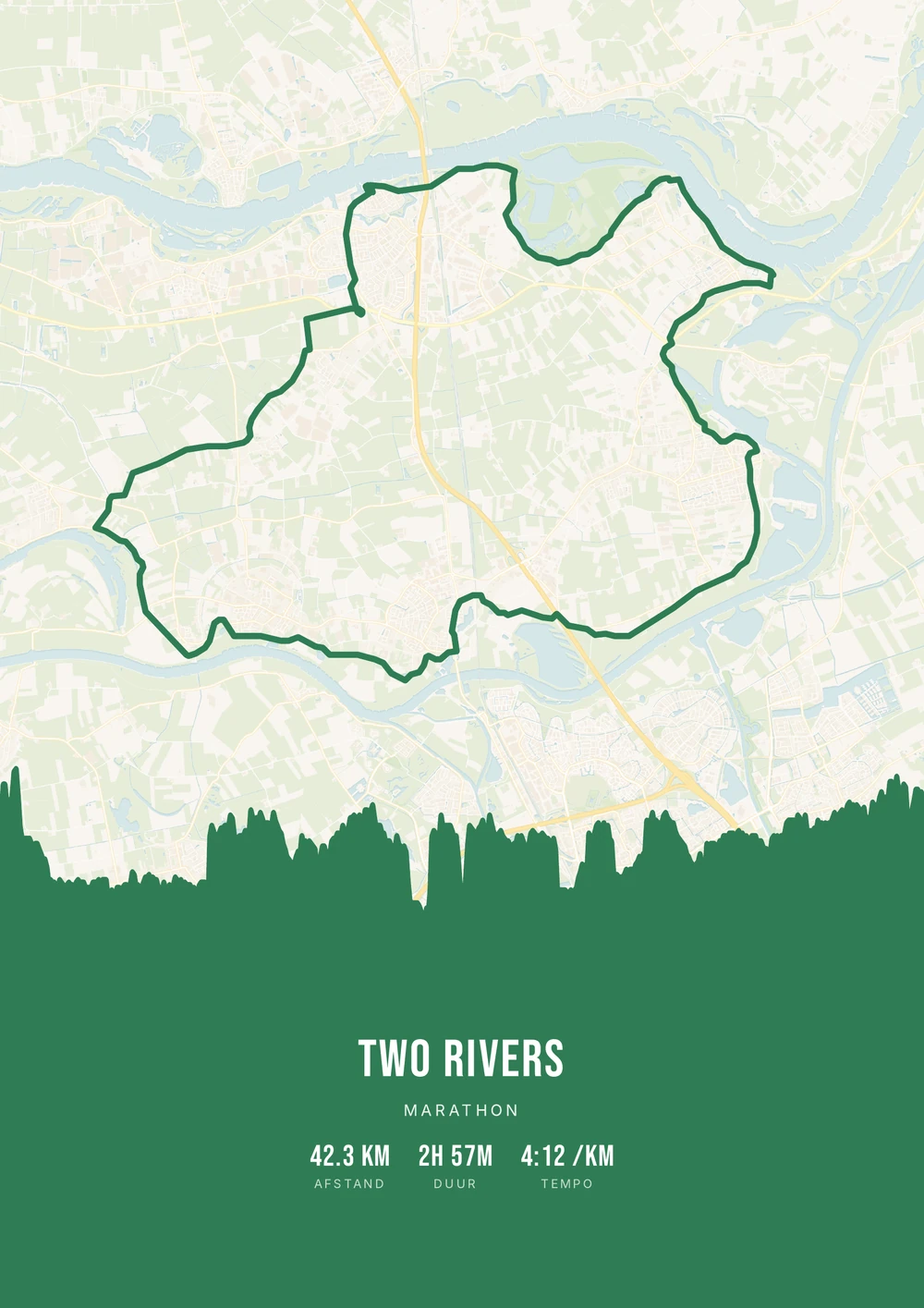
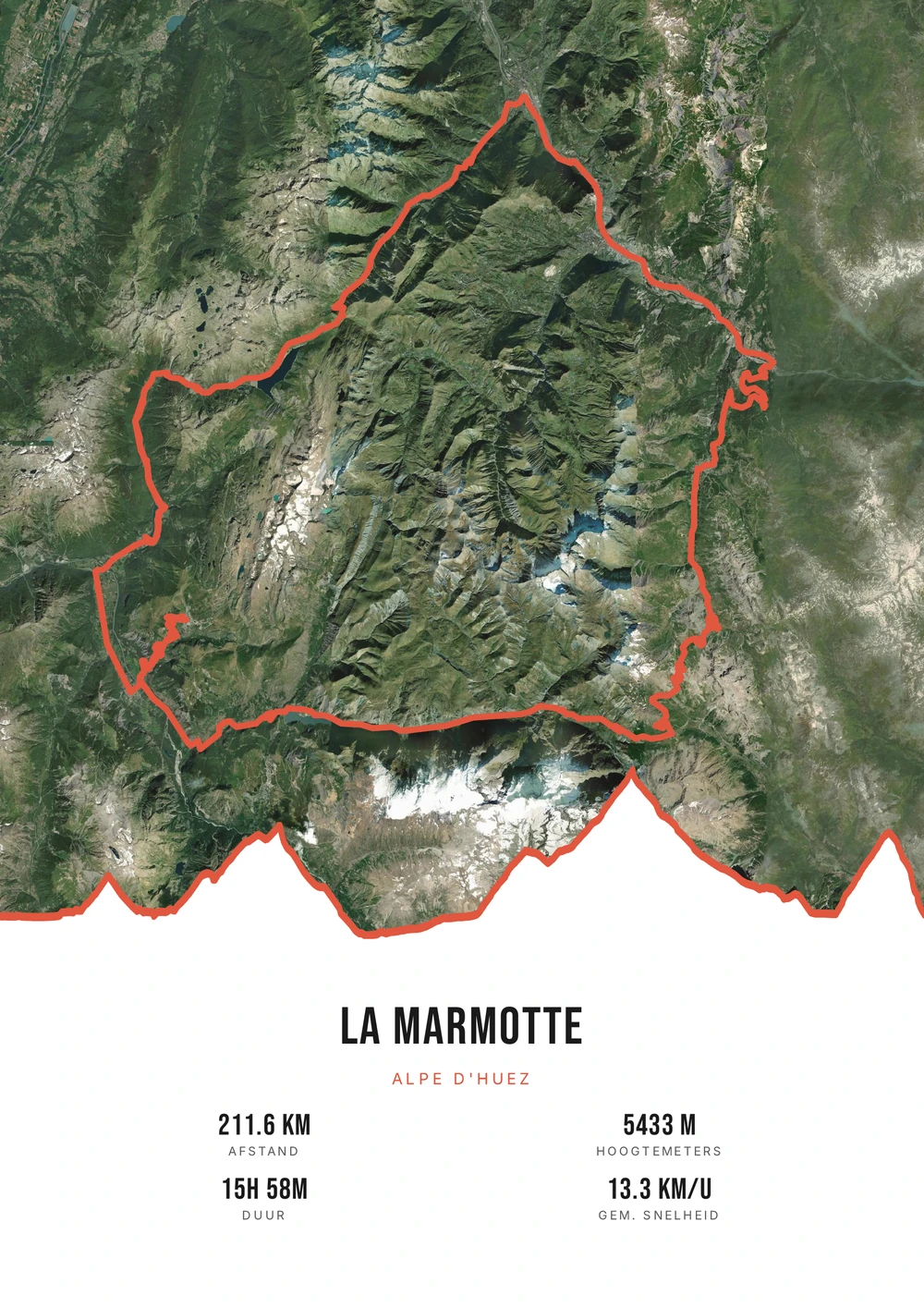
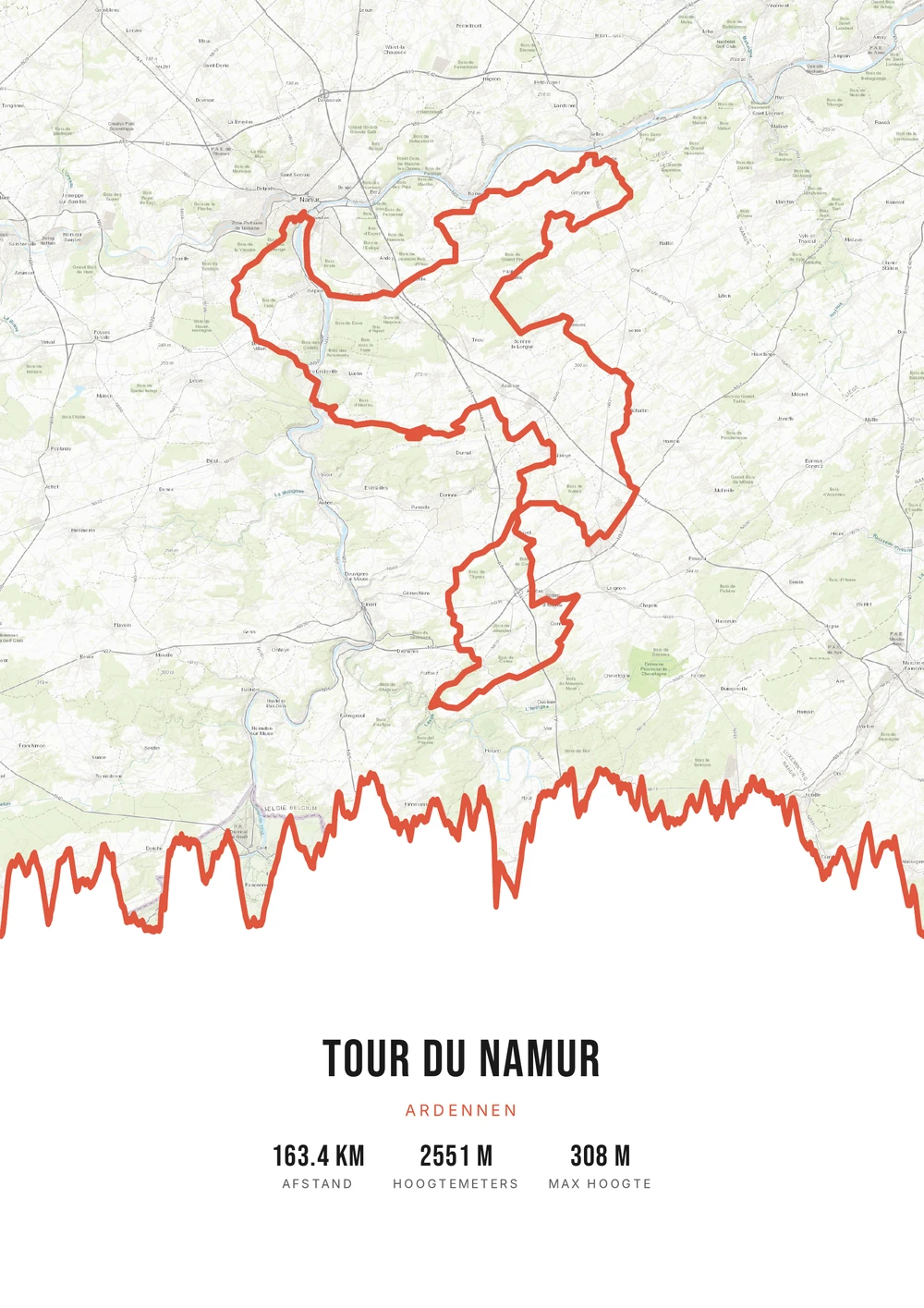
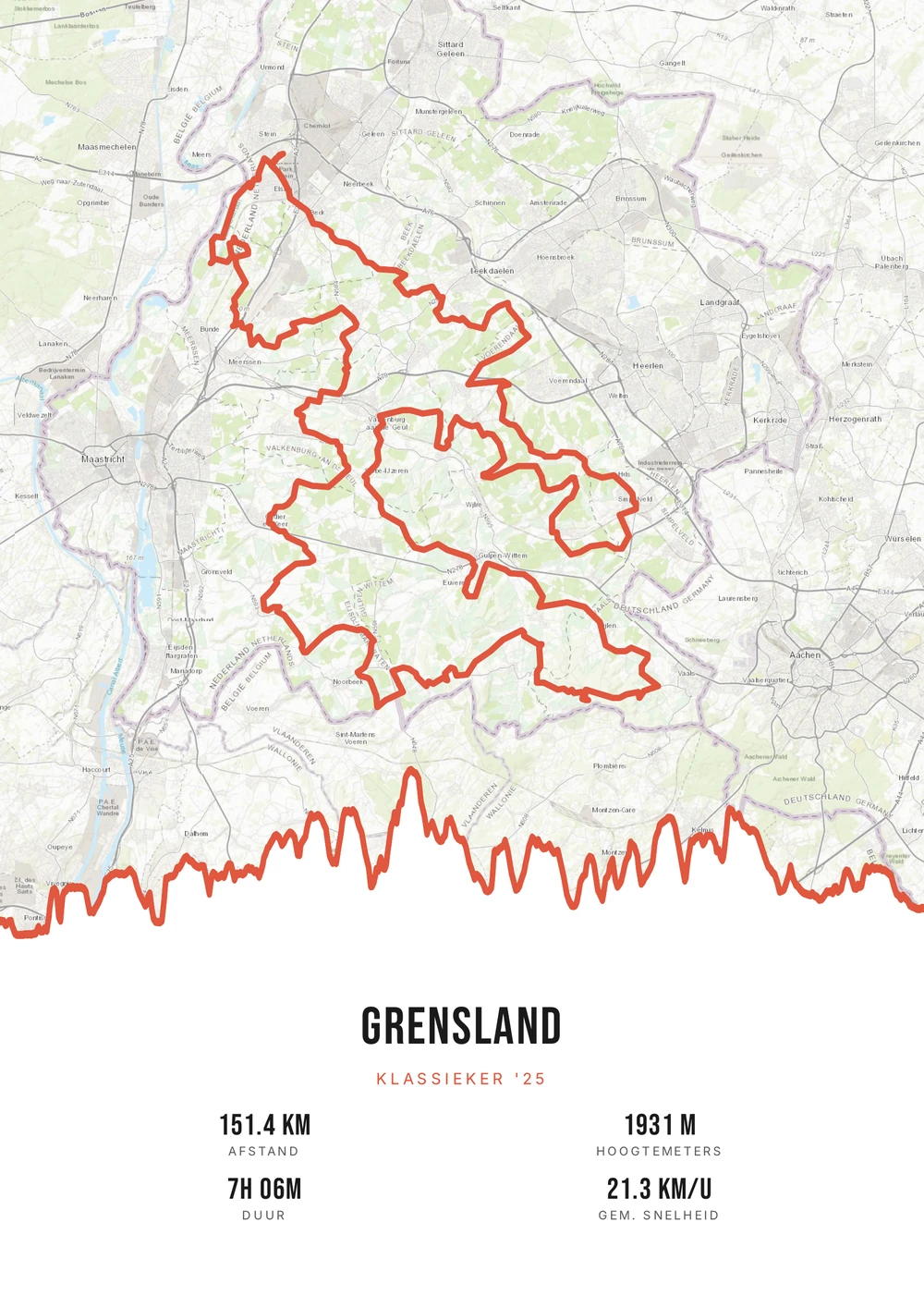
Swim · bike · run
Three sports, one day, one line
A triathlon is not one race but three, back to back, with all the logistics that involves. From a sprint on a Saturday morning to a full Ironman lasting a long day: it is an achievement you cannot explain in a single number.
On a poster it does become visible. The swim loop off the coast, the bike course heading into the landscape, the run that often returns to the same finish: together they show the shape of the day. On a long distance, the elevation profile of the bike leg shows immediately where the race was decided.
You merge the GPX files of the legs into one route, or pick the leg that is most recognisable. Your finish time goes in the subtitle so it matches the official results. The result is a print-ready PDF you print yourself at whatever size you want.
The source file, not one print
Not a single print, but the high-quality PDF file itself — print and frame it however you like.
-
Your biggest achievement
Sprint or Ironman — a lasting memory in your style.
-
Print & frame yourself
At home on A4 or large at the print shop — as often as you like.
-
Any leg
The bike or run leg, or the whole race merged into one route.
Coming soon: broader packages and extra sizes.
Triathlon → poster
From triathlon to poster: how it works
All you need is the GPX file of your race — from Strava, Garmin or your multisport watch.
Which triathlon works on a poster?
From a first sprint to a long distance.
-
The first triathlon
A sprint or Olympic, with the date and your finish time.
-
A full Ironman
The whole day as one route: 3.8 km swim, 180 bike, 42 run.
-
A well-known race
A course that competitors and spectators recognise straight away.
-
A single leg
Just the bike course or the run, if that gives the best image.
Triathlon → poster
Frequently asked questions
-
Can I make a poster of my triathlon?
Yes. Upload the GPX file of your race, pick a style and download the print-ready PDF.
-
Can I combine the bike and run legs?
Yes. Merge the legs into one route and turn it into a single poster.
-
Does it work with Garmin and Strava?
Yes. Export your activity as a GPX from Garmin Connect or Strava and upload it here.
-
How do I put swim, bike and run on one poster?
Merge the GPX files of the legs into one route. The swim is usually a short loop off the coast, followed by the bike and run courses.
-
Can I show a single leg on its own?
Yes. The bike course is often the most recognisable, so many people choose that leg alone — or make a poster per leg.
-
Does my total time appear on it?
The duration comes from the file; transitions are not always included. You can enter your official finish time in the subtitle so it matches the results exactly.
Ready to put your triathlon on the wall?
Upload your GPX and watch your poster appear in seconds.
Opens the editor with a real 151 km ride through South Limburg. Everything is editable, and you can still upload your own GPX afterwards.