Gift idea
The perfect gift for a cyclist.
Skip the umpteenth water bottle. Surprise the cyclist in your life with a poster of their best ride — personal, stylish and lasting.
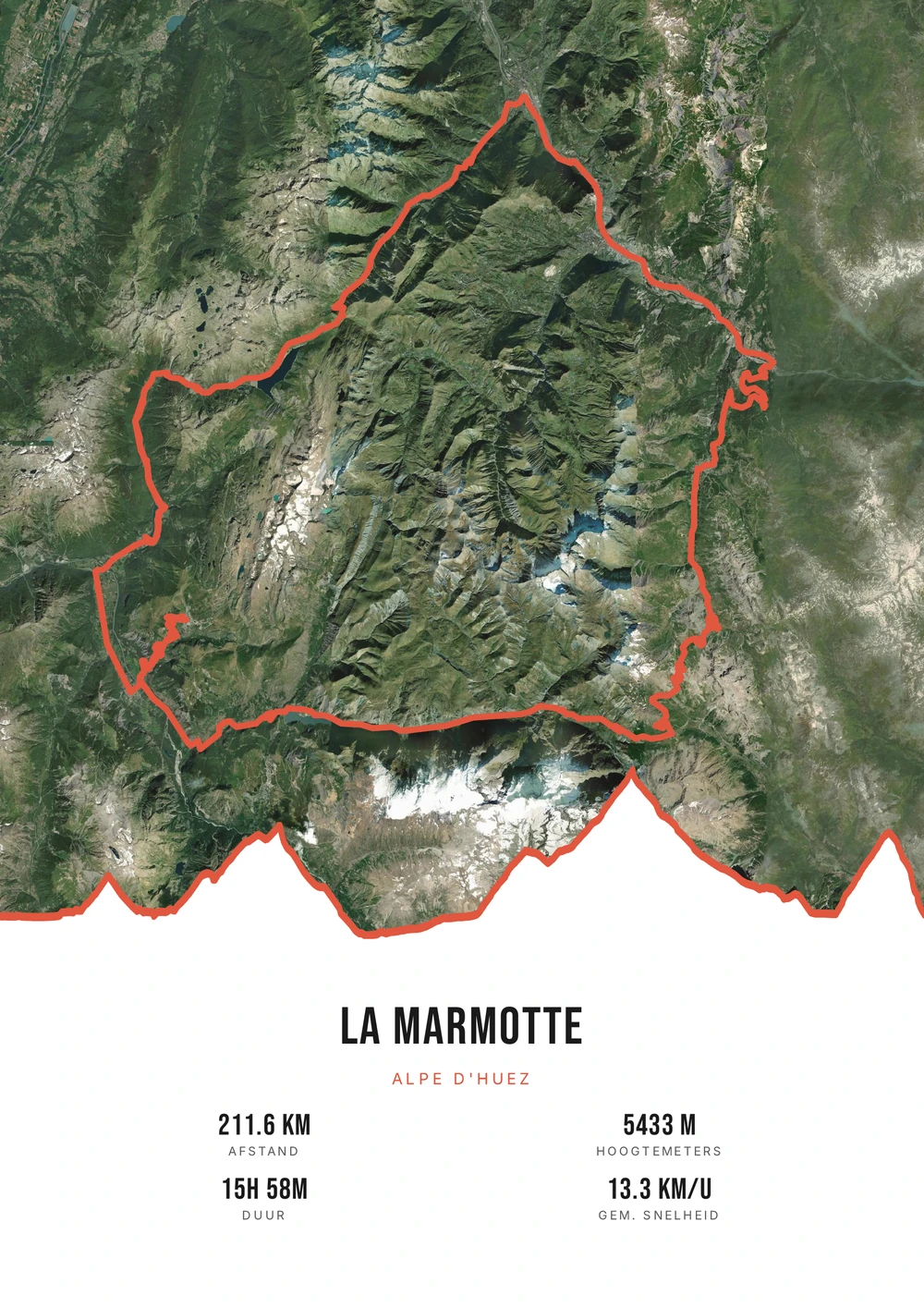
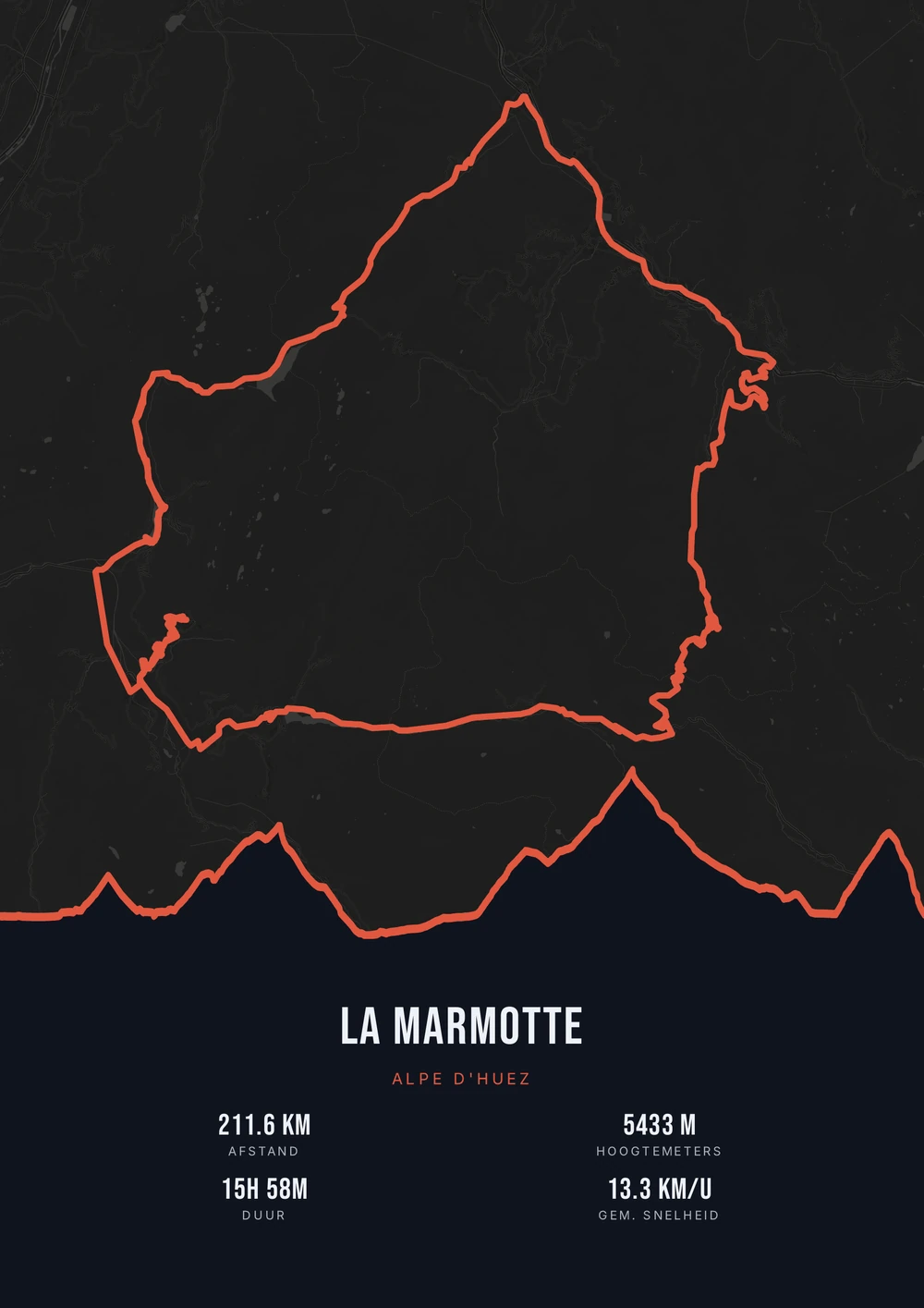
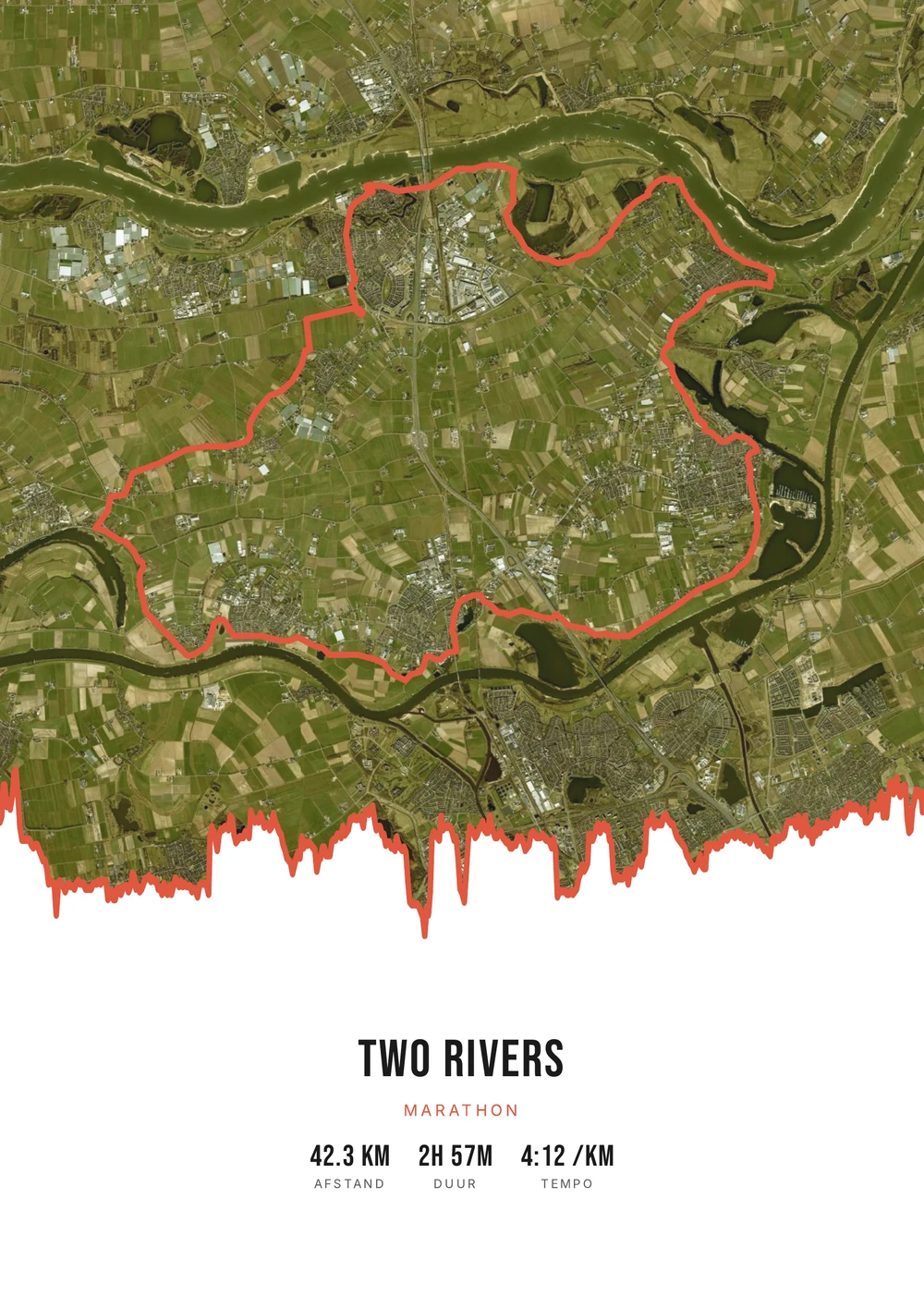
One ride. Endless looks.
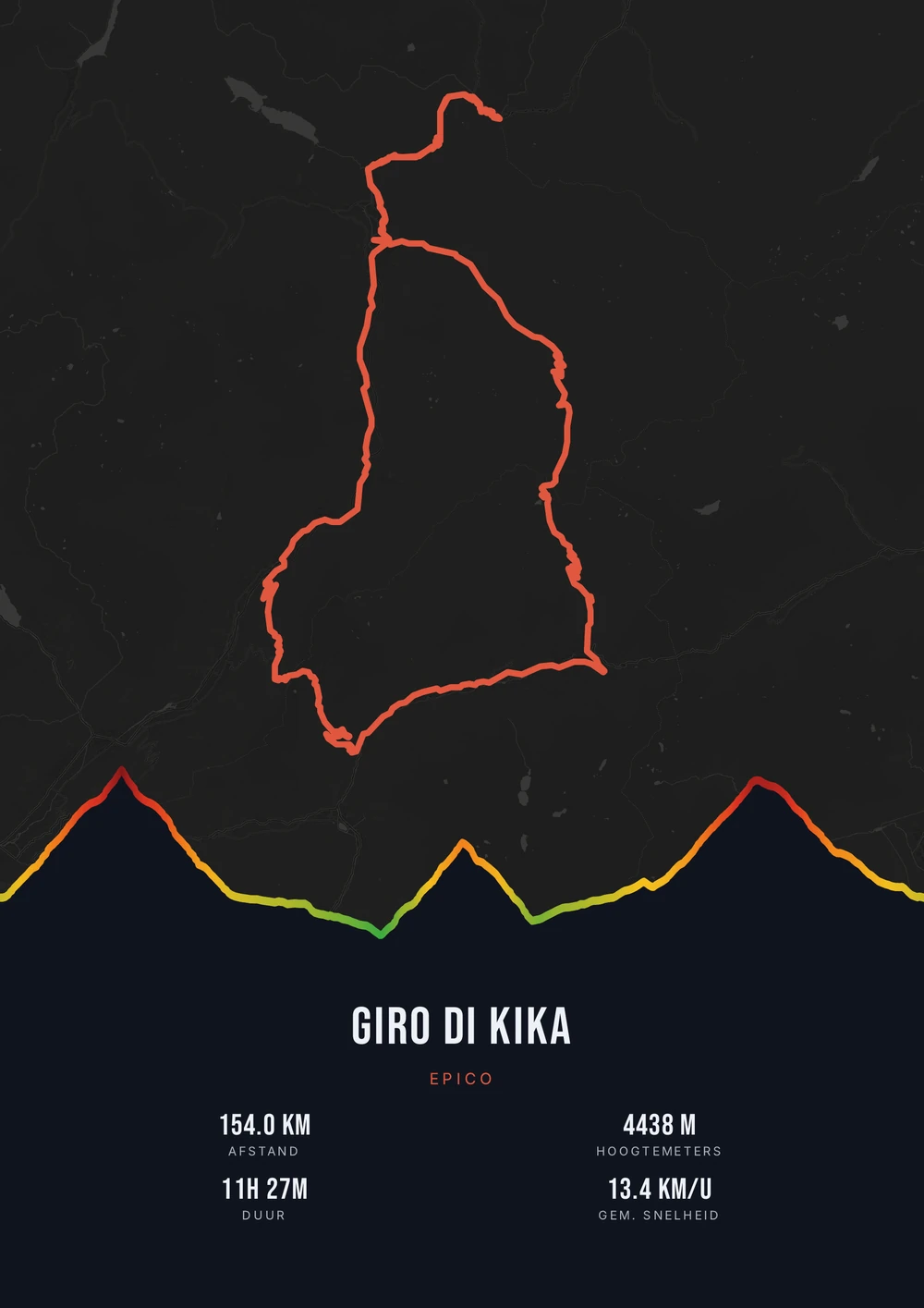
Different rides, each in its own palette, map style and elevation gradient.
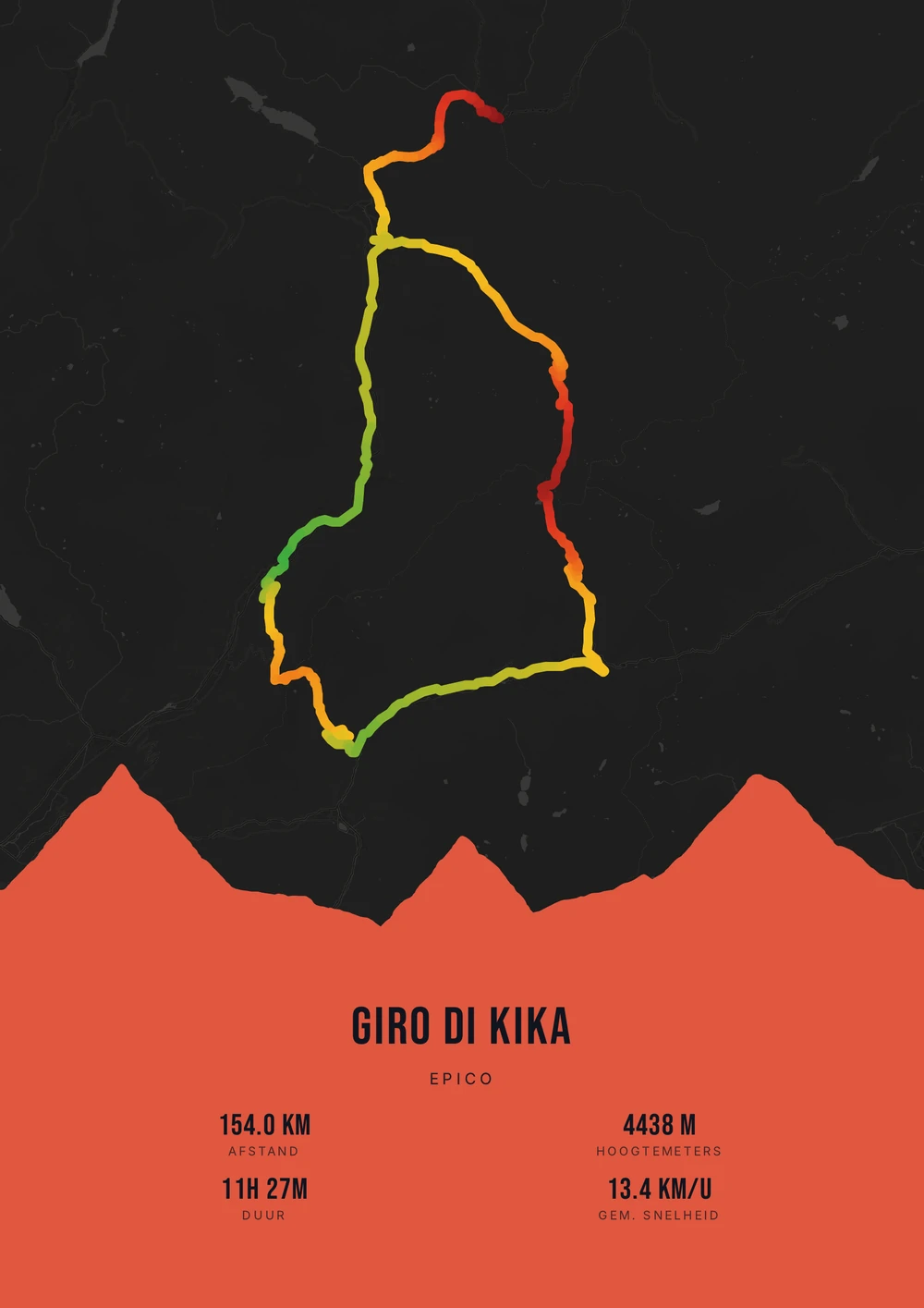
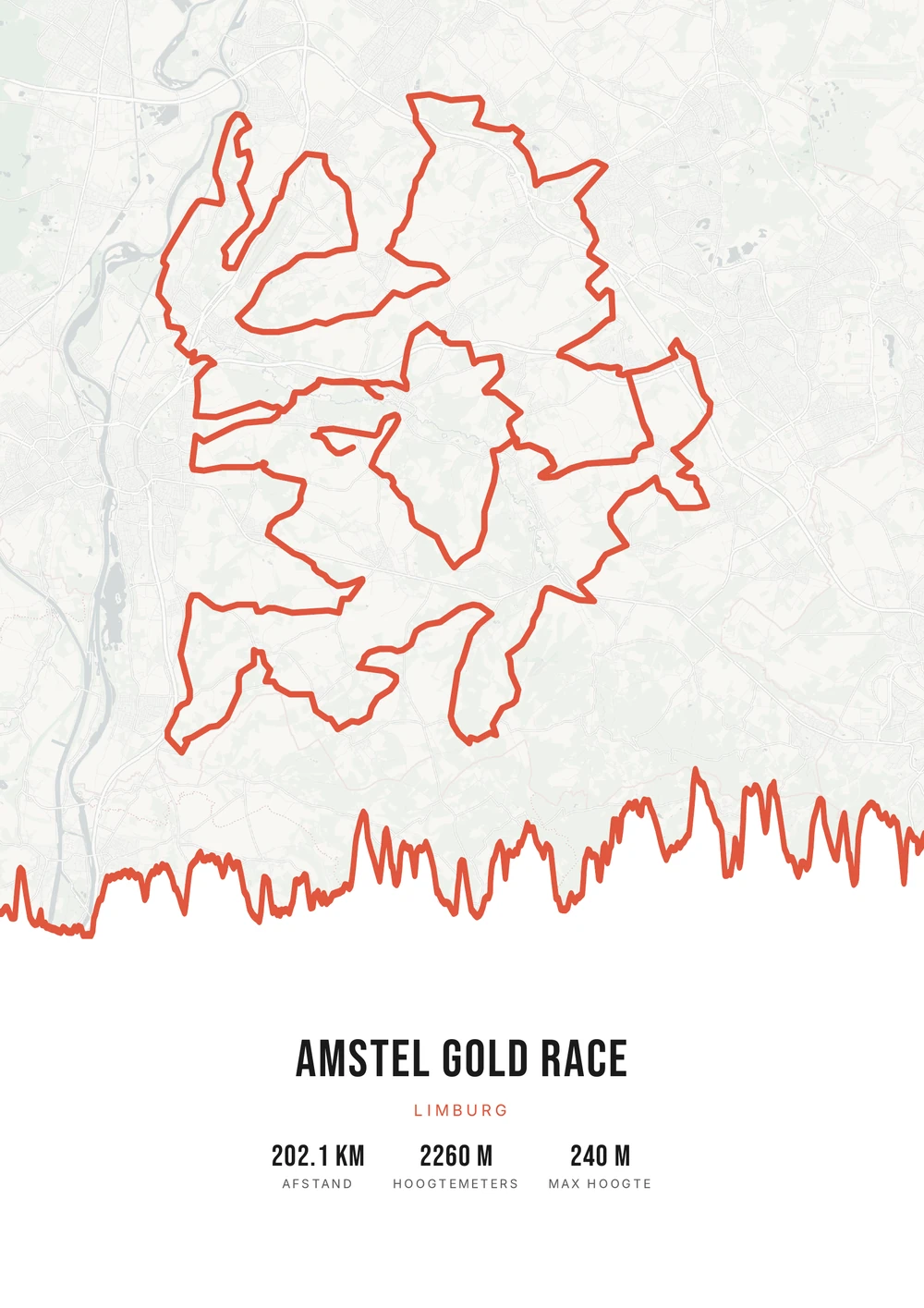
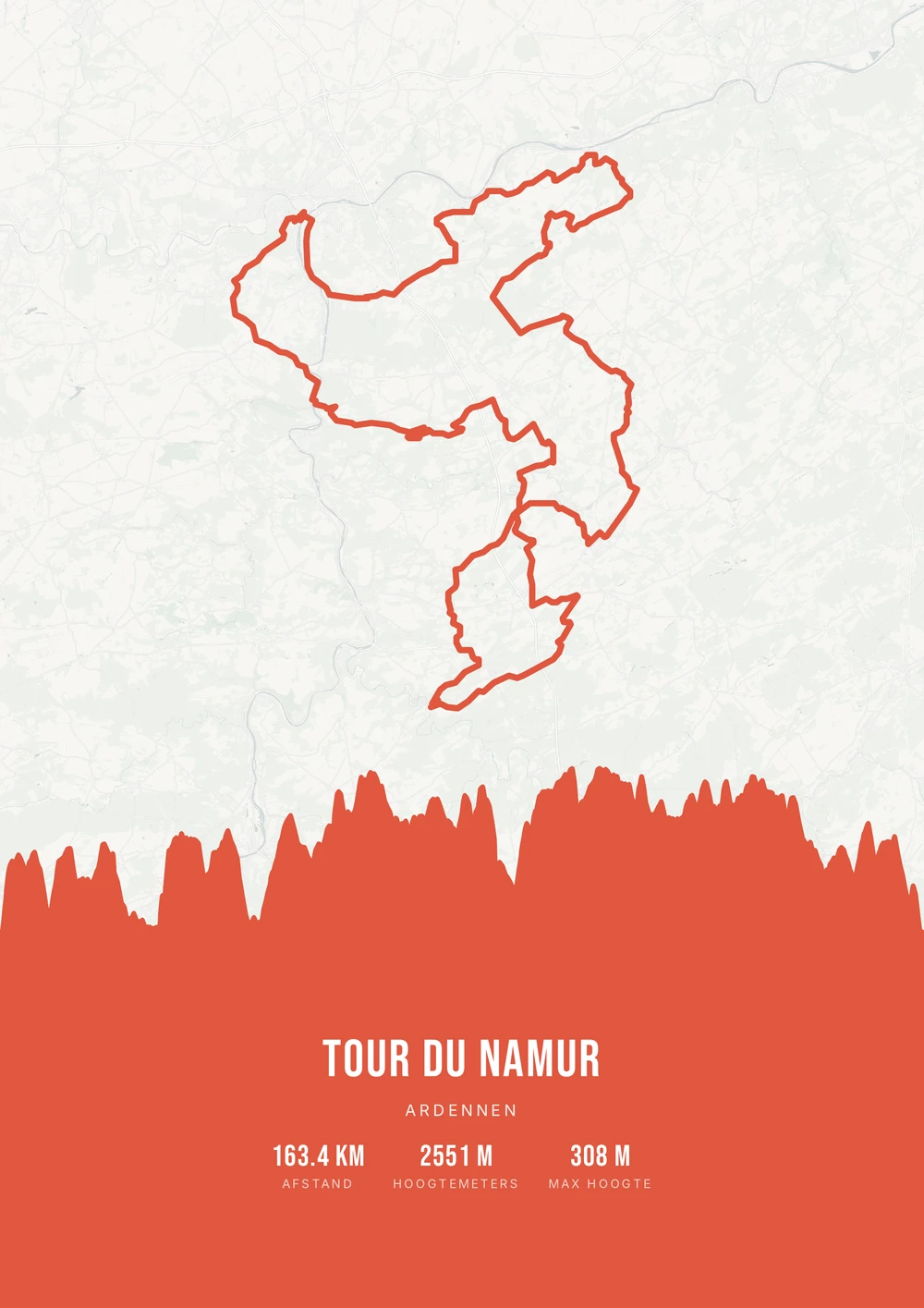
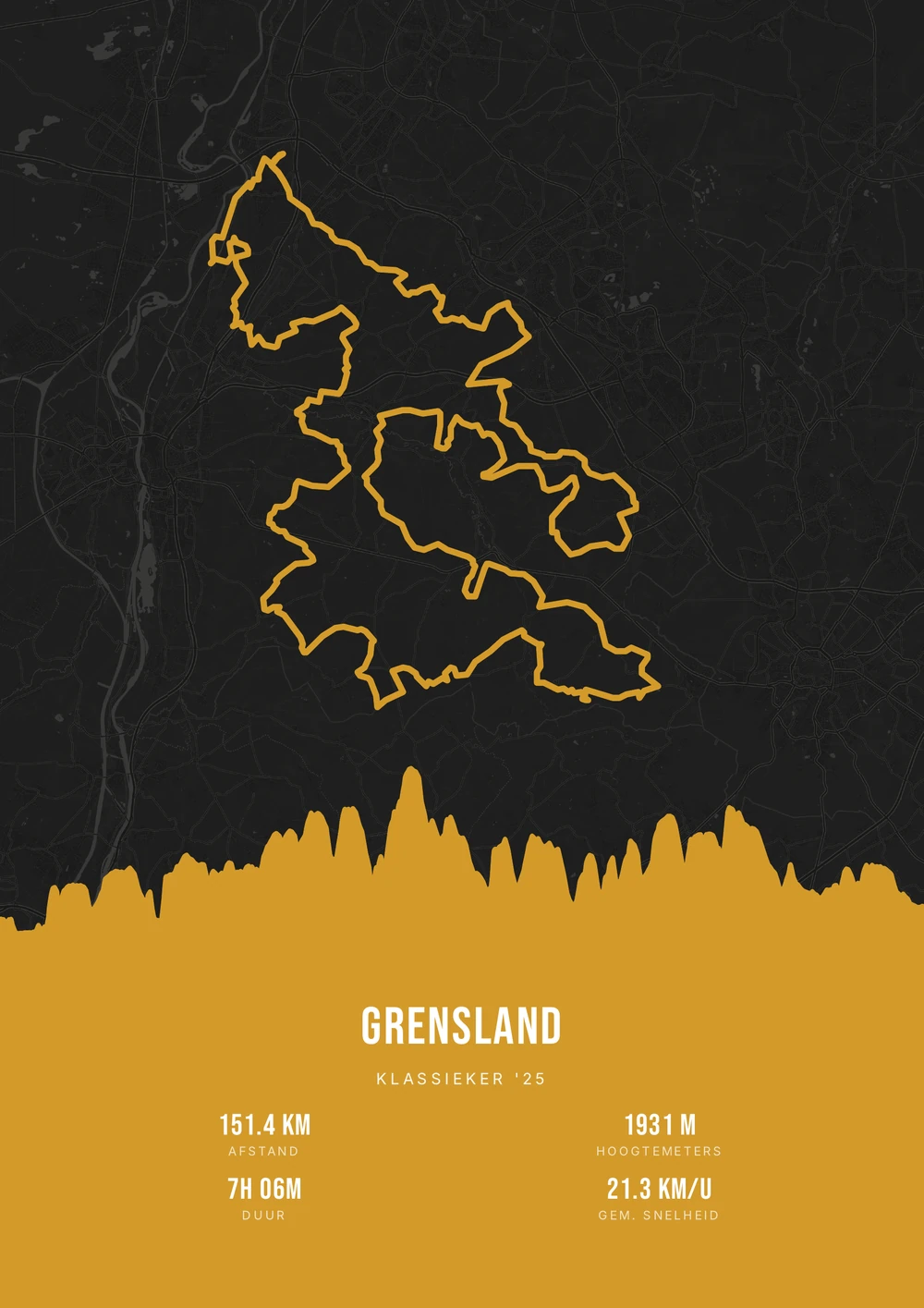
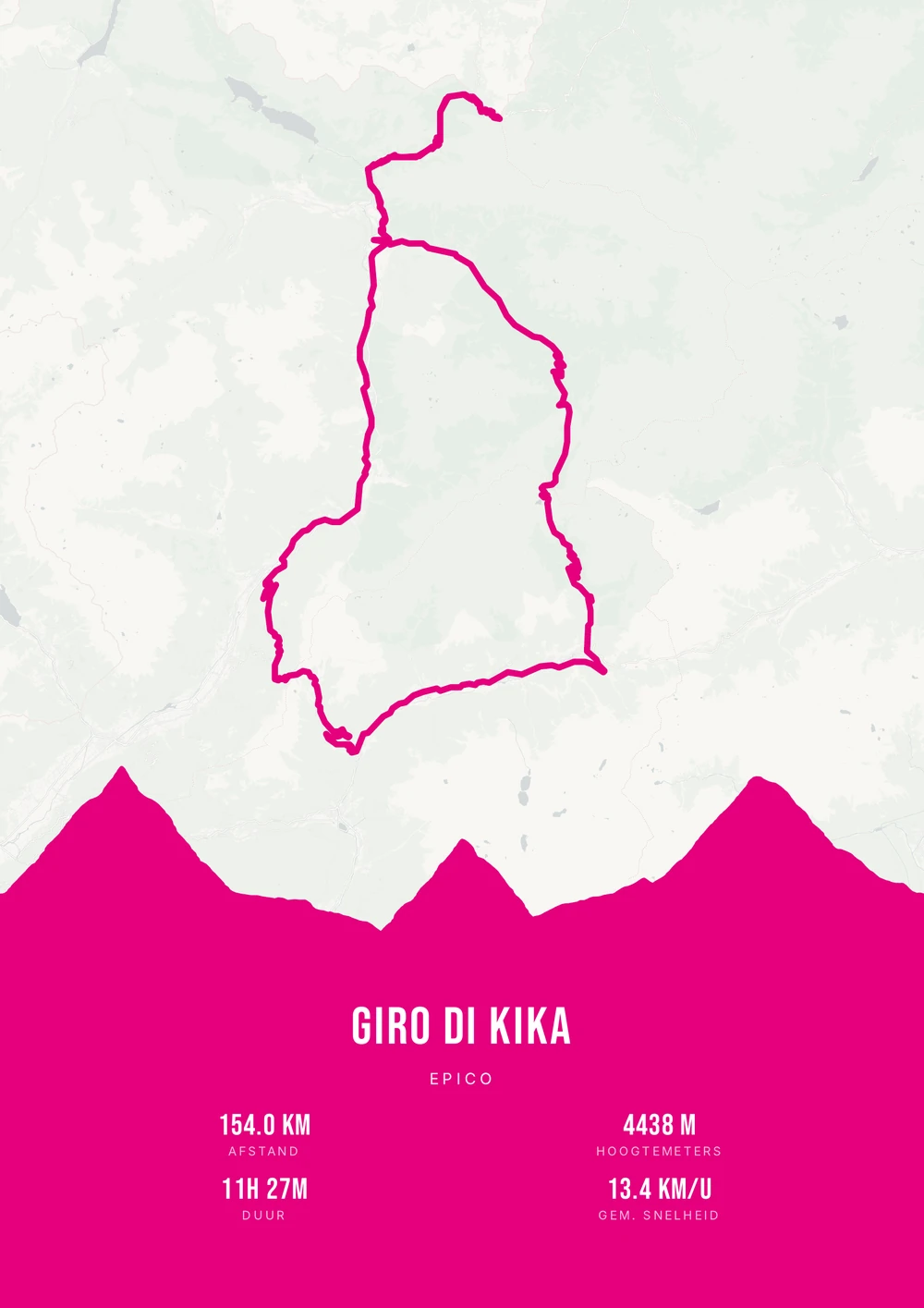
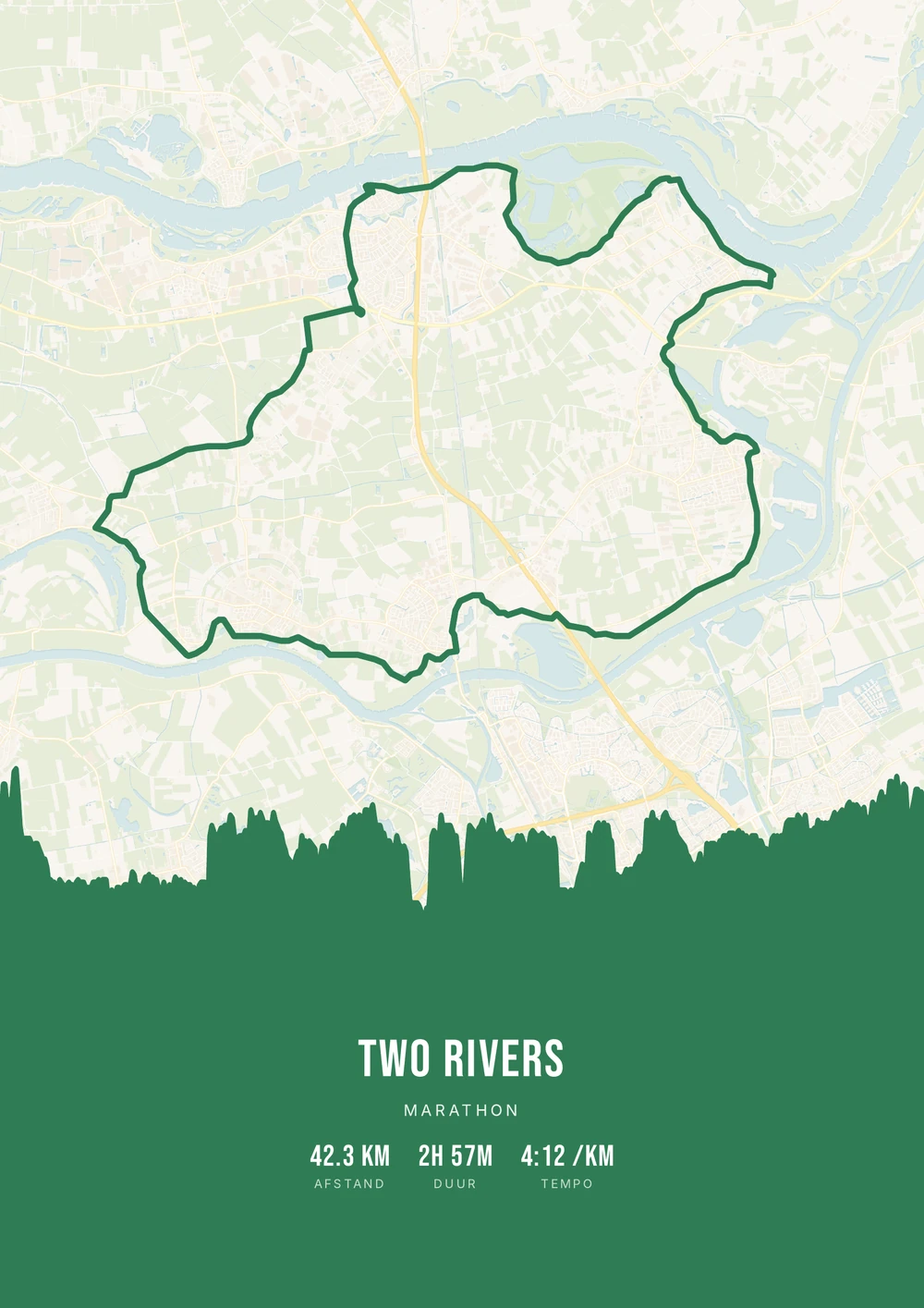
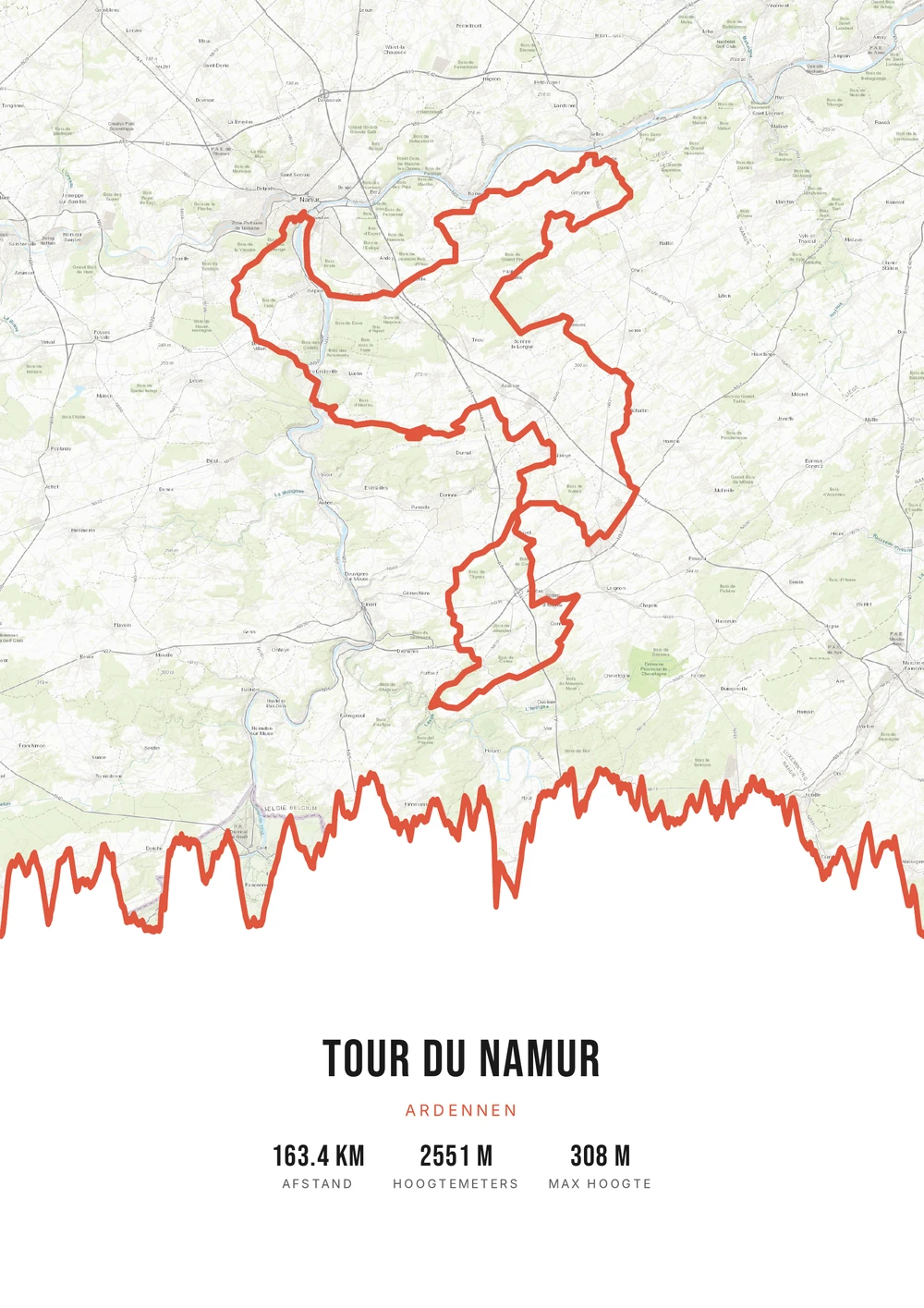
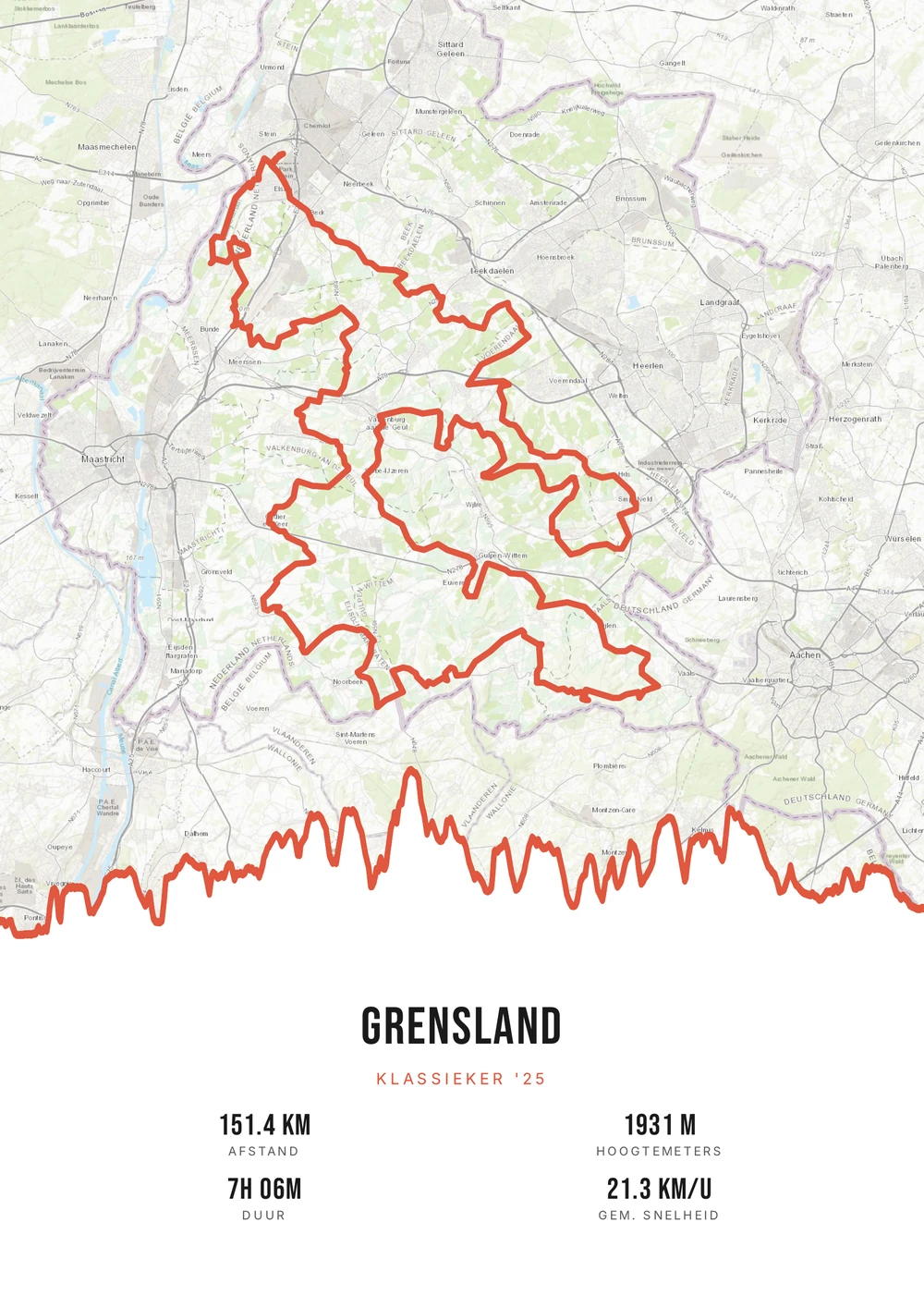
Why this works
A cyclist has everything already, except this
Cyclists are hard to buy for. The equipment has been chosen with care, the clothing is a matter of fit and taste, and let's not start on bottles and socks. Whatever you buy, they usually already have — or in a slightly different version than they would pick themselves.
Where something is missing is on the wall. Every cyclist has a few rides that stand out: the first time at the top of a col, a spring classic, the holiday route they'll still be talking about in years. There is an activity in an app for that, but nothing you can hang up.
That is what Route Frame turns into a poster. You need the GPX file of the ride or a public Strava activity. Map style, colours and which numbers appear are up to you; you get the print-ready PDF and print it at the size that fits.
Why it makes a great gift
A poster of a ride they'll never forget — far more personal than standard cycling gear.
-
The elevation profile included
The profile of the ride runs along under the map — on a climb, that's often the best part.
-
Also for a cycling holiday
Did they ride for several days? Merge the daily rides into one poster of the whole trip.
-
You choose the style
Light and sober, or dark with a warm accent: you design it, they hang it up.
Coming soon: broader packages and extra sizes.
How to make the gift
A gift for a cyclist: how it works
Got their GPX or a public Strava ride? Then you can make a unique gift in a minute.
Which ride do you choose for the gift?
Four rides that almost always land well as a gift.
-
The climb
Alpe d'Huez, Ventoux or the Tourmalet — with the full elevation profile.
-
The classic
A sportive or cyclo they rode, with the date in the subtitle.
-
The holiday ride
The best ride of their summer, recognisable by the shape of the route.
-
Your ride
A route you rode with them — then the gift is about you too.
Gift idea
Frequently asked questions
-
What's a good gift for a cyclist?
A poster of their best ride or favourite climb — personal and lasting, instead of more cycling gear.
-
Can the climb's elevation profile go on it?
Yes. You switch the elevation profile on or off in the editor; on a climb or a hilly classic it shows where the ride got hard.
-
They rode a multi-day trip. Can that go on one poster?
Yes. With the free merge tool you join the GPX files of the separate days into one route, and you make the poster from that.
-
I don't have their GPX file — is it still possible?
Often yes. If their ride is public on Strava, you can download the route as a GPX. If it was a sportive or a classic, the official course is usually online.
-
Is the poster shipped to me?
No. You get the print-ready PDF file right after payment and by email. You print it yourself: at home, at a copy shop or at a photo service that also sells frames.
-
Which style do I pick if I don't know their taste?
A light background with one calm accent suits almost any interior. If their walls are already full, a dark poster with a warm accent stands out nicely instead.
Surprise a cyclist with their own route
Pick their best ride and turn it into a poster, with the profile below.
Opens the editor with a real 151 km ride through South Limburg. Everything is editable, and you can still upload your own GPX afterwards.