Marathon → poster
Your marathon as a keepsake.
Amsterdam, Berlin, New York or your first 42.195 km: immortalize your marathon on the wall, with your finish time and the course.
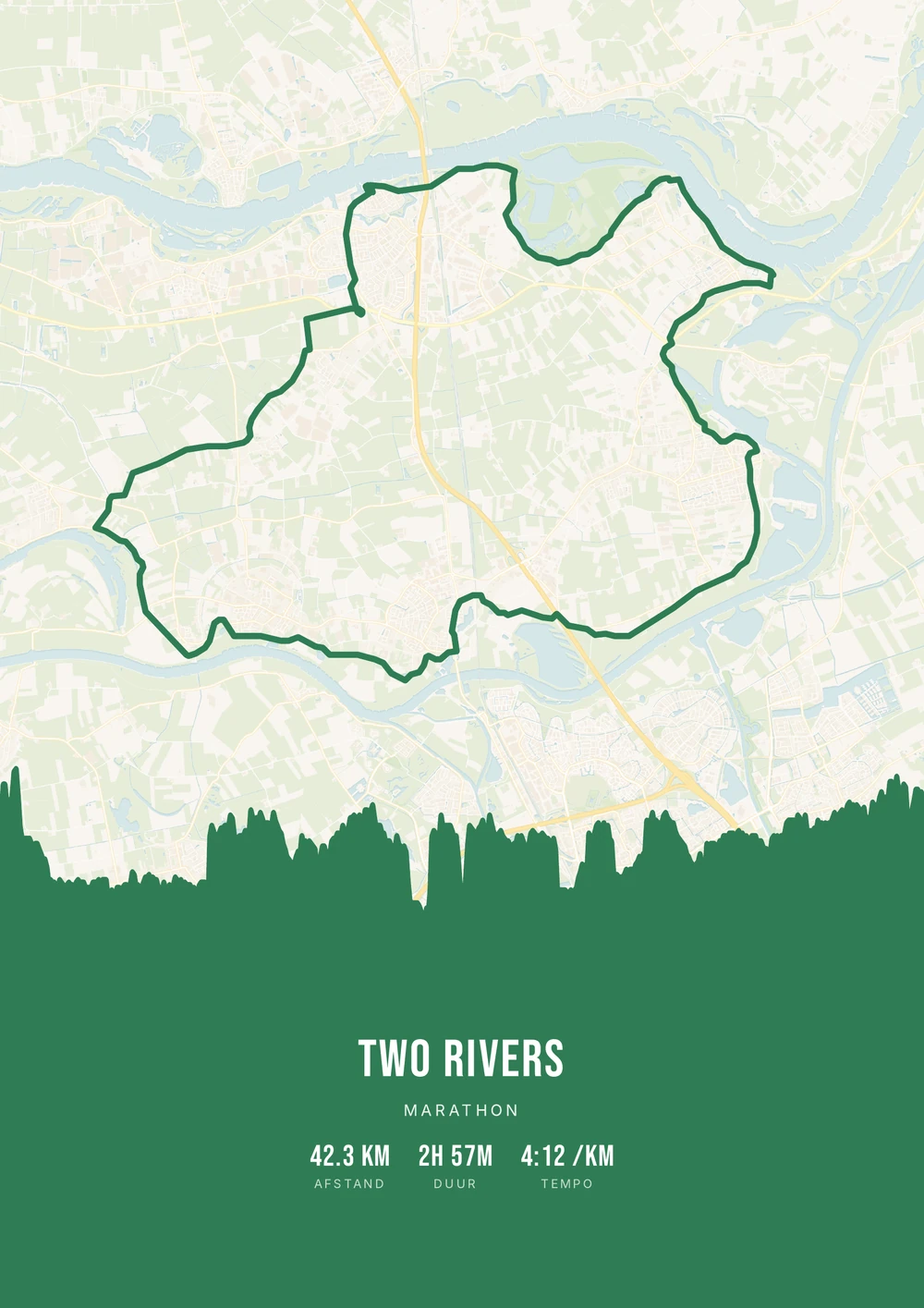
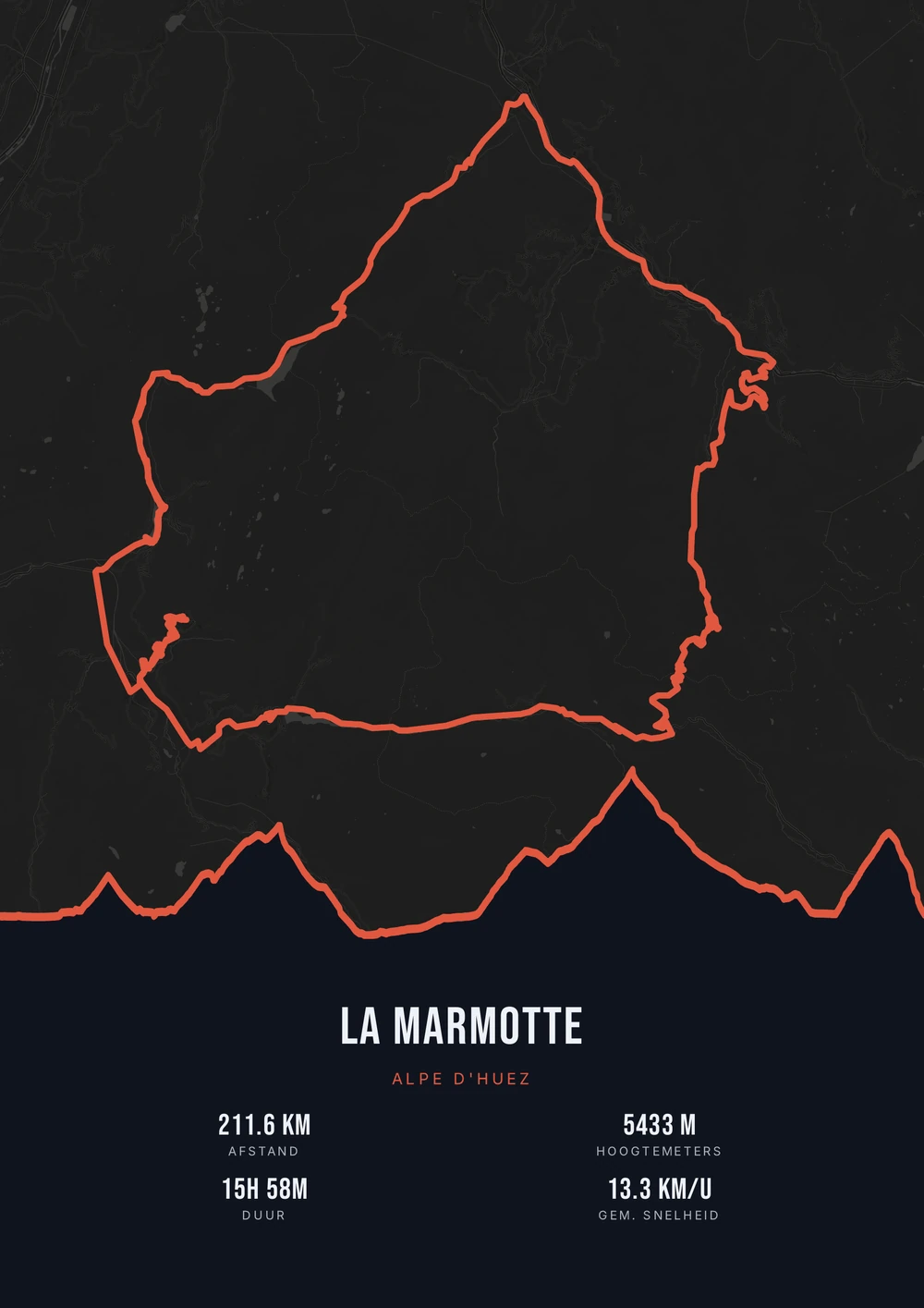
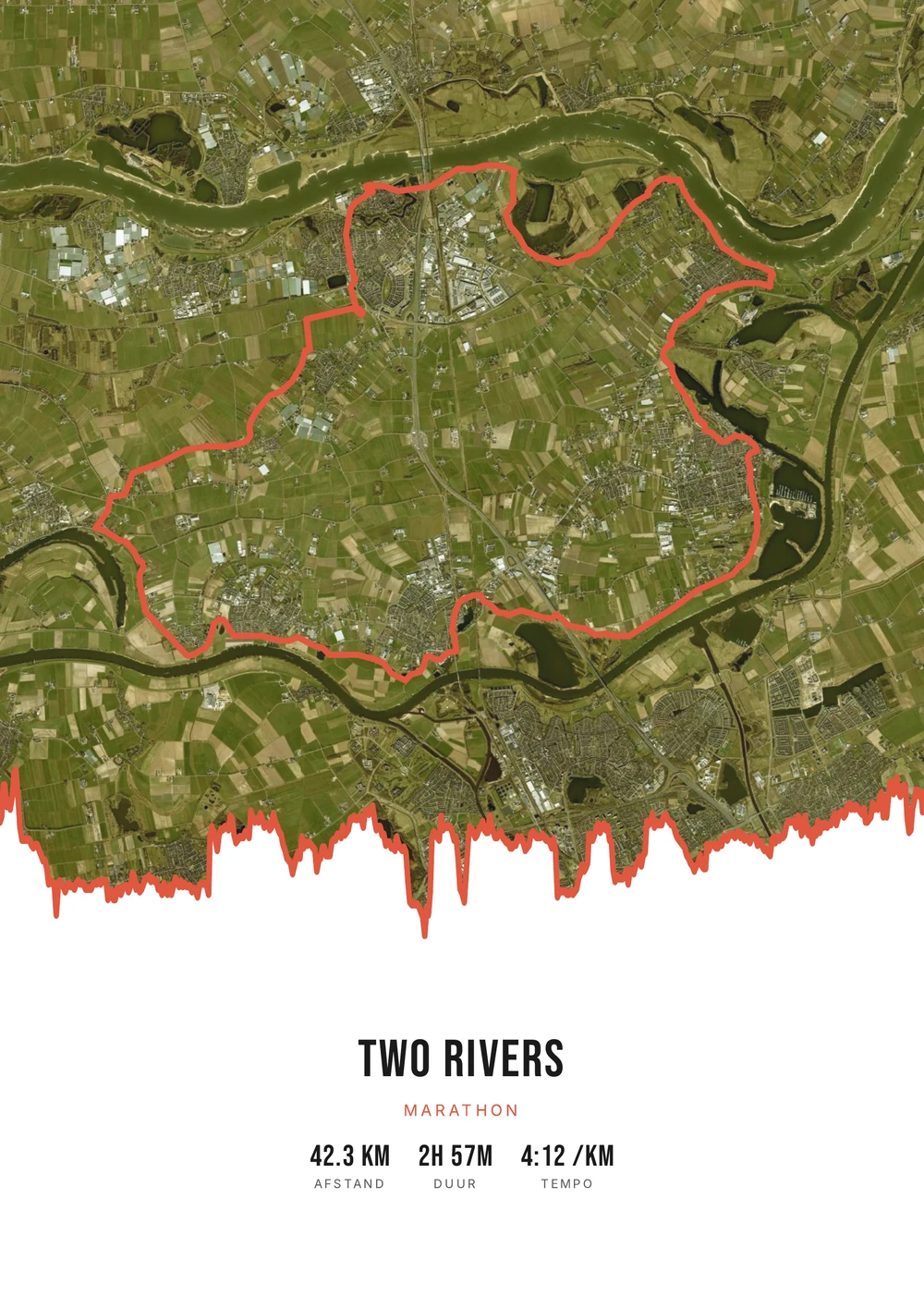
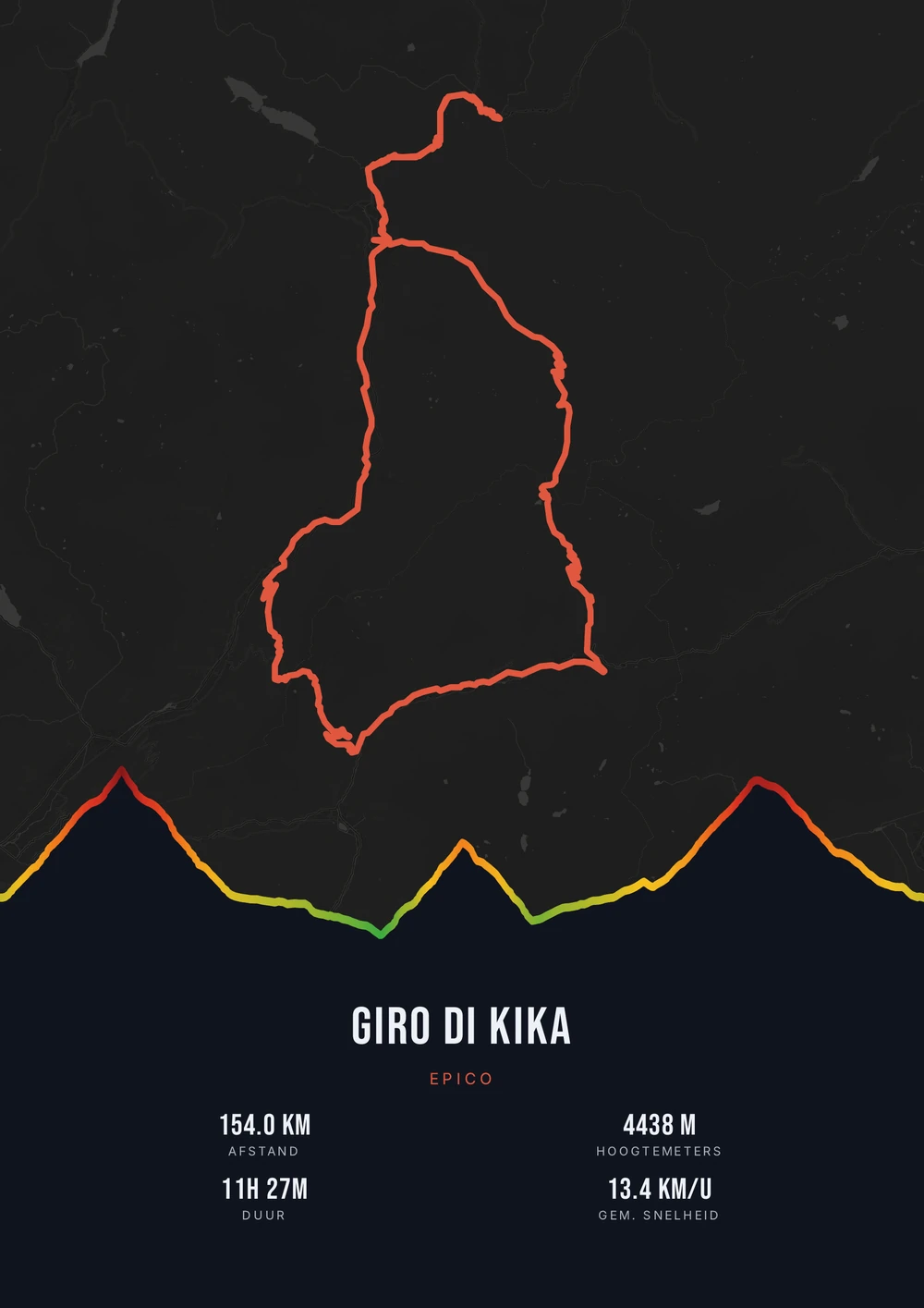
One ride. Endless looks.
Different rides, each in its own palette, map style and elevation gradient.
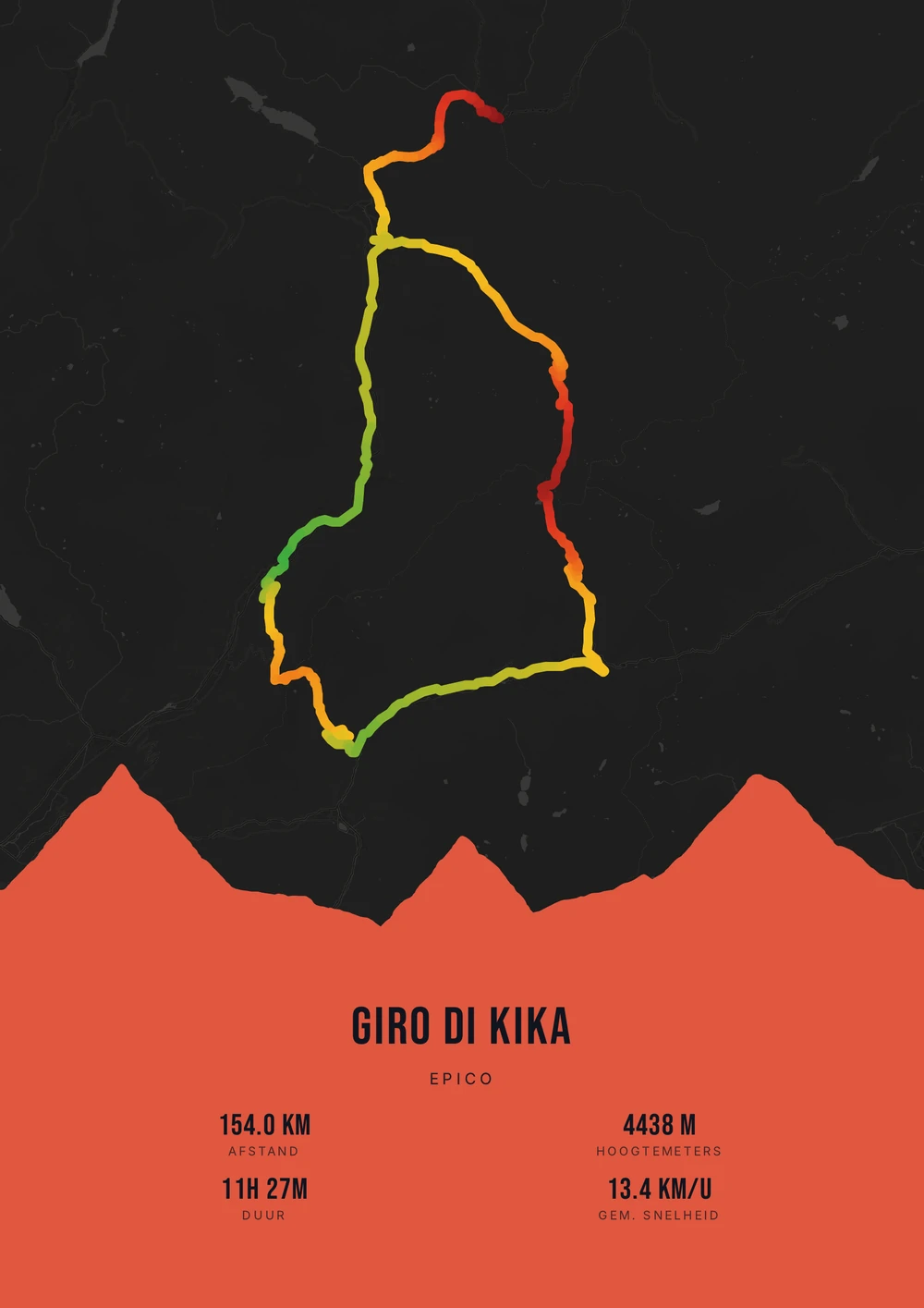
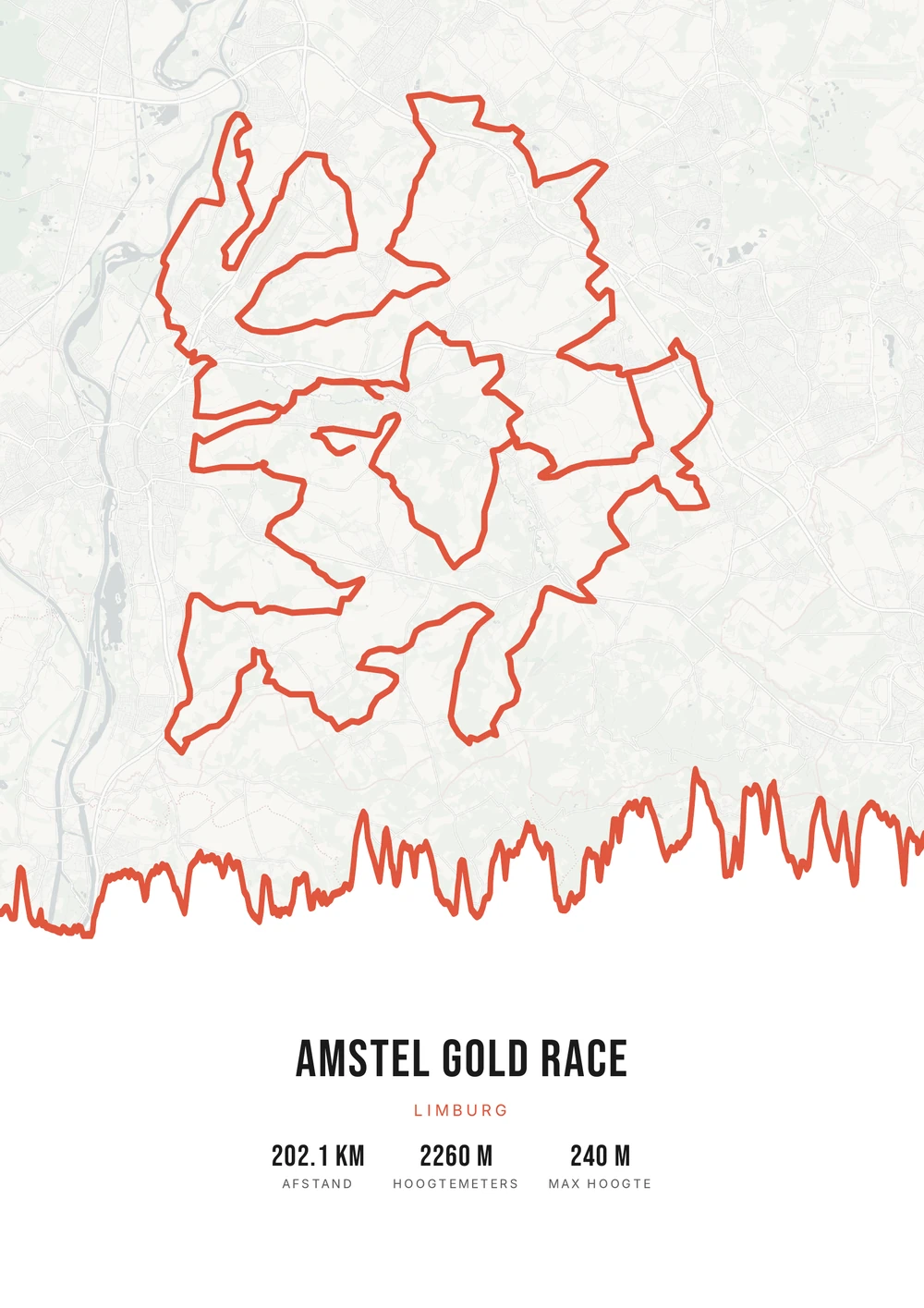
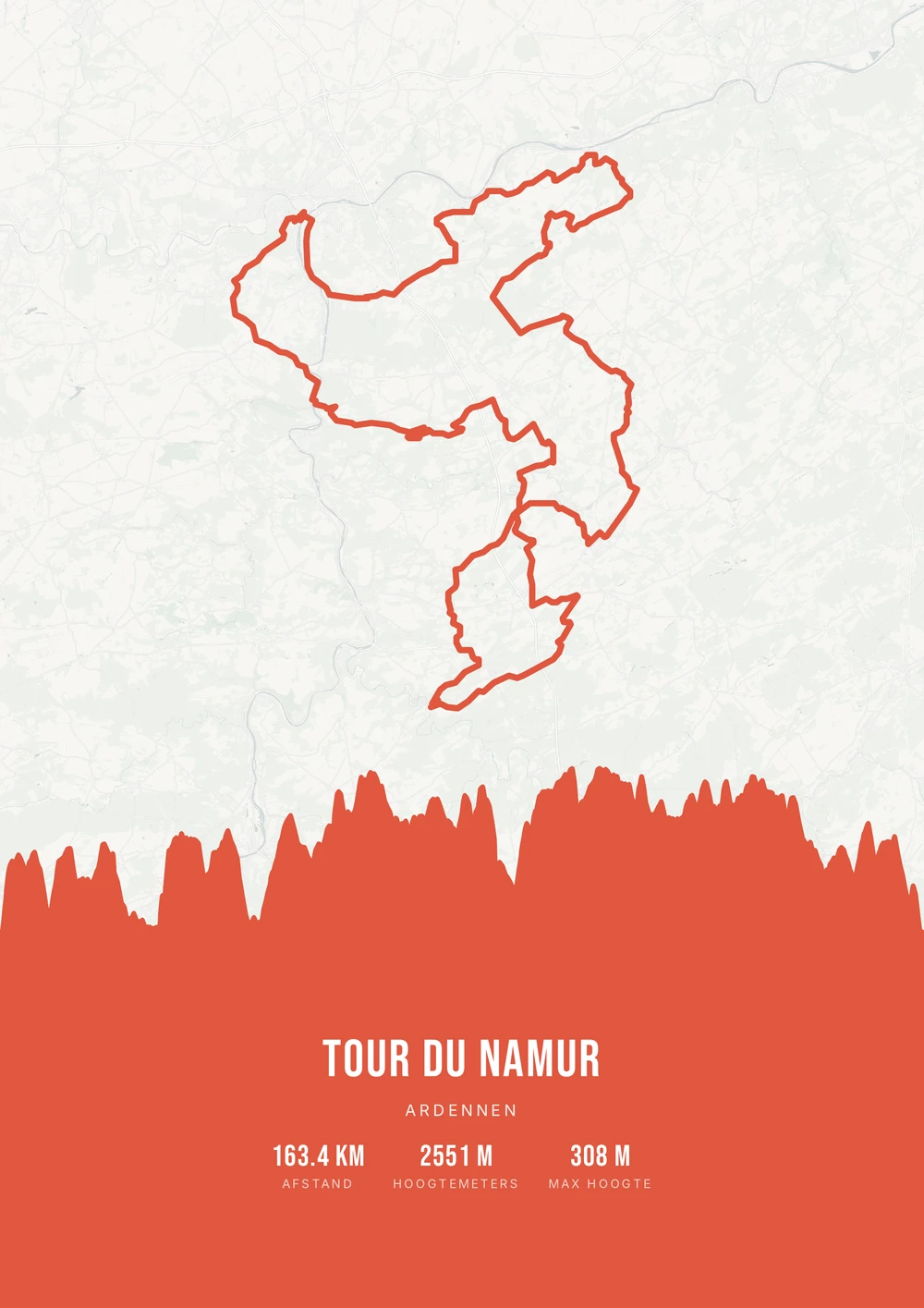
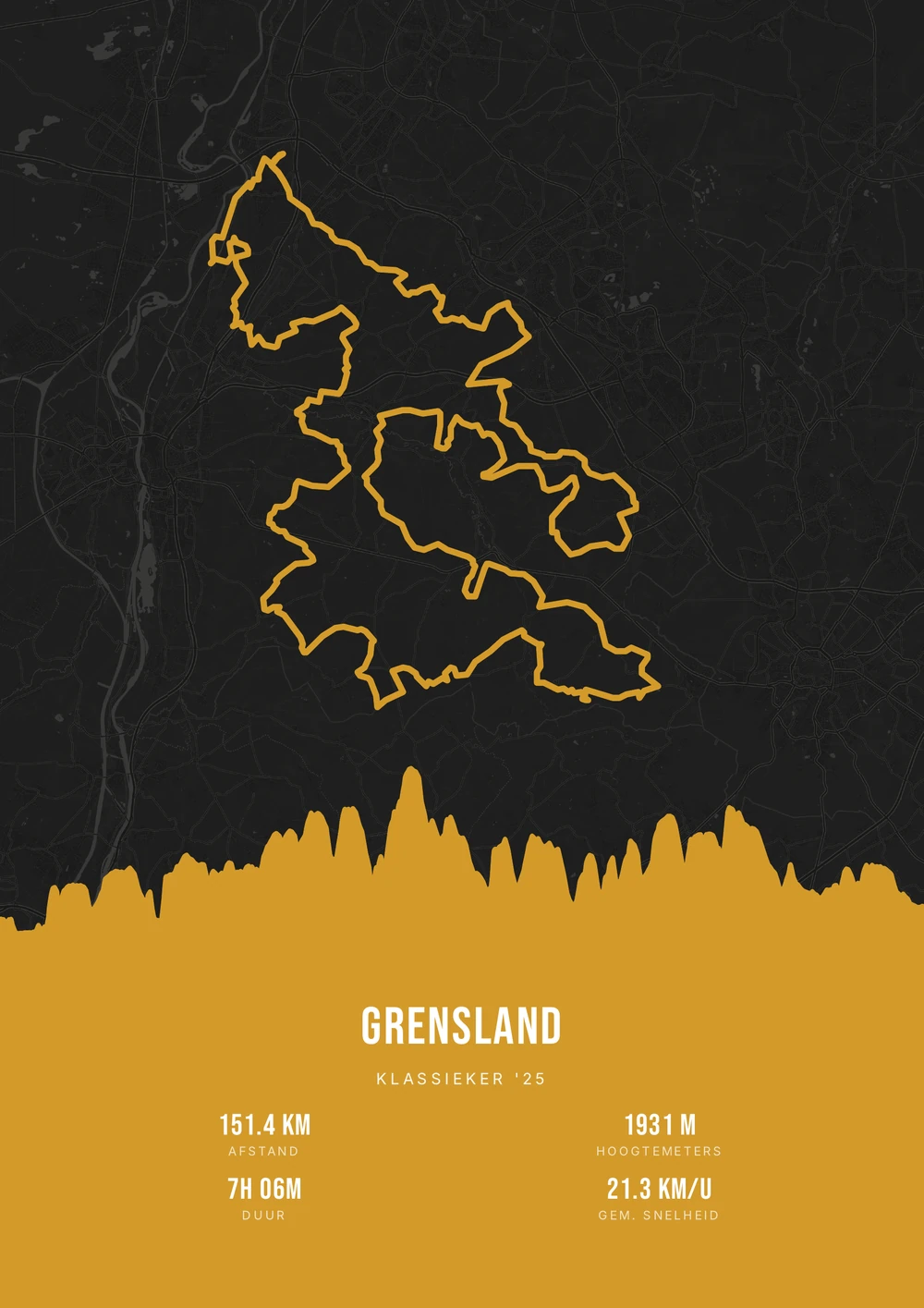
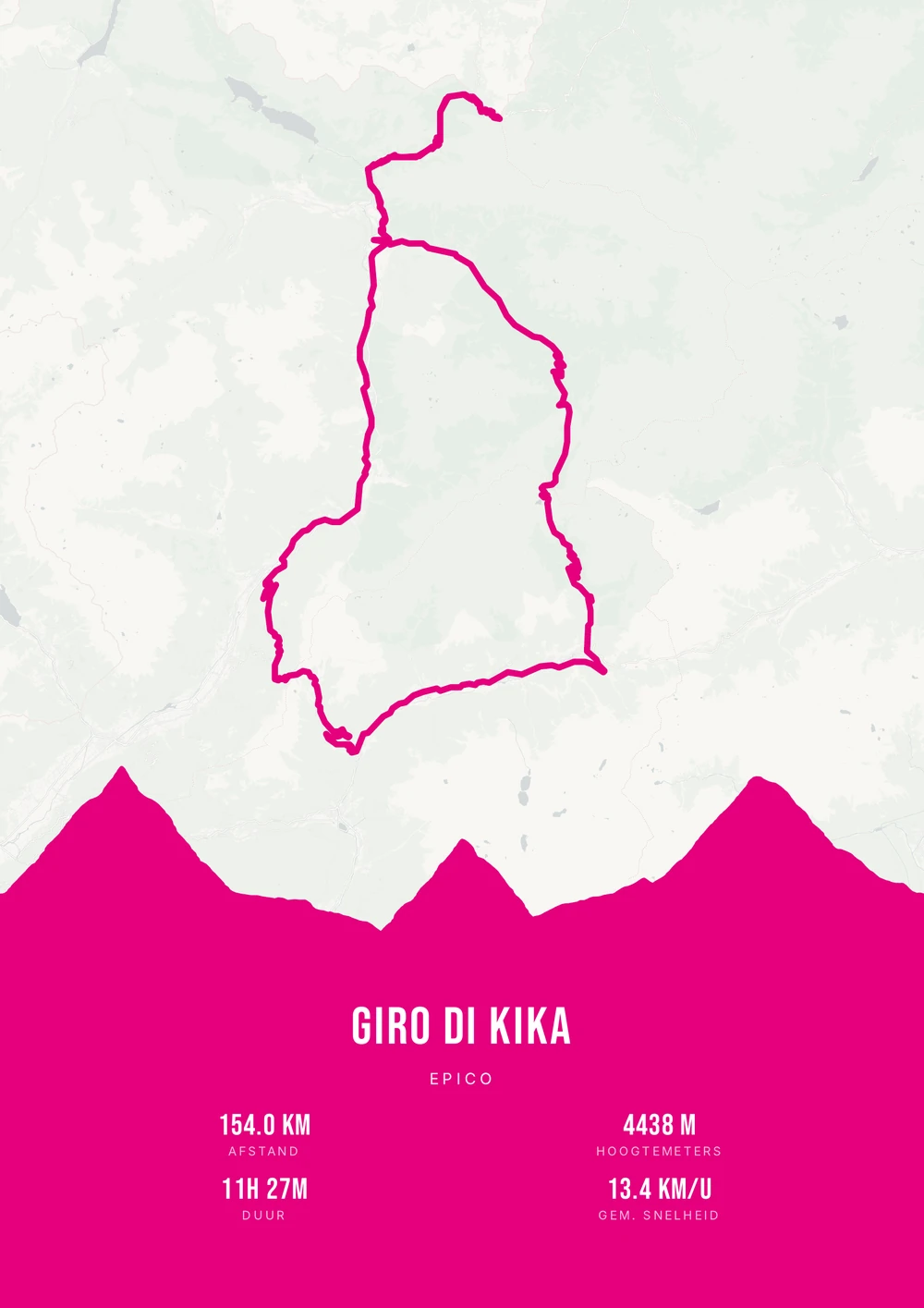
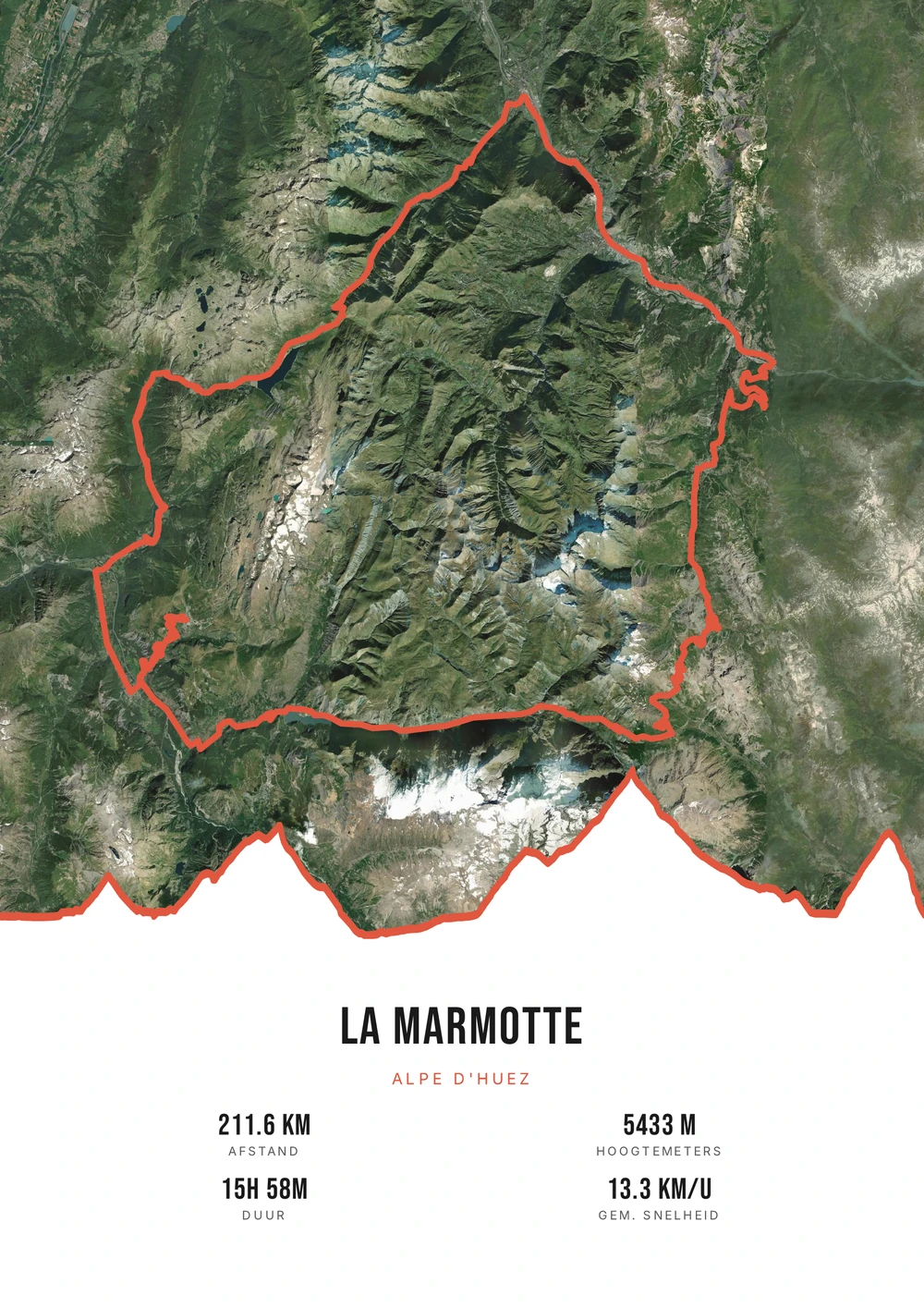
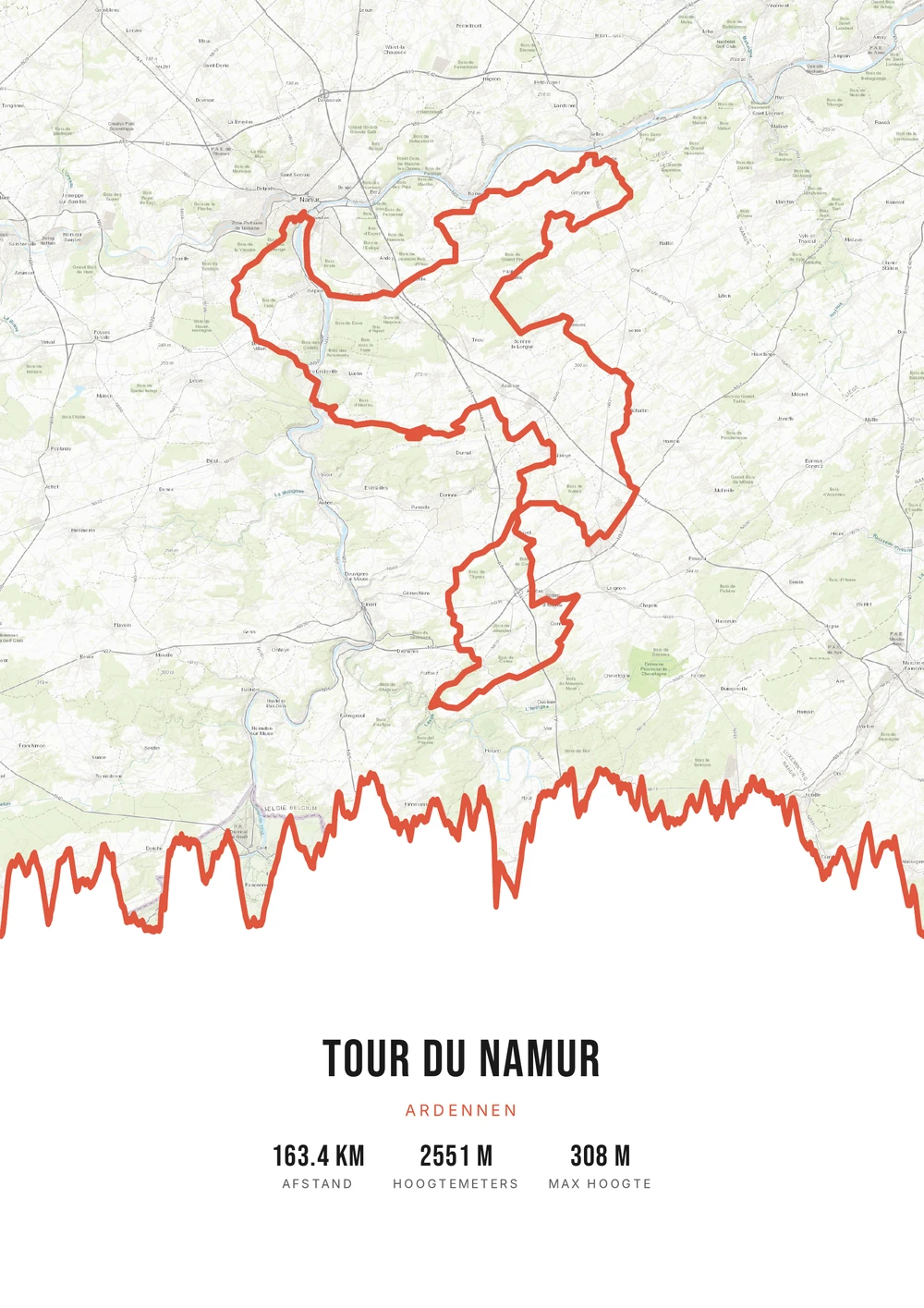
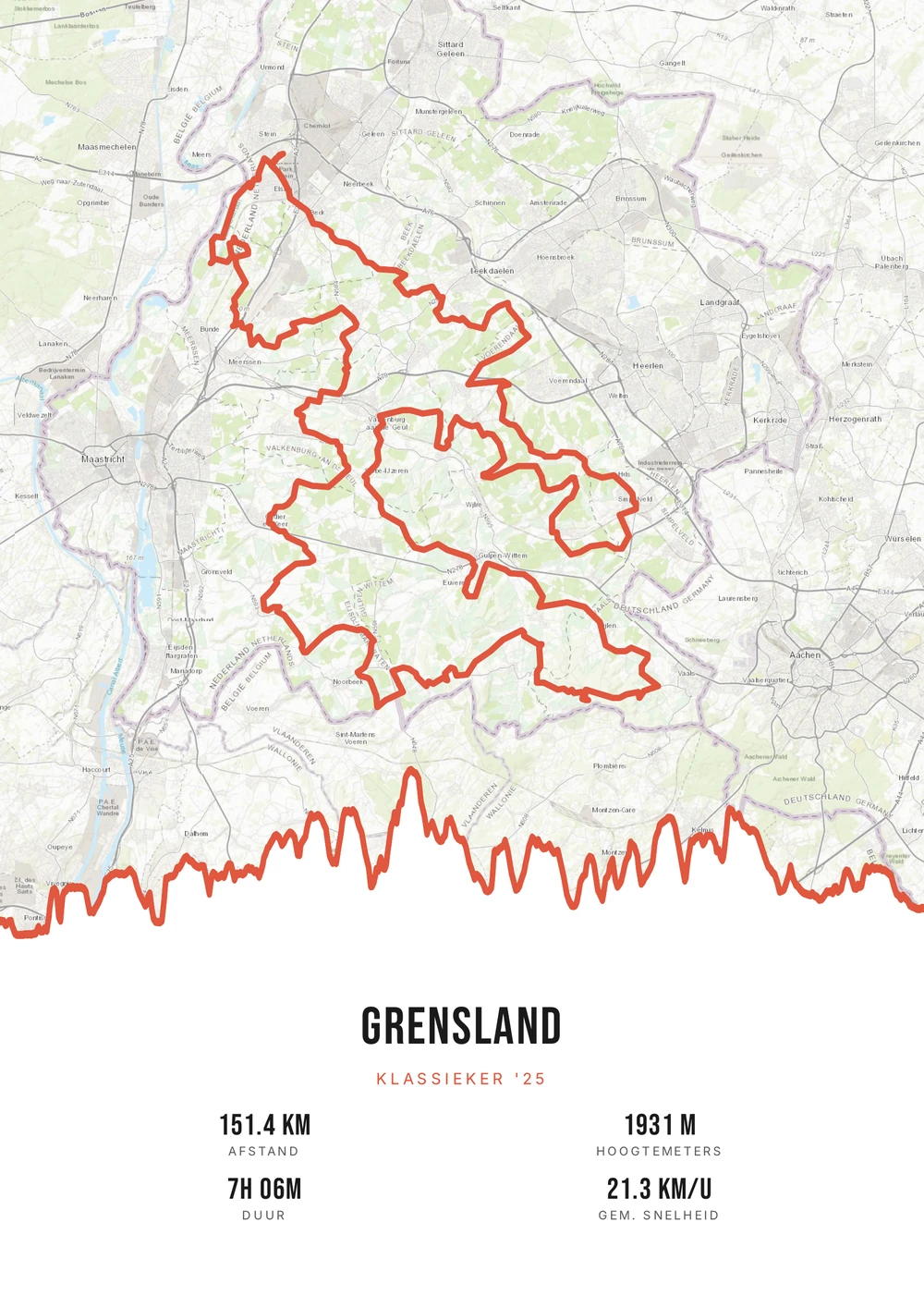
26.2 miles
A marathon is half a year of work in a single morning
Running a marathon takes months. A sixteen to twenty week plan, long runs in the dark, eating and sleeping adjusted around it. The race itself lasts a few hours, and afterwards there is a medal and a result online.
A course on paper fills that gap. Big city marathons have a route locals place immediately: the bridge, the waterfront, the last kilometre through the park. Add the date and the finish time and it stops being a street map — it becomes precisely that morning.
You use the GPX file of your own activity or the official course from the organiser. Title and subtitle are yours to fill in — your name, the race, your time. Distance, duration and elevation are read out and you decide which are visible. What you get is a print-ready PDF to print yourself.
The source file, not one print
Not a single print, but the high-quality PDF file itself — for yourself or as a gift after a first marathon.
-
Immortalize your PB
The time and course of your best race, on the wall forever.
-
Print & frame yourself
At home on A4 or large at the print shop — as often as you like.
-
Any marathon in the world
From a World Marathon Major to your local city race.
Coming soon: broader packages and extra sizes.
Marathon → poster
From marathon finish to poster: how it works
All you need is the GPX file of your race — from Strava, Garmin or your sports watch.
Which marathon goes on the wall?
Races whose poster means the most later on.
-
The first one
Your first full marathon, with the date large in the subtitle.
-
The personal best
The time you worked years for, on the course where it happened.
-
A major
Berlin, London, Boston, New York: routes recognised worldwide.
-
A marathon with meaning
A race for a cause or in memory of someone.
Marathon → poster
Frequently asked questions
-
Can I make a poster of my marathon?
Yes. Upload the GPX file of your race, pick a style and download the print-ready PDF.
-
Is my finish time shown?
You choose which stats to show, such as time, distance and pace.
-
Does it work with Strava and Garmin?
Yes. Export your activity as a GPX from Strava or Garmin Connect and upload it here.
-
Can I use the official course instead of my own track?
Yes. Many organisers publish the course as a GPX. That gives a perfect line, while your own track shows exactly which route you ran.
-
Does it work for a half marathon or an ultra?
Yes, any distance works. Distance and elevation come from the file, so the poster adapts to the course.
-
Can I combine several marathons on one poster?
You can by merging the files, but usually one marathon per poster works better — that keeps the course recognisable.
Ready to immortalize your marathon?
Upload your GPX and watch your poster appear in seconds.
Opens the editor with a real 151 km ride through South Limburg. Everything is editable, and you can still upload your own GPX afterwards.