Sporting achievement → poster
Your sporting achievement on the wall.
Whatever your sport: put your best achievement on the wall, with the course, the elevation profile and your stats.
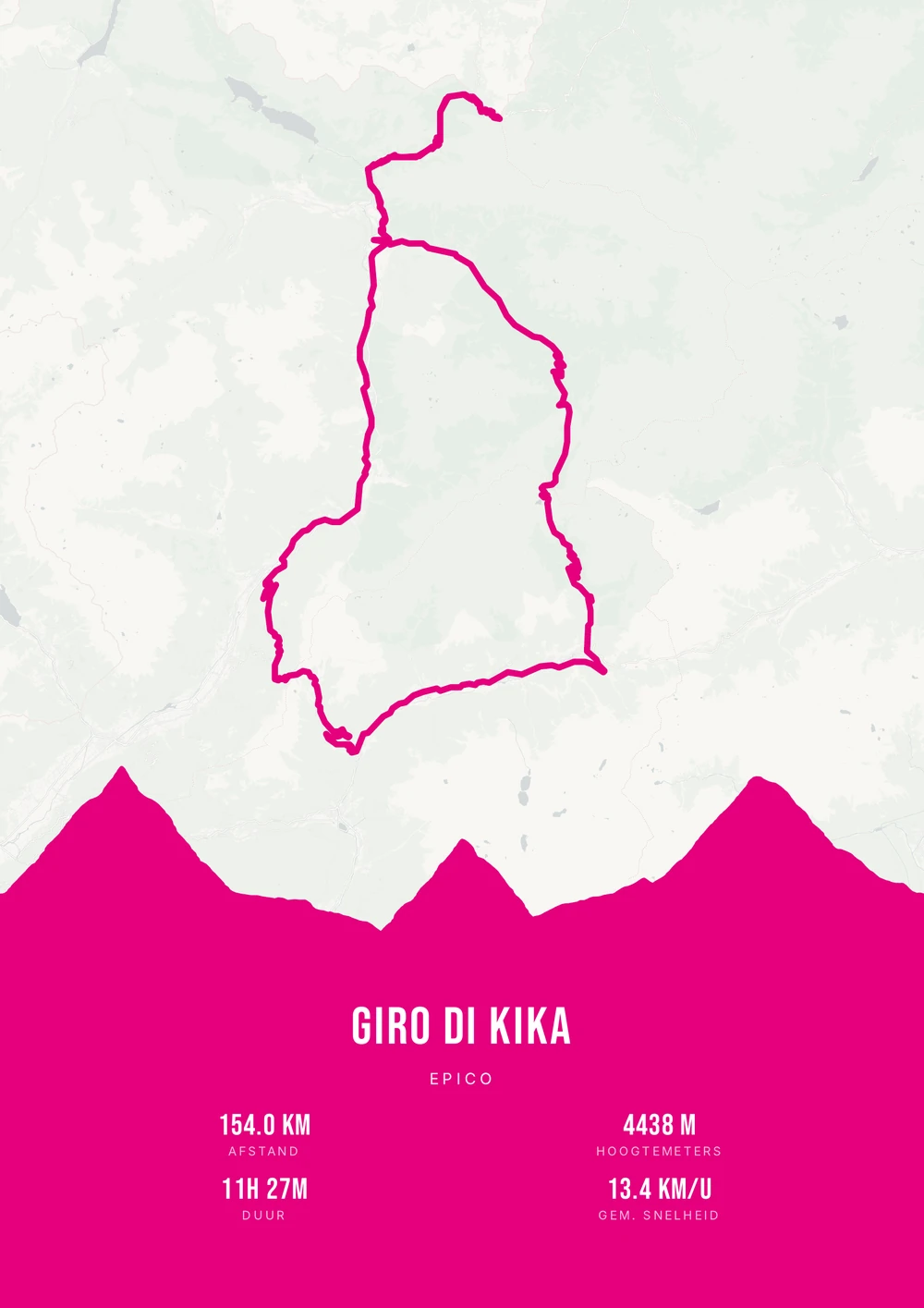
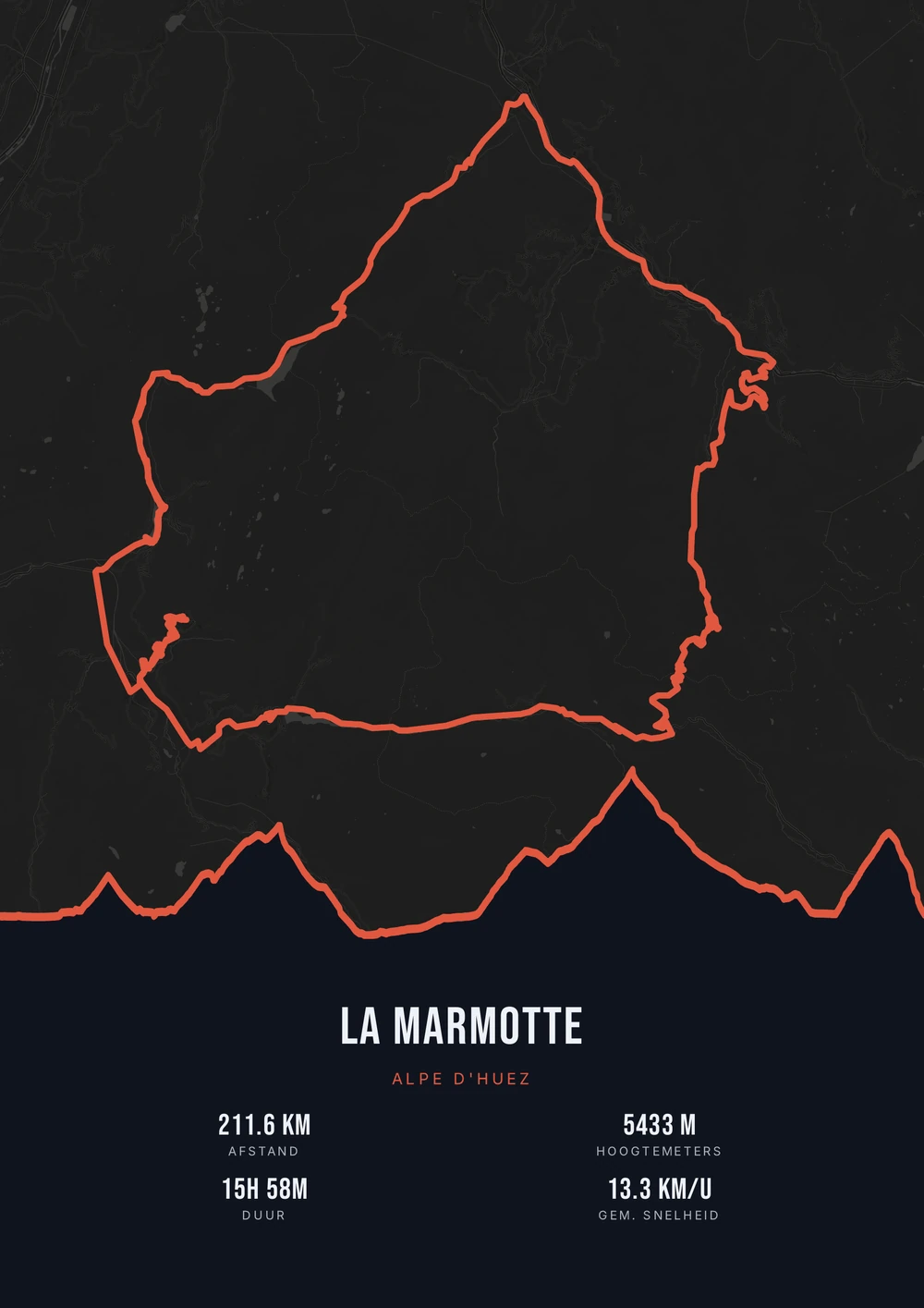
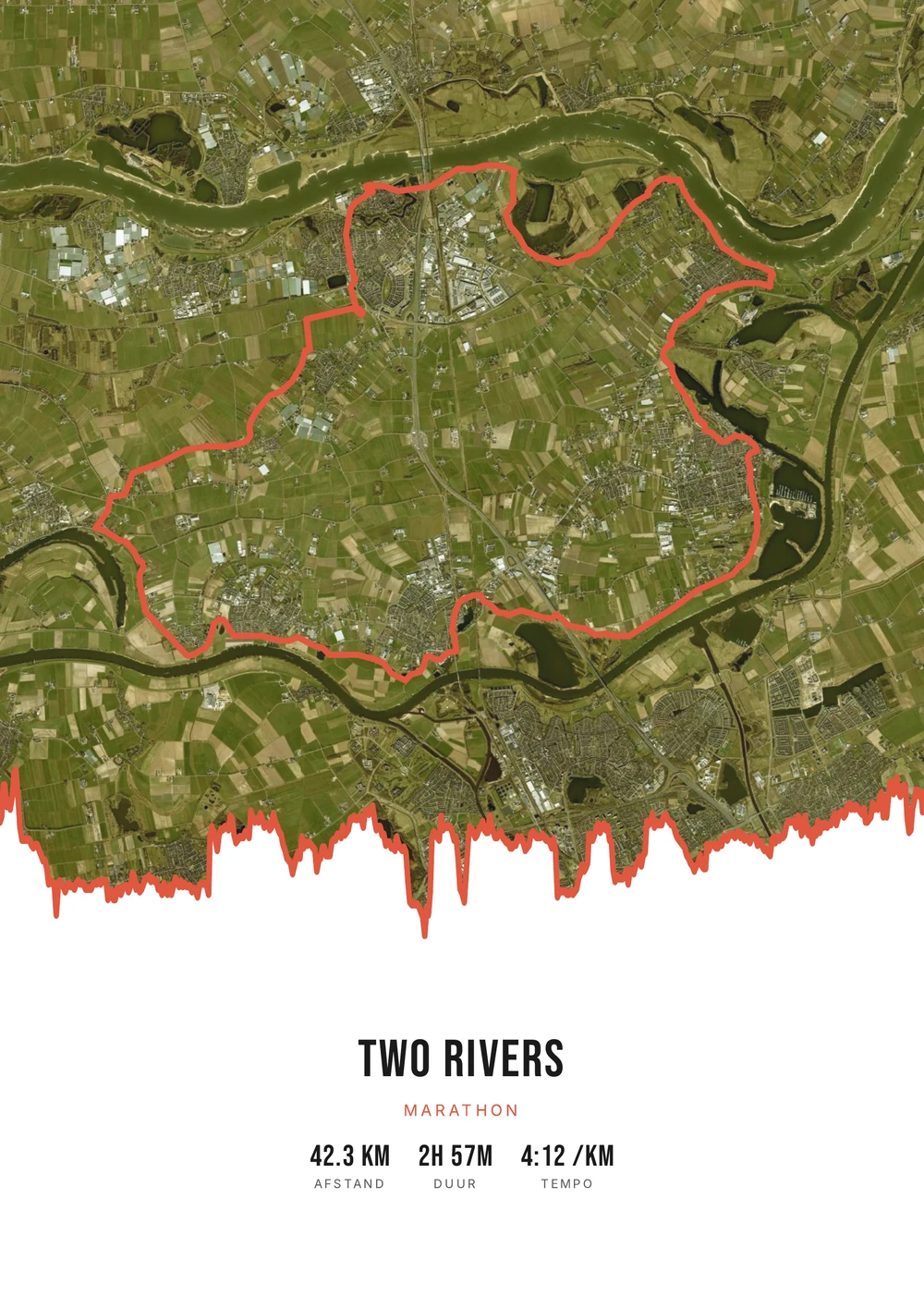
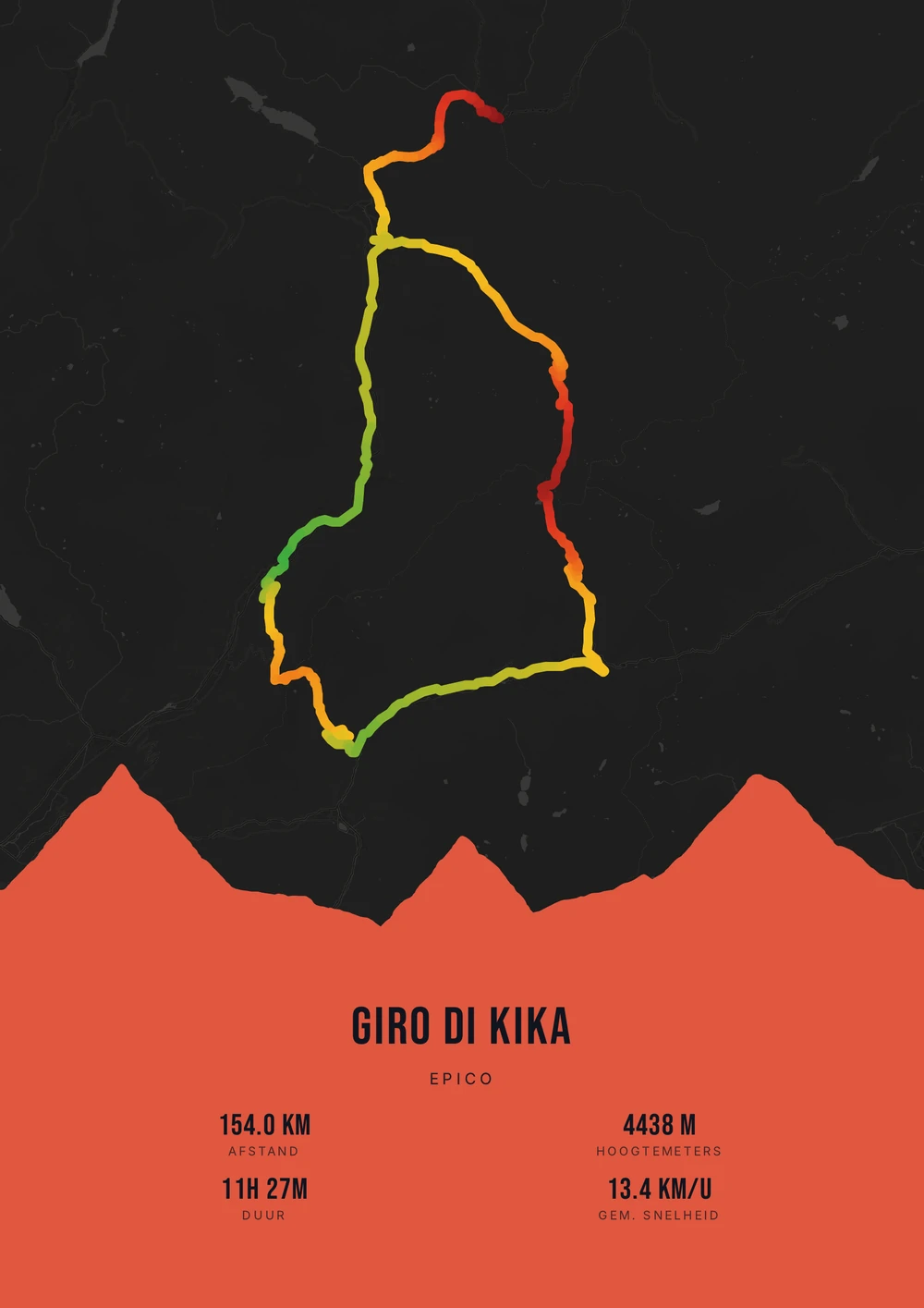
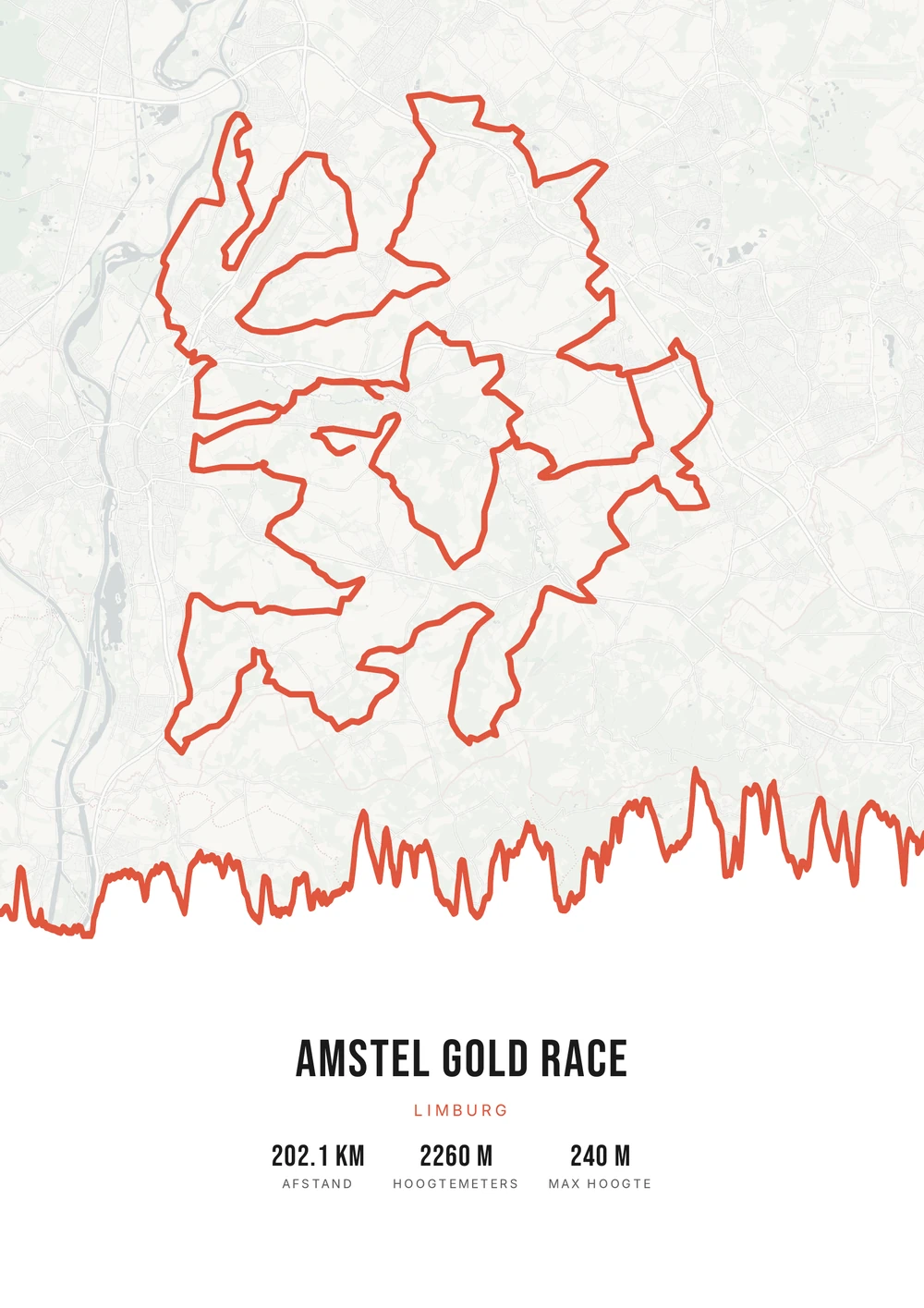
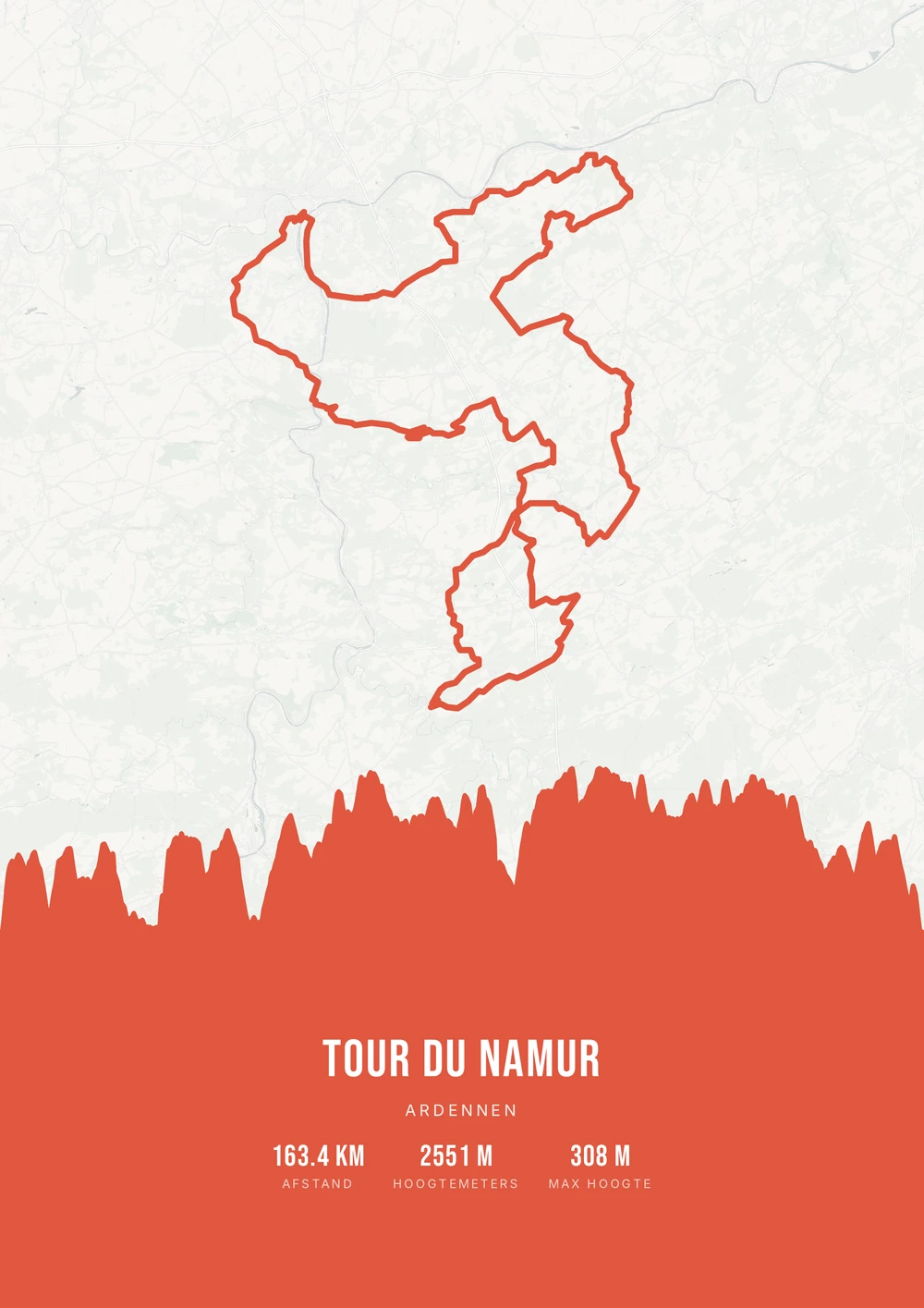
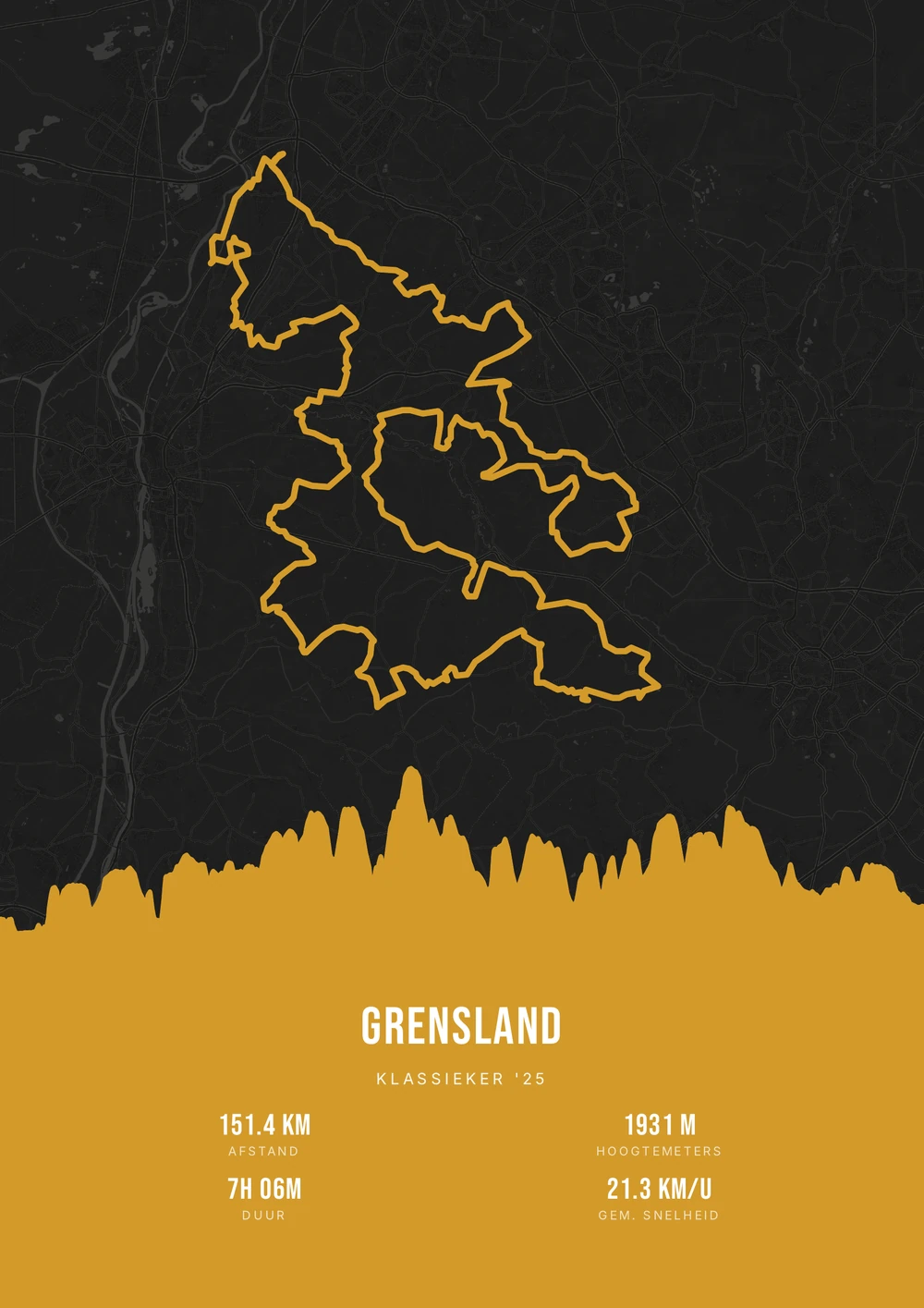
One ride. Endless looks.
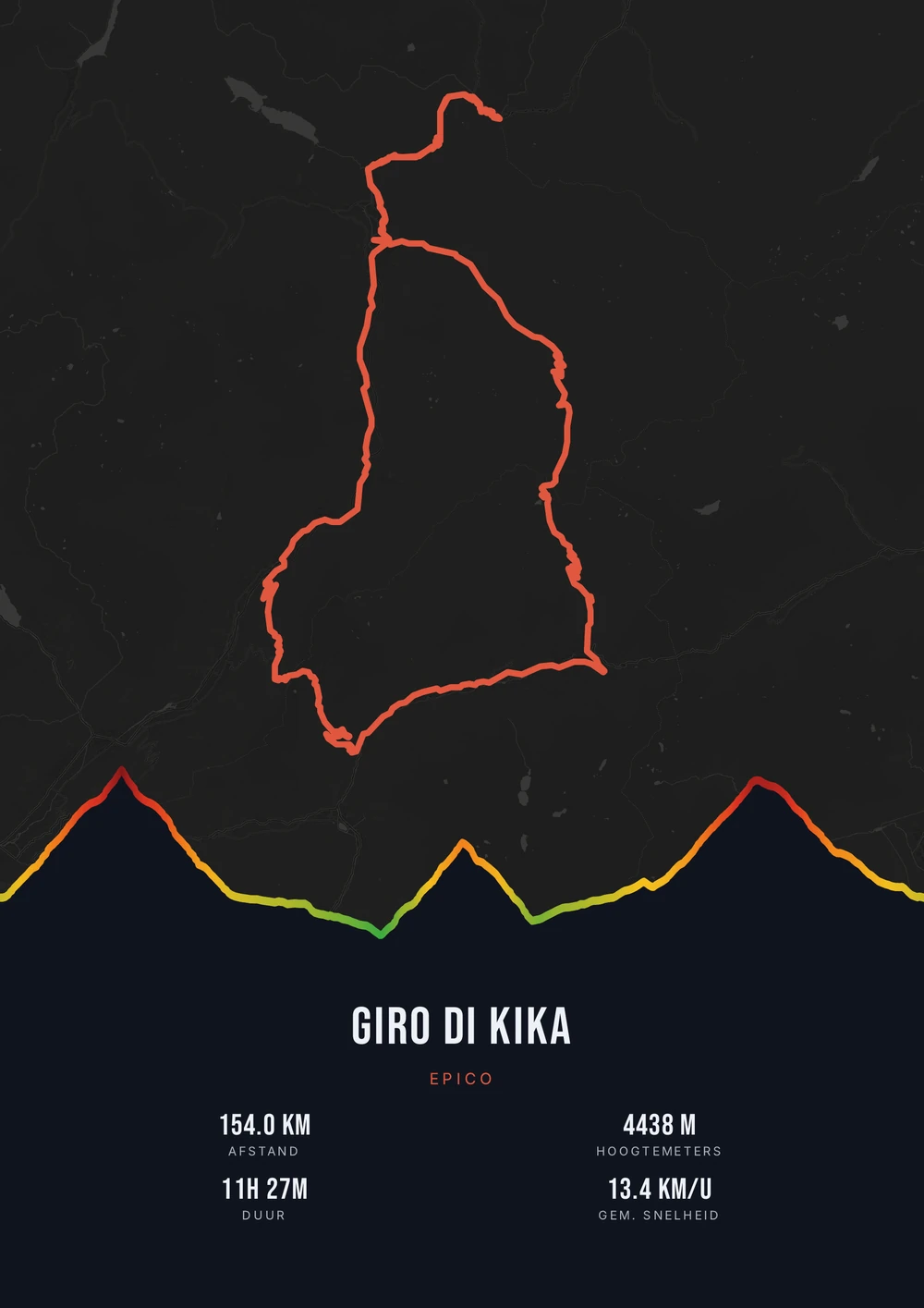
Different rides, each in its own palette, map style and elevation gradient.
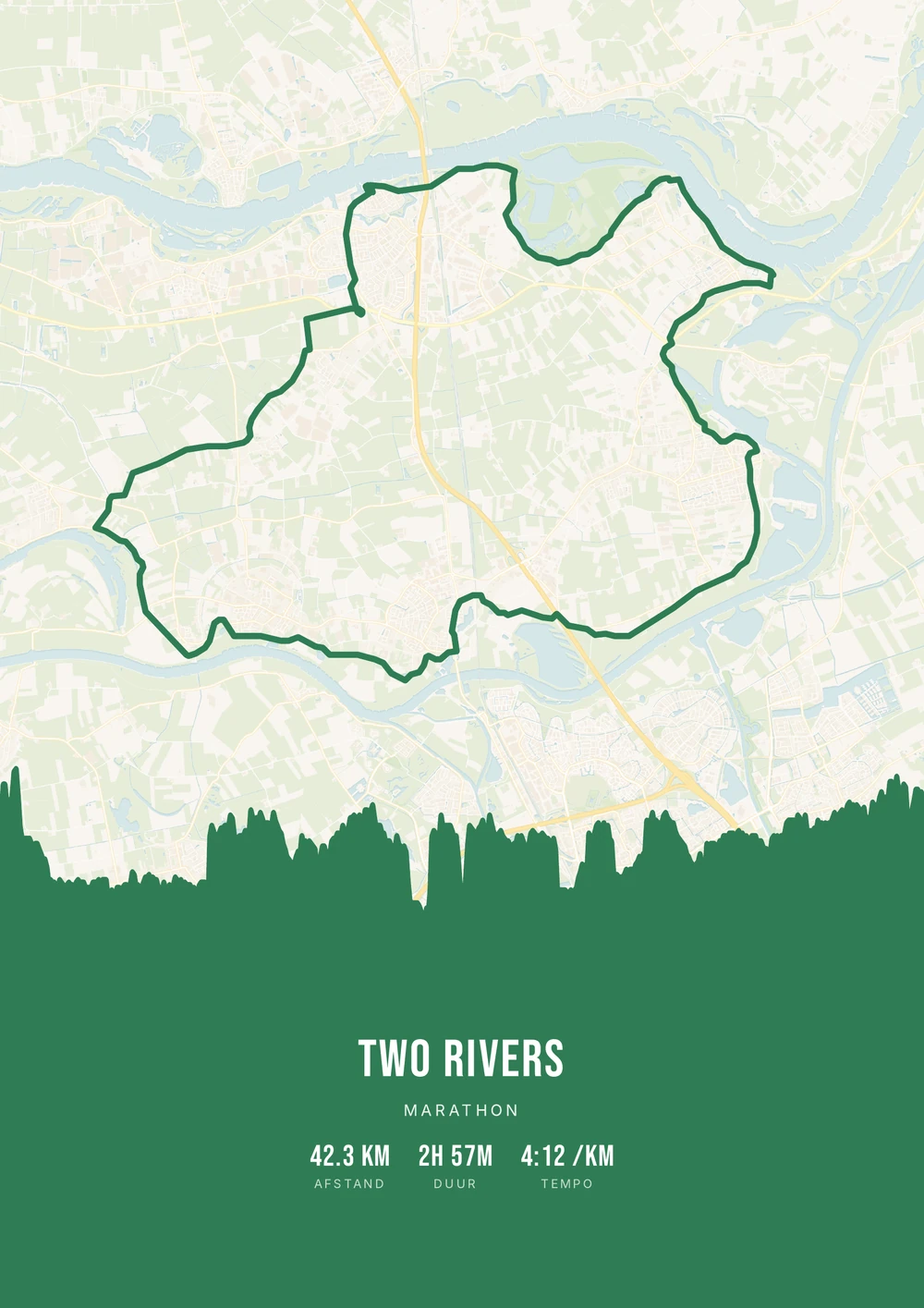
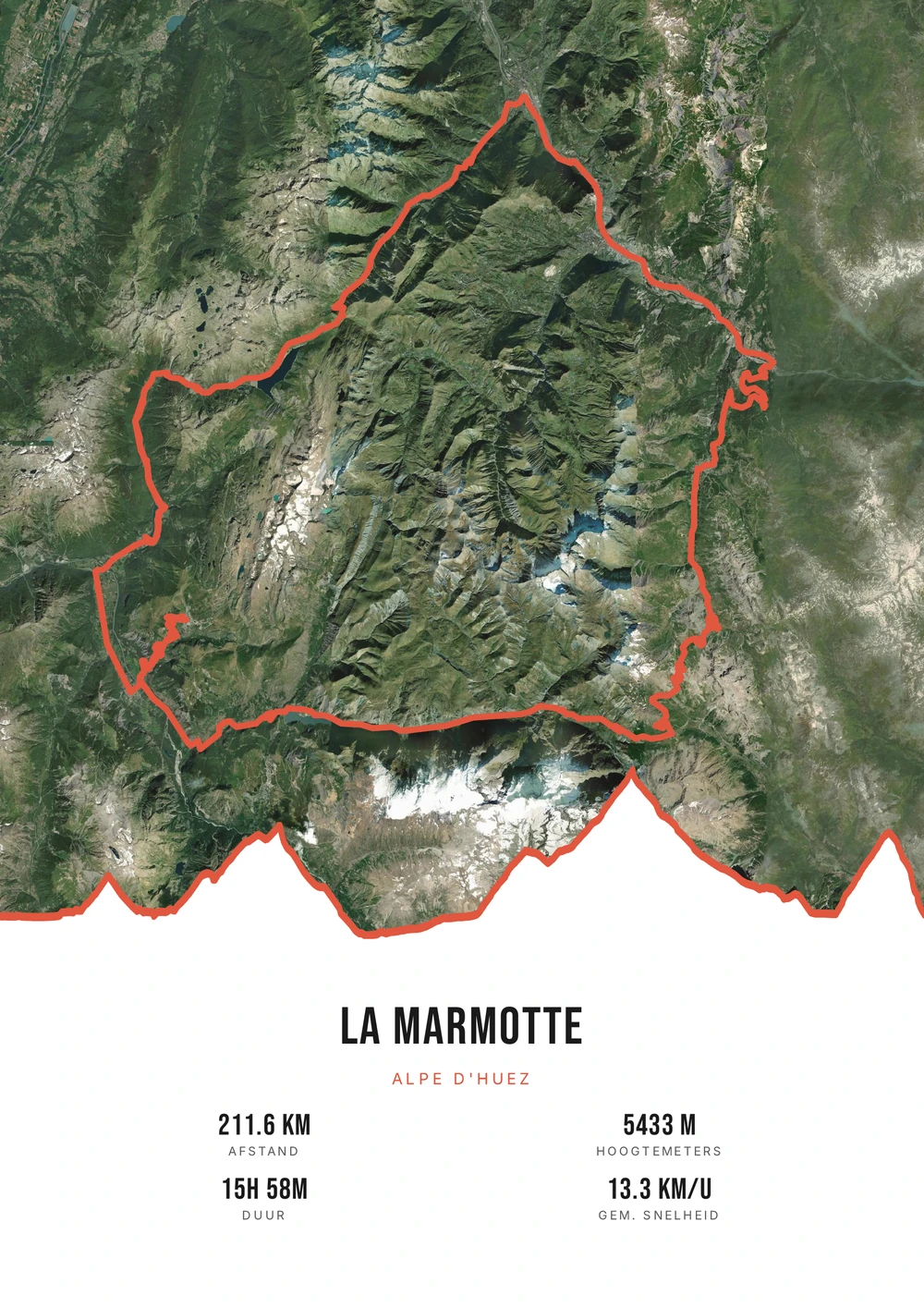
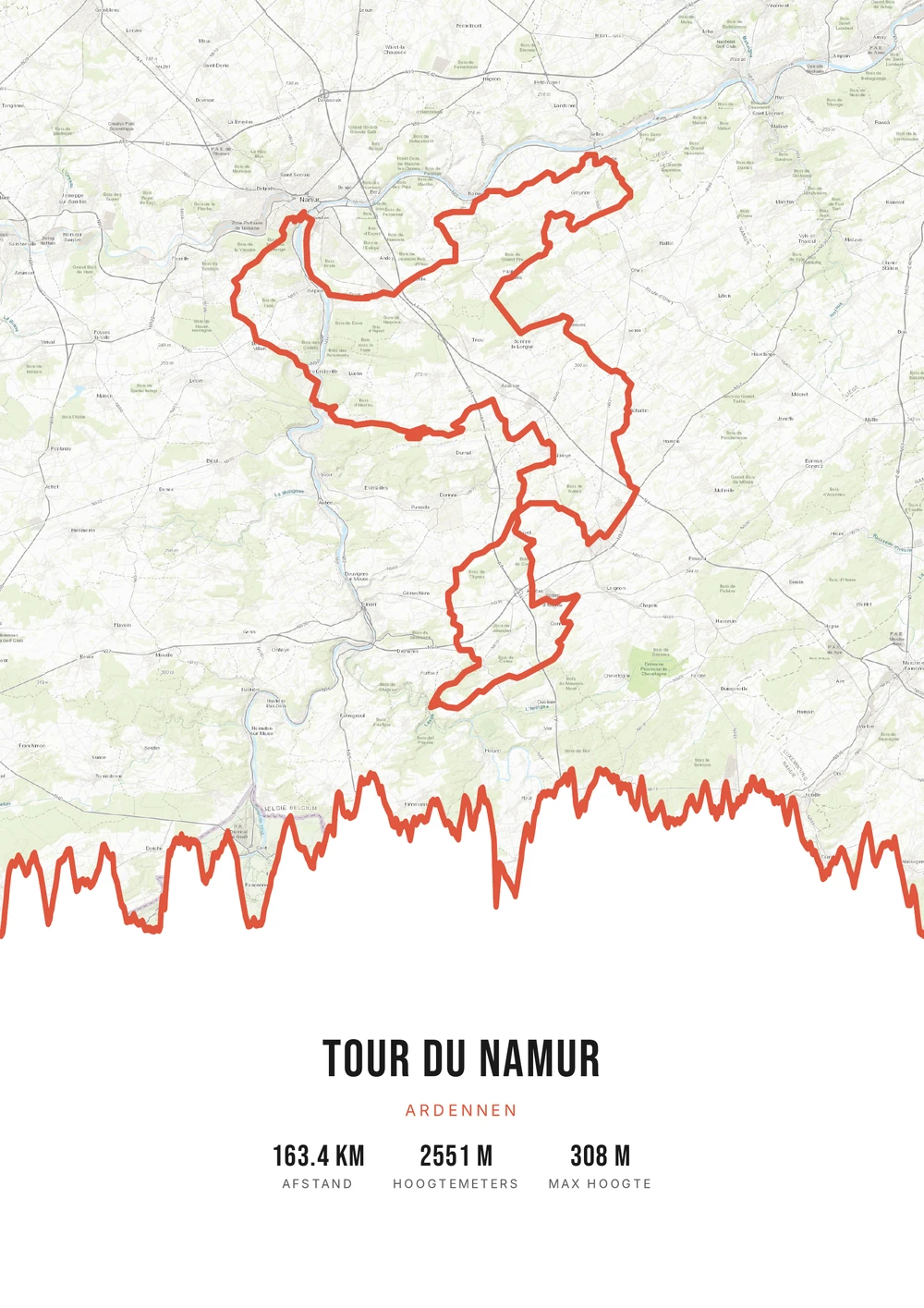
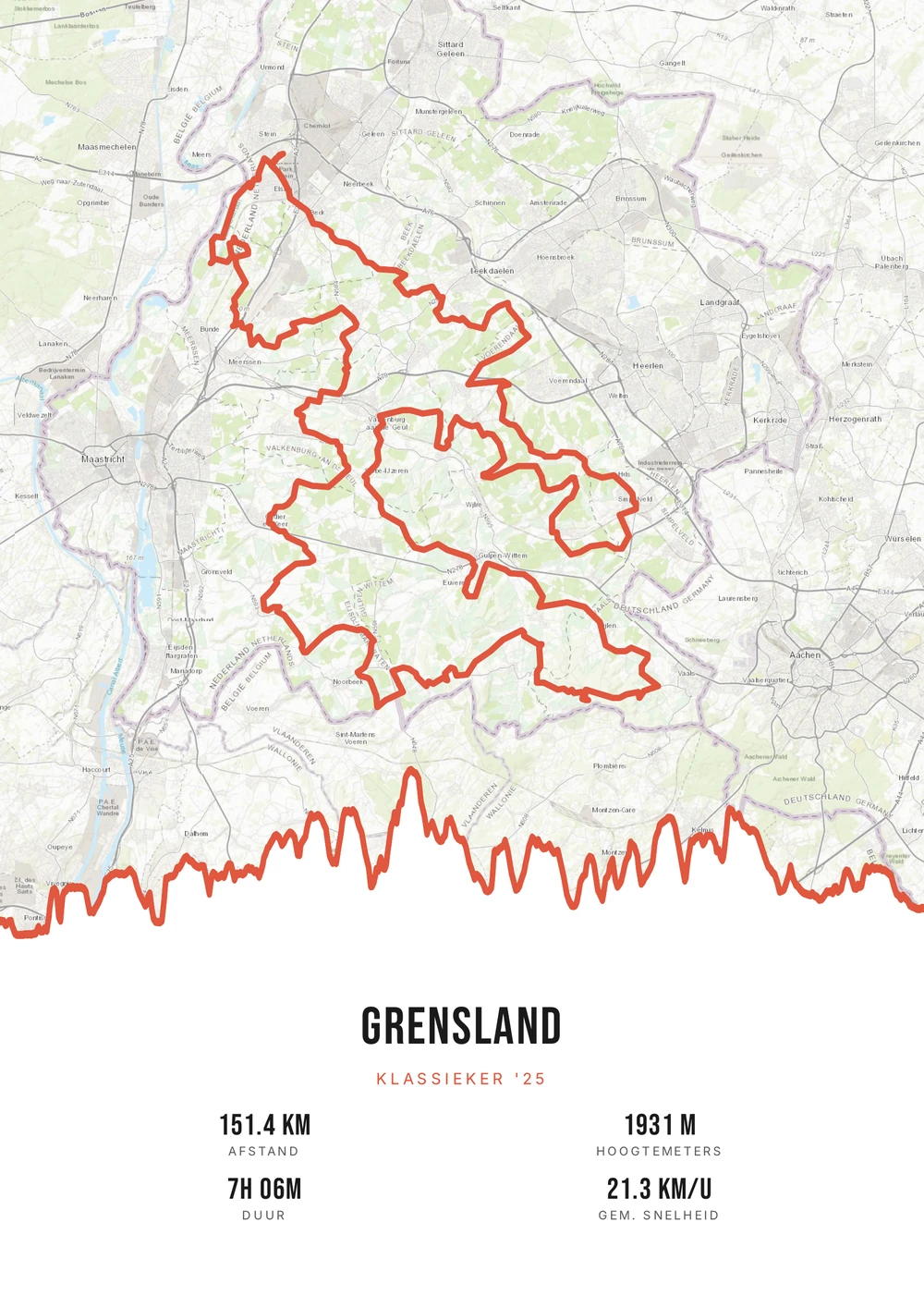
Any sport with GPS
Not just for cyclists and runners
Almost every endurance sport is recorded with GPS these days. That means a route exists for far more achievements than just bike rides and races: from a row down a river to a day of ski touring, from skating on natural ice to a paddleboard trip along the coast.
What those activities have in common is that the route says something a number cannot. Where you started, how far you got, which section was hardest. On a poster that becomes an image only you and the people who were there can read in full.
Route Frame works with any GPX file, whatever the sport. Distance, duration and elevation are read out and you choose which to show; map style and colours are yours to set. You get the print-ready PDF, so you decide the size and can print it as often as you like.
The source file, not one print
Not a single print, but the high-quality PDF file itself — print and frame it however you like.
-
Works for any sport
Cycling, running, hiking, triathlon — as long as there's a GPS route.
-
Endlessly your style
Switch palette, map style and stats for free until it's right.
-
Print & frame yourself
At home on A4 or large at the print shop — today and again in five years.
Coming soon: broader packages and extra sizes.
Sport → poster
From sporting achievement to poster: how it works
All you need is the GPX file of your activity — from Strava, Garmin, Komoot or your watch.
Which sports does this work for?
Anything with a GPS trace — these are the most-made posters beyond cycling and running.
-
Mountain bike and gravel
Forest paths and singletrack give a route with plenty of character.
-
Water
Rowing, kayaking, sailing or paddleboarding along a coast or river.
-
Winter sports
Ski touring, cross-country or a day on the slopes, with the elevation profile.
-
Motorcycle and road trip
A long ride or a journey across several countries as one continuous line.
Sporting achievement → poster
Frequently asked questions
-
Which sports work?
Any activity with a GPS route: cycling, running, hiking, triathlon and more.
-
Do I get a printed poster or a file?
You get the print-ready PDF source file itself, which you print and frame yourself as often as you like.
-
Which files does it work with?
Any standard GPX works, whether it comes from Strava, Garmin, Komoot or your GPS.
-
Does it work for sports on water or ice?
Yes. Rowing, kayaking, sailing, skating on natural ice and paddleboarding all work, as long as the activity was recorded with GPS.
-
Can I put a whole season on one poster?
You can merge several activities, but one achievement per poster usually stays more readable. A series of overlapping rides makes for a busy image.
-
What if my sport has no clear route?
On activities in a small area — a track, a course of laps — the line bunches up. Zooming in on a single lap then works better than the whole activity.
Ready to put your achievement on the wall?
Upload your GPX and watch your poster appear in seconds.
Opens the editor with a real 151 km ride through South Limburg. Everything is editable, and you can still upload your own GPX afterwards.