Finish gift
The keepsake after the finish.
The medal ends up in a drawer. The course with their name and time on it stays on the wall.
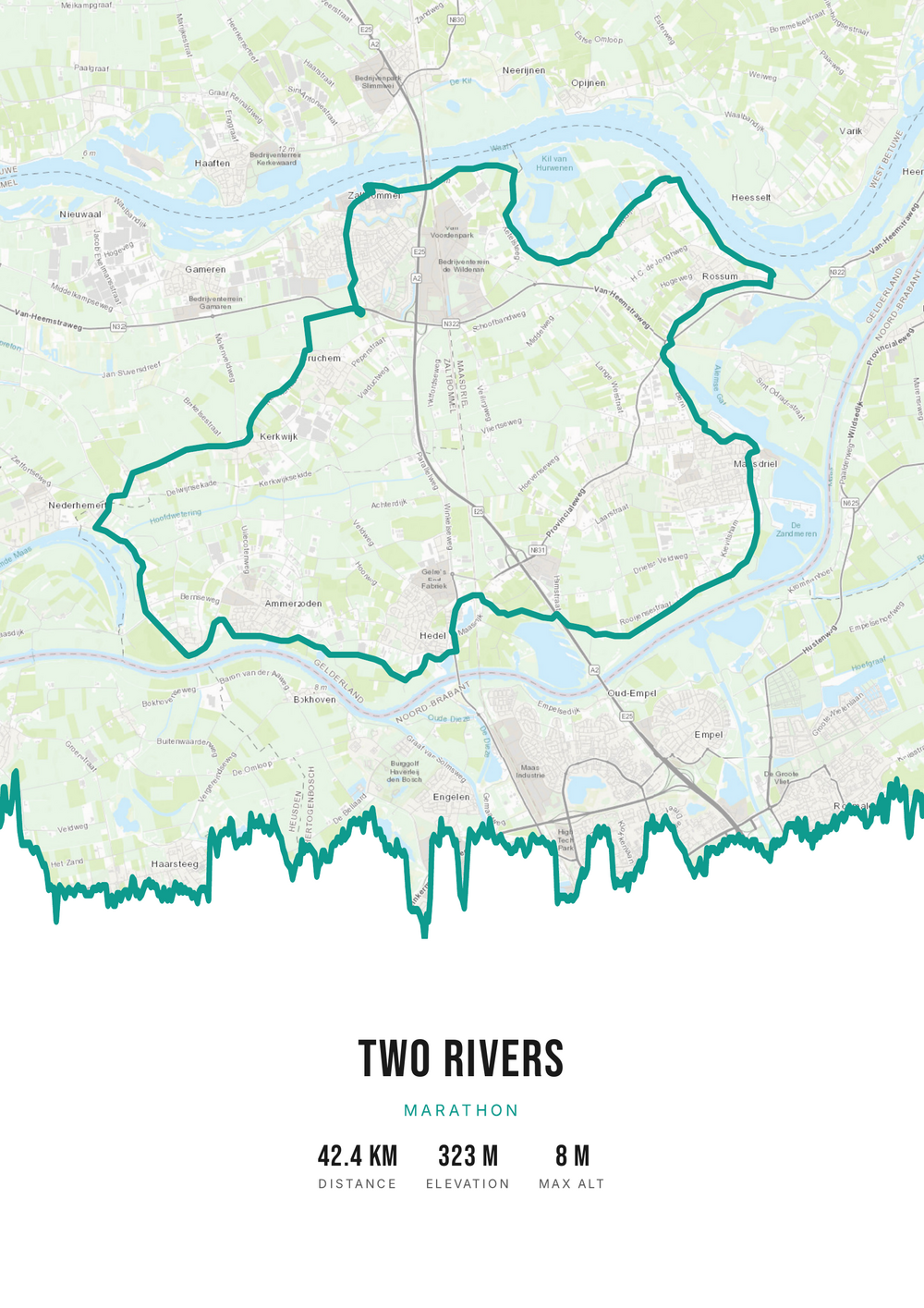
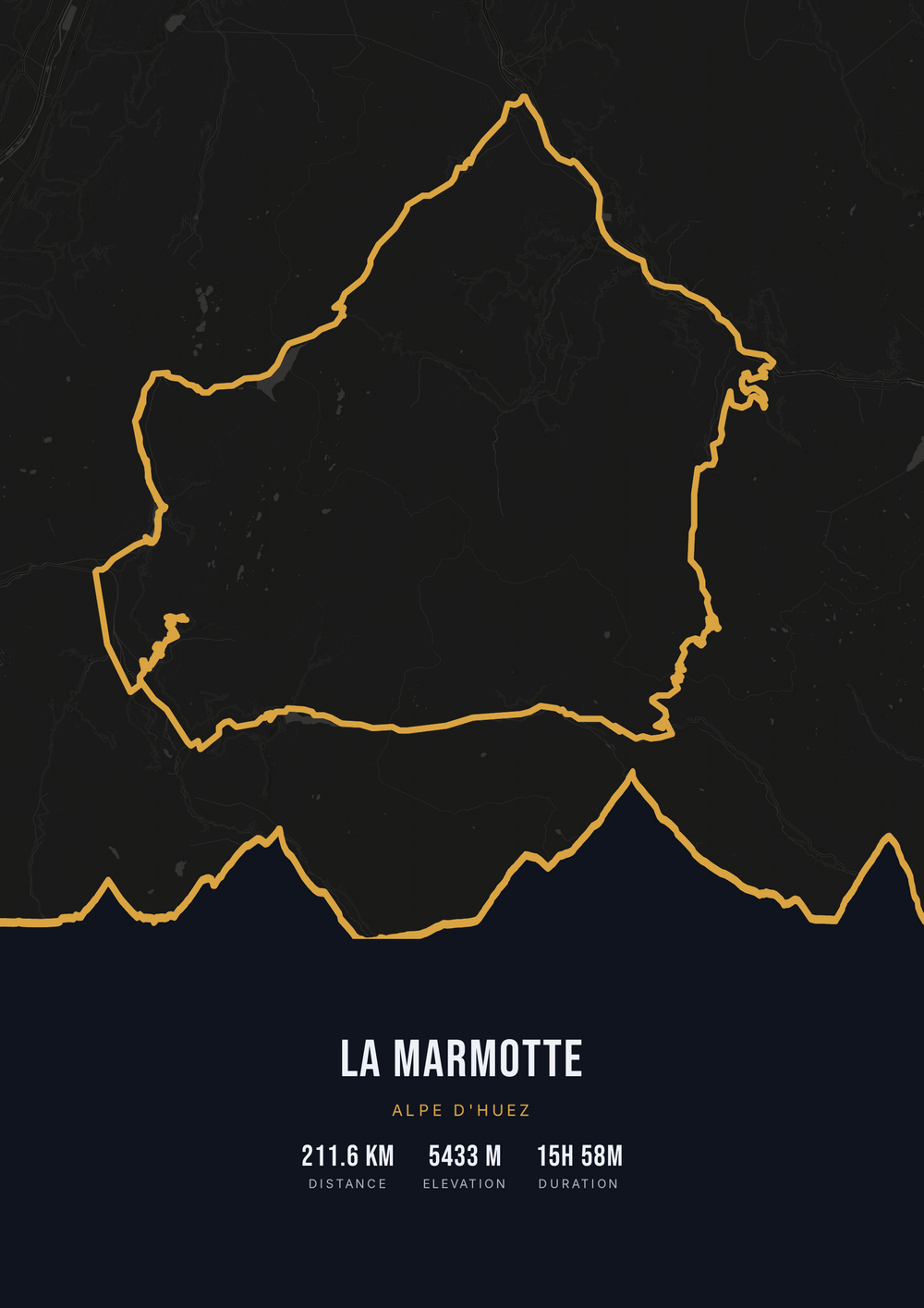
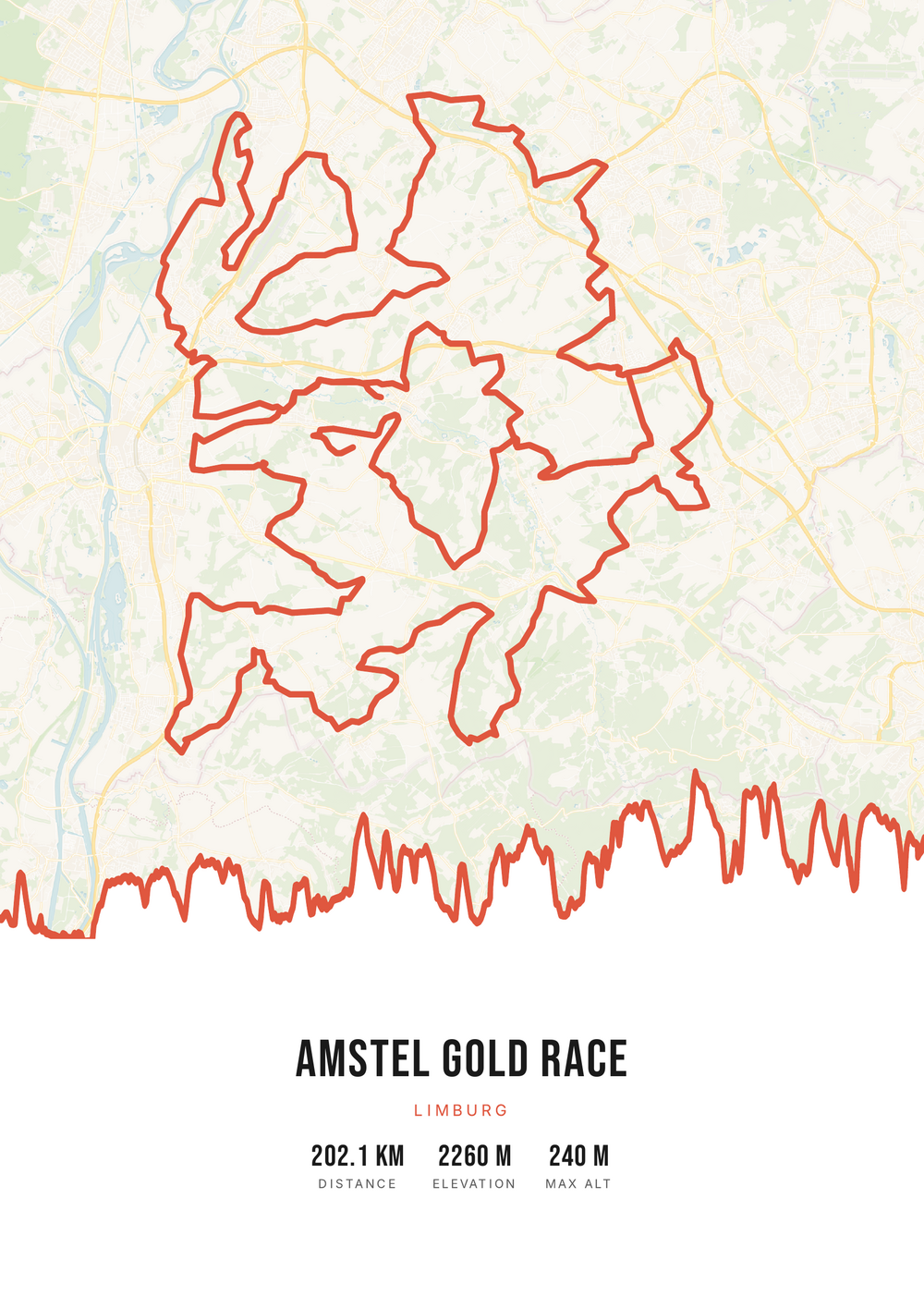
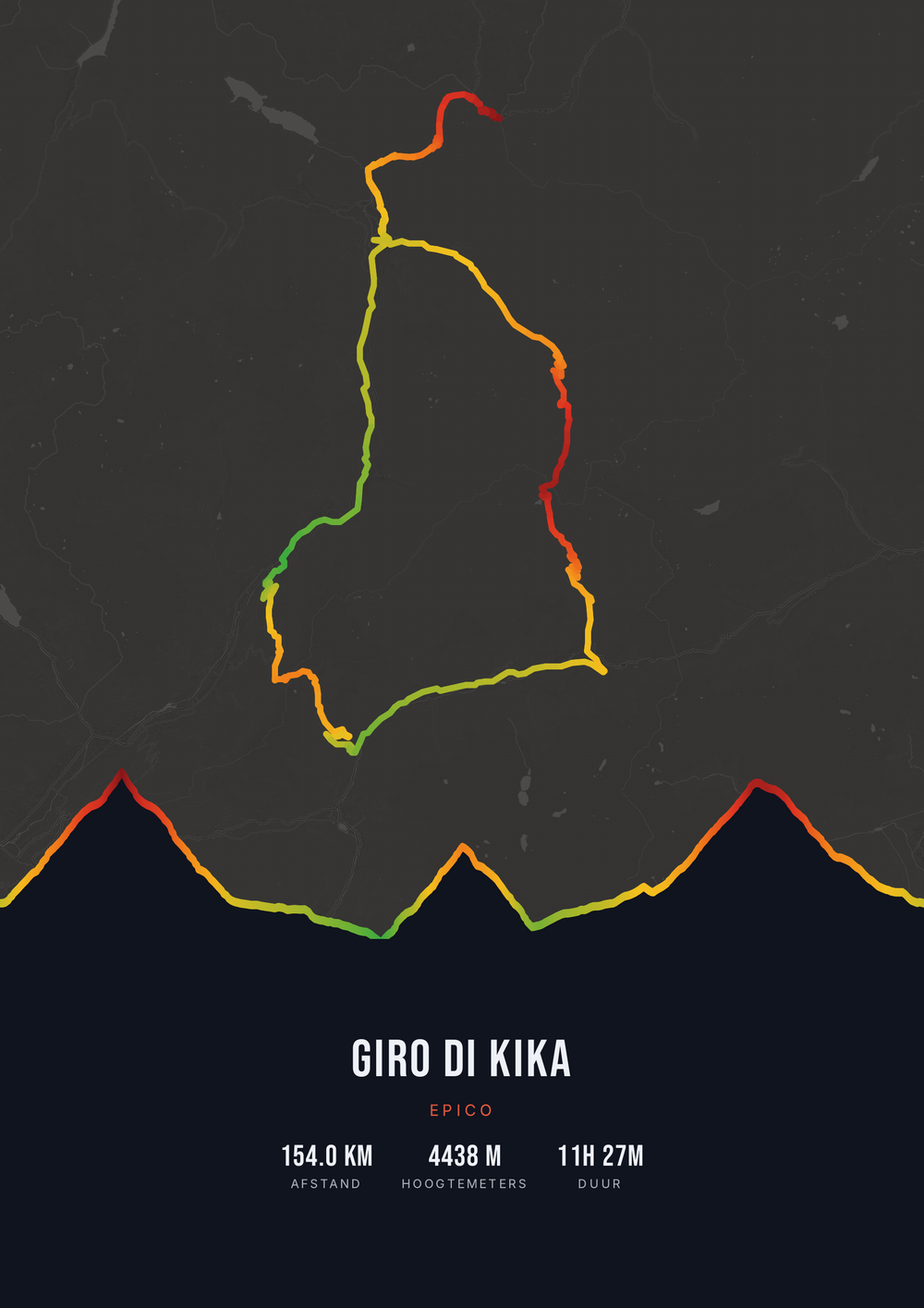
One ride. Endless looks.
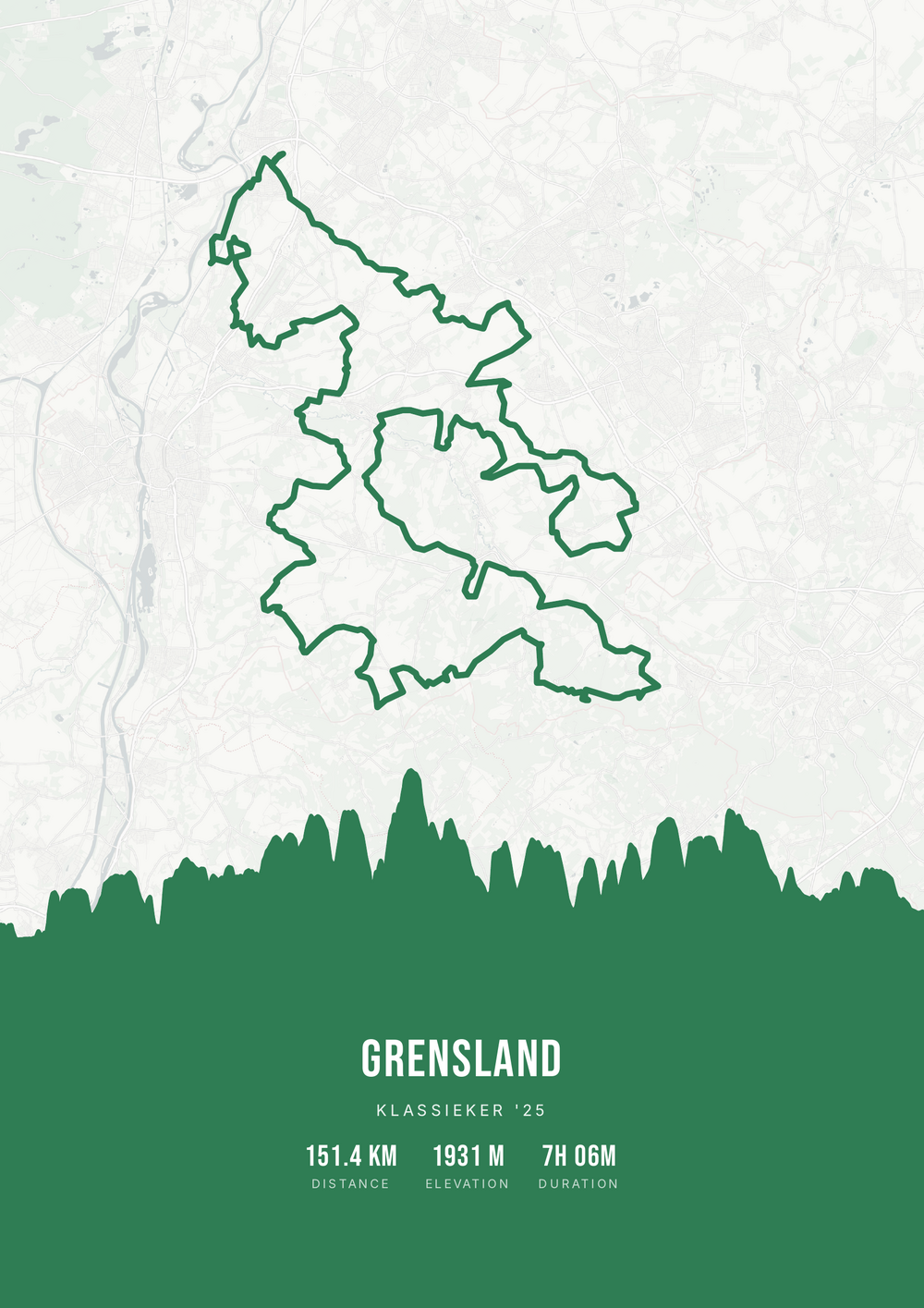
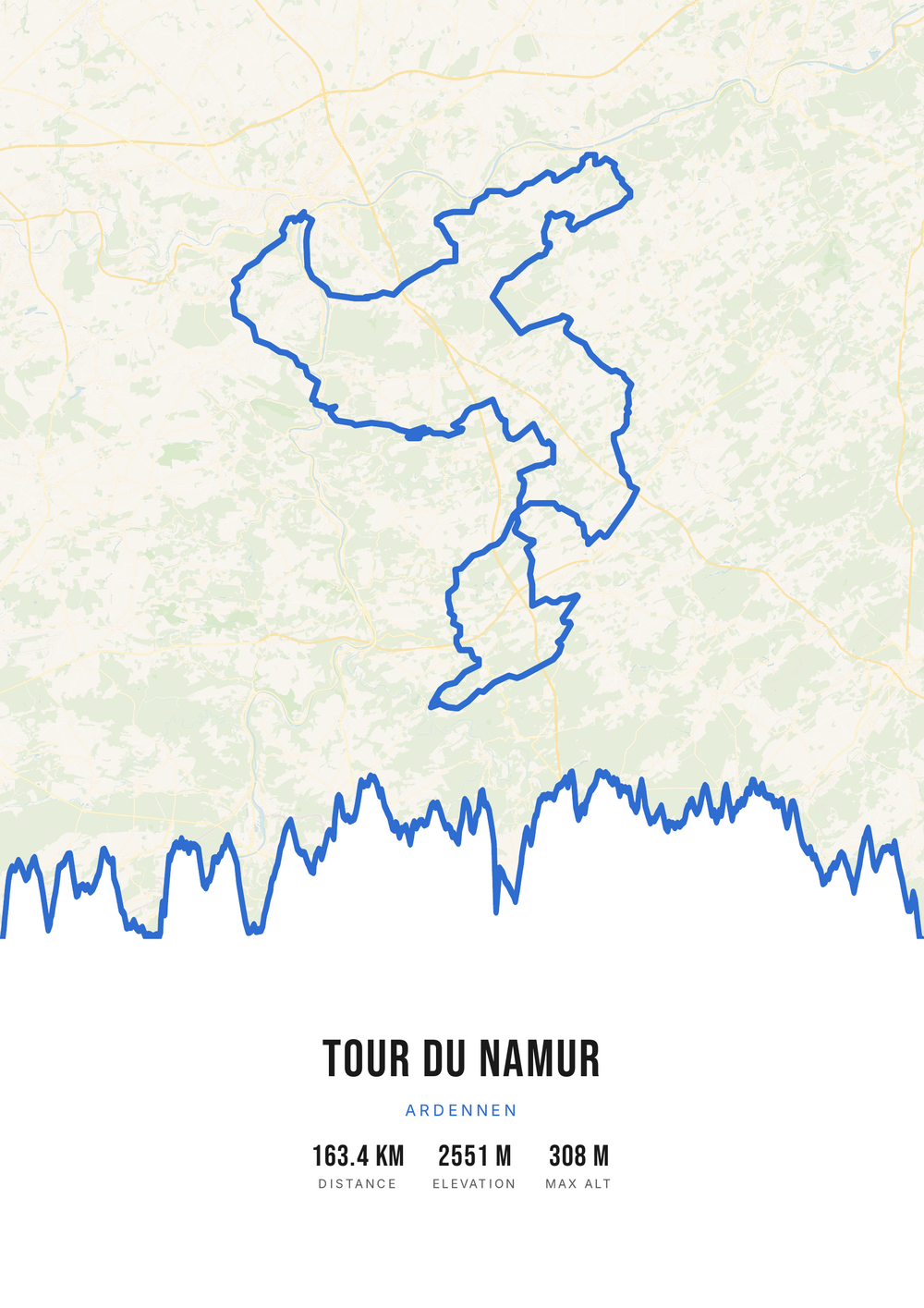
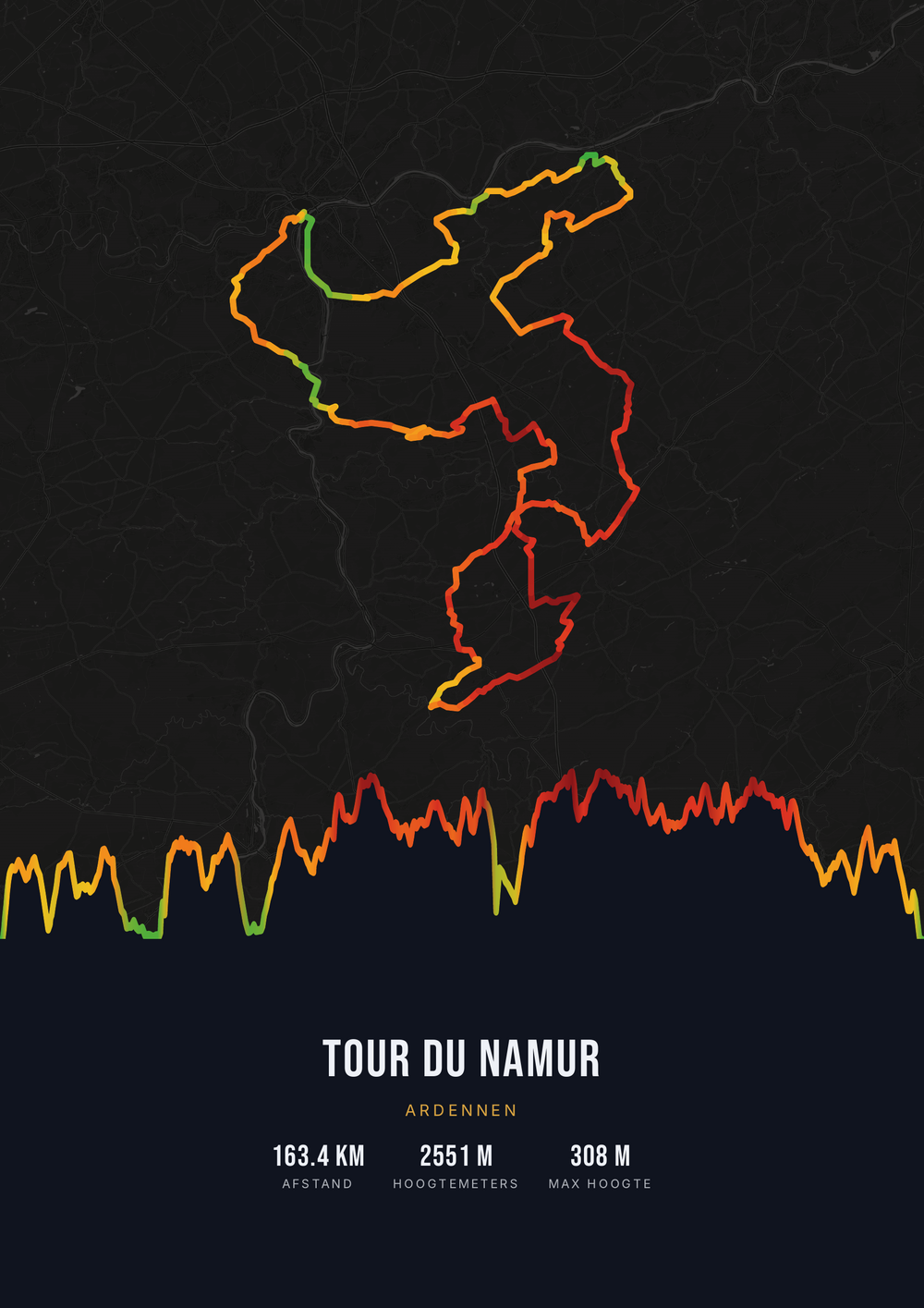
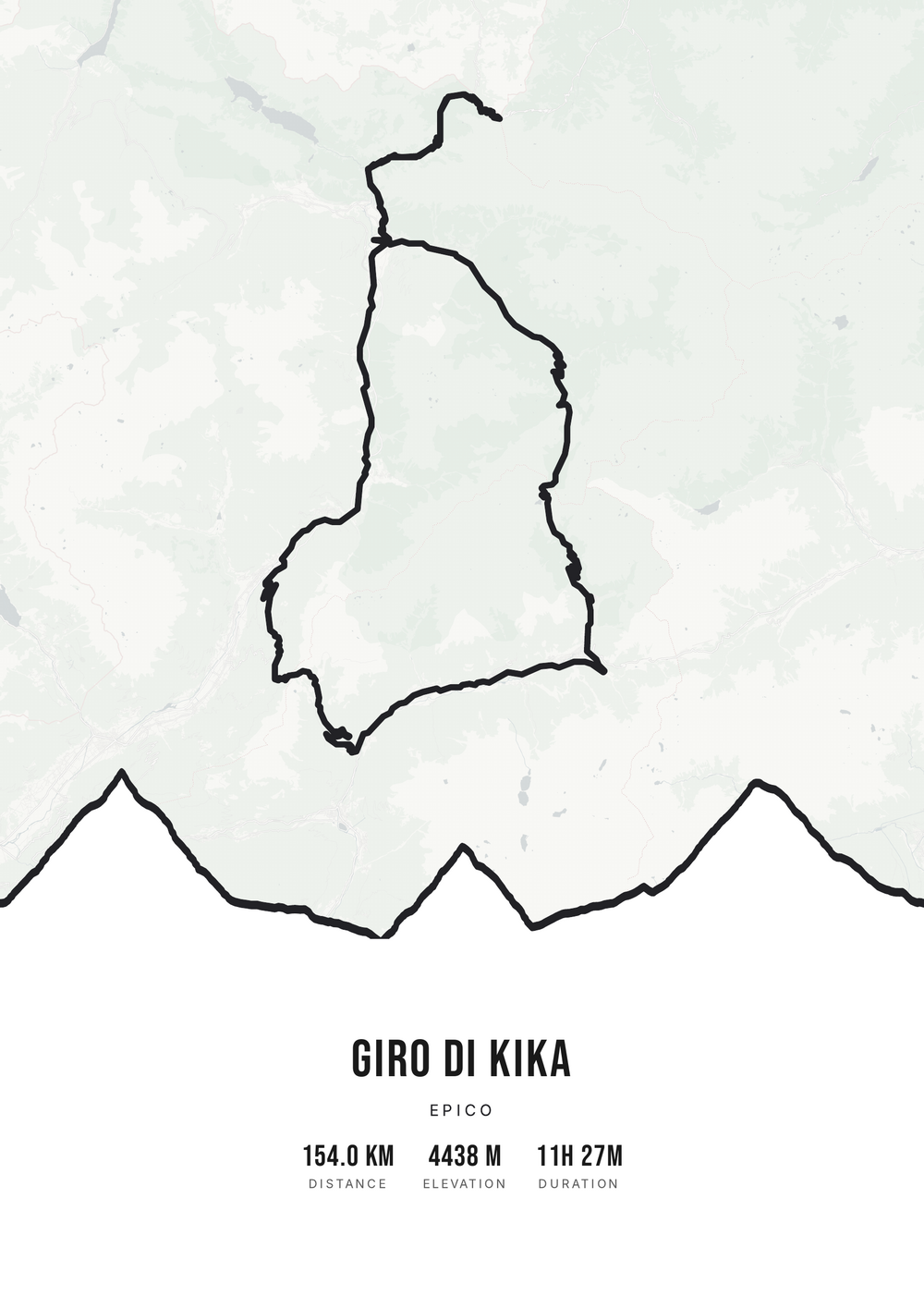
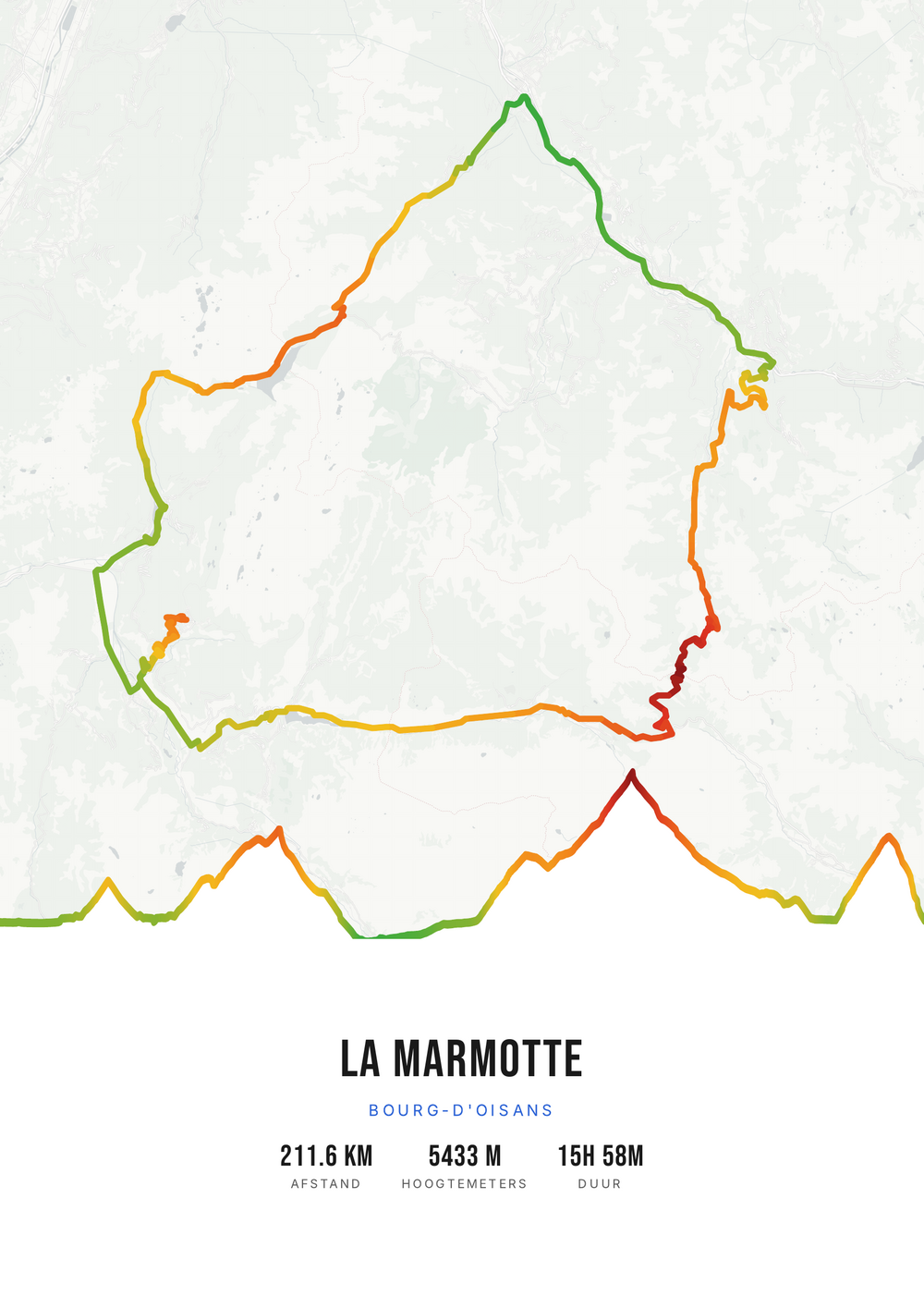
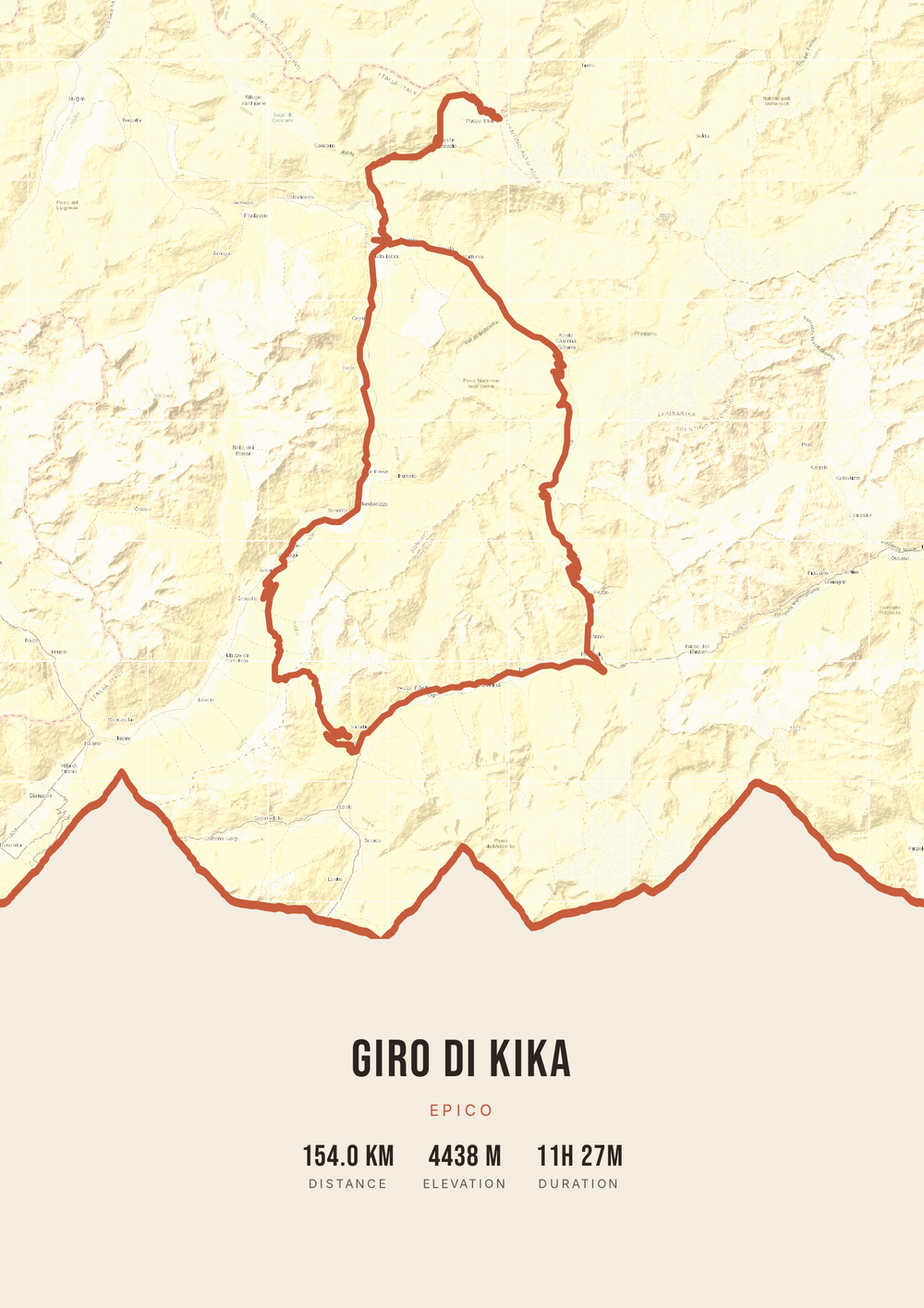
Different rides, each in its own palette, map style and elevation gradient.
Why this works
After months of training there is one medal
A marathon is not an afternoon out. Four to six months of training come first: dark mornings, long runs, a plan that affects the whole household. And then it is over, and there is a medal and a start number.
That is why a keepsake of the course works so well as a gift. Not because the map is pretty, but because the combination of that route, that date and that time means something to exactly one person. Whoever ran it can still see in the line where it got hard.
On the poster you put the course, the elevation profile and the numbers that belong with it: distance, duration and the date. In the title and subtitle you put their name and finish time. You can make the file right after the race and download it immediately — no delivery time, so it can even be done on the day itself.
Why this works as a gift
For $4.20 you get the print-ready file, with their name and time on it.
-
Their name, their time
Title, subtitle and date are free to fill in — exactly as it should read on the wall.
-
No delivery time
Download straight after payment, so it can be sorted the evening after the race.
-
Print it more than once
One file, as many prints as you like — handy if the whole training group wants one.
Coming soon: broader packages and extra sizes.
How it works
From finish time to poster
You need the GPX file of the race — from their watch, from Strava or from the organiser.
Step 1 of 5
Download your GPX file
Grab your ride's GPX file from Strava, Garmin and others. One little file with your route — that's all you need to start.
Step 2 of 5
Upload your GPX
Drag the file onto Route Frame or click to pick it. We read distance, elevation and duration automatically.
Step 3 of 5
Make it yours in the editor
Tune it exactly how you like: pick a color palette, map style and background, and show the elevation profile and the stats you want. Endless tweaking — free.
Step 4 of 5
Simple, secure checkout
Pay once, no subscription. Check out with confidence on a secure payment page.
Step 5 of 5
Source file and invoice by email
Right after payment you get the high-quality, print-ready PDF source file with your invoice in your inbox. Print it at home or at a print shop — now or again in five years.
Print-ready vector PDF at A4. Exactly the source file you receive after payment.
No GPX file yet?
How to export your ride
Your poster starts with a GPX — the file that holds your route. Grab it from Strava or Garmin in half a minute.
-
1
Open your activity on Strava
Go to strava.com (easiest on a computer) and open the activity you want on the poster.
-
2
Open the actions menu
Click the three dots (⋯) at the top right of the activity.
-
3
Choose ‘Export GPX’
Your GPX file downloads right away. Ready to upload.
Tip: exporting works best on the Strava website; the option is tucked away in the app. A manual activity without GPS can't be exported.
-
1
Open your ride in Garmin Connect
Go to connect.garmin.com and open the ride under ‘Activities’.
-
2
Open the top-right menu
Click the gear icon (⚙) or the three dots (⋯) above the activity.
-
3
Choose ‘Export to GPX’
The GPX file downloads. Drop it in below.
Tip: this works on connect.garmin.com. In the Garmin Connect app the option is simply called ‘Export’.
Which moment does this suit?
Moments where a medal alone isn't enough.
-
The first marathon
There is only one first. Add the date and time and the story is complete.
-
A personal best
The time they worked years for, on the course where it happened.
-
A big city marathon
Rotterdam, Amsterdam, Berlin or New York — courses recognised at a glance.
-
The last marathon
Closing off a goal or an age group: an ending worth keeping.
Finish gift
Frequently asked questions
-
What do you give someone who has just run a marathon?
Something about that specific race. A poster of the course with their name, the date and the finish time is more personal than running gear, and it points to exactly that day.
-
Can I put the finish time on the poster?
Yes. You fill in the title and subtitle yourself, so you can put the name on top and the finish time below. Distance, duration and date come from the GPX file and can be switched on or off.
-
Where do I get the GPX file of the marathon?
From the activity on their watch or in Strava, which can be exported as a GPX. If the activity isn't public, you can often use the official race course from the organiser — it is the same for everyone.
-
Can this be done on race day itself?
Yes. There is no delivery time: you make the poster in your browser and download the file right after payment. Print it at home and the gift can be ready the same evening.
-
Does this work for a half marathon or an ultra?
Yes, any distance works — from a 10K to an ultra trail. Distance and elevation are read from the file, so the poster adapts to the course.
-
Do I get a printed poster or a file?
A file: the print-ready PDF. You print and frame it yourself, at whatever size you want. That also means you can print it again later, for a training partner for instance.
Make the keepsake of their marathon
Upload the GPX file of the race and fill in the name and time.