Gift idea
A gift made of their own route.
They already have the gear. What they don't have is a poster of the ride, run or trek that actually meant something. You choose the style; they recognise every bend.
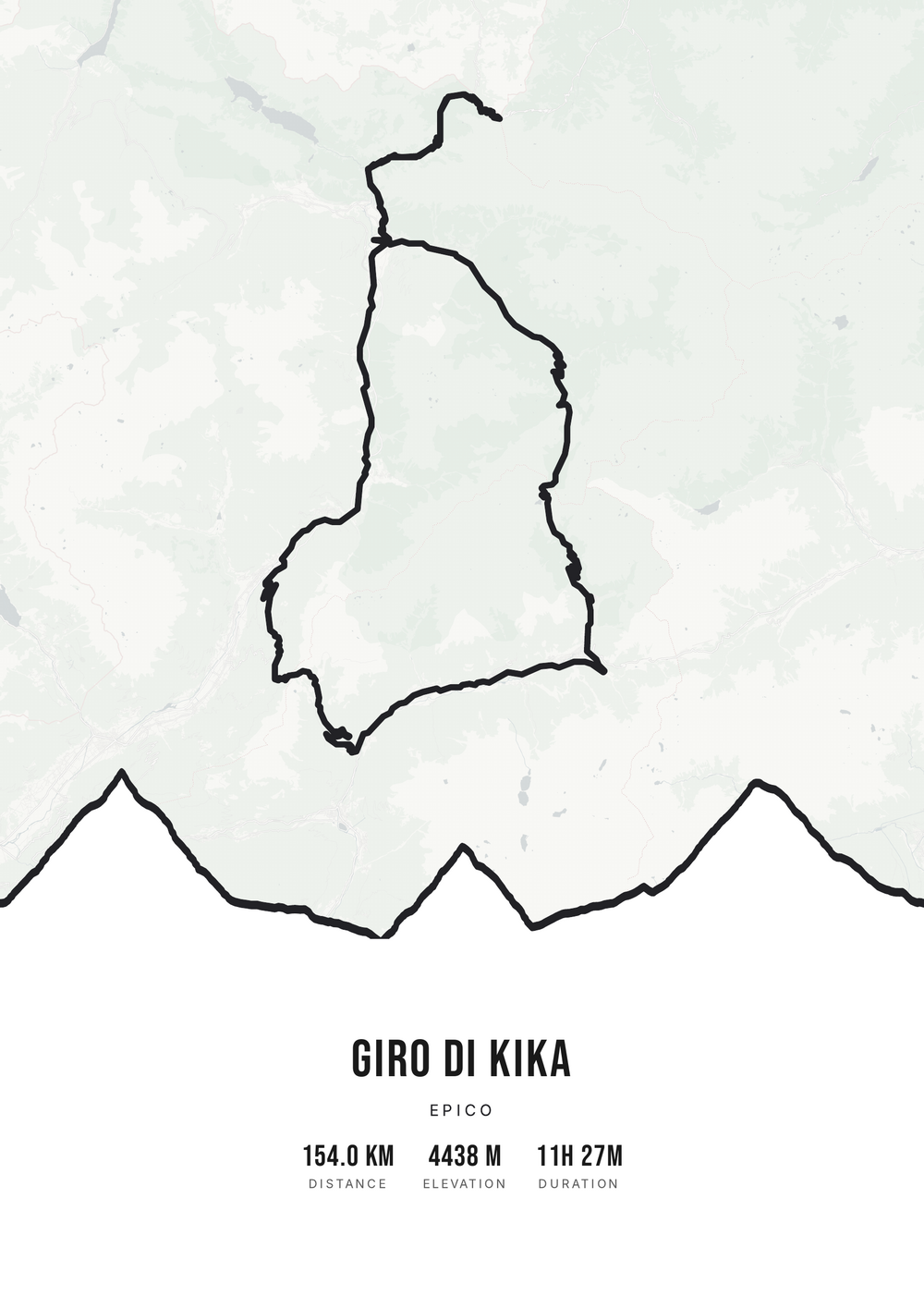
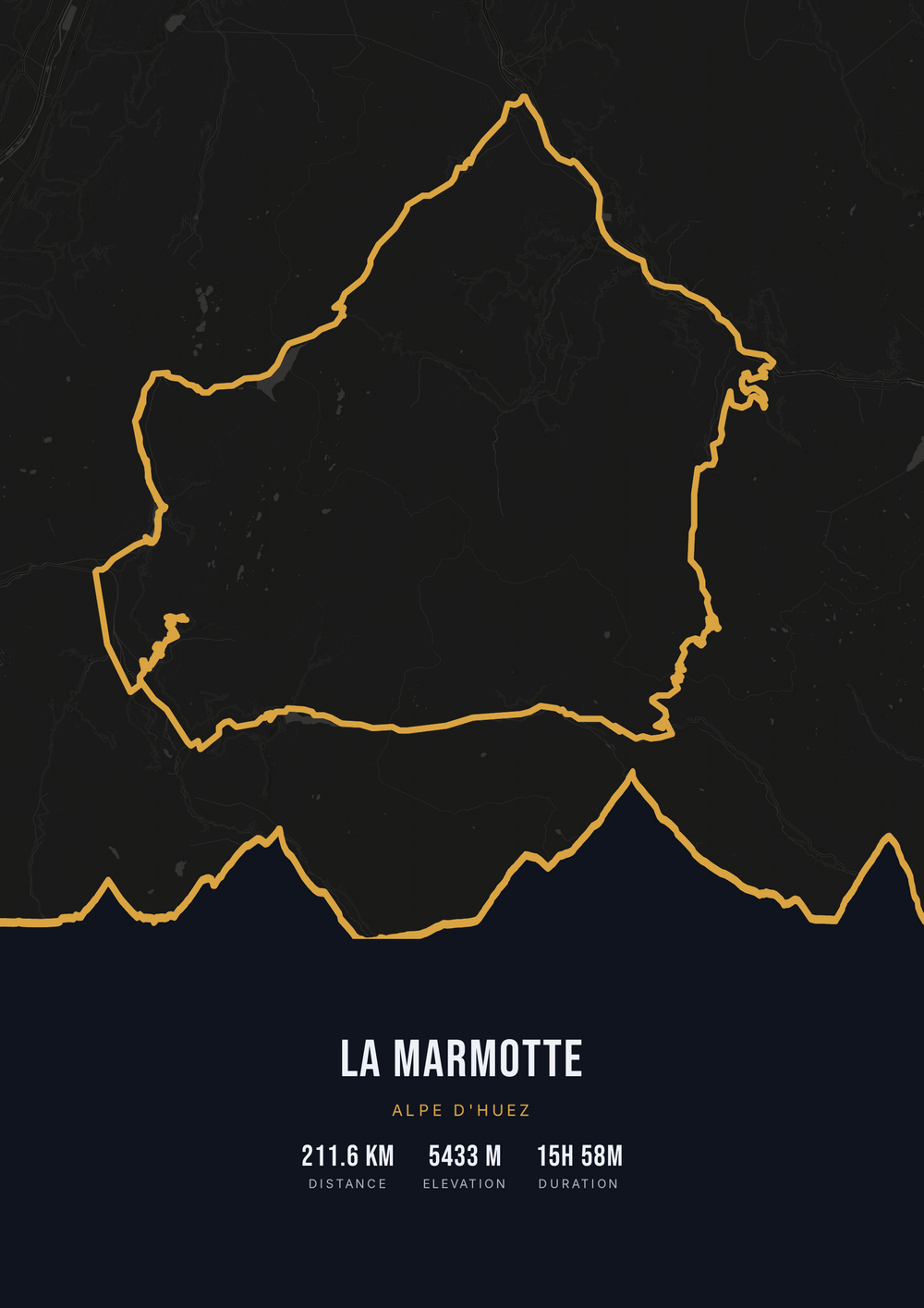
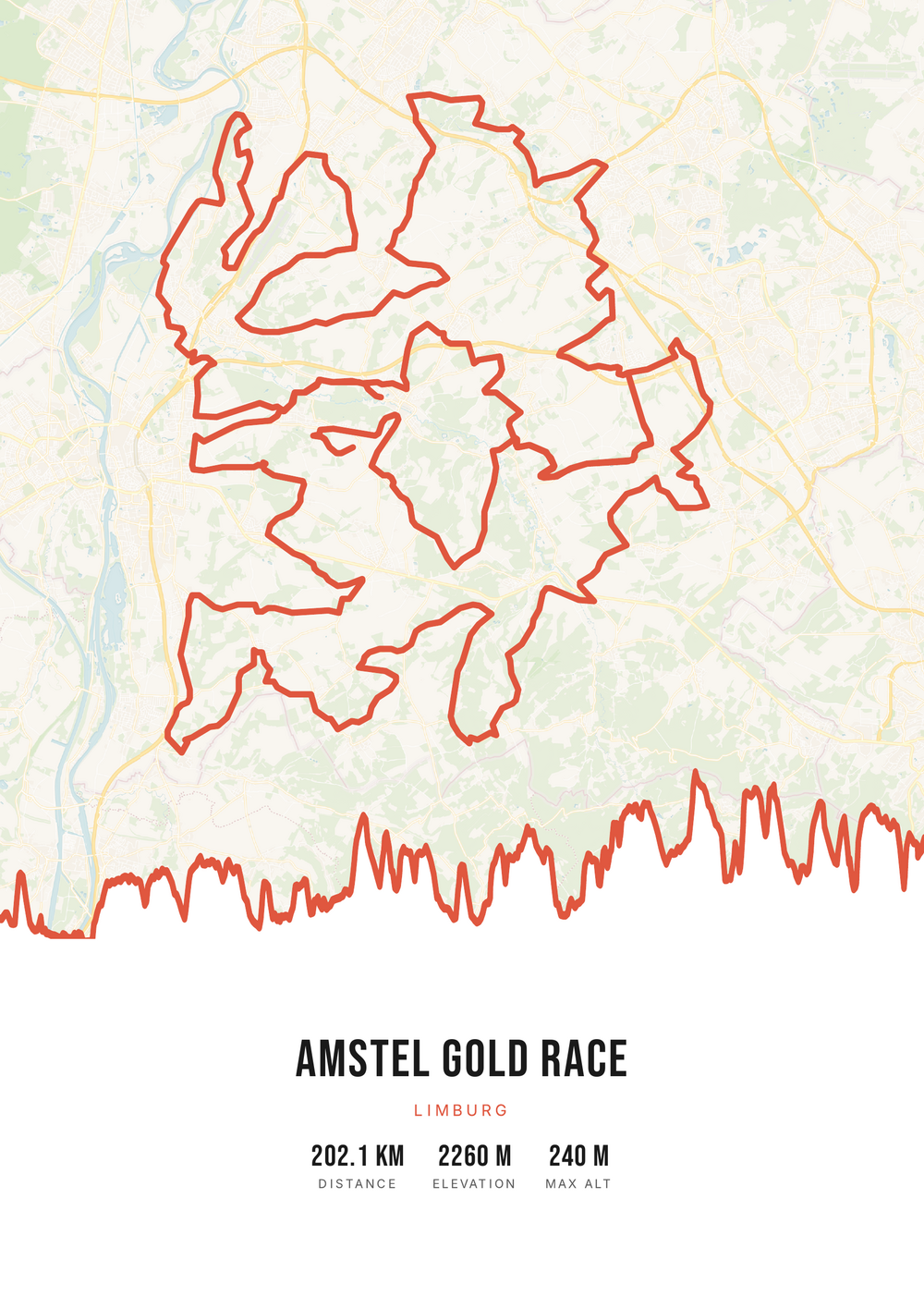
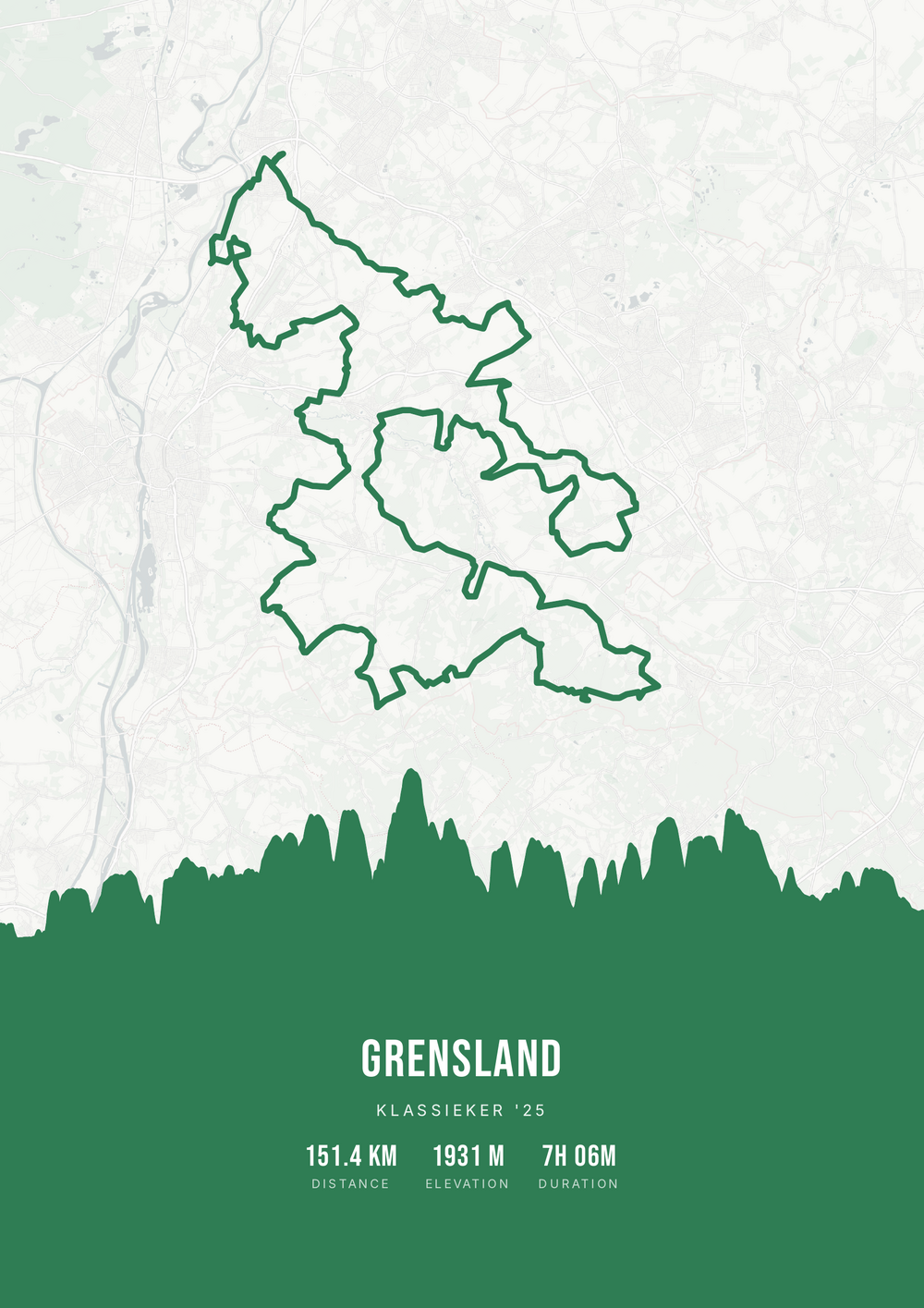
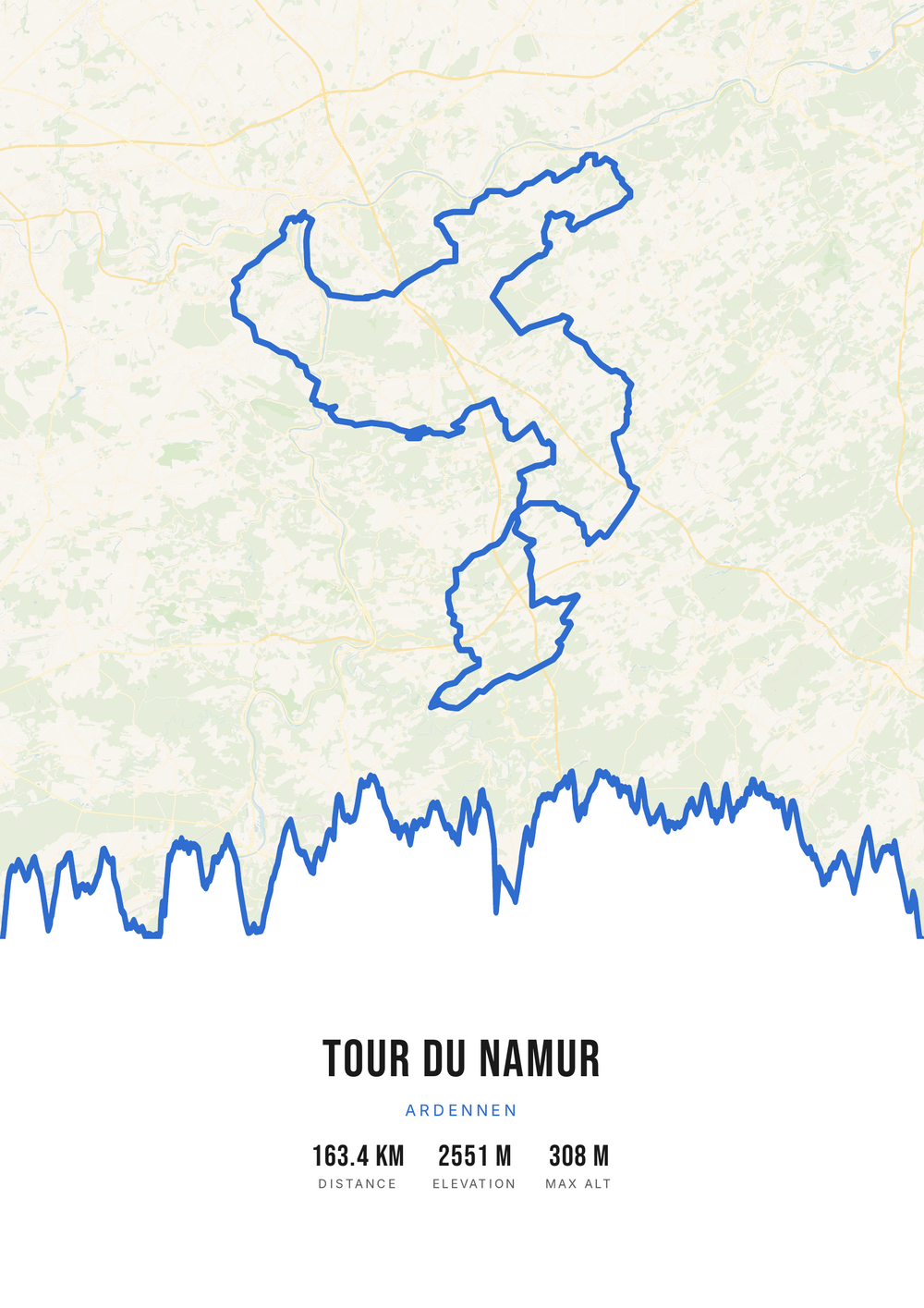
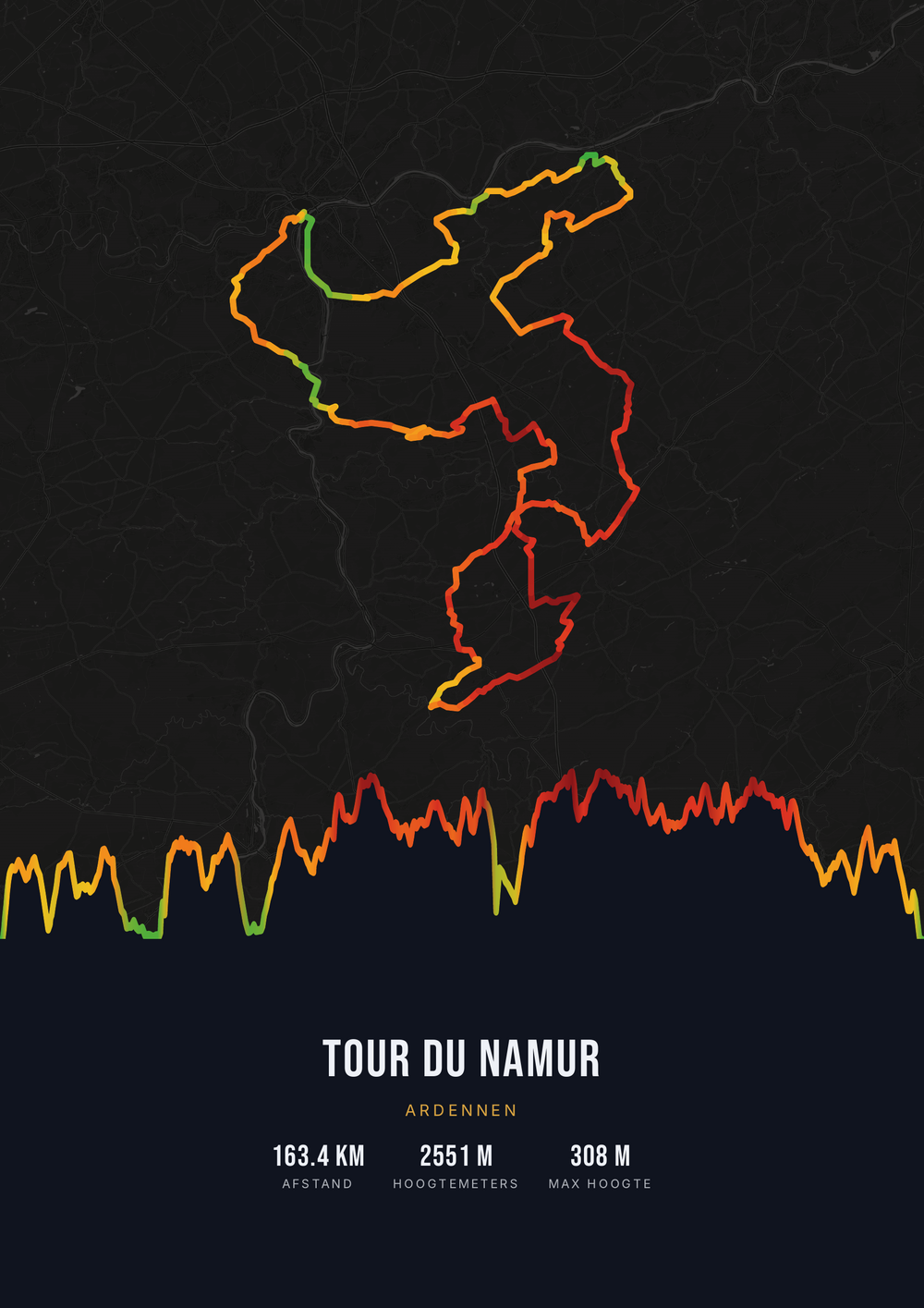
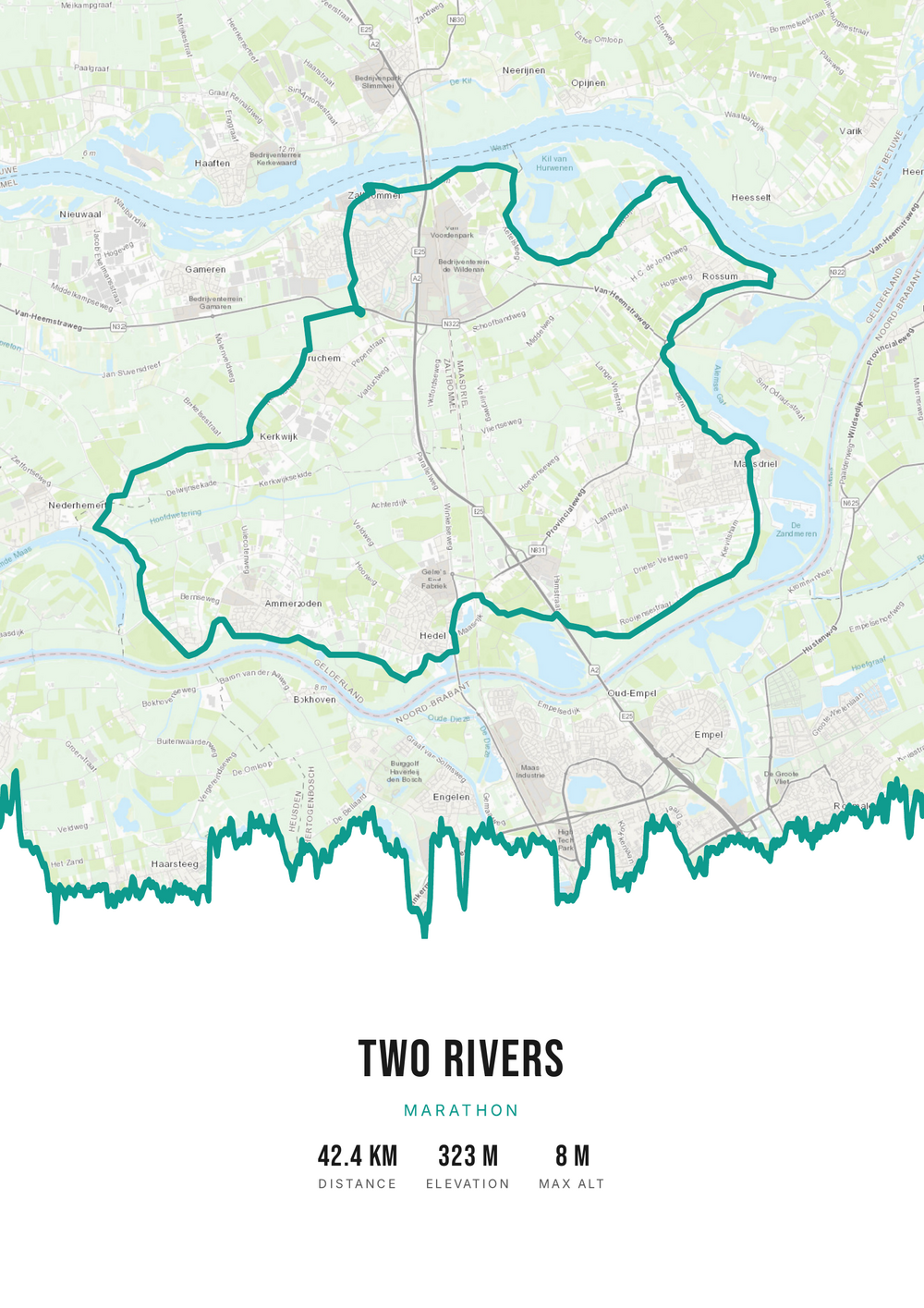
One ride. Endless looks.
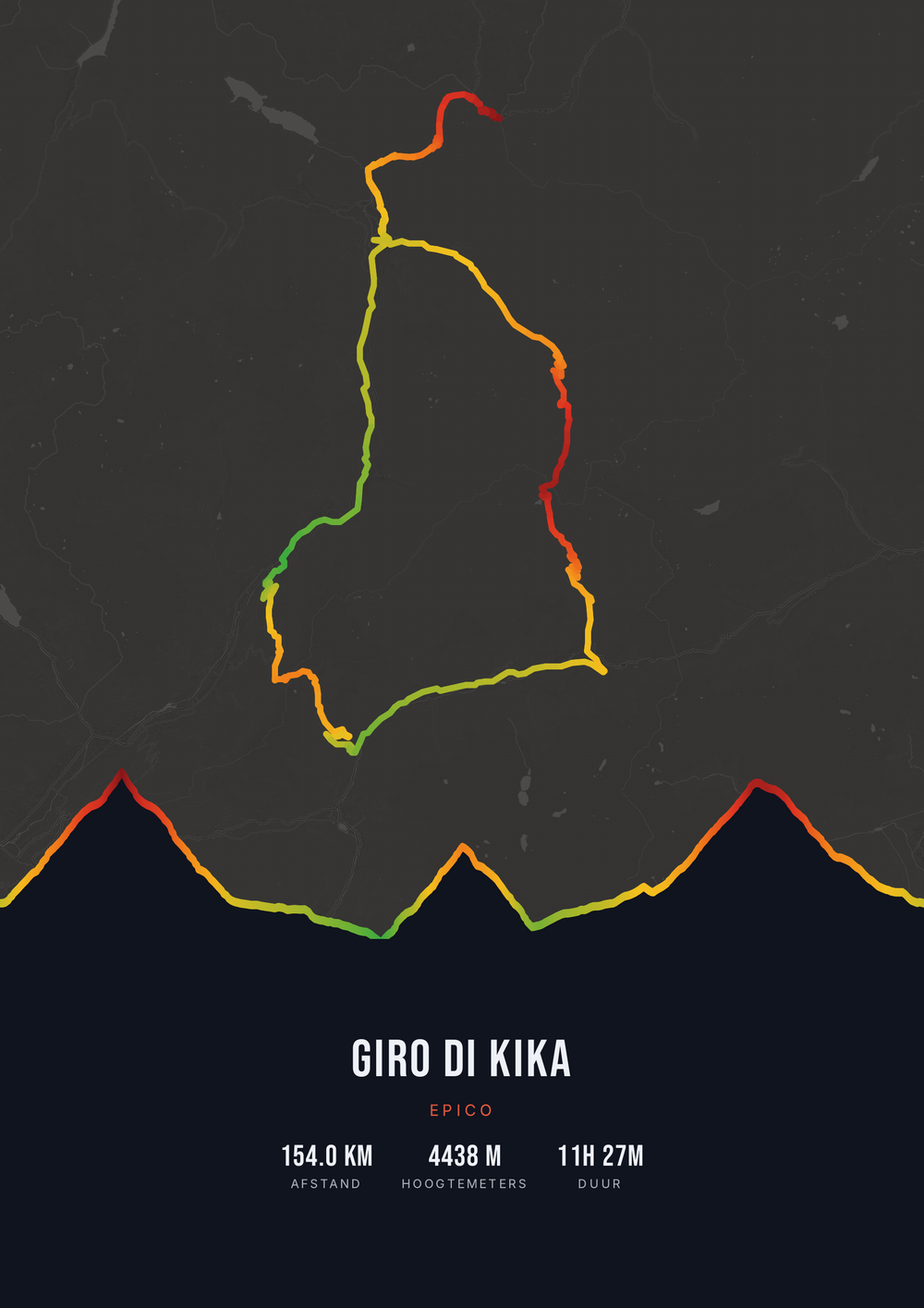
Different rides, each in its own palette, map style and elevation gradient.
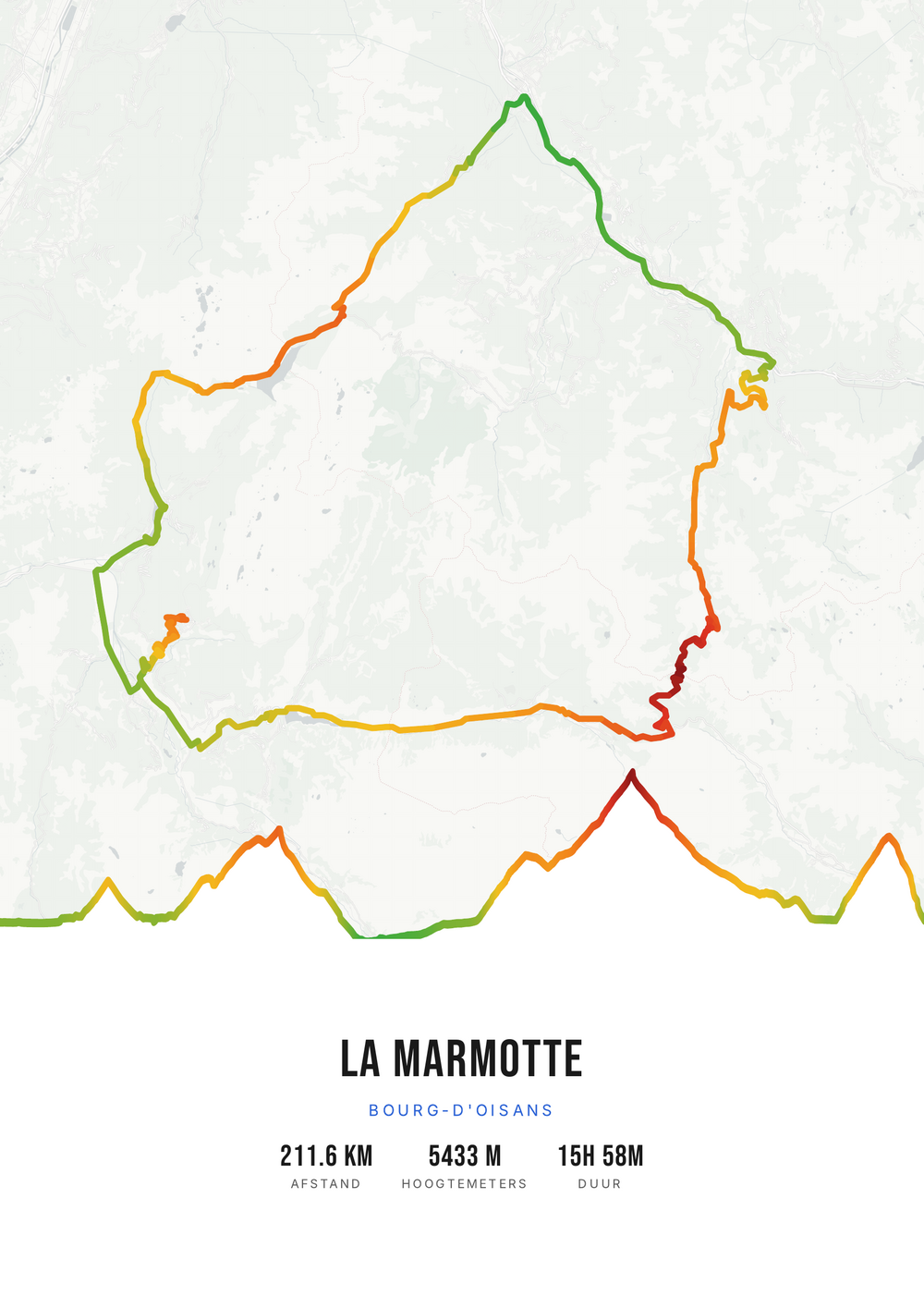
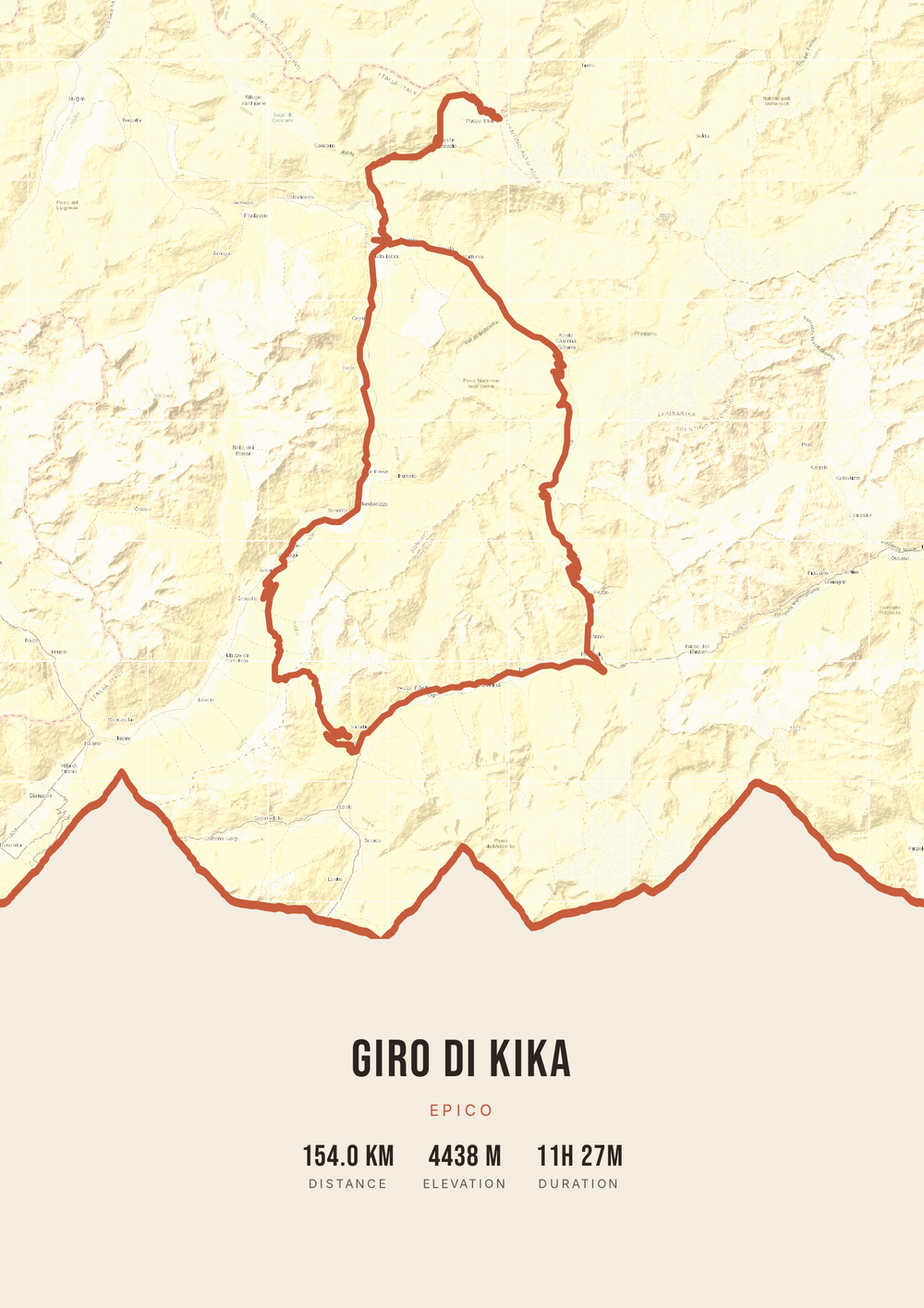
Why this works
Why a route beats sports gear
Anyone who trains seriously has already picked their equipment. The socks, the bottle, the gel subscription: received three times over. That is the problem with a sports gift — you are competing with someone who knows exactly what they want and has already bought it.
A route is the opposite. It isn't a product but a memory with a shape. That one ride in the Ardennes where it rained for hours, the first time the 10K went under the hour, the long trek you walked together — that is what gets talked about. And no tangible version of those stories exists yet.
Route Frame turns one into a poster. You need the GPS file of the route and a few minutes. You choose the colours, the map style and which numbers appear; we turn it into a print-ready file you print yourself, at the size that suits their wall.
Why it makes a great gift
For $4.20 you get the print-ready file. What you spend on printing and framing is up to you.
-
Impossible to duplicate
There is exactly one poster of their route. Nobody else can have given this.
-
It stays up
Not a consumable that's gone in a month, but something that stays on the wall.
-
You set the budget
The file is cheap; whether you print it on A4 or have it framed large is your call.
Coming soon: broader packages and extra sizes.
How it works
From their route to a gift
All you need is the GPX file of the route — or a public Strava activity.
Step 1 of 5
Download your GPX file
Grab your ride's GPX file from Strava, Garmin and others. One little file with your route — that's all you need to start.
Step 2 of 5
Upload your GPX
Drag the file onto Route Frame or click to pick it. We read distance, elevation and duration automatically.
Step 3 of 5
Make it yours in the editor
Tune it exactly how you like: pick a color palette, map style and background, and show the elevation profile and the stats you want. Endless tweaking — free.
Step 4 of 5
Simple, secure checkout
Pay once, no subscription. Check out with confidence on a secure payment page.
Step 5 of 5
Source file and invoice by email
Right after payment you get the high-quality, print-ready PDF source file with your invoice in your inbox. Print it at home or at a print shop — now or again in five years.
Print-ready vector PDF at A4. Exactly the source file you receive after payment.
No GPX file yet?
How to export your ride
Your poster starts with a GPX — the file that holds your route. Grab it from Strava or Garmin in half a minute.
-
1
Open your activity on Strava
Go to strava.com (easiest on a computer) and open the activity you want on the poster.
-
2
Open the actions menu
Click the three dots (⋯) at the top right of the activity.
-
3
Choose ‘Export GPX’
Your GPX file downloads right away. Ready to upload.
Tip: exporting works best on the Strava website; the option is tucked away in the app. A manual activity without GPS can't be exported.
-
1
Open your ride in Garmin Connect
Go to connect.garmin.com and open the ride under ‘Activities’.
-
2
Open the top-right menu
Click the gear icon (⚙) or the three dots (⋯) above the activity.
-
3
Choose ‘Export to GPX’
The GPX file downloads. Drop it in below.
Tip: this works on connect.garmin.com. In the Garmin Connect app the option is simply called ‘Export’.
Which route do you pick?
The choice is often easier than you think — there's usually one ride or run it always comes back to.
-
The achievement
The first marathon, Mont Ventoux, the hundred kilometres that finally worked.
-
The shared trip
The holiday you cycled or walked together — a gift about both of you.
-
The regular loop
That one route from home they have ridden or run hundreds of times.
-
The event
A classic, a city marathon or a sportive whose course is online.
Gift idea
Frequently asked questions
-
What's a good gift for someone who trains a lot?
Something personal rather than something practical. Athletes pick their own gear; a poster of a route that means something to them is not something anyone else would think of.
-
I don't have their GPX file — can I still make something?
Yes, in two ways. If their activity is public on Strava you can export it as a GPX yourself. If it was an event — a marathon, a classic, a sportive — the official course is often online and you use that.
-
Can I make the gift without them noticing?
Yes. You don't need their account, only the route file. You create and download the poster yourself, and nothing is sent to them.
-
Will I receive a framed poster in the post?
No, you get the print-ready PDF file. You print it yourself or have it printed — at home on A4, or large at a print shop or photo service. The upside: you choose the size and frame, and you can reprint it later.
-
How quickly do I have it?
Immediately. You make the poster in your browser and download the file right after payment; it also arrives by email. There is no delivery time — useful if you're running late.
-
Does it work for sports other than cycling and running?
Yes. Any activity with a GPS track works: hiking, mountain biking, gravel, triathlon, skating, rowing or a multi-day trek.
Make a gift of their best route
Upload the GPX file and see within seconds how it will look.