Strava → poster
Maak een poster van je Strava-rit.
Je mooiste rit verdient meer dan een plek in je feed. Zet 'm op de muur — met je eigen kleuren, kaartstijl en het hoogteprofiel van de rit.
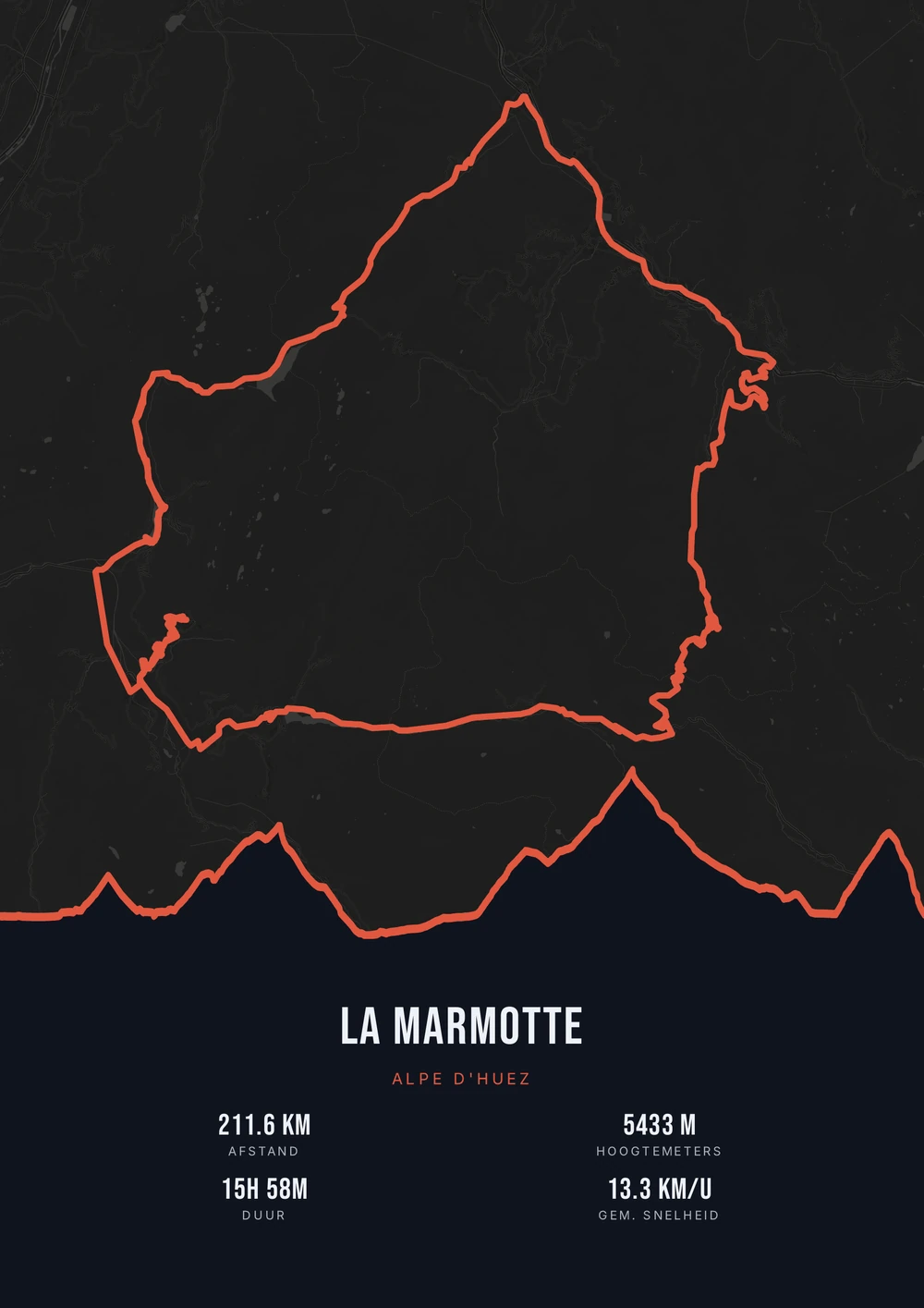
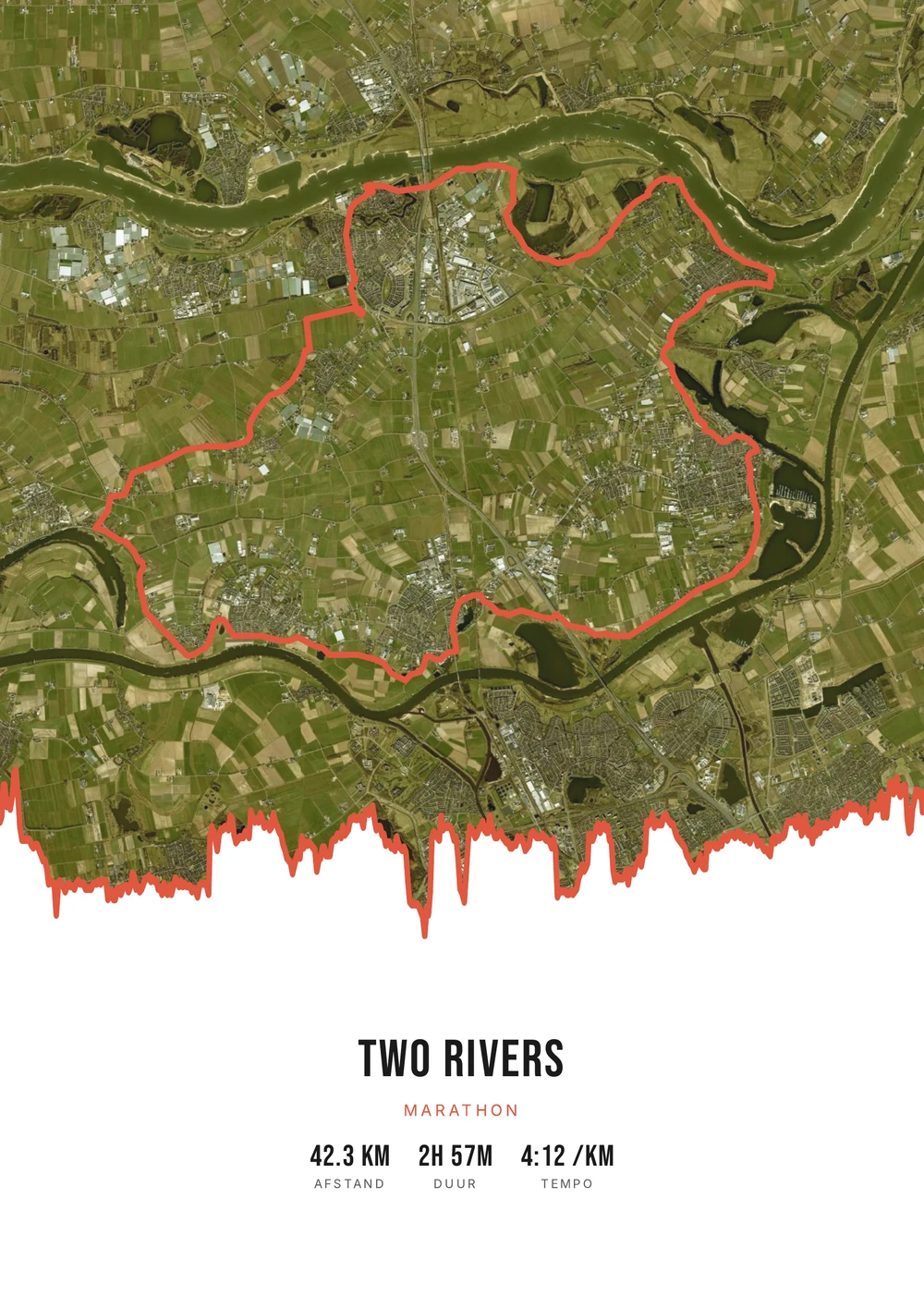
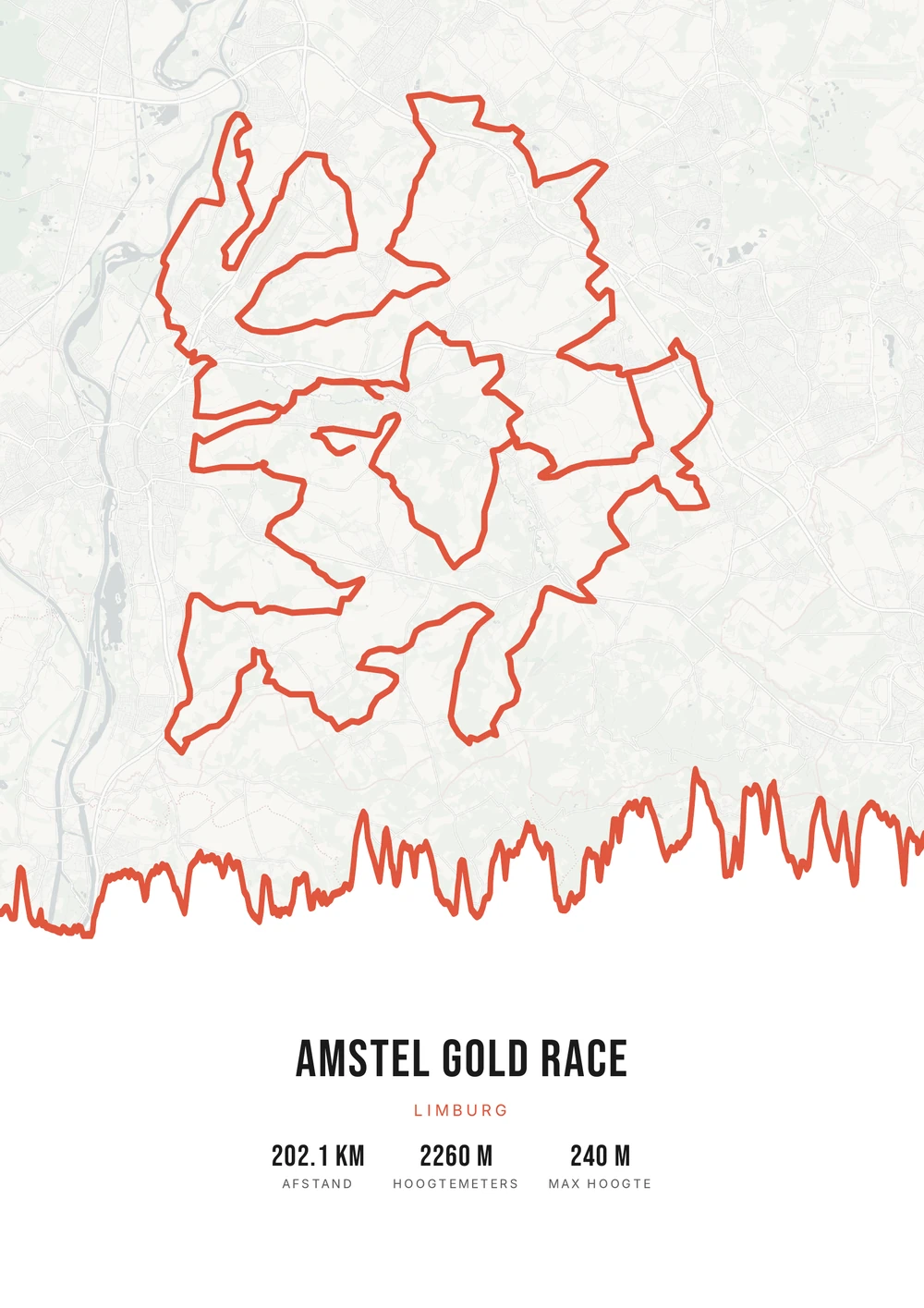
Eén rit. Eindeloze looks.
Verschillende ritten, elk in een eigen palet, kaartstijl en met hoogteverloop op de lijn.
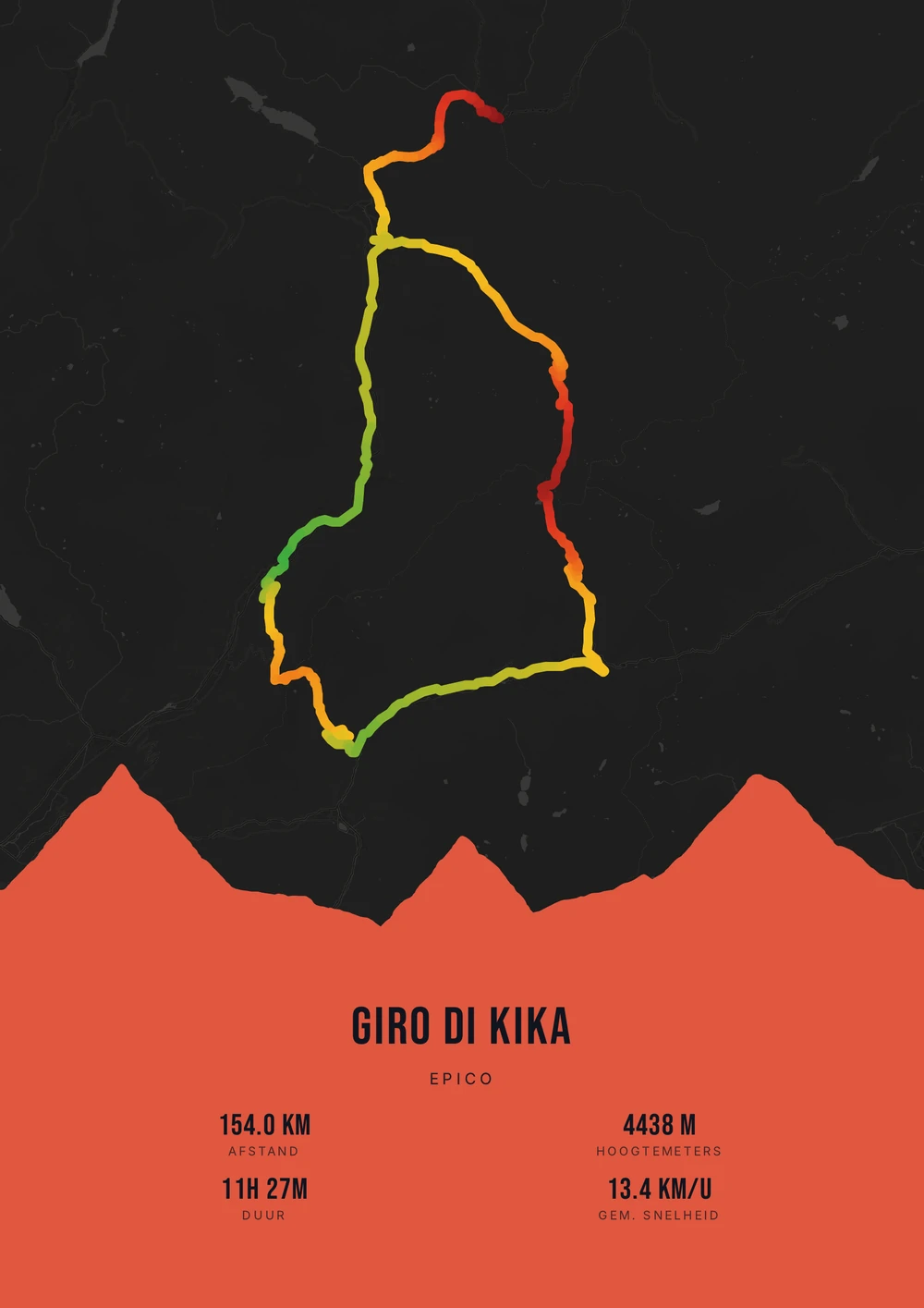
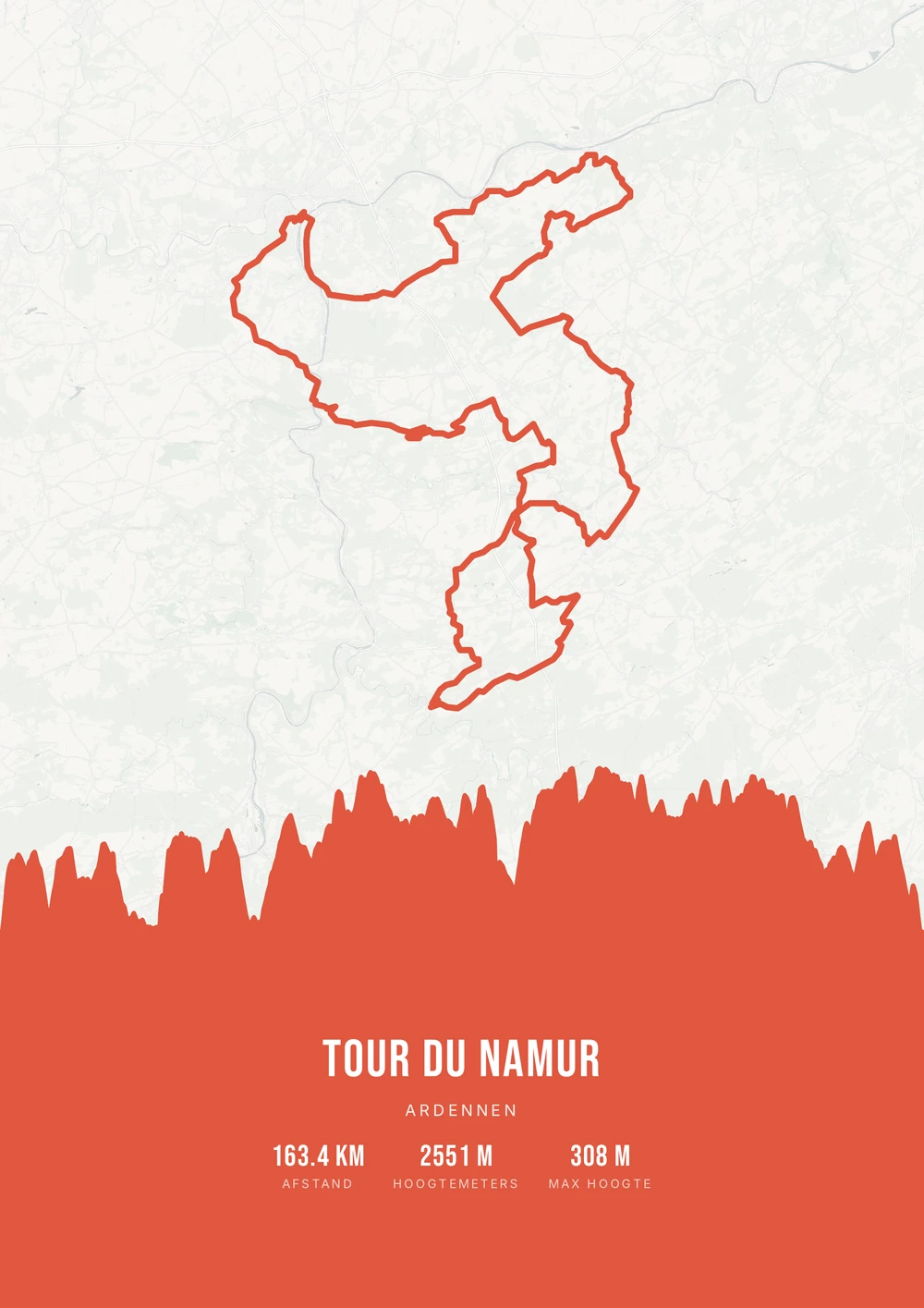
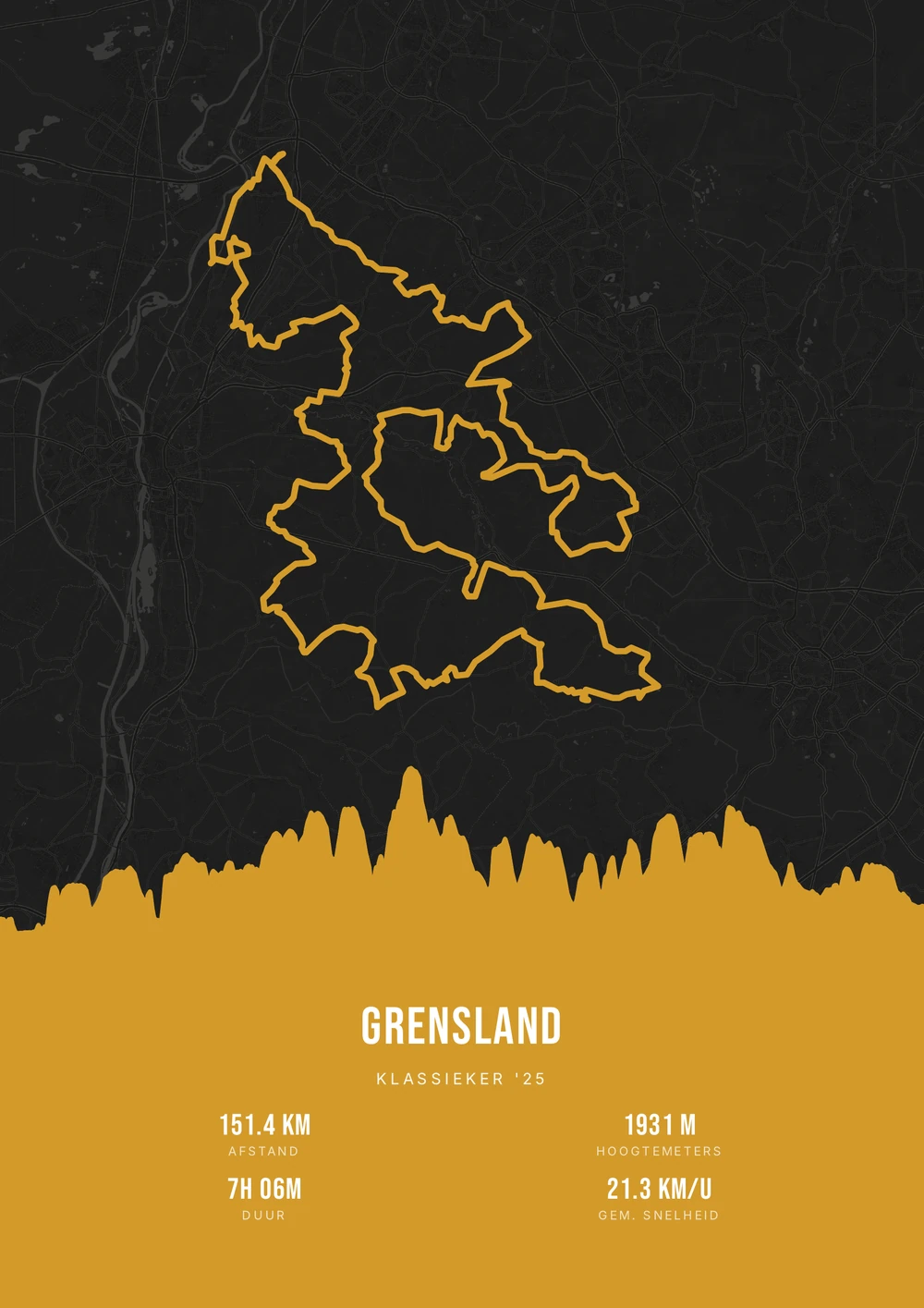
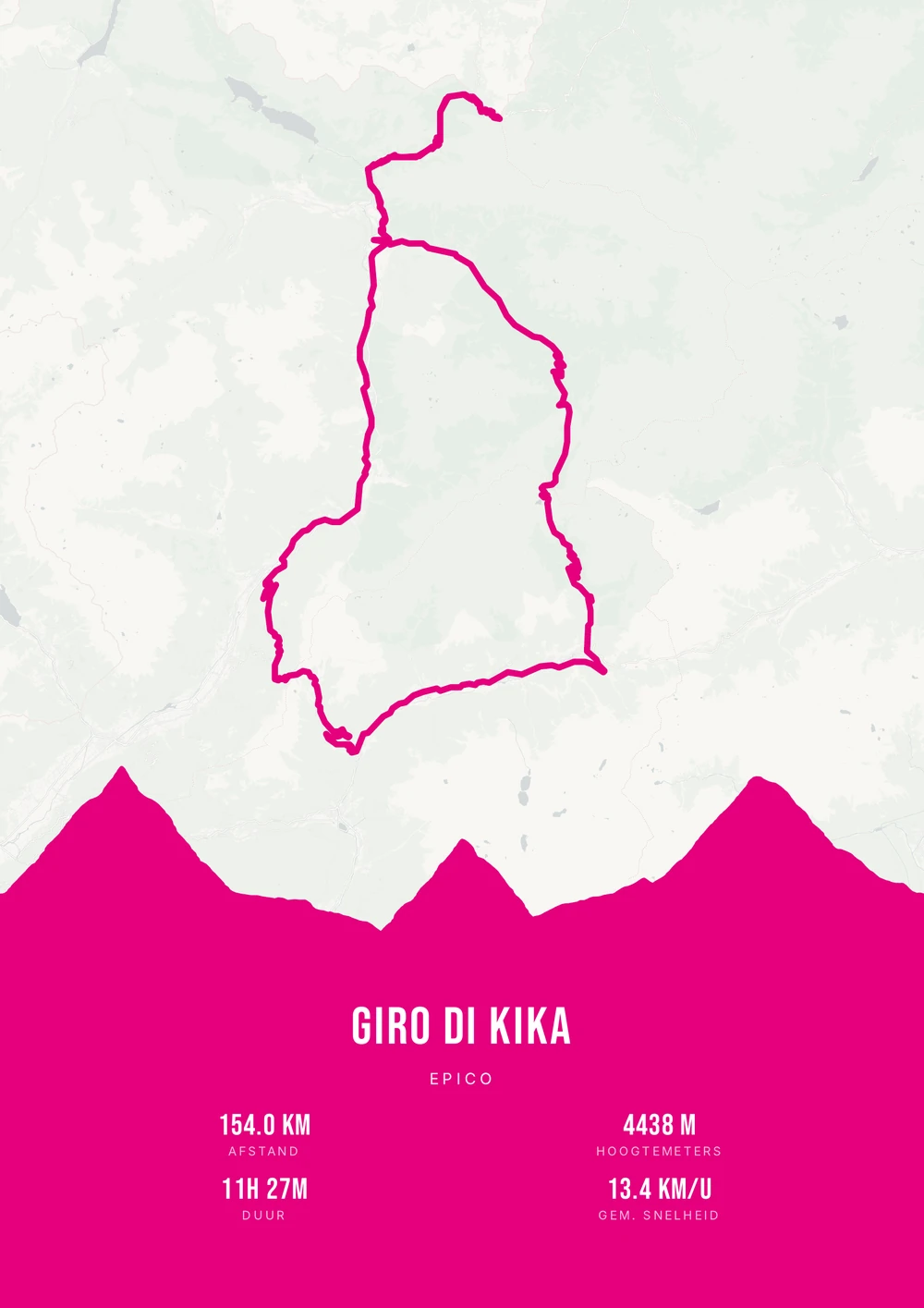
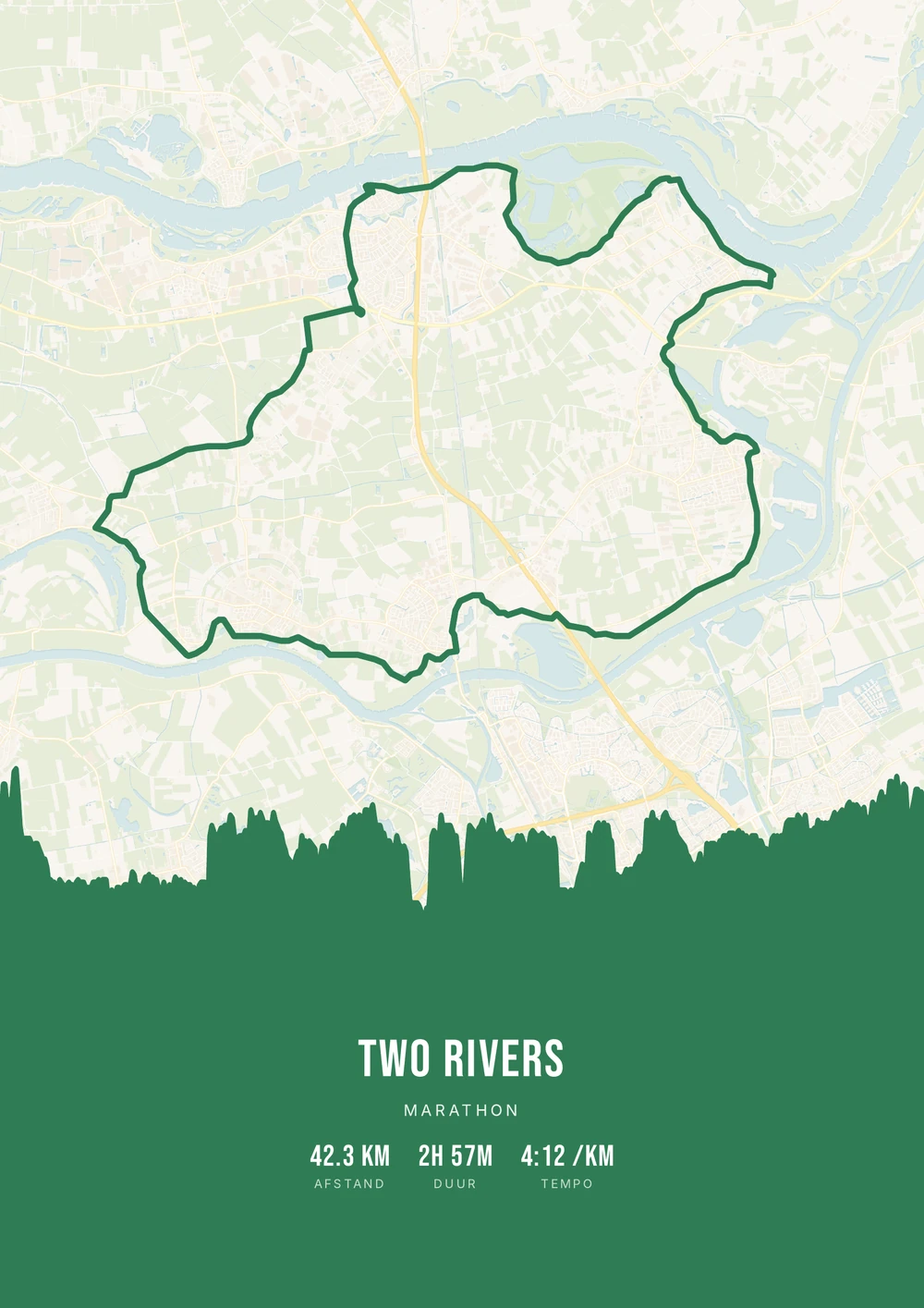
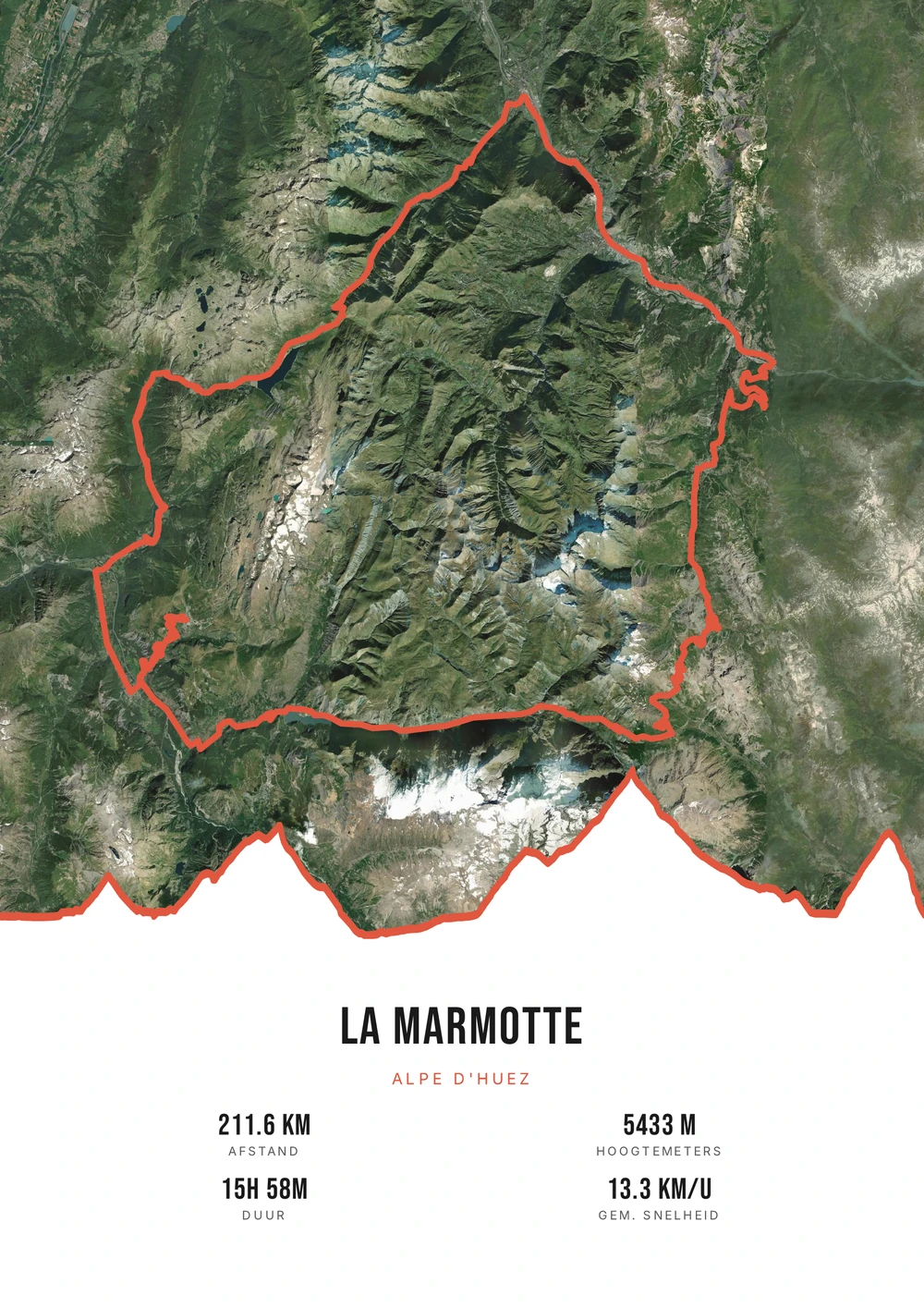
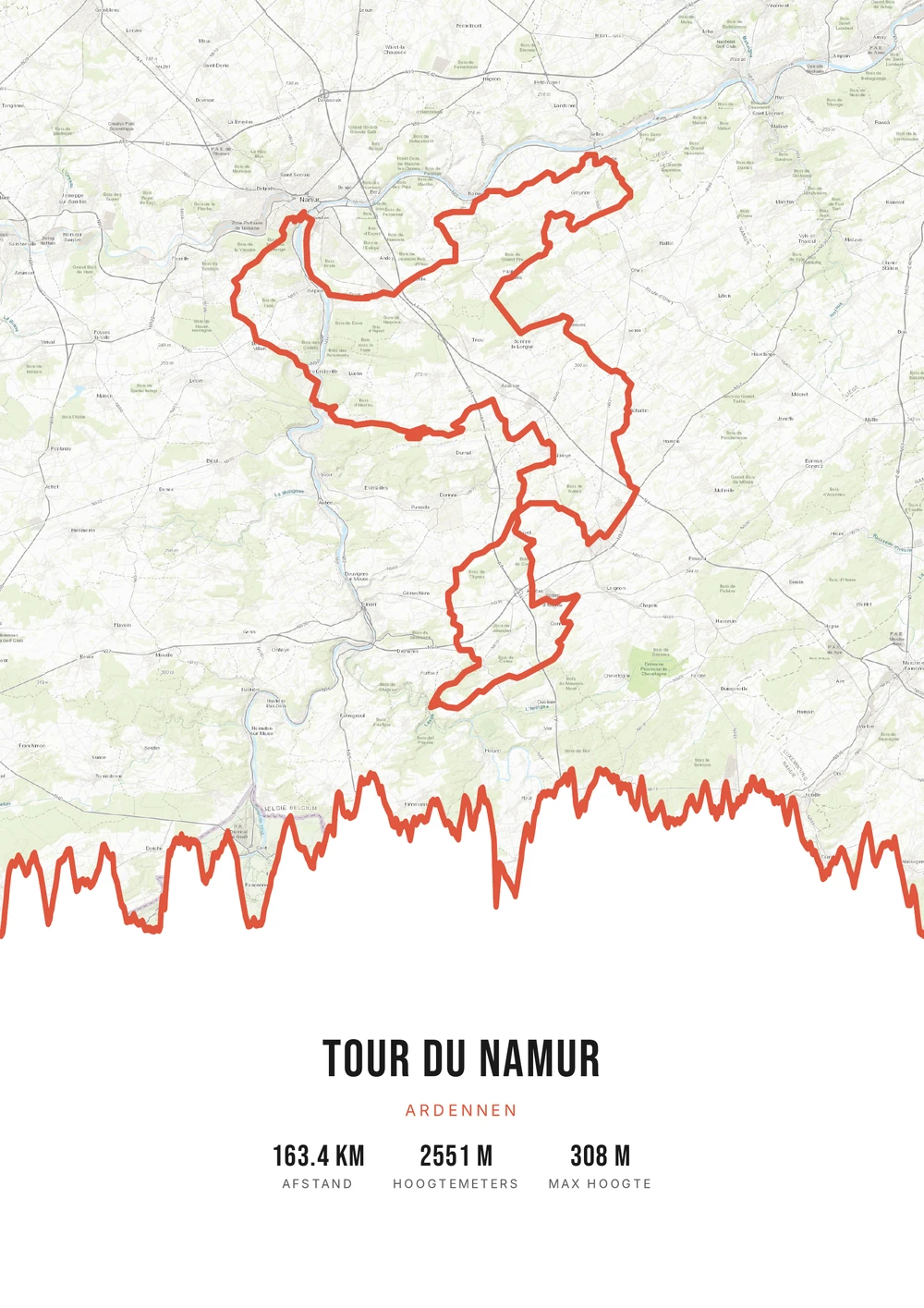
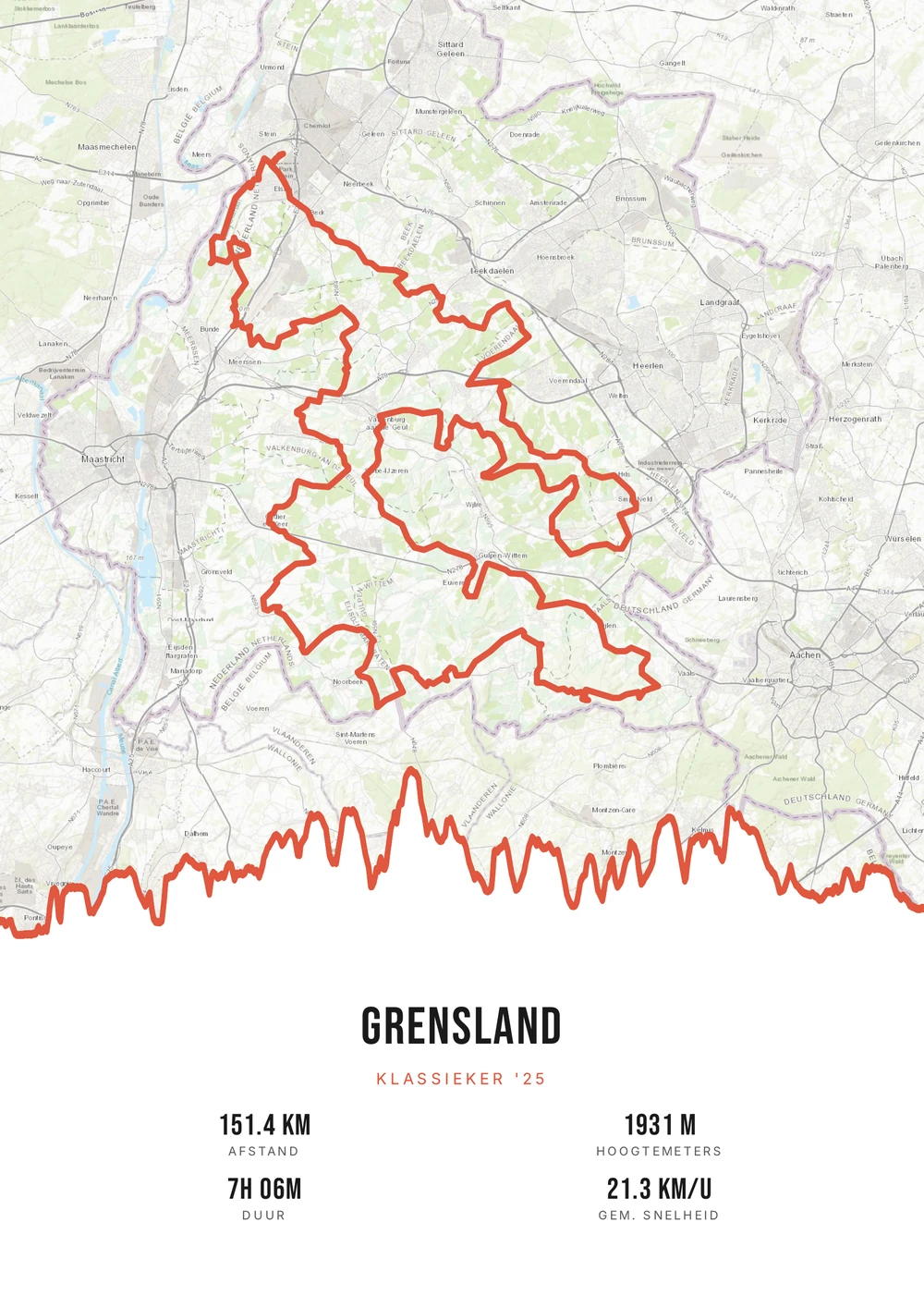
Van feed naar muur
Een Strava-rit is meer dan een activiteit in je feed
Een goede rit leeft een dag in je feed en verdwijnt daarna in een lijst met honderden andere. Toch zijn het er per jaar maar een paar die je echt bijblijven: de dag dat het eindelijk lukte, de tocht met te veel wind, de vakantierit waar je nog steeds over praat.
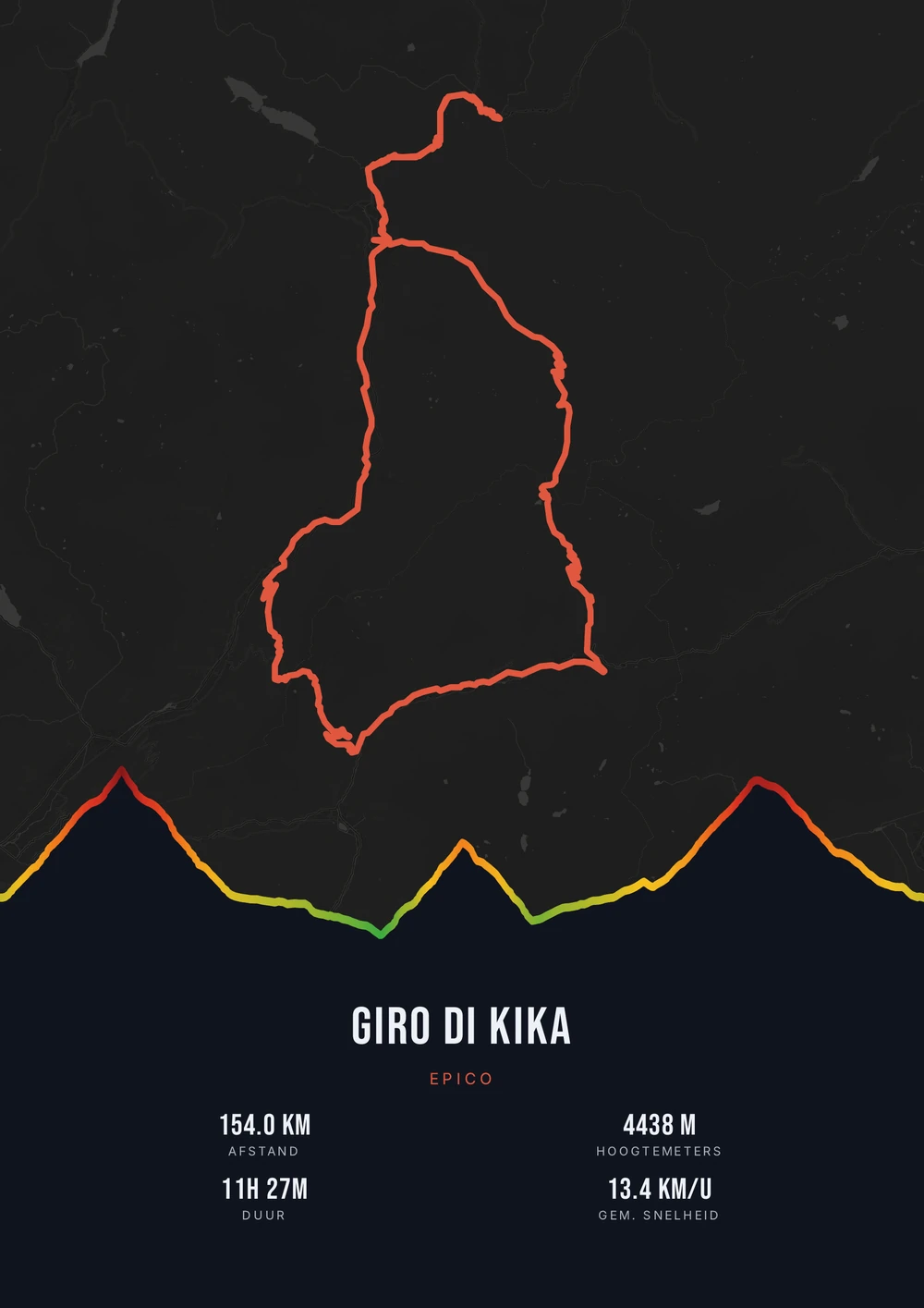
Wat een Strava-activiteit geschikt maakt om af te drukken, is dat er al alles in zit wat je nodig hebt. Het GPS-spoor geeft de vorm, de hoogtemeters geven het profiel, en afstand, duur en datum staan er al bij. Je hoeft niets in te typen — je kiest alleen hoe het eruit moet zien.
Route Frame leest je GPX-export uit en maakt er een drukklare poster van: de route op een kaartstijl naar keuze, het hoogteprofiel eronder en de statistieken die jij wilt tonen. Je krijgt het PDF-bronbestand, dus je print hem zelf zo groot als je wilt en zo vaak als je wilt.
Het bronbestand, niet één afdruk
Bij de meeste poster-shops bestel je één geprinte poster. Hier krijg je het hoogwaardige PDF-bestand zélf — print en lijst het in zoals jij wilt.
-
Eindeloos jouw stijl
Wissel gratis van palet, kaartstijl en statistieken tot het klopt. Geen definitieve keuzes.
-
Zelf printen & inlijsten
Scherpe vector-PDF zonder watermerk. Thuis op A4 of groot bij de drukker — vandaag en over vijf jaar.
-
Het blijft van jou
Na betaling krijg je het bestand per mail. Bestand kwijt? Het staat gewoon in je inbox.
Binnenkort: bredere pakketten en extra formaten.
Strava → poster
Van Strava naar poster: zo werkt het
Je hebt alleen het GPX-bestand van je rit nodig. Dat haal je in een halve minuut uit Strava.
Welke activiteit werkt het best?
Niet elke rit hoeft aan de muur. Deze doen het meestal goed.
-
Een herkenbare vorm
Een lus, een kusttocht of een klim heeft een vorm die je meteen terugkent.
-
Veel hoogtemeters
Bij een bergrit wordt het hoogteprofiel het sterkste element van de poster.
-
Een bijzondere datum
Een wedstrijd, een verjaardagsrit of de eerste keer op een nieuwe afstand.
-
Samen gereden
Een tocht die je met iemand deed — dan is de poster ook een cadeau.
Strava → poster
Veelgestelde vragen
-
Kan ik een poster maken van mijn Strava-activiteit?
Ja. Exporteer je activiteit als GPX uit Strava en upload 'm bij Route Frame. Elke fiets-, hardloop- of wandelactiviteit met GPS werkt.
-
Hoe exporteer ik een GPX-bestand uit Strava?
Open de activiteit op strava.com (op een computer), klik rechtsboven op de drie puntjes (⋯) en kies ‘Exporteer GPX’. Een handmatige activiteit zonder GPS kun je niet exporteren.
-
Krijg ik een geprinte poster of een bestand?
Je krijgt het print-klare PDF-bronbestand zelf. Dat print en lijst je zelf in — zo vaak je wilt, in elk formaat.
-
Werkt het ook voor hardlopen of een wandeltocht?
Zeker. Route Frame werkt met elke route: wielerklassiekers, een marathon, een trail of een meerdaagse wandeltocht.
-
Is dit hetzelfde als Strava art?
Ja. Strava art is een poster of kunstwerk van je Strava-route — precies wat je hier maakt, in je eigen stijl.
-
Kan ik meerdere Strava-activiteiten op één poster zetten?
Ja. Exporteer elke activiteit als GPX en voeg ze samen tot één doorlopende route. Handig voor een meerdaagse trip of een tour die je in etappes reed.
-
Blijft mijn poster geldig als Strava iets verandert?
Ja. Je poster wordt gemaakt van het GPX-bestand, niet van een koppeling met Strava. Er is geen verbinding met je account die kan verlopen.
Klaar om je rit aan de muur te hangen?
Upload je Strava-GPX en zie binnen seconden je poster ontstaan.
Opent de editor met een echte rit van 151 km door Zuid-Limburg. Alles is aan te passen; je eigen GPX kun je daarna alsnog uploaden.