Running → poster
Your marathon as a poster.
That one marathon, trail or regular loop deserves a place on the wall — with your time, distance and the elevation profile.
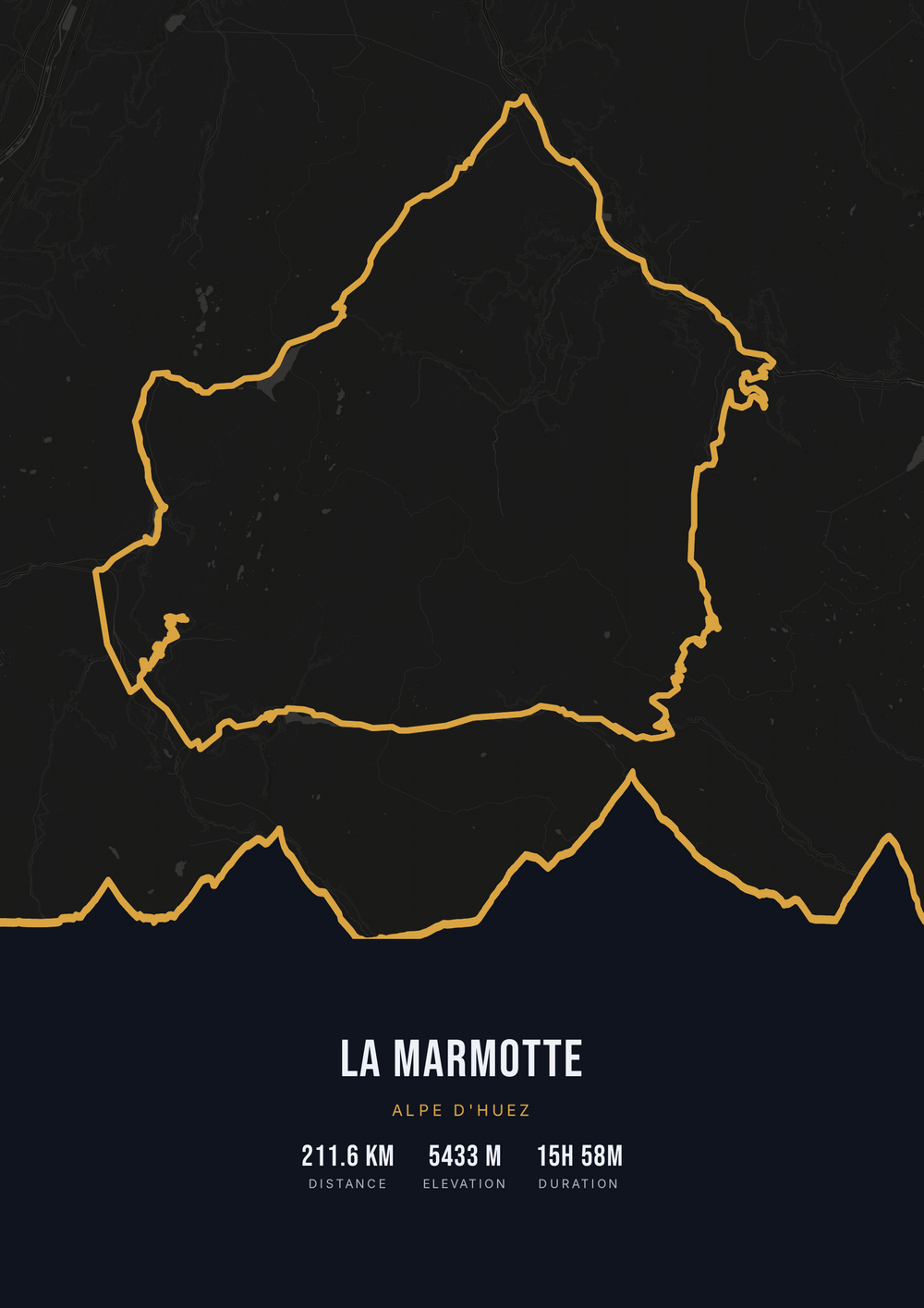
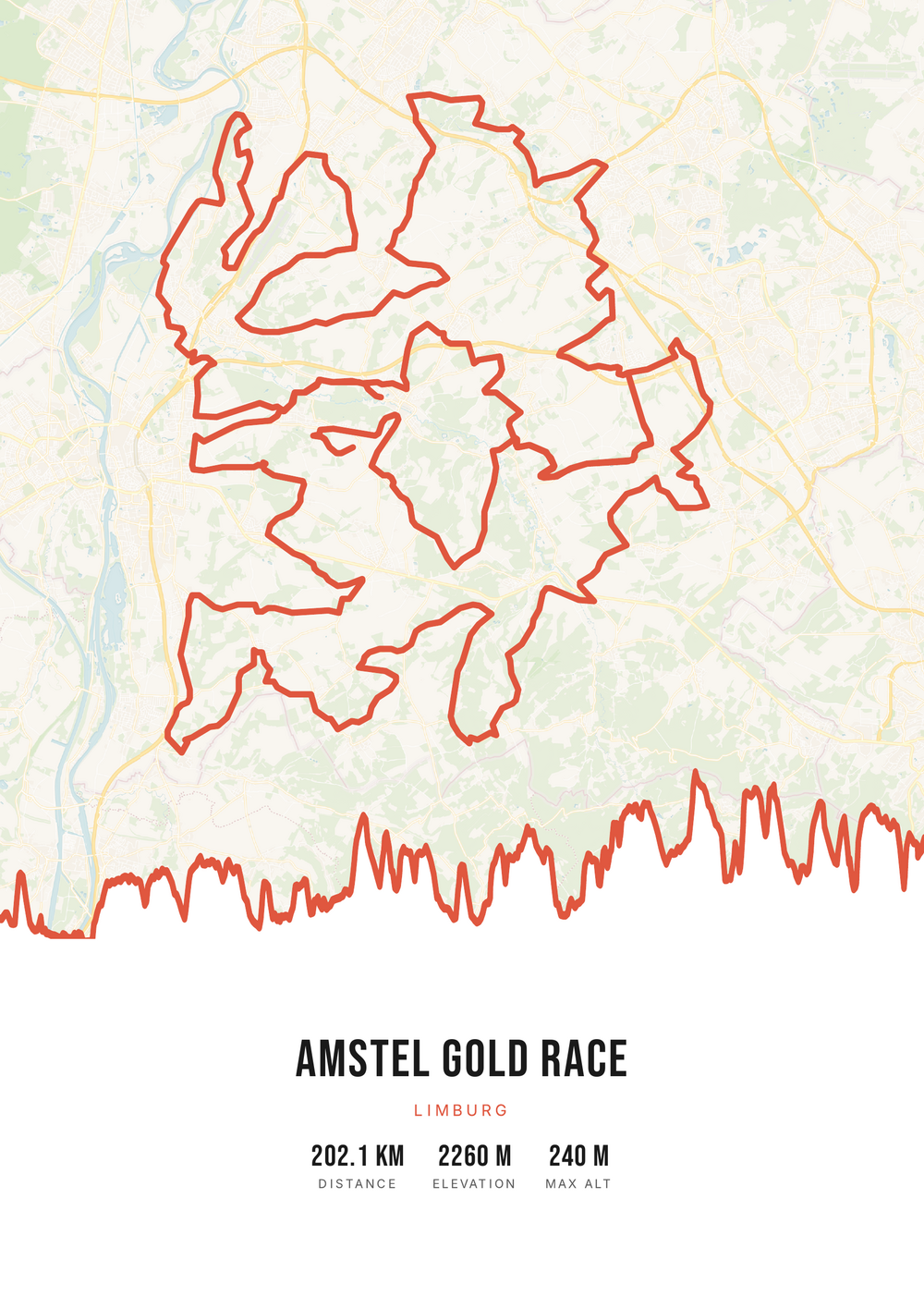
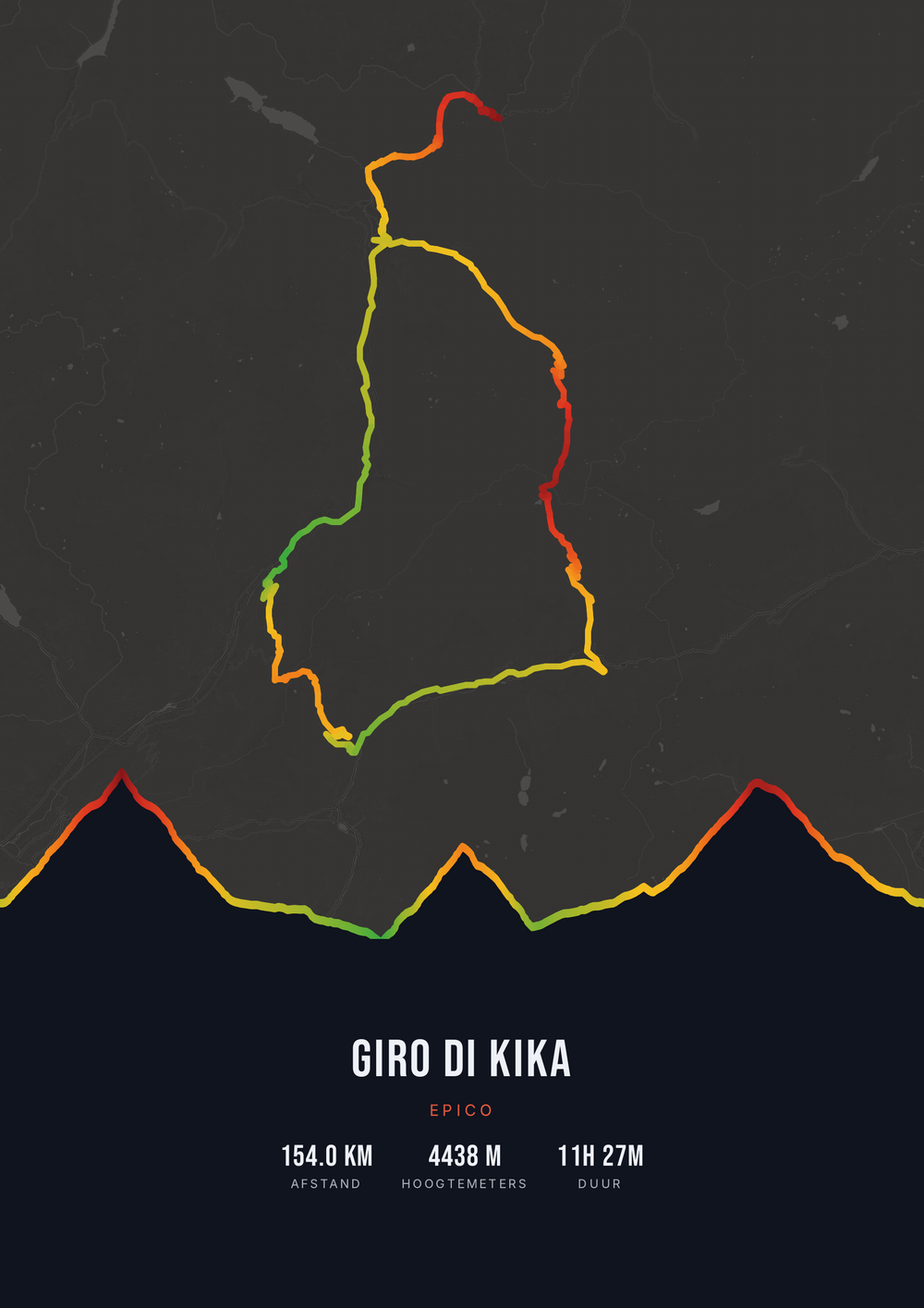
One ride. Endless looks.
Different rides, each in its own palette, map style and elevation gradient.
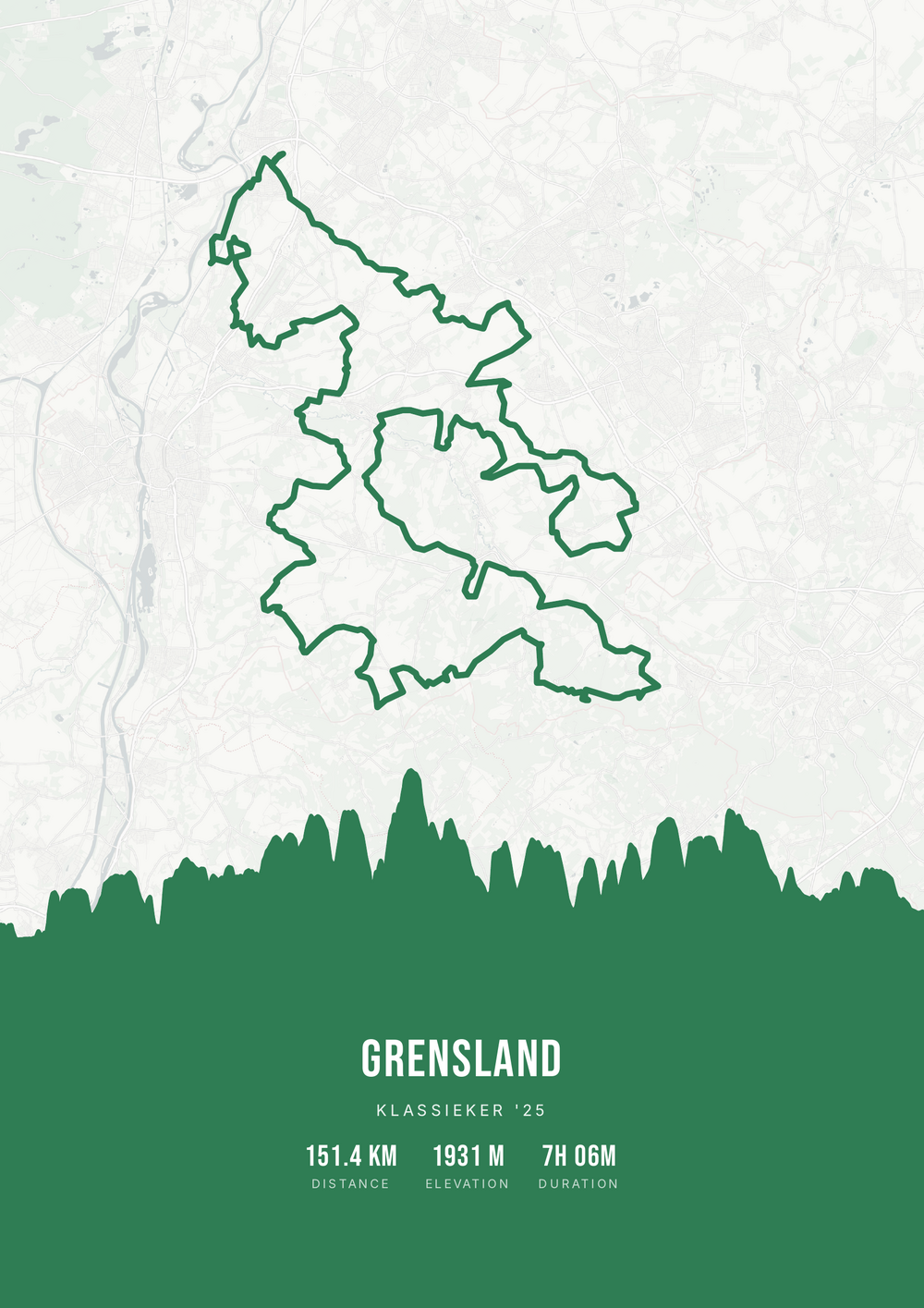
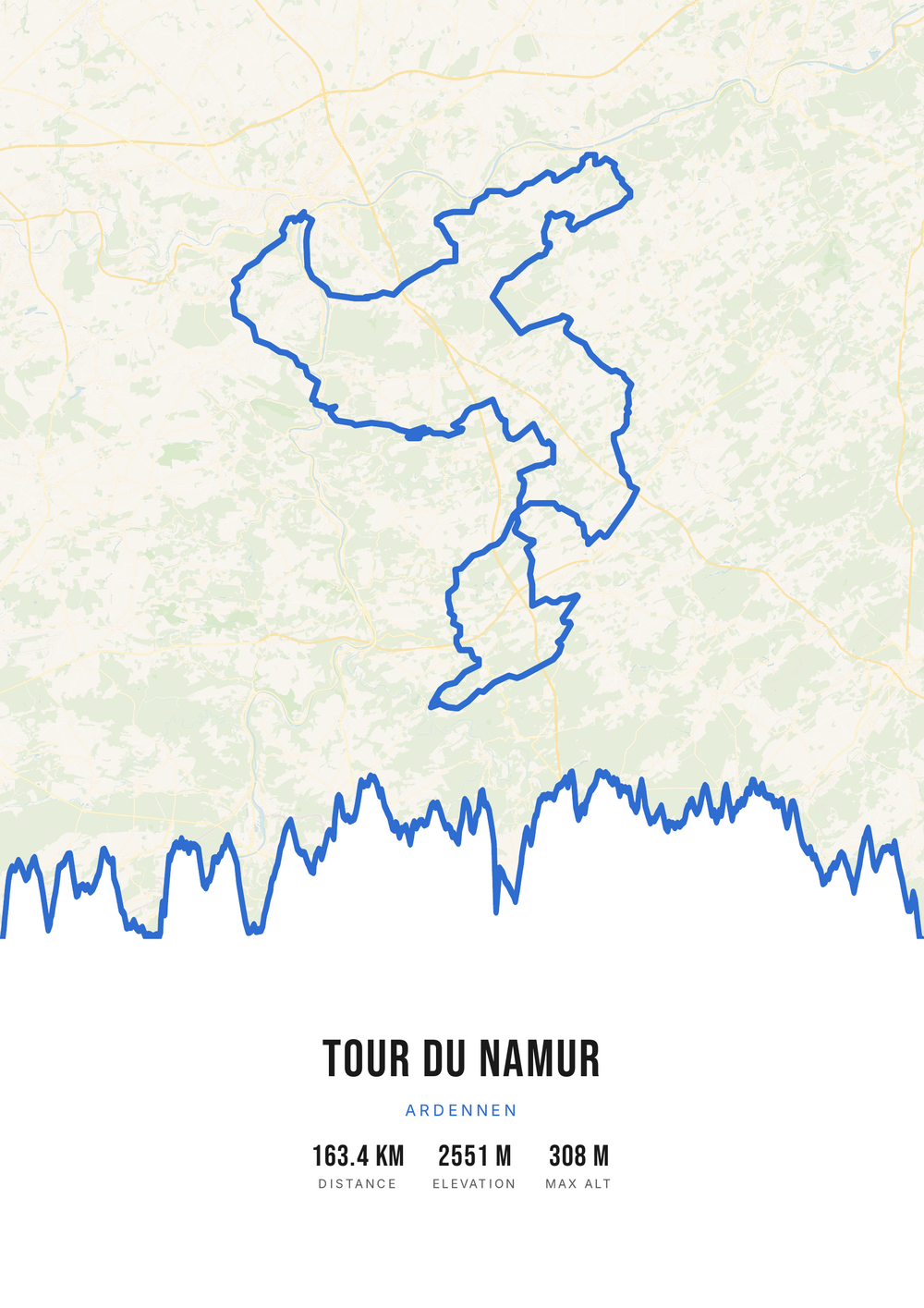
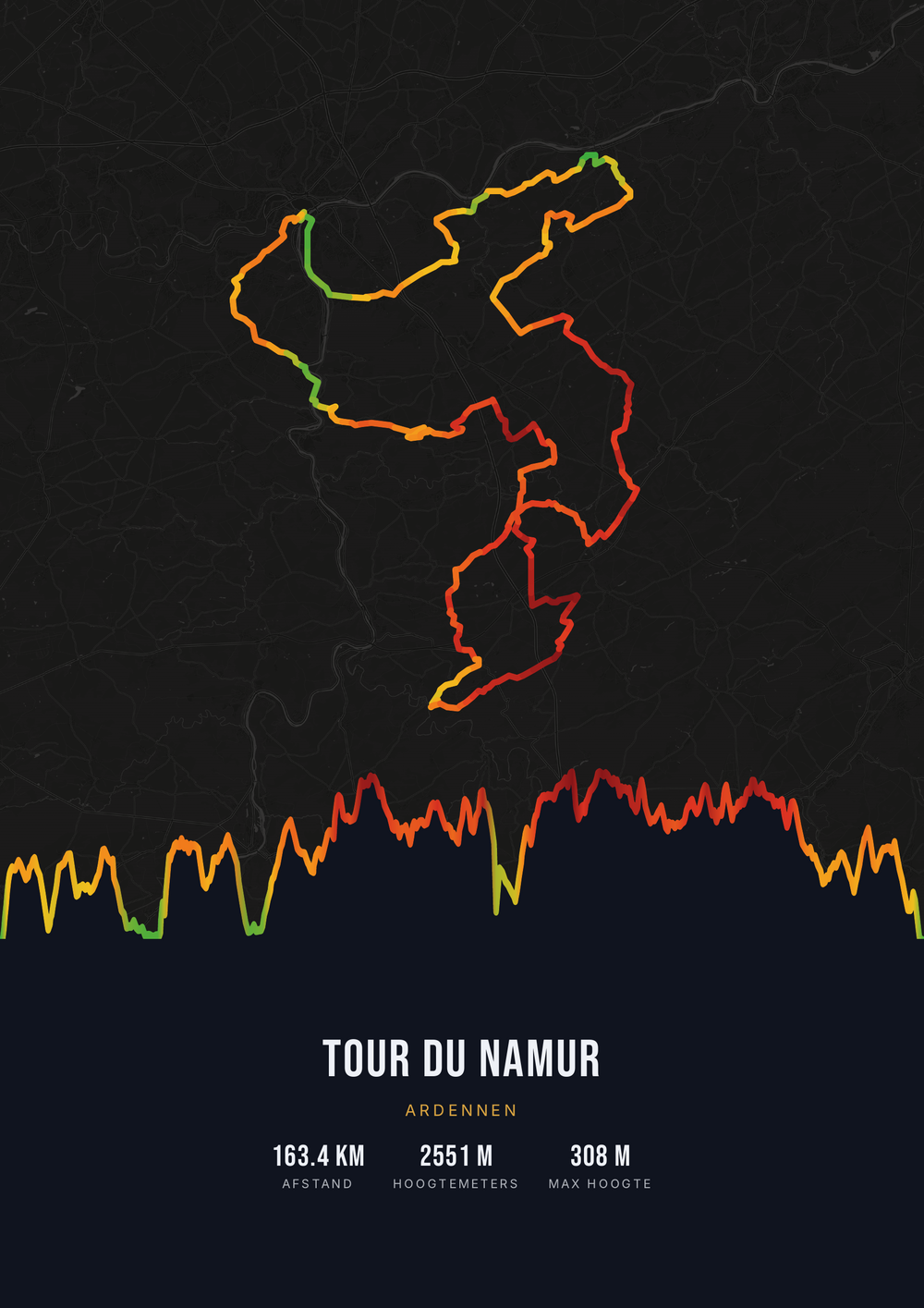
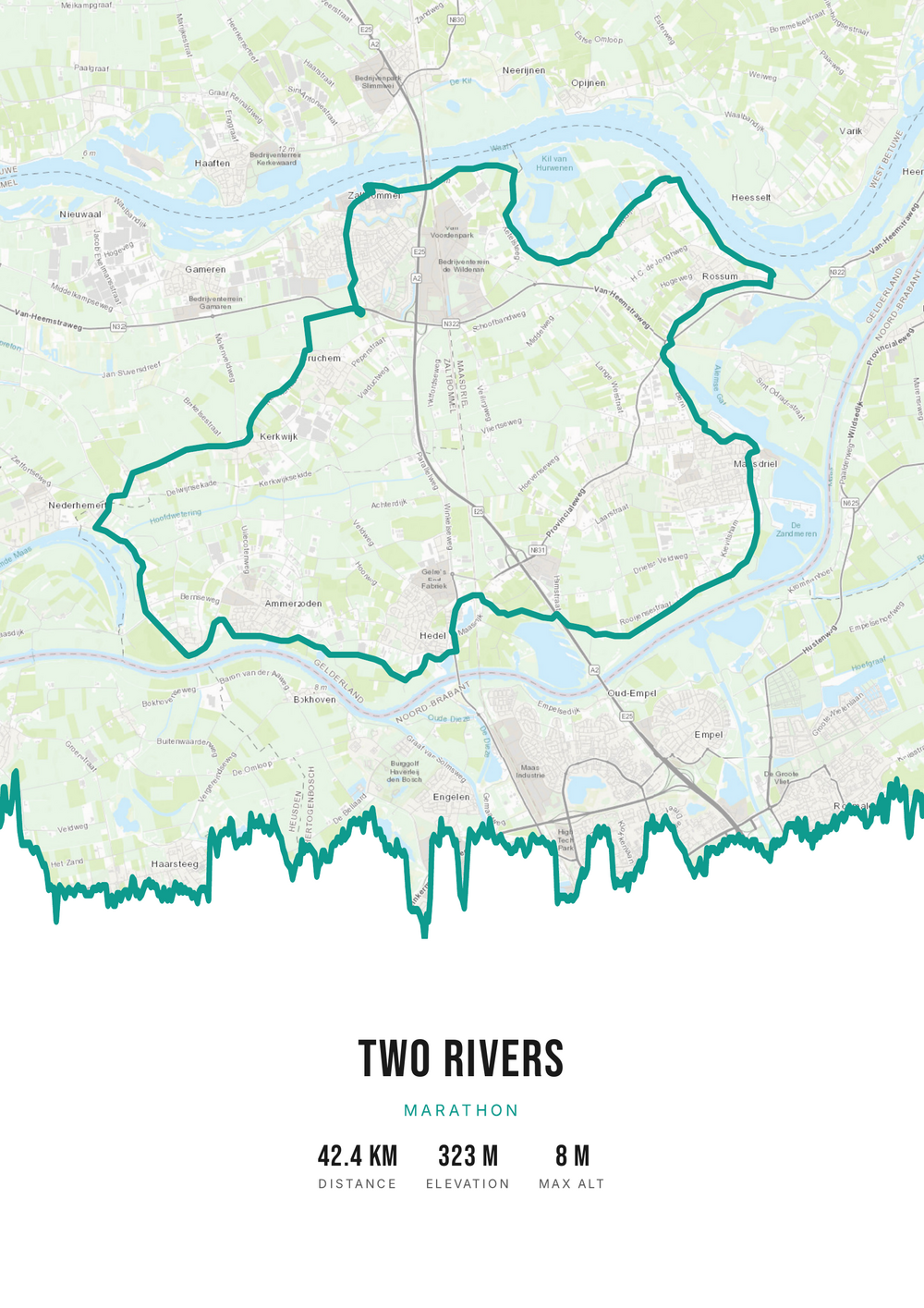
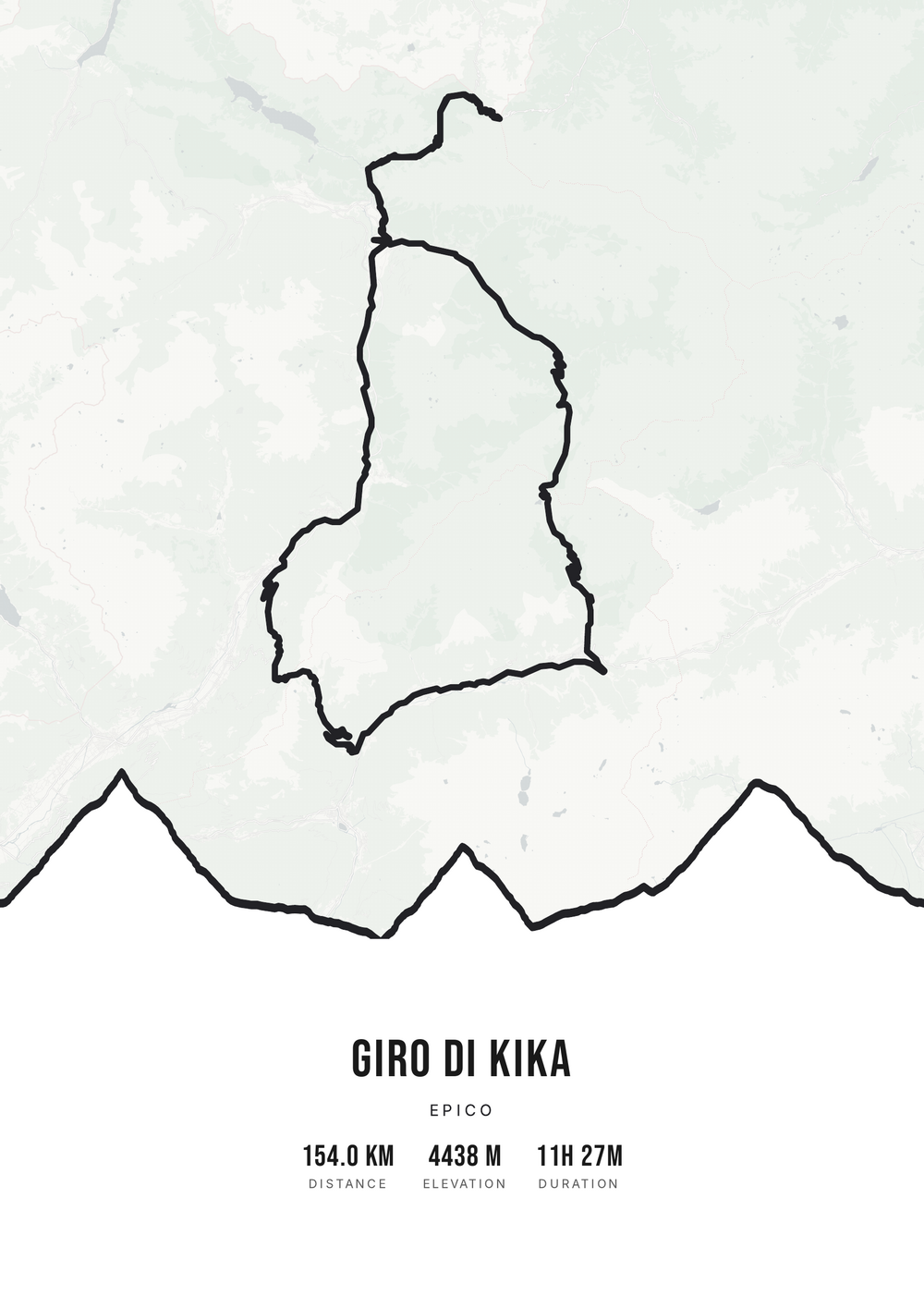
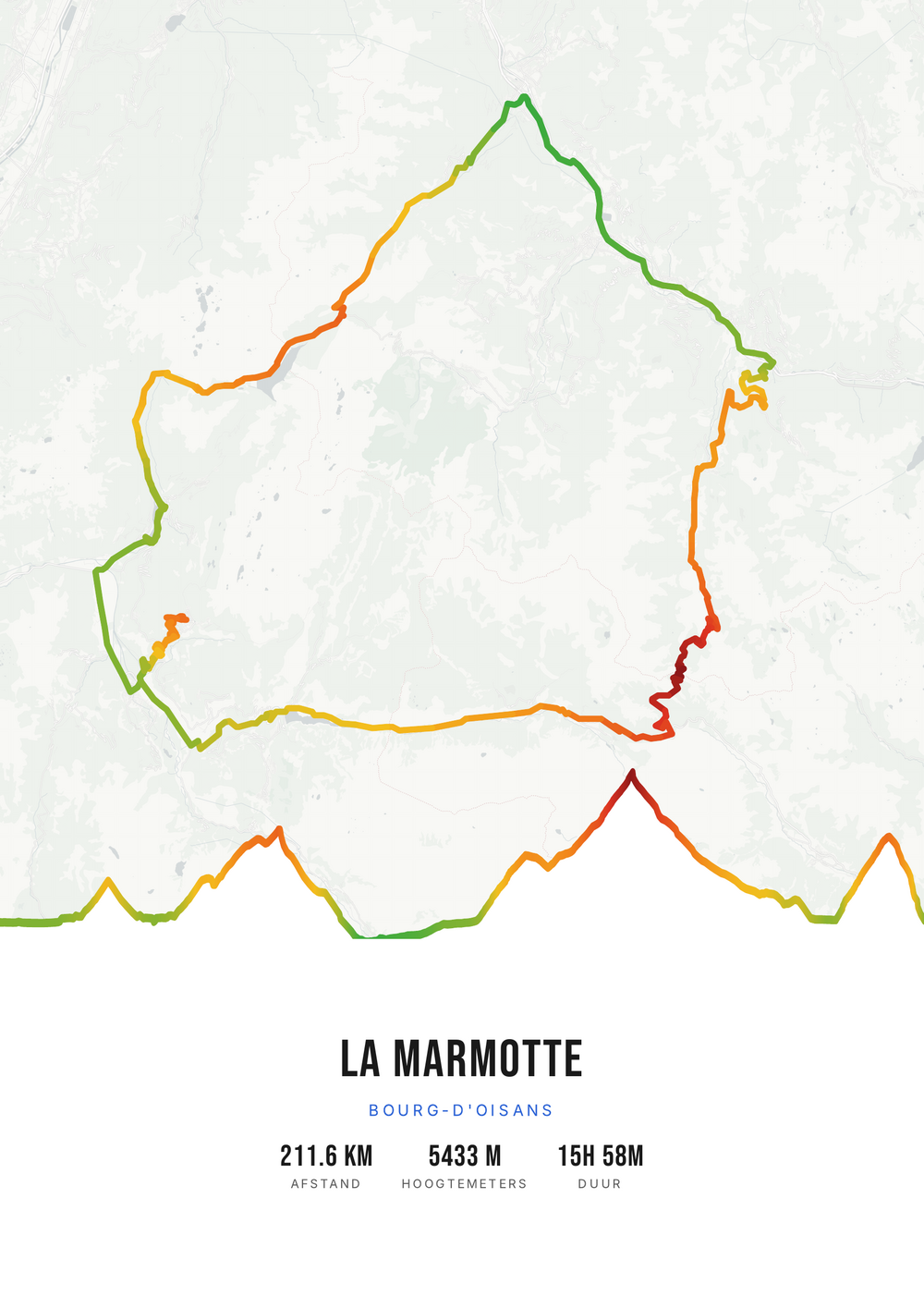
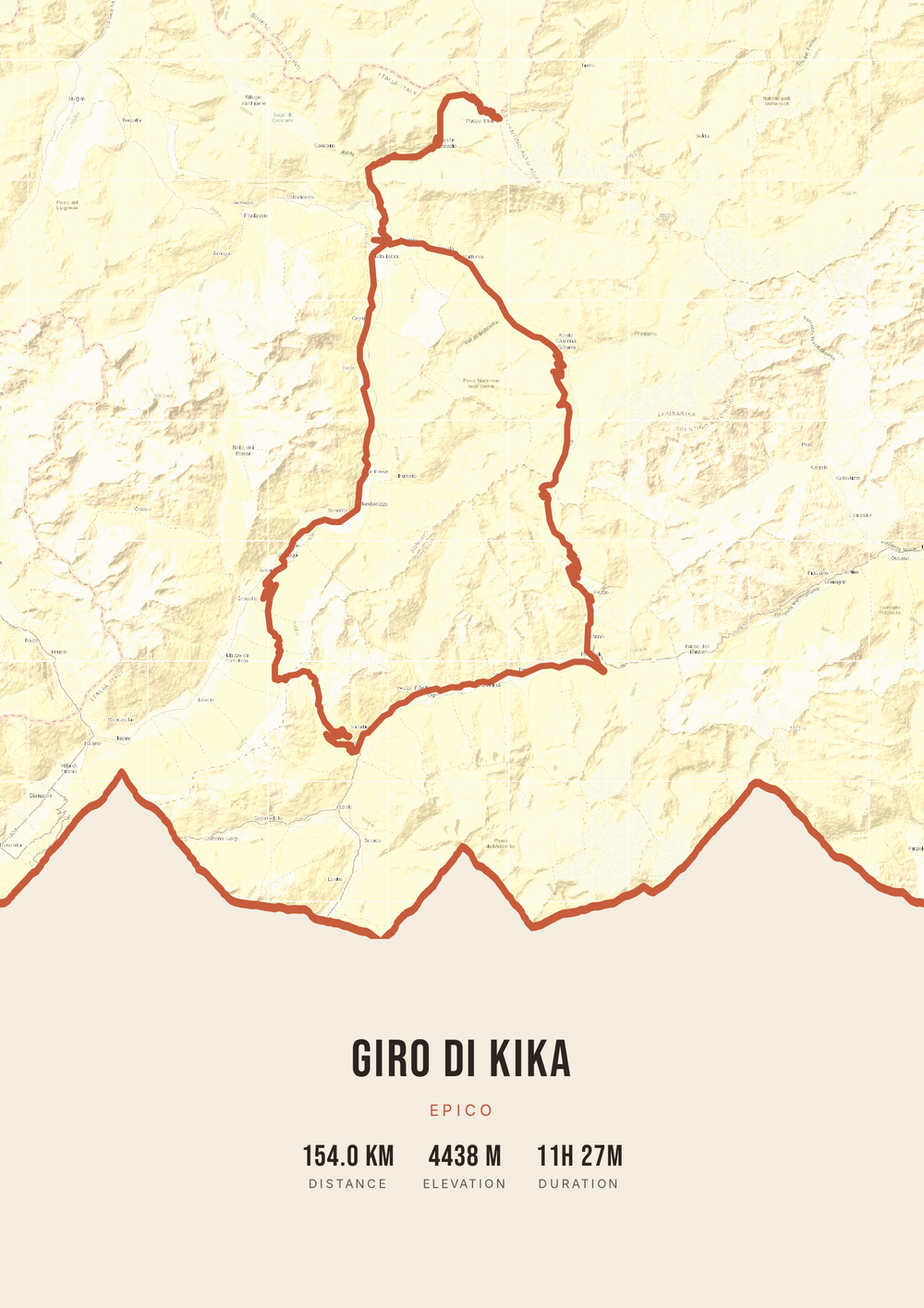
The source file, not one print
Not a single print, but the high-quality PDF file itself — for yourself or as a gift after a first marathon.
-
The perfect keepsake
A lasting reminder of your biggest achievement, in your style.
-
Print & frame yourself
At home on A4 or large at the print shop — as often as you like.
-
Works with any run
A city marathon, a mountain trail or your familiar lap through the park.
Coming soon: broader packages and extra sizes.
Running → poster
From running route to poster: how it works
All you need is the GPX file of your run — from Strava, Garmin or your sports watch.
Step 1 of 5
Download your GPX file
Grab your ride's GPX file from Strava, Garmin and others. One little file with your route — that's all you need to start.
Step 2 of 5
Upload your GPX
Drag the file onto Route Frame or click to pick it. We read distance, elevation and duration automatically.
Step 3 of 5
Make it yours in the editor
Tune it exactly how you like: pick a color palette, map style and background, and show the elevation profile and the stats you want. Endless tweaking — free.
Step 4 of 5
Simple, secure checkout
Pay once, no subscription. Check out with confidence on a secure payment page.
Step 5 of 5
Source file and invoice by email
Right after payment you get the high-quality, print-ready PDF source file with your invoice in your inbox. Print it at home or at a print shop — now or again in five years.
Print-ready vector PDF at A4. Exactly the source file you receive after payment.
No GPX file yet?
How to export your ride
Your poster starts with a GPX — the file that holds your route. Grab it from Strava or Garmin in half a minute.
-
1
Open your activity on Strava
Go to strava.com (easiest on a computer) and open the activity you want on the poster.
-
2
Open the actions menu
Click the three dots (⋯) at the top right of the activity.
-
3
Choose ‘Export GPX’
Your GPX file downloads right away. Ready to upload.
Tip: exporting works best on the Strava website; the option is tucked away in the app. A manual activity without GPS can't be exported.
-
1
Open your ride in Garmin Connect
Go to connect.garmin.com and open the ride under ‘Activities’.
-
2
Open the top-right menu
Click the gear icon (⚙) or the three dots (⋯) above the activity.
-
3
Choose ‘Export to GPX’
The GPX file downloads. Drop it in below.
Tip: this works on connect.garmin.com. In the Garmin Connect app the option is simply called ‘Export’.
Running → poster
Frequently asked questions
-
Can I make a poster of my marathon?
Yes. Upload the GPX file of your marathon or run, pick a style and download the print-ready PDF.
-
Does it work with Strava and Garmin?
Yes. Export your activity as a GPX from Strava or Garmin Connect and upload it here.
-
Are my time and distance shown?
You choose which stats to show, such as distance, time and elevation gain.
Ready to put your run on the wall?
Upload your GPX and watch your poster appear in seconds.