Christmas gift
The best of their year, on the wall.
Christmas is when you look back. Pick the ride, run or trek that meant the most this year and turn it into a poster.
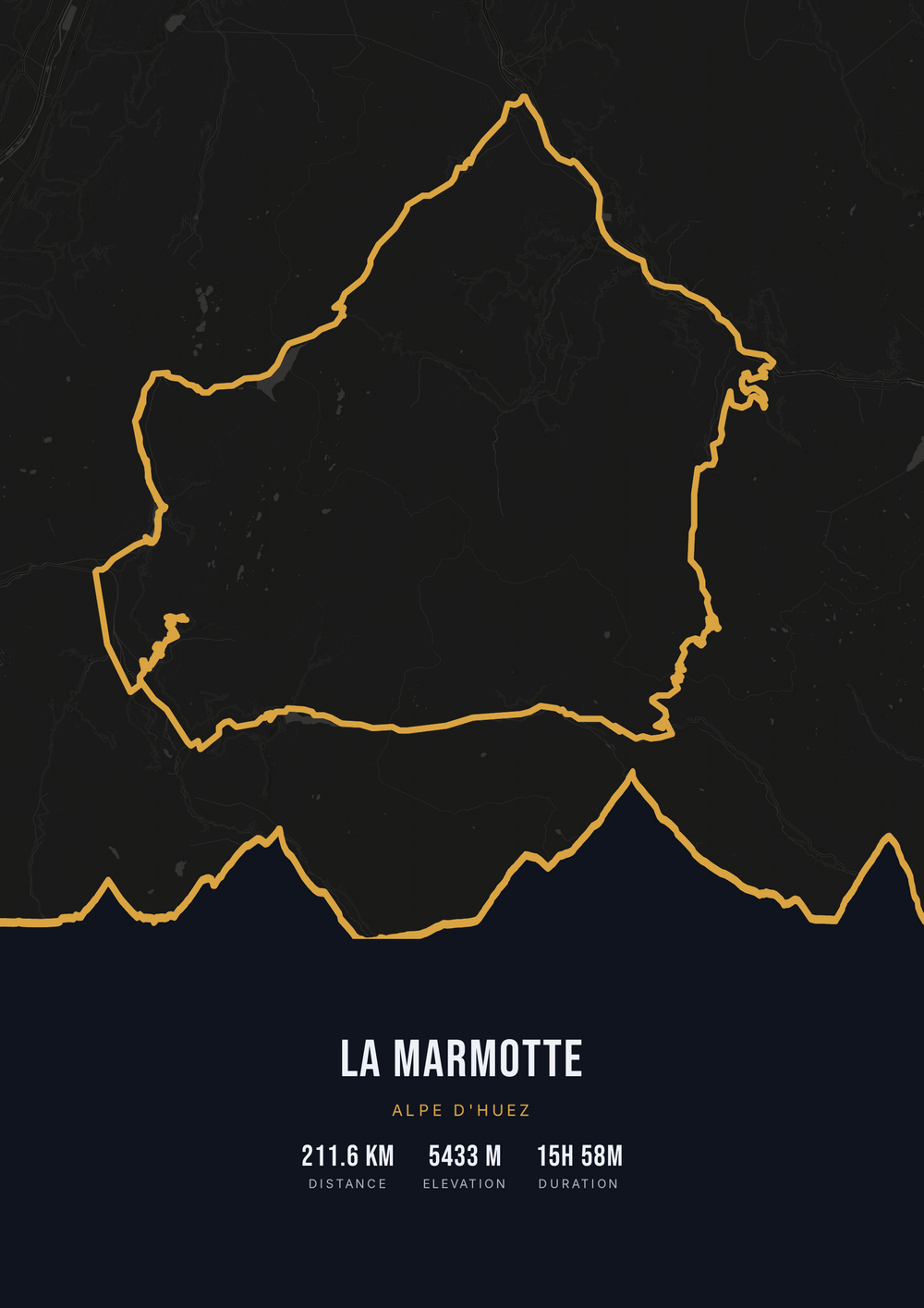
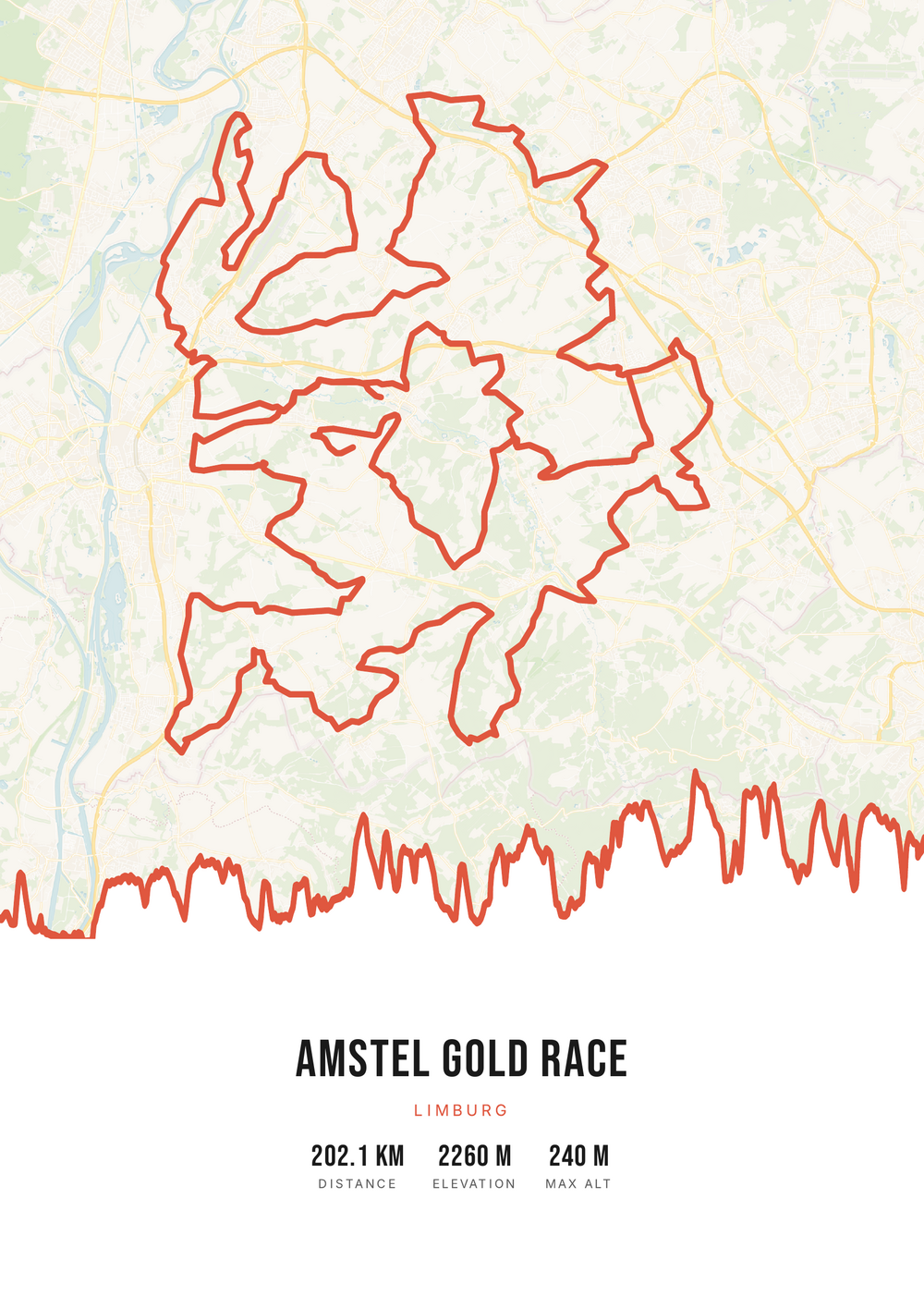
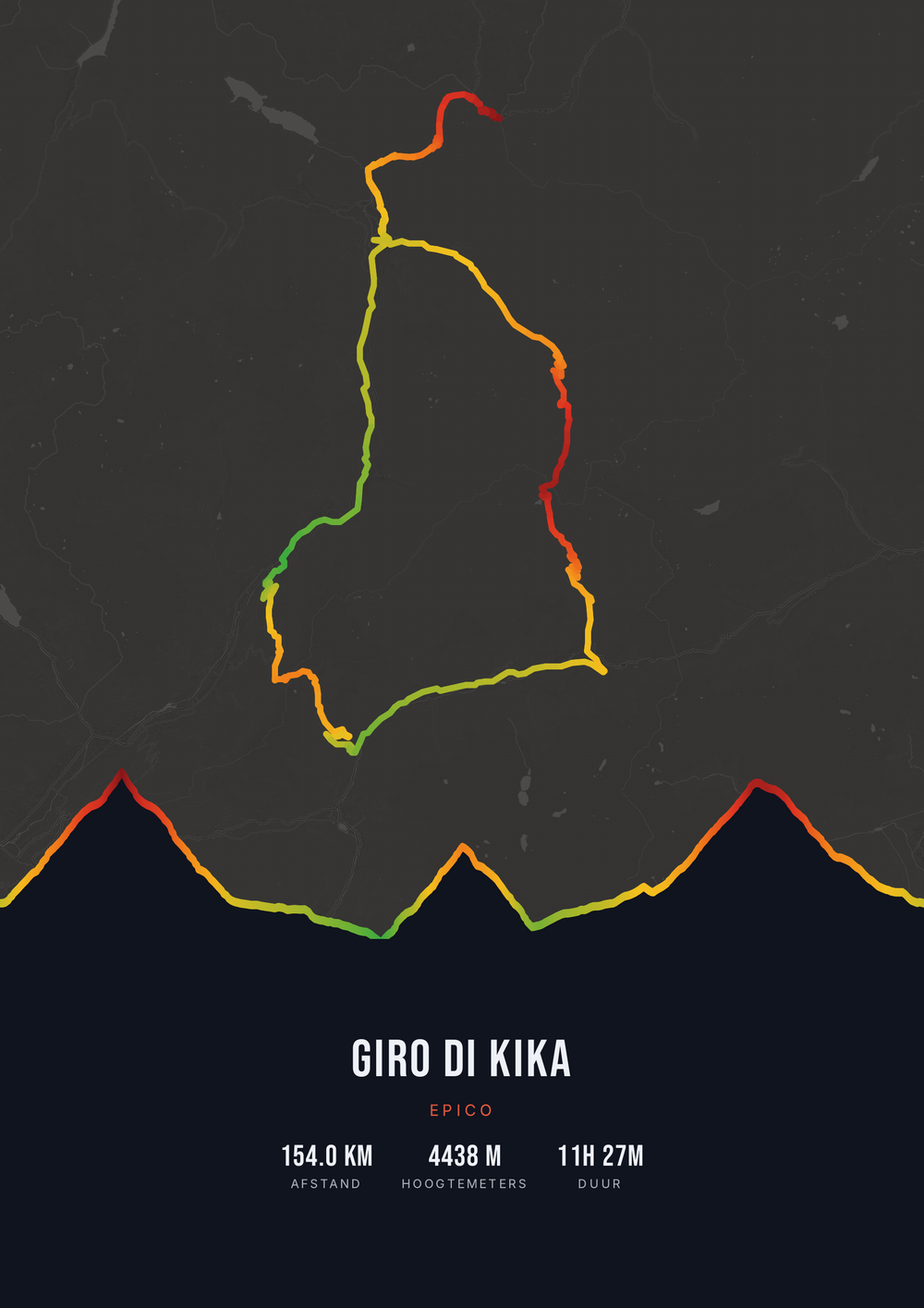
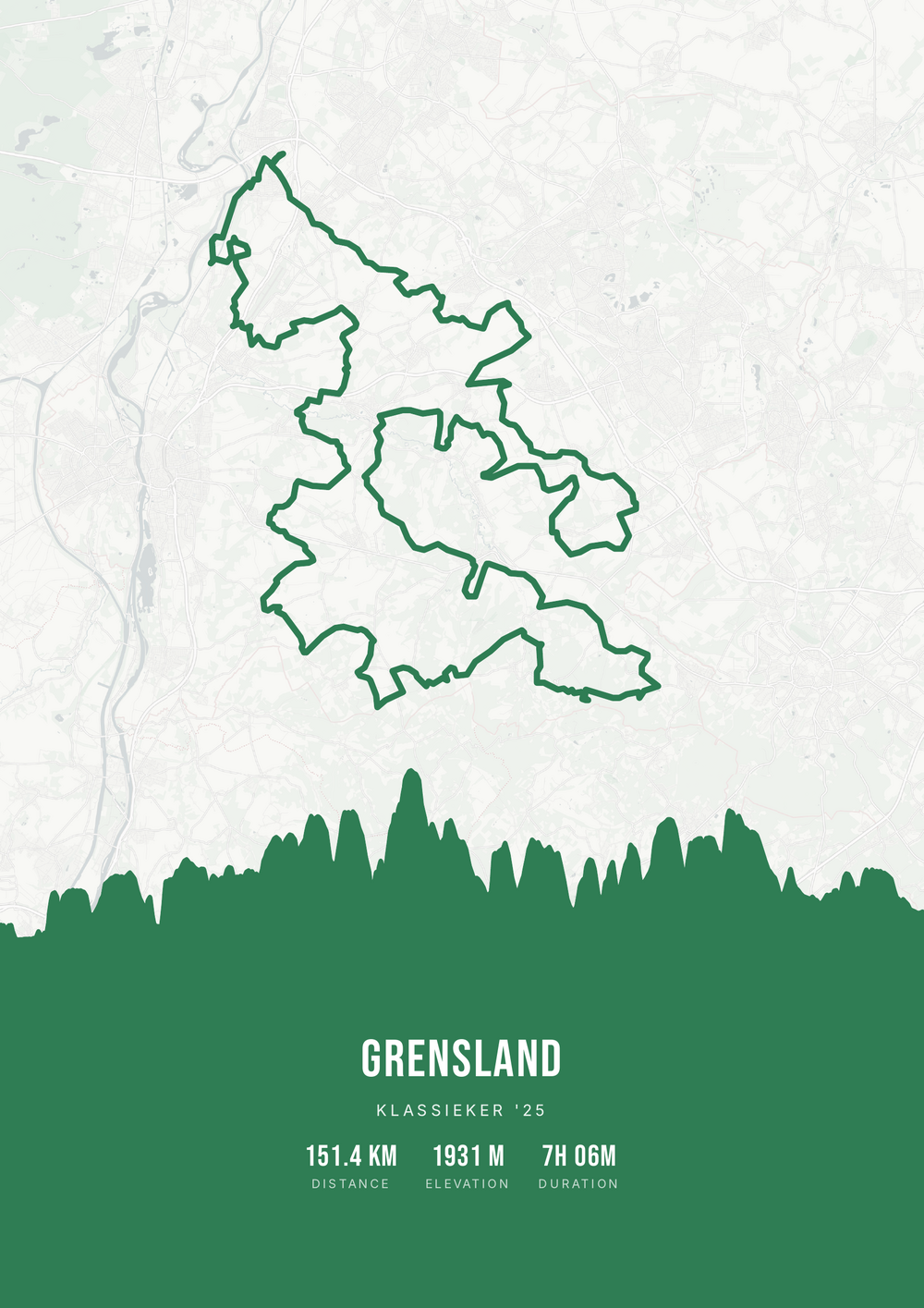
One ride. Endless looks.
Different rides, each in its own palette, map style and elevation gradient.
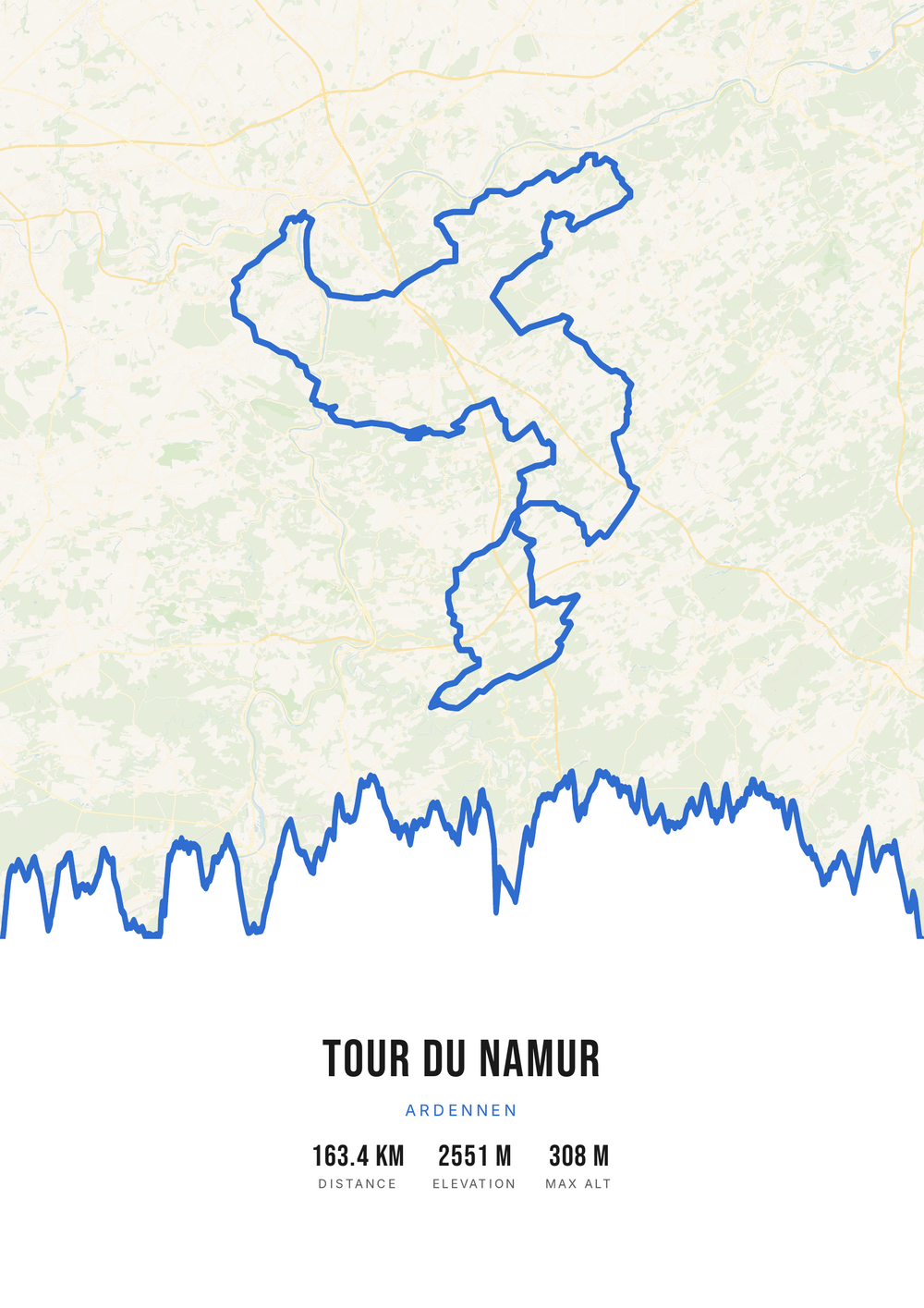
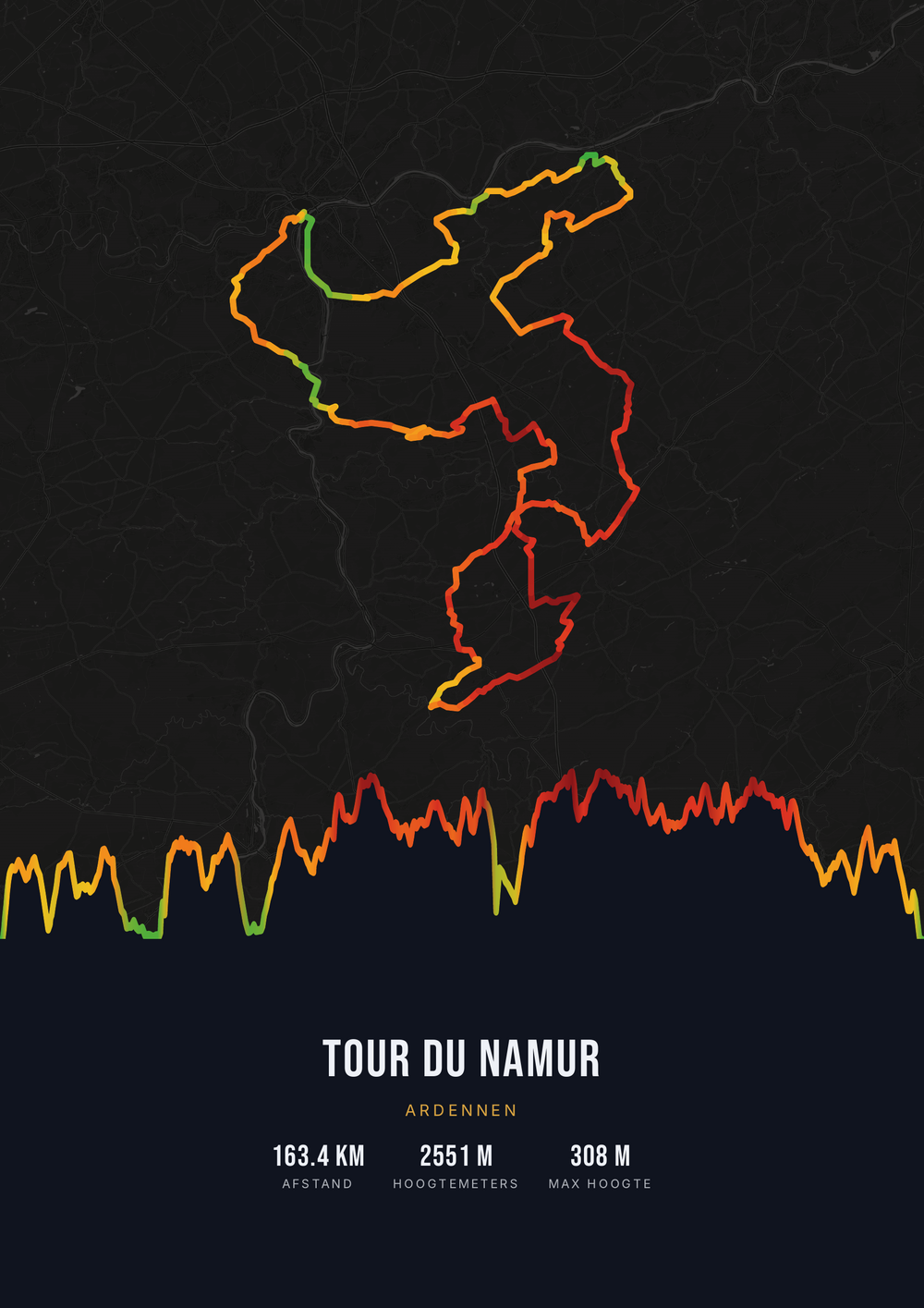
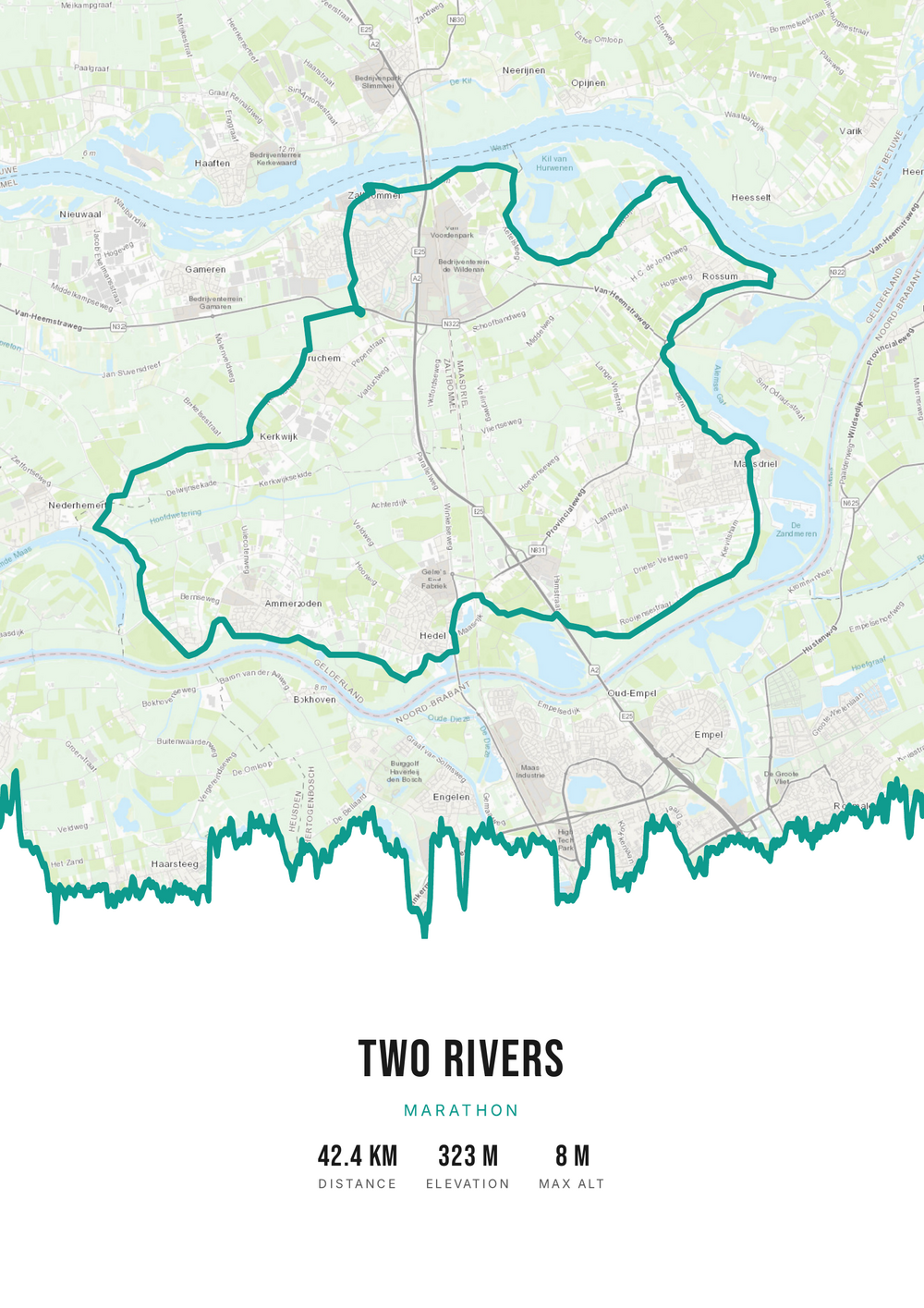
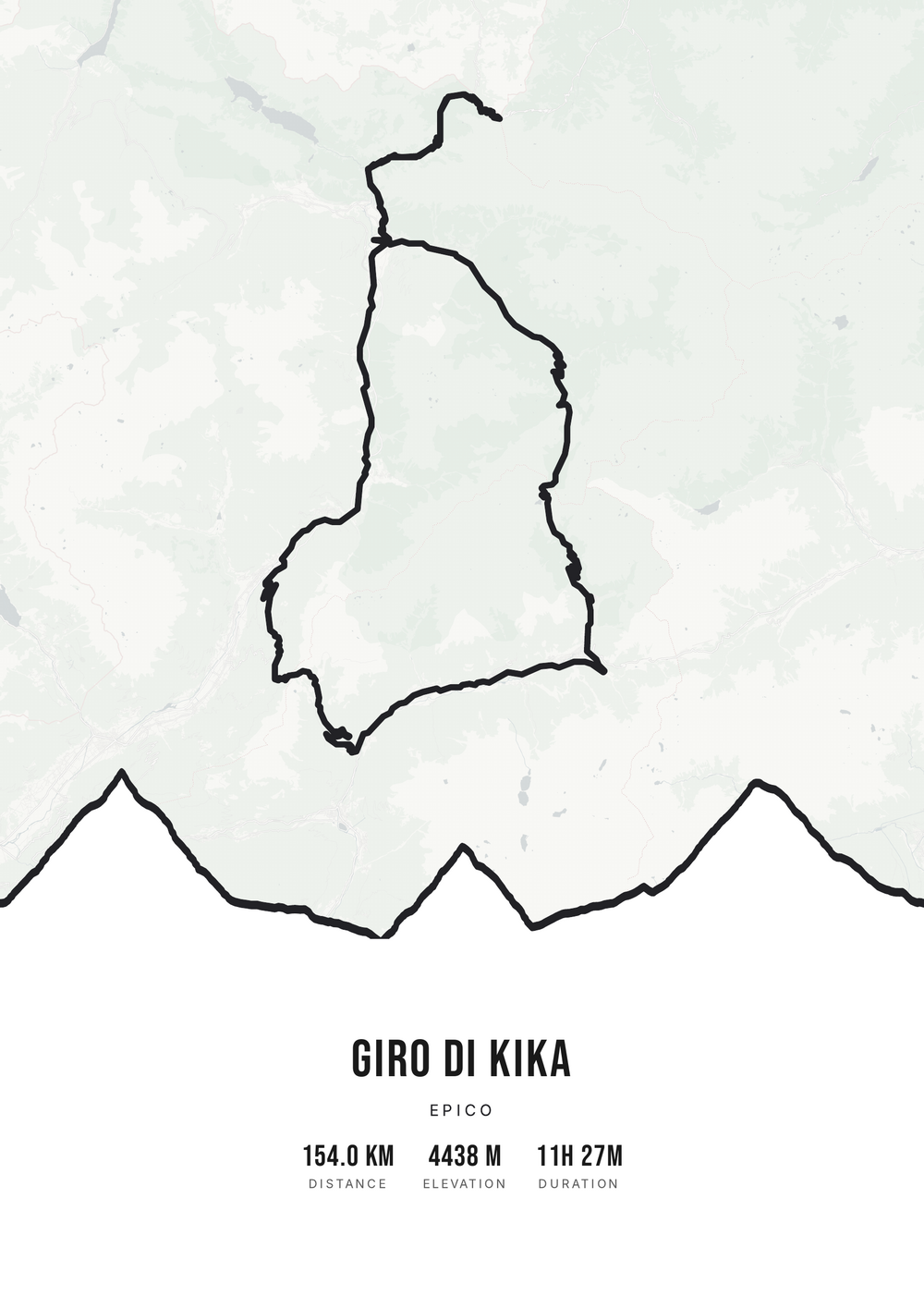
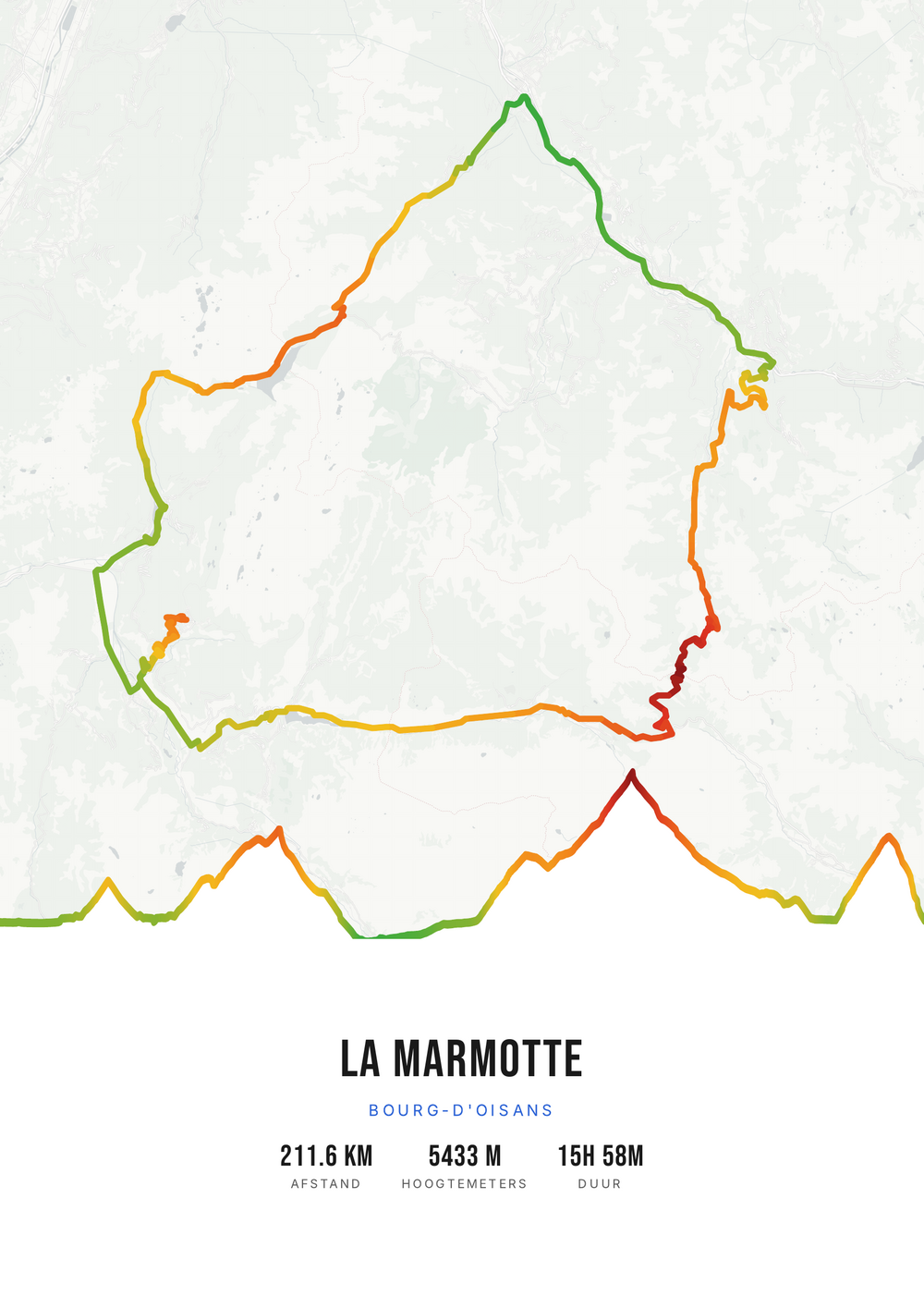
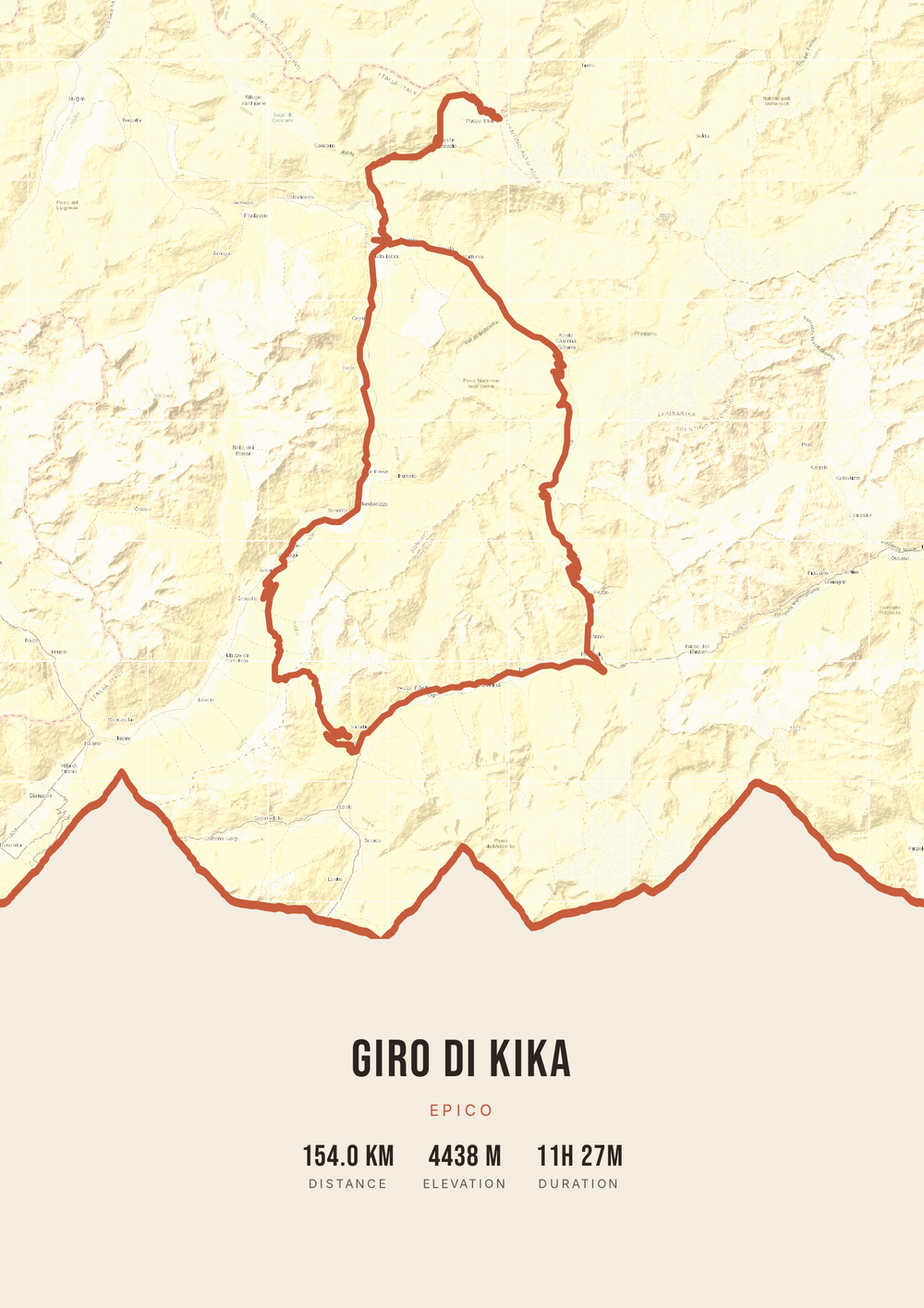
Why this works
Christmas is looking back on a year
Around Christmas the year gets added up: what went well, what the highlight was. For anyone who trains seriously that is rarely a purchase and almost always a day — the trek in the mountains, the race where it finally worked, the week you walked together.
That makes Christmas the natural moment for a gift built from a route. You aren't giving something new; you are giving back something that was already there but had no shape yet. In a hamper full of sports nutrition and accessories, that stands out.
One practical point in December: there is no delivery time. You make the poster online and have the print-ready file immediately, so you don't have to gamble on a parcel arriving before Christmas. For Christmas the dark style often looks best, with a warm accent and the elevation profile below.
Why it works as a Christmas gift
For $4.20 you get the print-ready file; the size and frame are your choice.
-
A look back, not a gadget
The highlight of their year, in a form that stays on the wall.
-
Suits the season
A dark background with a warm accent, or light and calm instead.
-
No shipping risk
Download and print it yourself — no parcel arriving too late.
Coming soon: broader packages and extra sizes.
How it works
From their best ride to a Christmas gift
You need the GPX file of the route — or a public Strava activity.
Step 1 of 5
Download your GPX file
Grab your ride's GPX file from Strava, Garmin and others. One little file with your route — that's all you need to start.
Step 2 of 5
Upload your GPX
Drag the file onto Route Frame or click to pick it. We read distance, elevation and duration automatically.
Step 3 of 5
Make it yours in the editor
Tune it exactly how you like: pick a color palette, map style and background, and show the elevation profile and the stats you want. Endless tweaking — free.
Step 4 of 5
Simple, secure checkout
Pay once, no subscription. Check out with confidence on a secure payment page.
Step 5 of 5
Source file and invoice by email
Right after payment you get the high-quality, print-ready PDF source file with your invoice in your inbox. Print it at home or at a print shop — now or again in five years.
Print-ready vector PDF at A4. Exactly the source file you receive after payment.
No GPX file yet?
How to export your ride
Your poster starts with a GPX — the file that holds your route. Grab it from Strava or Garmin in half a minute.
-
1
Open your activity on Strava
Go to strava.com (easiest on a computer) and open the activity you want on the poster.
-
2
Open the actions menu
Click the three dots (⋯) at the top right of the activity.
-
3
Choose ‘Export GPX’
Your GPX file downloads right away. Ready to upload.
Tip: exporting works best on the Strava website; the option is tucked away in the app. A manual activity without GPS can't be exported.
-
1
Open your ride in Garmin Connect
Go to connect.garmin.com and open the ride under ‘Activities’.
-
2
Open the top-right menu
Click the gear icon (⚙) or the three dots (⋯) above the activity.
-
3
Choose ‘Export to GPX’
The GPX file downloads. Drop it in below.
Tip: this works on connect.garmin.com. In the Garmin Connect app the option is simply called ‘Export’.
Which route do you pick for Christmas?
The highlight of the year is usually easy to point at.
-
The summer holiday
The climb, the coastal ride or the trail from the best week of the year.
-
The race
The marathon, triathlon or sportive that months of training went into.
-
The year's goal
The ride or run that finally met a target they'd worked towards for ages.
-
Done together
A route you did together — then the gift is a memory of yours too.
Christmas gift
Frequently asked questions
-
What's a good Christmas gift for a runner or cyclist?
Something that reaches back into their year rather than something off the sports shelf. A poster of their best route of the year is personal, and nobody else will land on the same idea.
-
How late can I sort this before Christmas?
Right up to the last moment. There is no shipping: you make the poster online and download the file immediately. All you need is time to print it.
-
Which style suits a Christmas gift?
A dark background with a warm accent — gold, copper or red — comes out well under artificial light. A light, calm style works better if it has to match frames already on the wall.
-
How do you wrap a digital file?
Print it and wrap the print. At home on A4 or A3, or large format at a print shop or photo service. A rolled print with a ribbon, or straight into a simple frame, works better under the tree than a download link.
-
I don't know which ride to choose.
Look in their Strava or watch for the longest or highest activity of the year, or the one with the most reactions. That is usually the route they talk about most themselves.
-
Do I get a printed poster or a file?
The print-ready PDF file. You print and frame it yourself, at any size, and you can reprint it later at no extra cost.
Make their Christmas gift
Upload the GPX file of their best route of the year.